Explore the six best restoration estimating software tools available in 2026. Discover how AR Workflow can help you collect payments for your work.

Preparing a restoration estimate can take longer than expected, especially when your team needs to account for all the work involved. Unfortunately, if something gets overlooked, your estimator may need to spend even more time reviewing and revising the estimate.
The right restoration estimating software makes this process easier by helping your team calculate job costs and organize line items so they can prepare detailed estimates with less manual work.
Estimating is one part of your restoration contractor software stack. But how do you know which estimating tool fits your business? To help you determine that, we've compared six restoration estimating software tools in this guide. We'll look at what each one offers and which estimating needs it serves best.
KEY TAKEAWAYS
Here are the six restoration estimating software tools to consider in 2026:
Restoration estimating software helps contractors calculate the expected cost of repairing or restoring a damaged property.
It allows restoration estimators to organize the work required for a job and assign costs to individual services. Depending on the platform, this includes calculating material quantities, estimating labor costs, and adding equipment charges.
For example, when preparing an estimate for a water damage restoration job, your team needs to account for the affected areas and the work required to restore them. This could include water extraction, removing damaged materials, and drying equipment.
Estimating software helps organize these charges into an itemized estimate that customers or insurance adjusters can review.
However, not every platform handles estimating in the same way. Some specialize in insurance estimates, while others focus on digital measurements or use field documentation to help create an initial estimate.
Understanding these differences is important when choosing software for your restoration company's specific needs.
We've selected six options that handle different parts of the estimating process, from preparing insurance estimates to turning field documentation into detailed scopes.
|
Platform |
Overview |
Key features |
Pricing |
|
Xactimate |
Property damage estimating software for restoration contractors and insurance professionals. |
|
Pro: $350/month |
|
Cotality Estimate |
Property claims estimating software that guides users through calculating repair costs. |
|
No public pricing. |
|
magicplan |
Floor planning and estimating software that uses property measurements and custom pricing. |
|
|
|
Rebuild |
AI-powered software that creates restoration estimates using job documentation. |
|
No public pricing. |
|
Encircle |
Restoration documentation software that helps contractors create initial estimates from field records. |
|
|
|
DocuSketch |
Property documentation software with outsourced restoration estimating services. |
|
No public pricing. |
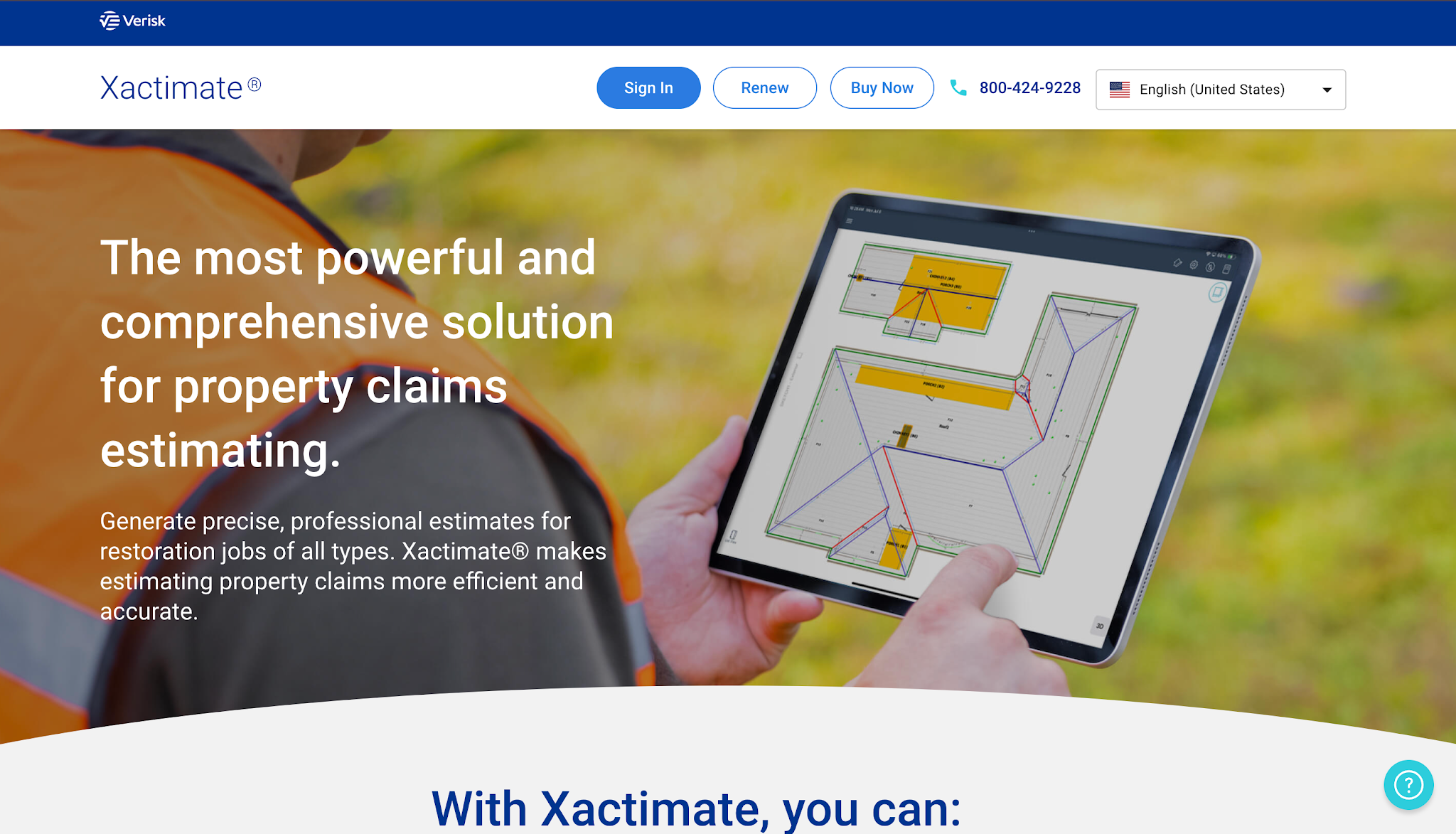
Image source: xactimate.com
Xactimate is property damage estimating software from Verisk that helps restoration professionals and insurance professionals prepare estimates for damaged properties.
The platform primarily focuses on insurance-related restoration and repair work. It helps contractors calculate restoration costs and prepare estimates that follow the estimating processes commonly used in insurance claims.
Xactimate lists the one monthly subscription:
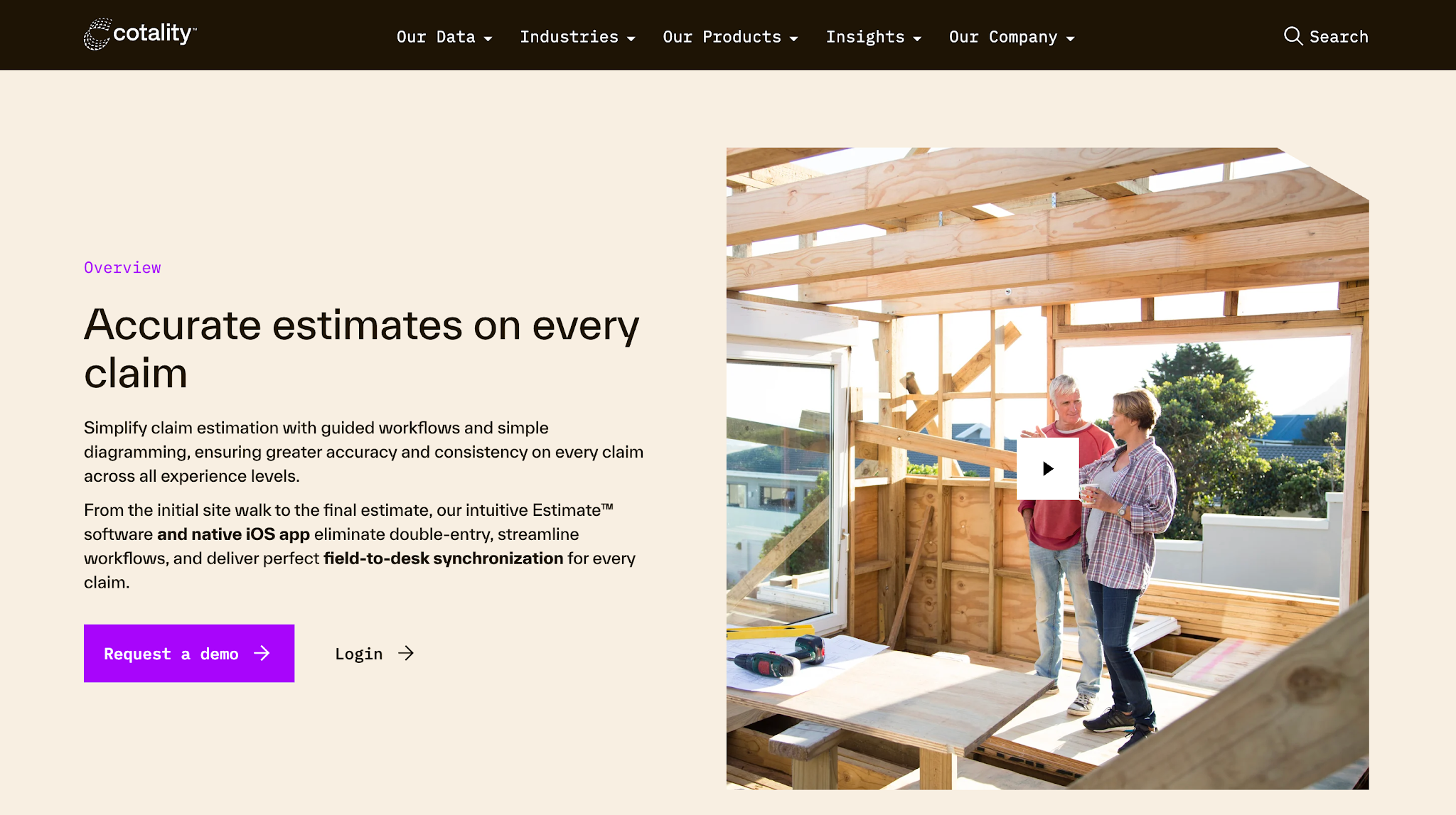
Image source: cotality.com
Cotality Estimate is property claims estimating software that helps insurance professionals and restoration contractors assess property damage and calculate repair costs.
The platform focuses on guiding users through the claims estimating process using established estimating rules. This helps teams prepare estimates that follow a consistent approach to calculating repair costs for insurance claims.
Cotality Estimate does not list prices publicly.
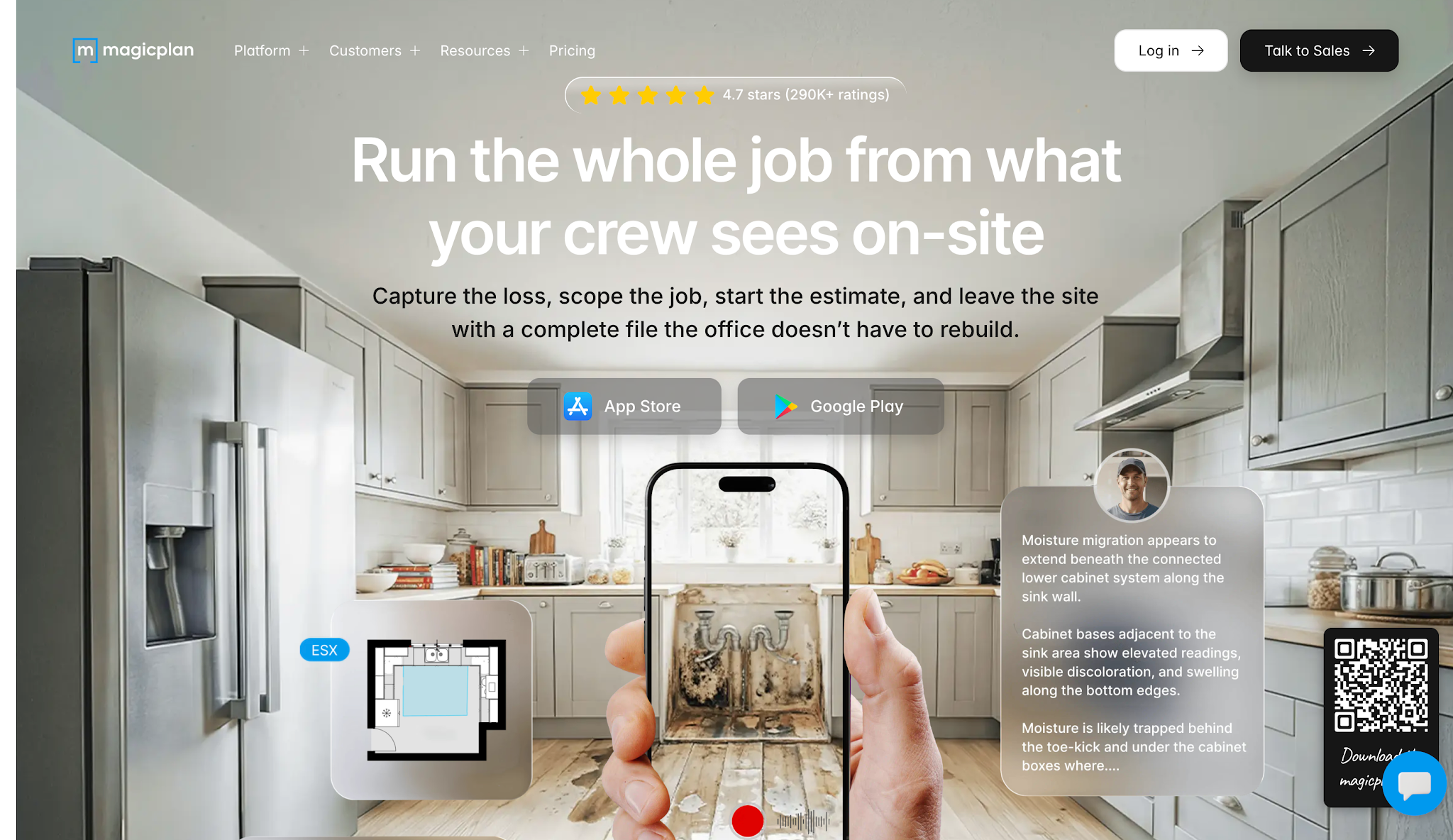
Image source: magicplan.app
magicplan is a floor-planning and property documentation app that also helps restoration contractors prepare project estimates.
It focuses on creating estimates using property measurements and the contractor's own pricing information. This gives restoration businesses more control over how they calculate job costs, especially when preparing estimates for customers who pay directly for restoration services.
magicplan offers three subscription plans, all billed monthly with a minimum of 10 projects per month:
All three plans include estimating tools and real-time floor plans, along with unlimited users and cloud storage. Unused projects also roll over to the following month.
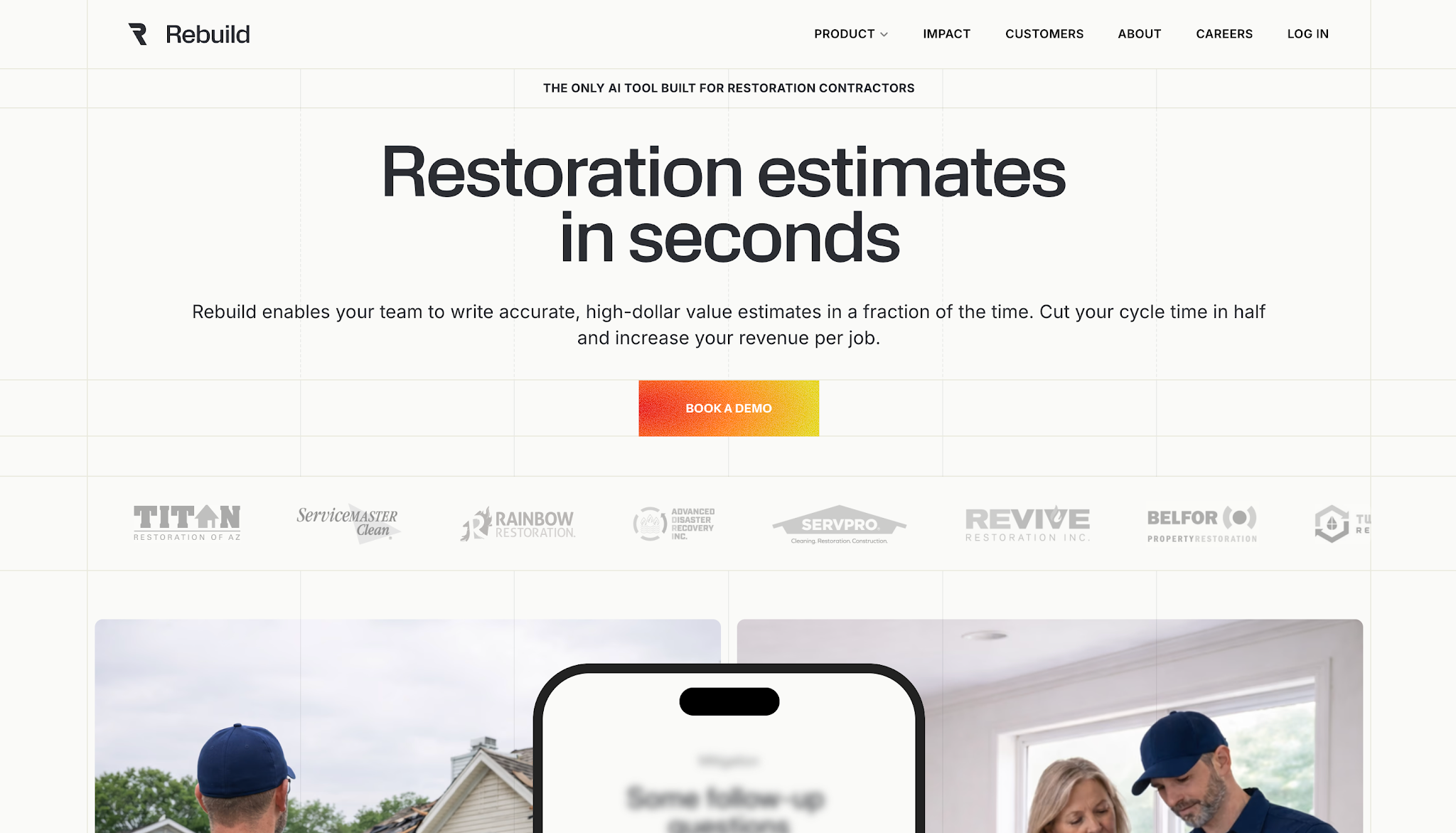
Image source: rebuild.work
Rebuild is an AI-powered estimating platform that helps restoration contractors prepare estimates using the information their teams collect during a job.
The platform focuses on improving estimating speed by reducing the manual work involved in preparing restoration estimates. It uses job documentation to generate an initial estimate that contractors can review and refine before submitting it.
Rebuild does not list prices publicly.
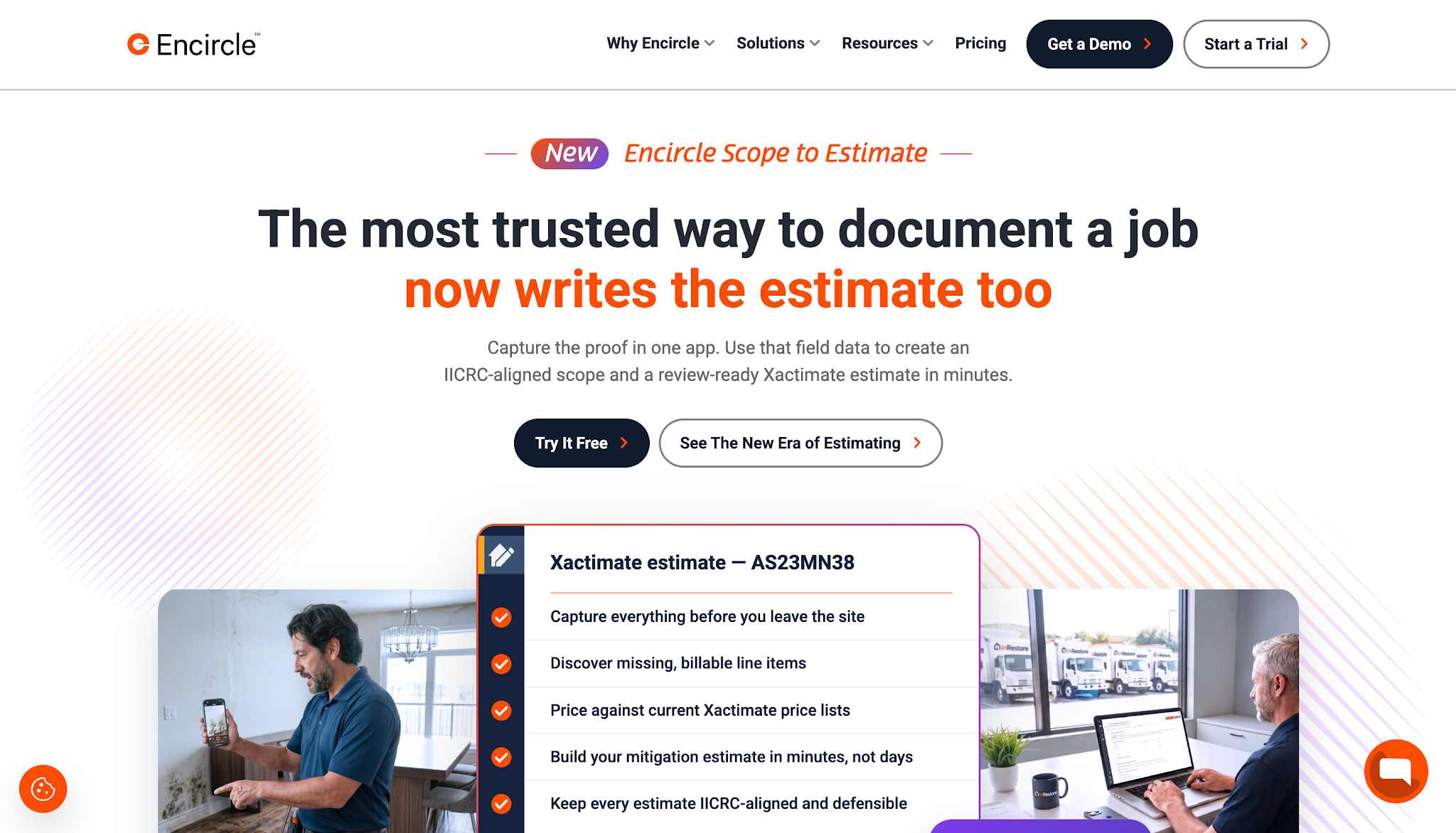
Image source: getencircle.com
Encircle is a restoration documentation platform that helps contractors capture and organize information about the work they perform at a damaged property.
Through its Scope to Estimate feature, Encircle also helps contractors prepare initial restoration estimates using the information their field teams collect.
This connects documentation with estimating, so estimators can work from recorded job details without manually recreating the entire scope.
Encircle offers the following subscription options:
Both plans require a 12-month contract with monthly billing. Pricing varies based on annual job volume.
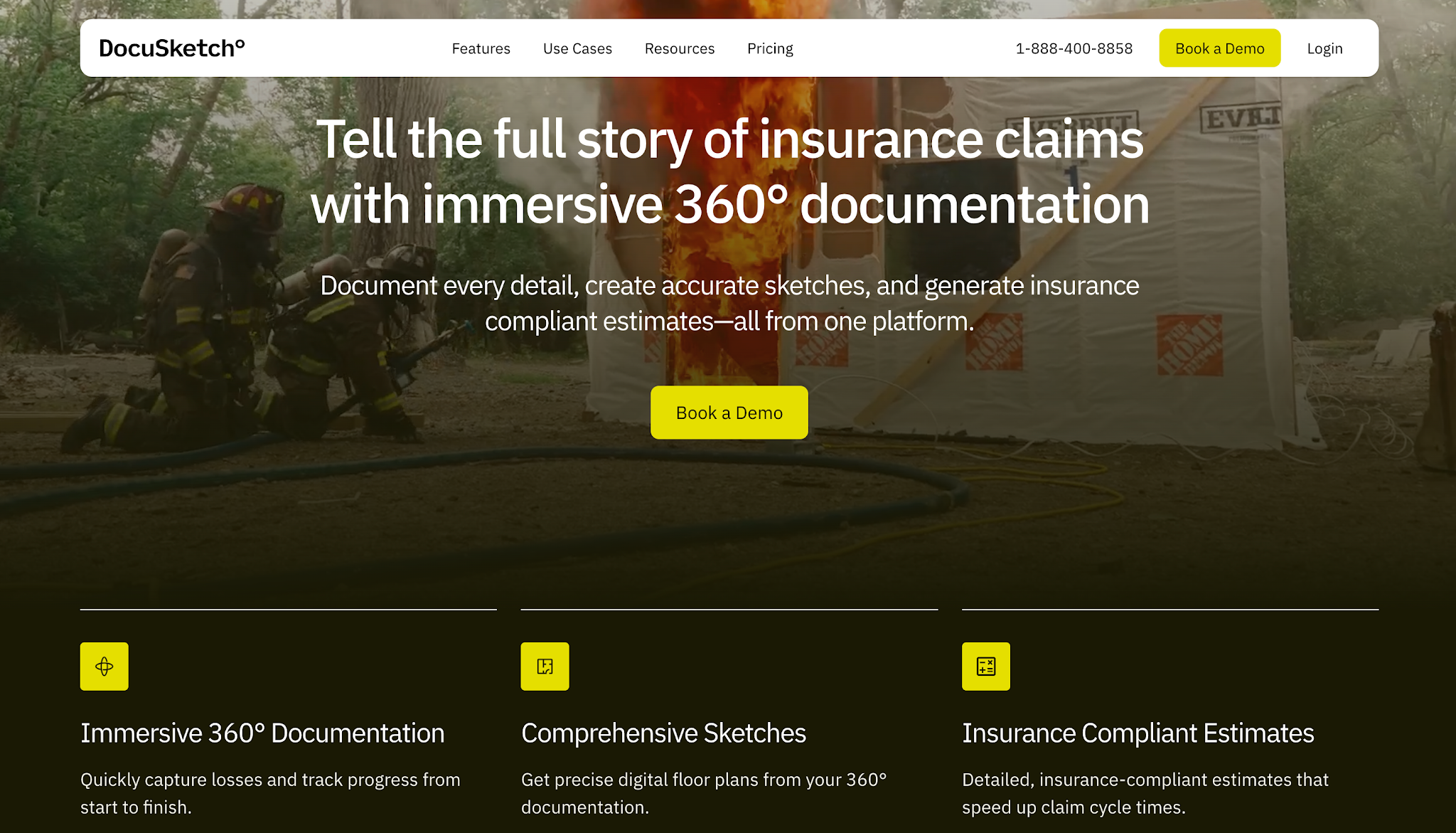
Image source: docusketch.com
DocuSketch is a property documentation platform that provides professional estimating services for restoration contractors.
The platform combines digital property documentation with an outsourced estimating service. Contractors capture the information at the job site, and DocuSketch's estimating team uses those records to prepare the estimate.
This approach allows restoration businesses to manage their estimating workload without having their own employees prepare every estimate.
DocuSketch charges separately for its professional estimating services. Pricing depends on a percentage of the total estimate line item value, excluding taxes, overhead, and profit, which they don't list publicly.
The six platforms we've covered approach estimating differently, so the next step is to determine which estimating functions your team needs for the work it handles.
A platform with extensive estimating capabilities won't necessarily improve your process if it doesn't support the types of restoration jobs your company takes on.
That said, here are areas worth evaluating before making a decision.
Start by looking at the restoration work your company handles most often.
A business that mainly performs water mitigation has different estimating needs from one that primarily handles fire damage reconstruction.
Water mitigation estimates, for example, may need to account for air movers and how long the crew uses them. Reconstruction estimates, on the other hand, usually require more detailed calculations for replacement materials and repair labor.
That's why your estimating software should support the types of restoration projects your team regularly handles.
Ask vendors to demonstrate how their platform handles a typical job from your company. This gives you a clearer idea of whether its estimating tools match your operations.
If your restoration business regularly handles insurance claims, check which estimating formats and processes your insurance partners require.
Some insurance carriers or claims programs use specific estimating platforms. If your team prepares estimates in a different system, you may need to transfer information or adjust the estimate before submitting it.
That creates more work for your estimators and increases the risk of mistakes when transferring information.
Before choosing software, confirm which estimate formats it supports and whether your team can export the information your insurance partners need for claim submission.
Also remember that using a particular estimating platform doesn't guarantee claim approval. Your estimate still needs to reflect the work required and include the supporting documentation.
Think about which parts of your estimating process currently take the most time.
If your team spends hours measuring properties and calculating quantities during the first site visit, floor planning and automated measurement tools deserve attention.
If estimators regularly rebuild scopes from handwritten notes or job photos, a platform that uses field documentation to prepare initial estimates could help reduce that work.
Accuracy also deserves attention. Software can calculate quantities or suggest line items, but your team still needs to verify that those details match the actual job.
Focus on features that address problems your estimators already experience, rather than choosing the platform with the longest feature list.
Finally, consider the full cost of using a new platform and how it fits with your current tools.
A monthly subscription is only part of that cost. You also need to understand whether the vendor charges separately for additional users, estimating volume, or other services your company requires.
For example, some platforms offer a complete estimating application, while others require an existing Xactimate subscription to complete their estimating workflow.
Check those requirements before comparing prices.
It's also worth asking whether the software can transfer estimates or documentation into the systems your team already uses. Otherwise, employees could spend time entering the same information in multiple places.
Choosing the right estimating software helps your team prepare detailed estimates and account for the expected costs of a restoration job.
However, an approved estimate doesn't mean your company has already collected payment. Your team still needs to complete the work, finalize the charges, and send an invoice to the responsible party.
Even after that, payment may take time, particularly when the job involves an insurance claim.
Someone in your office still needs to monitor outstanding invoices and follow up with customers or other responsible parties about unpaid balances.
As your company completes more restoration jobs, the number of invoices your staff needs to manage can grow.
Having a structured process for collecting those payments helps your team keep track of outstanding balances and maintain regular customer communication without relying entirely on manual reminders.
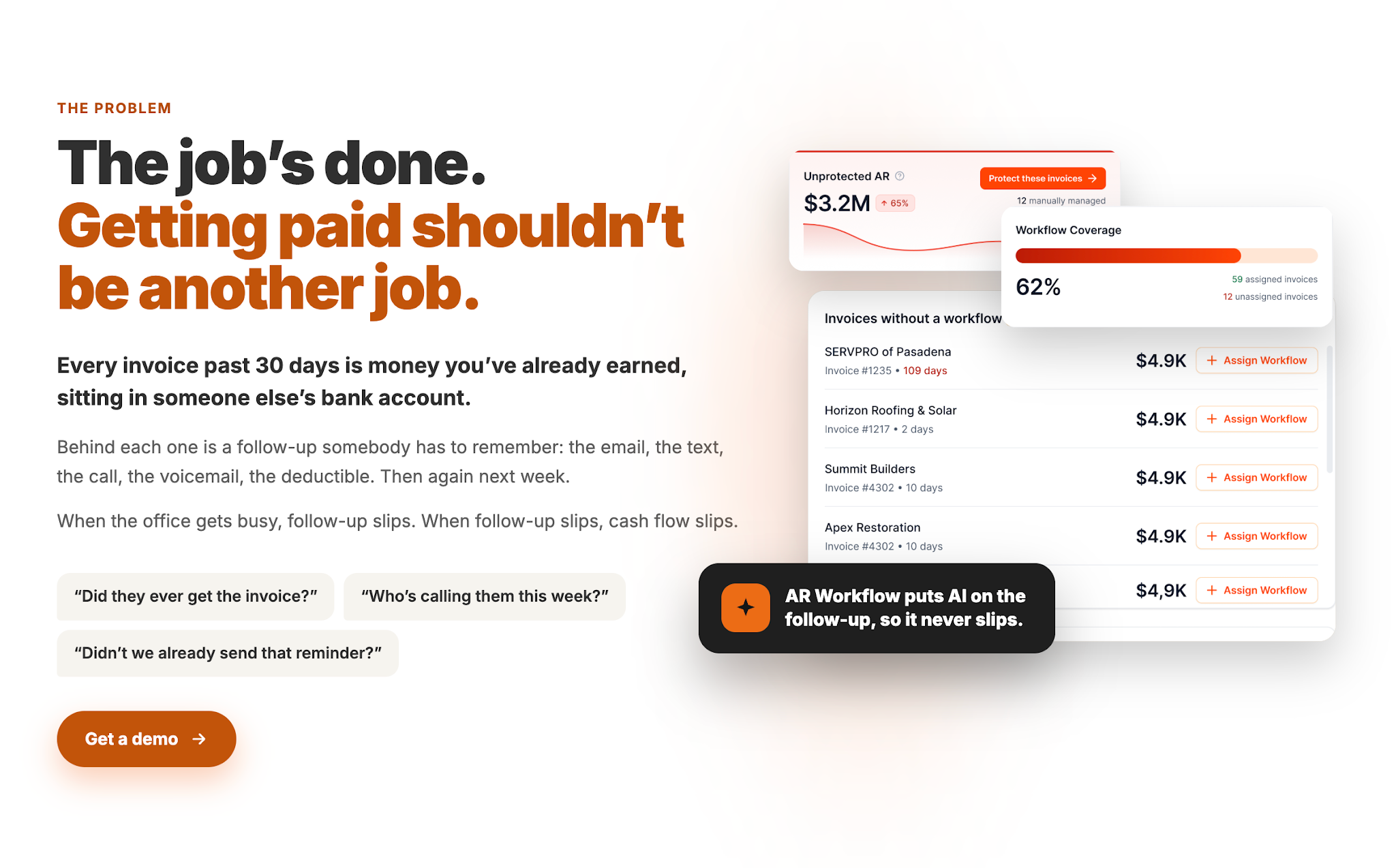
AR Workflow is accounts receivable software that helps restoration companies manage this part of the process by automating routine collection activities and making outstanding invoices easier to track.
For example, your team can schedule email and SMS reminders for unpaid invoices rather than manually contacting every customer whenever a payment becomes overdue.
As restoration AR software, AR Workflow also provides visibility into outstanding receivables and previous collection activity. This helps employees understand which accounts need attention and what actions they've already taken.
When customers are ready to settle their balances, the platform offers online payment options that make paying more convenient.
Together, these capabilities help restoration companies maintain a consistent collections process while reducing the time employees spend managing payment reminders manually.
Your company has already invested in the people and resources required to complete each restoration job. Keeping collections organized helps you focus on receiving the payments you've earned.

The right restoration estimating software helps your team prepare estimates faster and more accurately. However, improving how you estimate jobs is only one part of managing your company's finances.
You also need to make sure you collect payment for the work you've completed.
As your restoration business grows, keeping up with unpaid invoices can take more time away from your office staff. AR Workflow helps you manage that workload without adding more employees just to keep your collections organized.
After all, you've already put in the time and resources into completing each restoration job, so collecting payment shouldn't become another lengthy task your team has to worry about.
Yes. AI tools can help restoration companies identify potential line items and prepare initial estimates using information collected during a job. However, estimators still need to review the results against the actual scope of work to confirm that the quantities and charges are correct.
Yes, certain restoration estimating platforms can replace Xactimate for specific types of work, particularly when contractors don't need its insurance estimating formats.
Field documentation gives estimators a clearer record of the work a restoration job requires. Photos, measurements, moisture readings, and drying logs help them identify necessary charges and verify details such as equipment usage when preparing an estimate.
Yes. Restoration estimating software helps contractors prepare detailed estimates that support insurance claim reviews.
Certain platforms also provide standardized line items and export formats that make it easier to share estimating information with insurance adjusters, although the insurer still makes the claim decision.
Some restoration estimating platforms offer additional job management capabilities, such as organizing project documentation or tracking estimate approvals.
However, estimating software doesn't automatically replace full restoration management software, so companies should check whether it supports the scheduling and operational tasks their teams need to manage.
Related reading
Your invoice, not a feature tour.
Bring one overdue invoice to a demo and see what AR Workflow would send, when, and how your customer would pay.
Sam owned and ran three restoration companies for more than 14 years and collected over $100 million in receivables. He built AR Workflow in 2020 to give contractors the collections system he wished he'd had.

AI writes the emails, sends the texts, and leaves the voicemails. Your team handles the conversations that matter, and your cash keeps moving.
 Keep QuickBooksStart with one invoiceStay in control

 Log in