Compare 6 accounts receivable management software tools for AR reporting and AR collections: QuickBooks sync, aging reports, reminders and team tasks.

Choosing accounts receivable (AR) management software can be confusing when several platforms promise the same financial results but handle different parts of the process.
For example, accounts receivable automation software should help cut down on manual collections, while AR reporting tools should show which balances are aging and why. Those problems require different capabilities, and choosing the wrong software could leave your main issue unresolved.
So how do you determine which platform actually fits your business? We've compared the top six accounts receivable management software platforms based on what each one specializes in to help you make that decision.
Whether your biggest gap is AR reporting, AR collections or both, the comparison below shows which tool fits which job.
KEY TAKEAWAYS
These are the six best accounts receivable management software platforms:
Match the tool to the job: collections follow-up, AR reporting, cash application, credit risk, disputes or forecasting.
The entire accounts receivable process involves several financial functions, and software providers don't necessarily handle all of them.
So before comparing platforms, it helps to understand the main functions they serve:
These functions address different stages of receivables management. A business struggling to collect overdue invoices has a different software requirement from one that needs to reconcile large volumes of incoming payments.
The six platforms below cover different AR management needs. Each accounts receivable software option offers a broader set of capabilities, but we'll focus on what each platform specializes in.
| Platform | Overview | Key Features | Pricing |
|---|---|---|---|
| AR Workflow | Accounts receivable and collections platform built for restoration companies. |
|
|
| Chaser | AR software that helps businesses automate payment reminders and collections follow-ups. |
|
|
| BlackLine | Financial operations software specializing in cash application and reconciliation. |
| BlackLine does not list prices publicly. |
| Creditsafe | Business credit reporting platform that helps companies assess customer credit risk. |
| Creditsafe does not list prices publicly. |
| Esker | Business process automation platform that helps finance teams investigate payment deductions and disputes. |
| Esker does not list prices publicly. |
| Centime | Financial management platform that helps businesses forecast cash flow and plan for upcoming expenses. |
| Centime does not list prices publicly. |
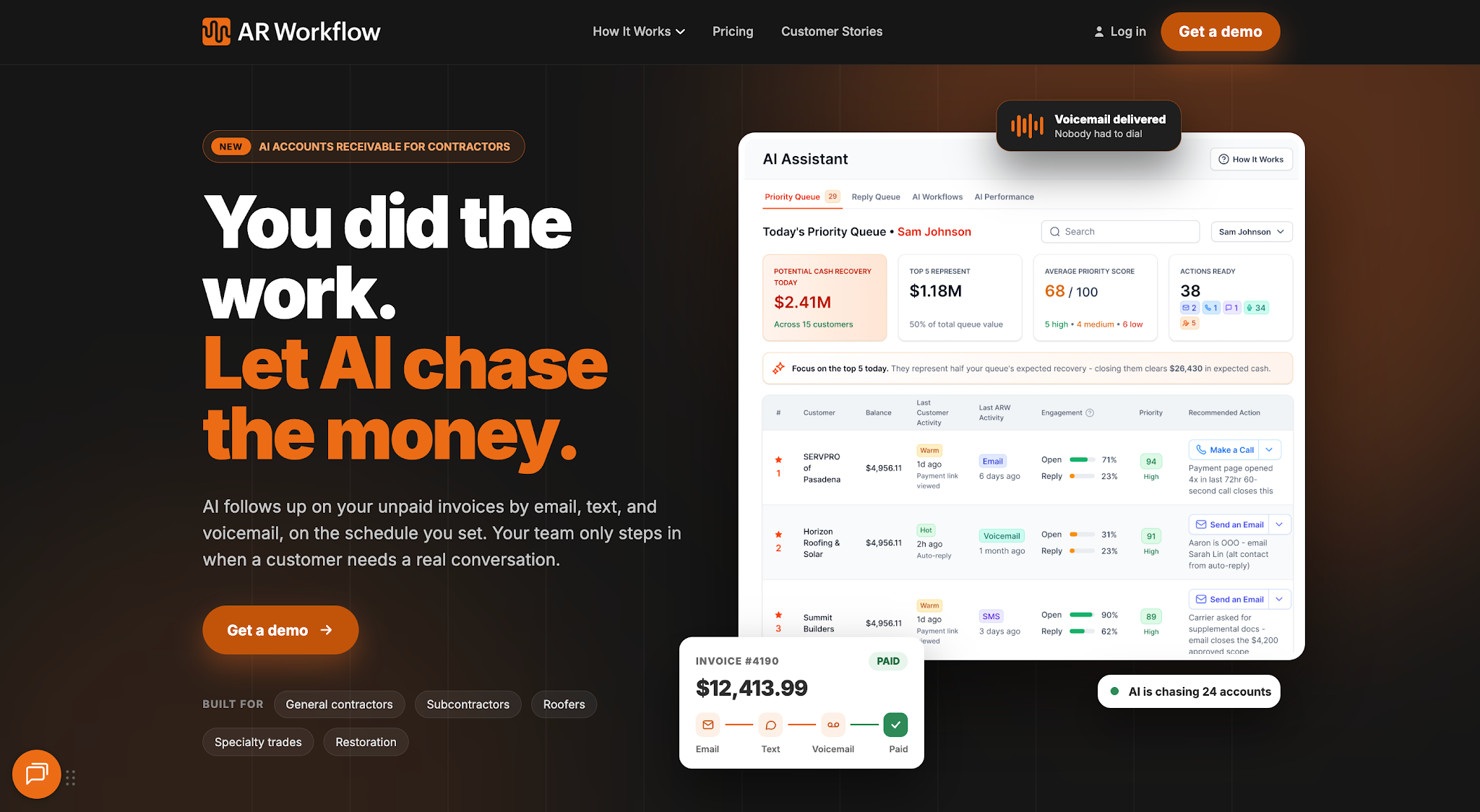
AR Workflow keeps open invoices, collection tasks and follow-ups next to your QuickBooks data.
Best fit: Restoration contractors that want to improve collections management while continuing to use their existing accounting system.
AR Workflow is a collections management platform built specifically for disaster restoration companies to automate accounts receivable follow-ups and manage outstanding payments.
It helps contractors organize their collections activity and improve payment tracking without relying on separate spreadsheets or disconnected communication records.
This gives owners and finance teams better cash visibility so they can see how much money they still need to collect and make more informed decisions about their business finances.
By reducing the time employees spend chasing payments for completed restoration jobs, AR Workflow also helps contractors focus more of their resources on running their business.
Bring one overdue invoice.
We'll show you how AR Workflow would report on it and follow it up from QuickBooks, with emails and texts from a dedicated number.
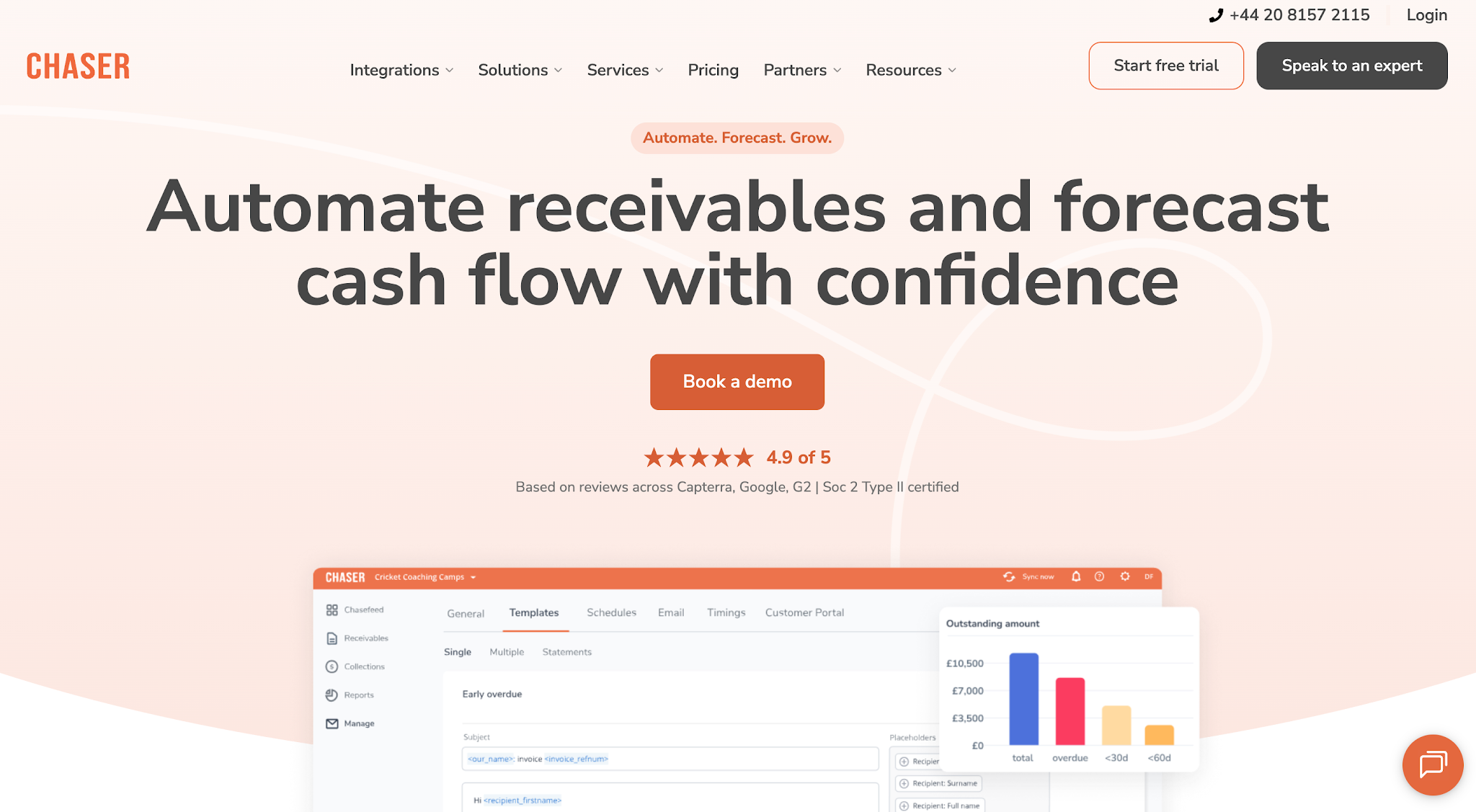
Image source: chaserhq.com
Best fit: Finance teams that spend substantial time sending payment reminders and want to manage routine collections communication more consistently.
Chaser is an accounts receivable and credit control platform that helps businesses manage payment follow-ups.
It focuses on automating communication before and after invoices become due. Businesses can use Chaser's workflow automation to set consistent reminder schedules while maintaining control over customer communication.
Chaser serves companies in various industries, making it an option for finance teams that want to standardize their collections activity without adopting restoration-specific software.
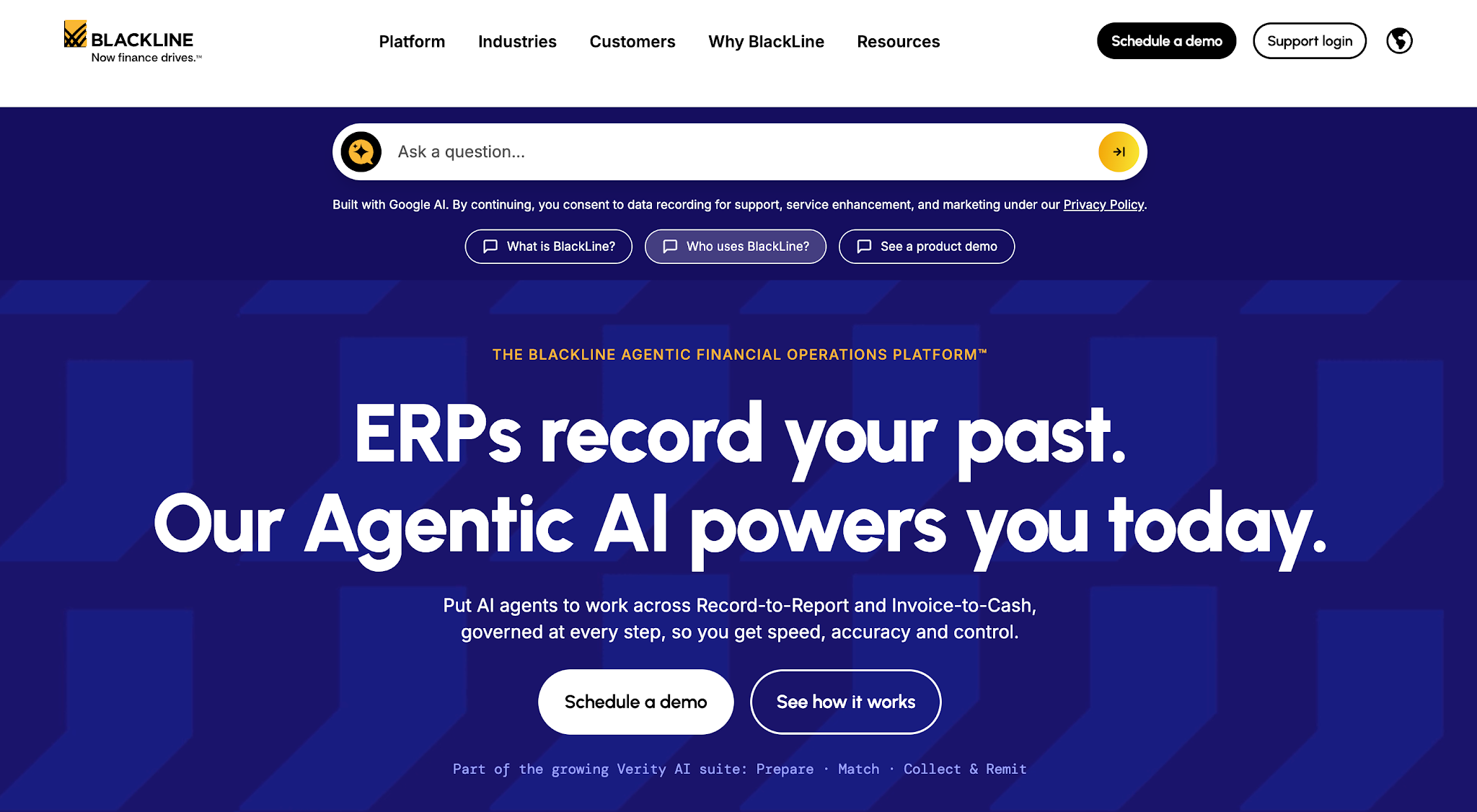
Image source: blackline.com
Best fit: Businesses with complex payment reconciliation requirements, particularly finance teams handling substantial transaction volumes through enterprise accounting systems.
BlackLine is a financial operations software company that provides solutions for accounting and invoice-to-cash management.
Its Invoice-to-Cash platform includes cash application capabilities that help finance teams match incoming customer payments to outstanding invoices.
This is especially helpful for businesses that receive large payment volumes and need to keep their receivables records accurate without manually researching every transaction.
BlackLine does not list prices publicly.

Image source: creditsafe.com
Best fit: Businesses that extend trade credit to commercial customers and want better information before accepting payment risk.
Creditsafe provides business credit information that helps companies evaluate the financial reliability of customers and other commercial partners.
Its reports focus on creditworthiness and payment behavior, giving finance teams more information before they extend credit or establish payment terms.
Unlike collections-focused platforms, Creditsafe primarily supports decisions that businesses make before outstanding receivables develop.
Creditsafe does not list prices publicly.
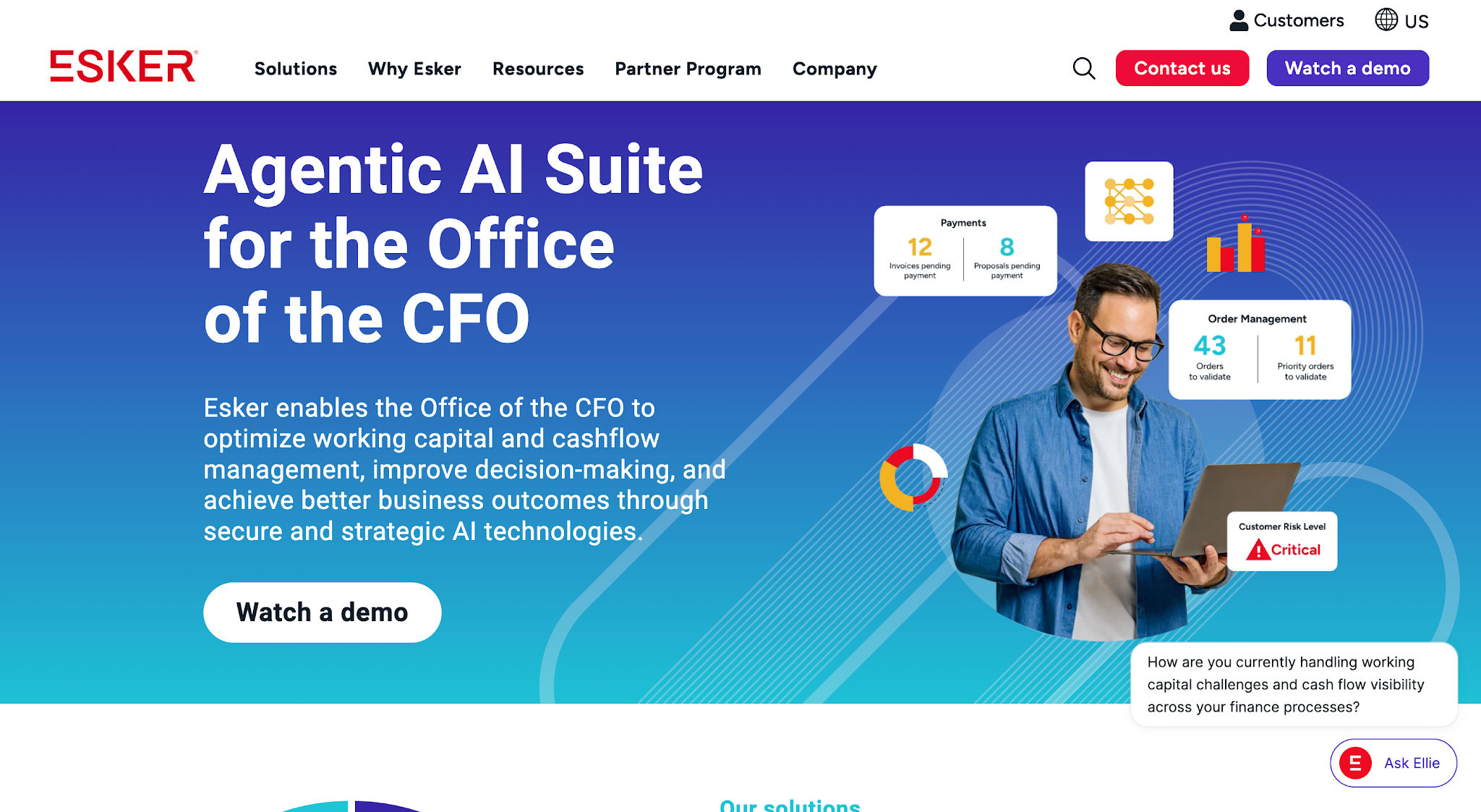
Image source: esker.com
Best fit: Finance teams that regularly handle customer deductions and need a structured process for investigating payment discrepancies.
Esker is a business process automation platform that helps companies manage financial operations, including accounts receivable.
One of its solutions focuses on deduction management, which deals with situations where customers pay less than the invoiced amount because they disagree with certain charges or claim an adjustment.
Esker helps finance teams investigate these differences and determine whether the deductions are valid. It primarily serves businesses such as manufacturers and distributors that regularly handle customer deductions and payment disputes.
Esker does not list prices publicly.
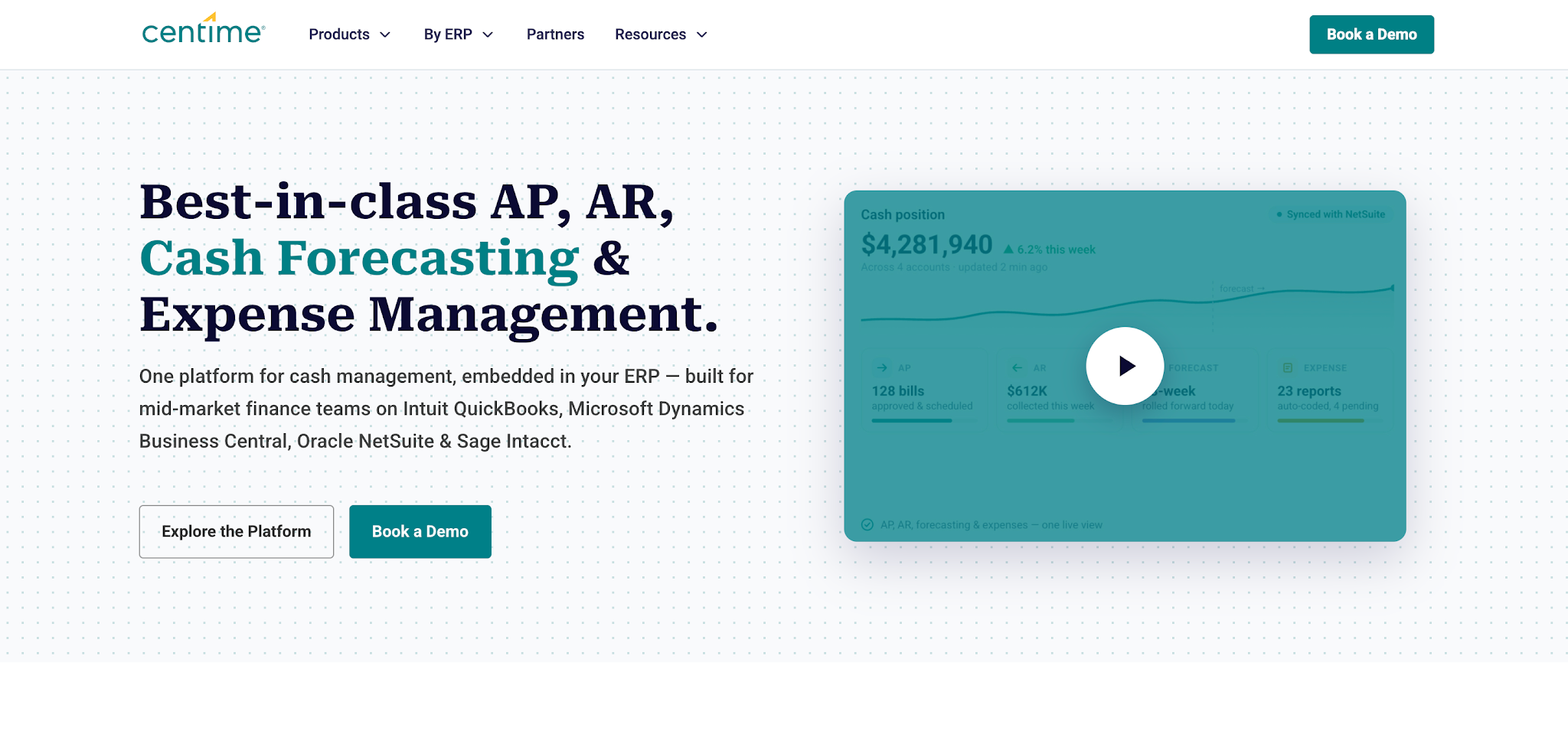
Image source: centime.com
Best fit: Mid-market finance teams that need better visibility into future cash availability and want to evaluate the effect of changing payment timelines.
Centime is a financial management platform that helps businesses forecast cash flow and manage their accounts payable and receivable processes.
Its cash flow forecasting software uses financial data from connected accounting systems to project how much cash a business will have available over the coming weeks.
Finance teams can also adjust expected payment dates to see how late customer payments or upcoming expenses could affect those projections.
Centime primarily serves businesses that need more control over short-term cash planning and want to anticipate potential cash shortages before they occur.
Centime does not list prices publicly.
Now that you have several options to consider, the next step is figuring out which one best fits your business. Here’s what to consider when evaluating accounts receivable management software so you can narrow your choices and make a more informed decision.
Start by examining where your current AR process requires the most manual work or creates the greatest financial uncertainty.
For example, an AR manager who spends hours contacting customers about unpaid invoices needs a different solution from a controller who struggles to match incoming payments with invoice records.
Review the tasks your employees perform regularly and identify which ones create delays. Then compare those tasks with the software's primary capabilities.
For restoration companies, collections often deserve particular attention because completed jobs can leave significant balances outstanding while the business continues paying employees and funding new work.
The best AR automation software for your business should address the problem your team needs to solve.
Your accounting software already contains important customer and invoice information. Adding another platform should make that information easier to act on without requiring manual data entry to maintain duplicate records.
Check how each vendor connects with your existing system. More importantly, ask what information the integration exchanges and how frequently it updates.
For example, if a customer pays an invoice, your collections system needs accurate payment information so the team doesn't continue requesting money the customer has already sent.
That connection deserves particular attention when evaluating collections automation. Outdated payment records can lead to unnecessary reminders and additional work for employees who need to correct them.
Before purchasing, ask the vendor to demonstrate how the integration handles an actual invoice from your accounting system.
An aging report shows how long invoices have remained outstanding. Effective AR management also requires enough information to decide what to do about those balances.
Consider an invoice that has reached 90 days overdue.
The balance and aging category tell you that the account needs attention. Previous communication records tell you whether someone has already contacted the customer or received a payment commitment.
Together, those details help the AR manager determine the appropriate next action for overdue accounts.
When comparing software, examine how easily employees can review overdue balances and collection activity. Finance leaders should also be able to identify whether outstanding balances are increasing or decreasing over time.
Tip: For a full list of AR reporting questions to ask vendors, use our AR reporting software buyer's checklist. If your follow-ups need better wording before you automate them, start with these past due invoice letter templates.
Subscription pricing tells you part of the accounts receivable software cost, but it doesn't tell you how much time your team will spend implementing or maintaining it.
Review the total cost based on your invoice volume and the number of employees who need access. Ask about integration setup and training requirements before committing.
Then compare those costs with the improvements you expect.
If your team currently spends several hours each week preparing payment reminders, automation should reduce that workload. If collection activity becomes more consistent, you should also monitor whether overdue balances begin to decline.
Use your current AR performance as a baseline. Without that starting point, you'll have a harder time determining whether the software has delivered enough value to justify its cost.
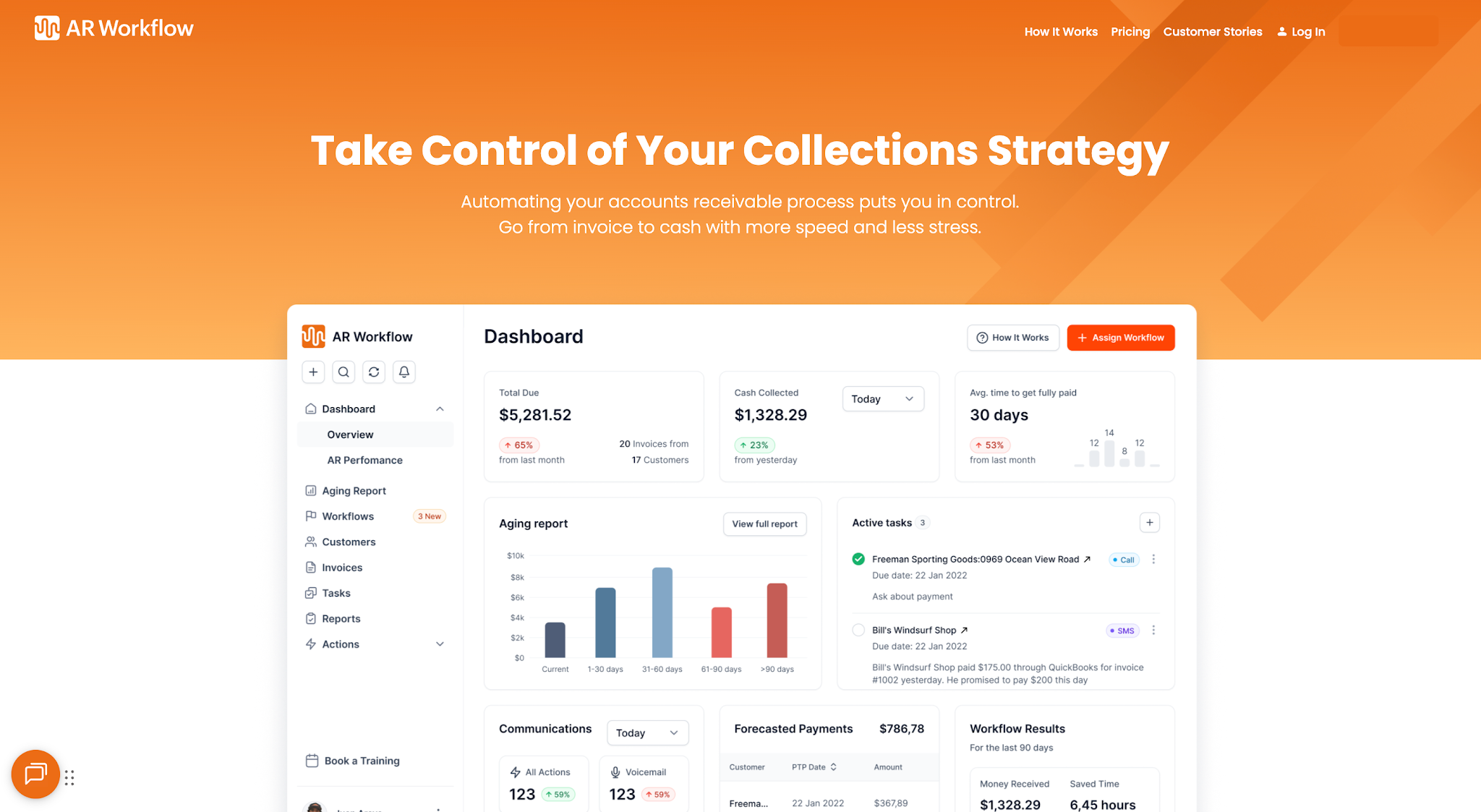
Aging, collection activity and payments in one view for restoration teams.
The best accounts receivable management software depends on the financial process your business needs to improve. Cash application tools address payment reconciliation, while forecasting platforms help finance teams plan future cash availability.
For restoration companies dealing with aging invoices and time-consuming collections, AR Workflow focuses on the work that takes place between issuing an invoice and receiving payment.
It gives employees a structured way to manage outstanding accounts while keeping collection activity visible.
With AR Workflow managing your routine collections follow-ups, your team can spend less time chasing unpaid invoices and put that time back into running and growing your restoration business.
You built your business to restore properties and help people recover from disasters. So let us take the repetitive collections process off your hands so you can give your restoration projects and customers the attention they deserve.
Accounts receivable software helps businesses track and manage unpaid customer invoices. AR automation software goes a step further by automatically handling repetitive tasks such as sending payment reminders and matching incoming payments to invoices.
The two often overlap, as many AR management platforms also include automation features.
Accounts receivables management tools are the software a finance team uses to track and collect what customers owe. They range from collections platforms like AR Workflow and Chaser to cash application tools like BlackLine, credit risk tools like Creditsafe, dispute tools like Esker and forecasting tools like Centime. Most teams start with the one that fixes their biggest AR bottleneck.
Yes. Businesses can automate accounts receivable by connecting specialized AR software with their existing accounting tools.
For example, AR Workflow connects with QuickBooks to support collections activity and customer payments while QuickBooks continues handling the company's accounting records.
Automated collections workflows send payment reminders at scheduled intervals so customers receive consistent follow-ups when their invoices remain unpaid.
Your team can also focus on customers who need direct attention, such as those with payment disputes or overdue balances that require further action.
Look for a customer portal that allows customers to view their outstanding invoices and process payments securely online.
It should also track payment status and update your AR records so employees can quickly identify which invoices still need attention.
Businesses can measure collections automation ROI by comparing implementation and subscription costs with changes in collection performance and administrative workload.
Track days sales outstanding (DSO), overdue AR balances, and the time employees spend managing collections. Compare those results with your baseline to determine whether the software delivers measurable improvements.
AR reporting software shows what customers owe and how long it has been outstanding. Look for aging reports by customer and invoice, overdue totals that update as payments come in, collection notes next to each balance, and trends that show whether overdue AR is growing or shrinking.
AR collections software automates the follow-up on unpaid invoices. It schedules email and text reminders, assigns collection tasks, keeps a history of every contact and gives customers a way to pay online. AR Workflow does this on top of QuickBooks Online, with texts sent from a dedicated number.
Related reading
Your invoice, not a feature tour.
Bring one overdue invoice to a demo and see what AR Workflow would send, when, and how your customer would pay.
Sam owned and ran three restoration companies for more than 14 years and collected over $100 million in receivables. He built AR Workflow in 2020 to give contractors the collections system he wished he'd had.

AI writes the emails, sends the texts, and leaves the voicemails. Your team handles the conversations that matter, and your cash keeps moving.
 Keep QuickBooksStart with one invoiceStay in control

 Log in