
 Log in



1
Connect QuickBooks
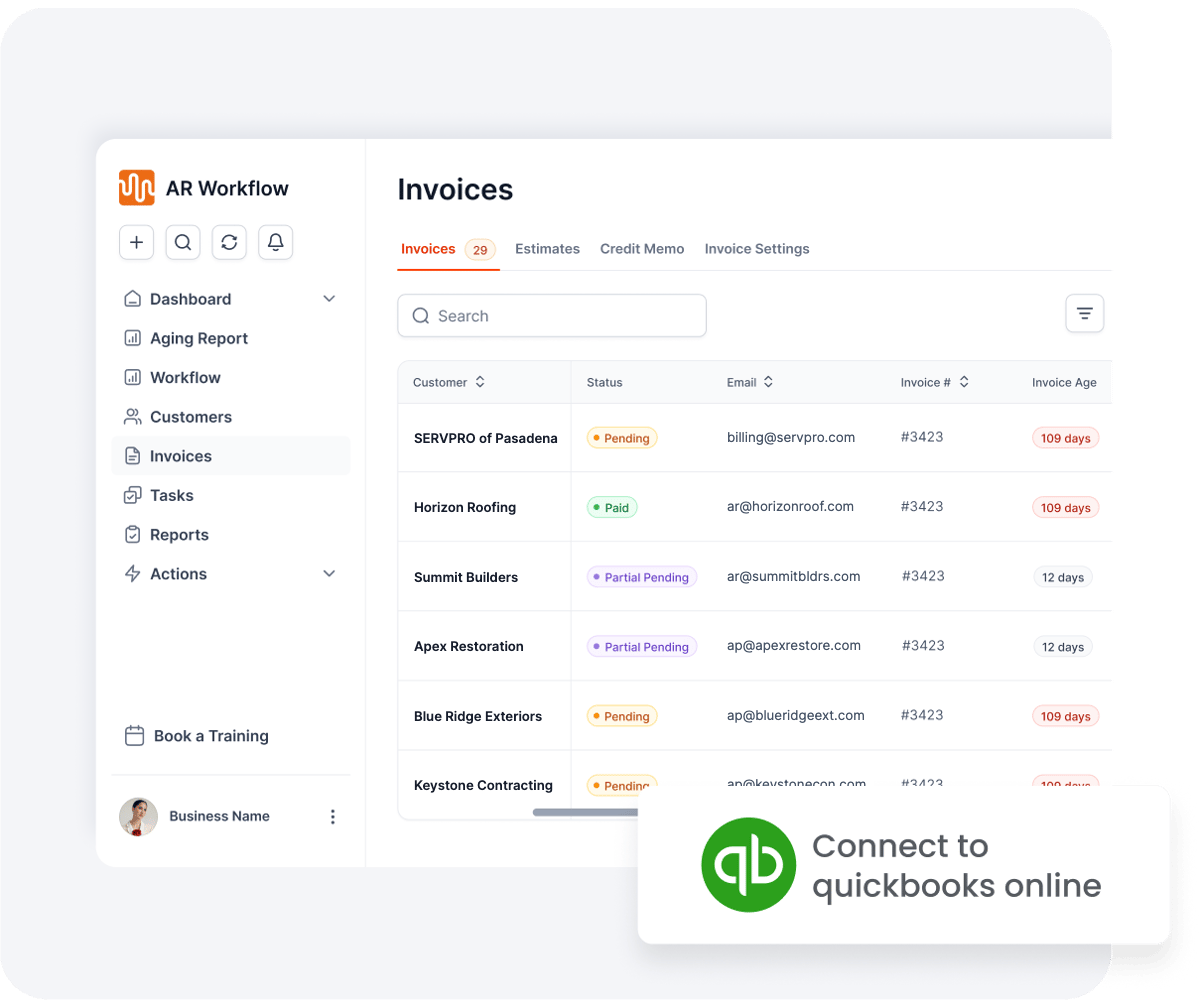
Your open invoices come in automatically.
AR REPORTING FOR CONTRACTORS AR REPORTING
BUILT FOR
General contractors Subcontractors Roofers Specialty trades Restoration
INVOICE #4190
PAID$12,413.99


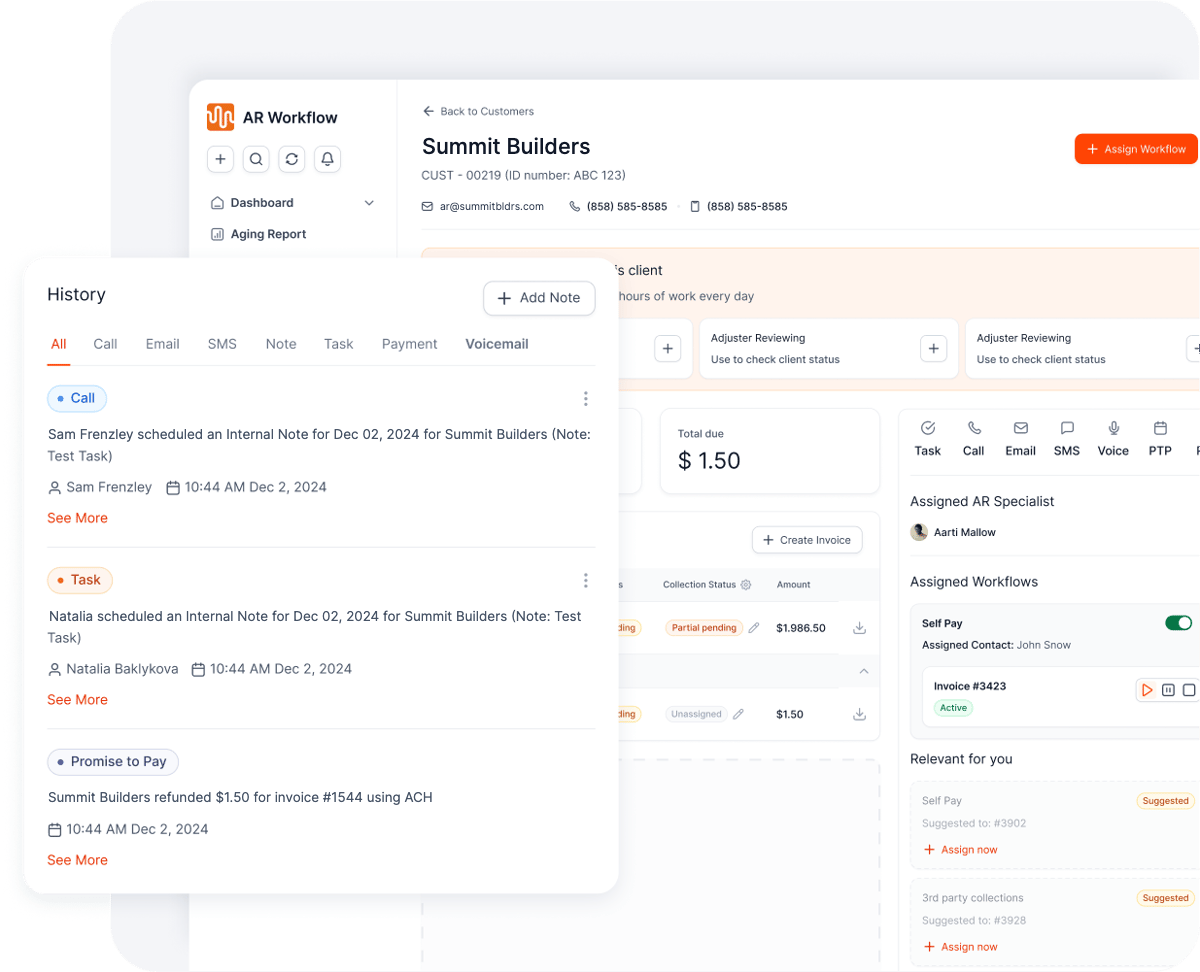
Every touch logged to the invoice






Helping 3,200+ Contractor Users Collect Payments Faster
THE PROBLEM
QuickBooks tells you who owes you money. It can’t tell you who is chasing it, what was said last, or which invoices nobody has touched in weeks.
So the answers live in spreadsheets, inboxes and someone’s memory. When that person is busy or out, follow-up slips, and invoices drift into the 60 and 90+ day buckets.
“Has anyone called the carrier on this one?”
“Which invoices have no follow-up at all?”
“How much is stuck with homeowners vs. adjusters?”

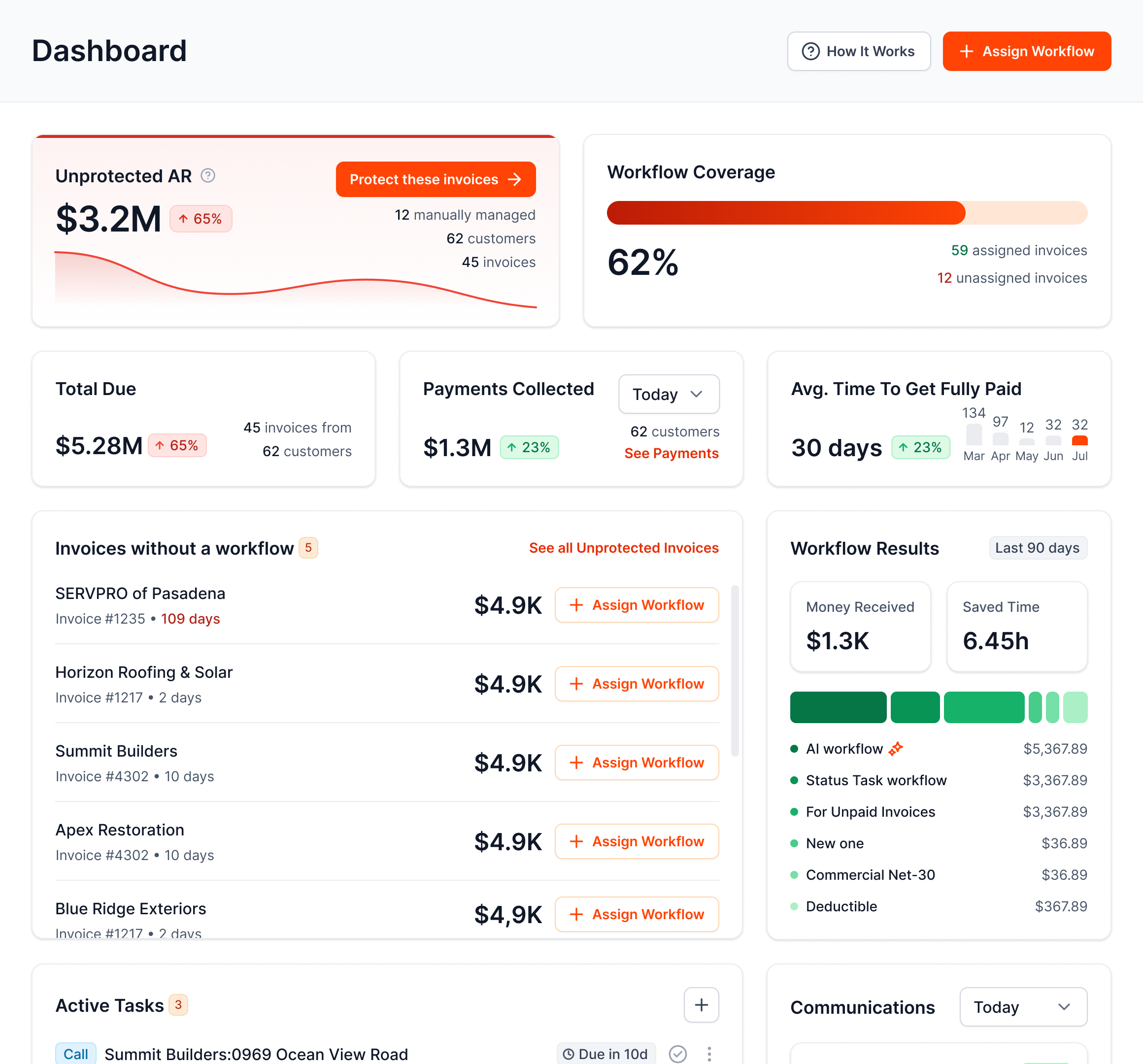

AR Workflow puts the balance and the follow-up in one report.

HOW IT WORKS

Your open invoices come in automatically.
Choose the invoices, channels, tone, and how often customers hear from you.
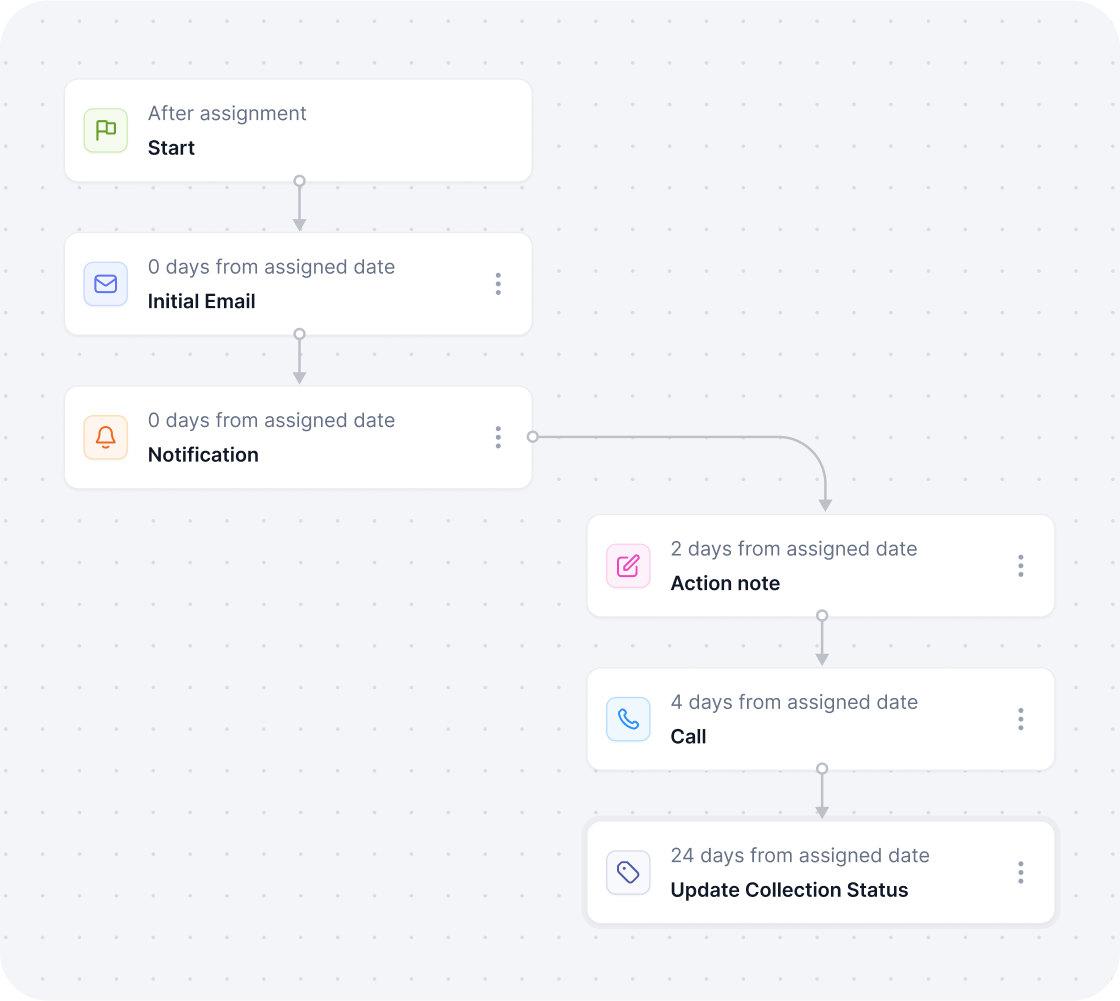
AI handles the routine. Your team handles the exceptions.
 Works with QuickBooks Online
 Payments powered by Finix
 Start with one invoice
ONE SCREEN, EVERY MORNING

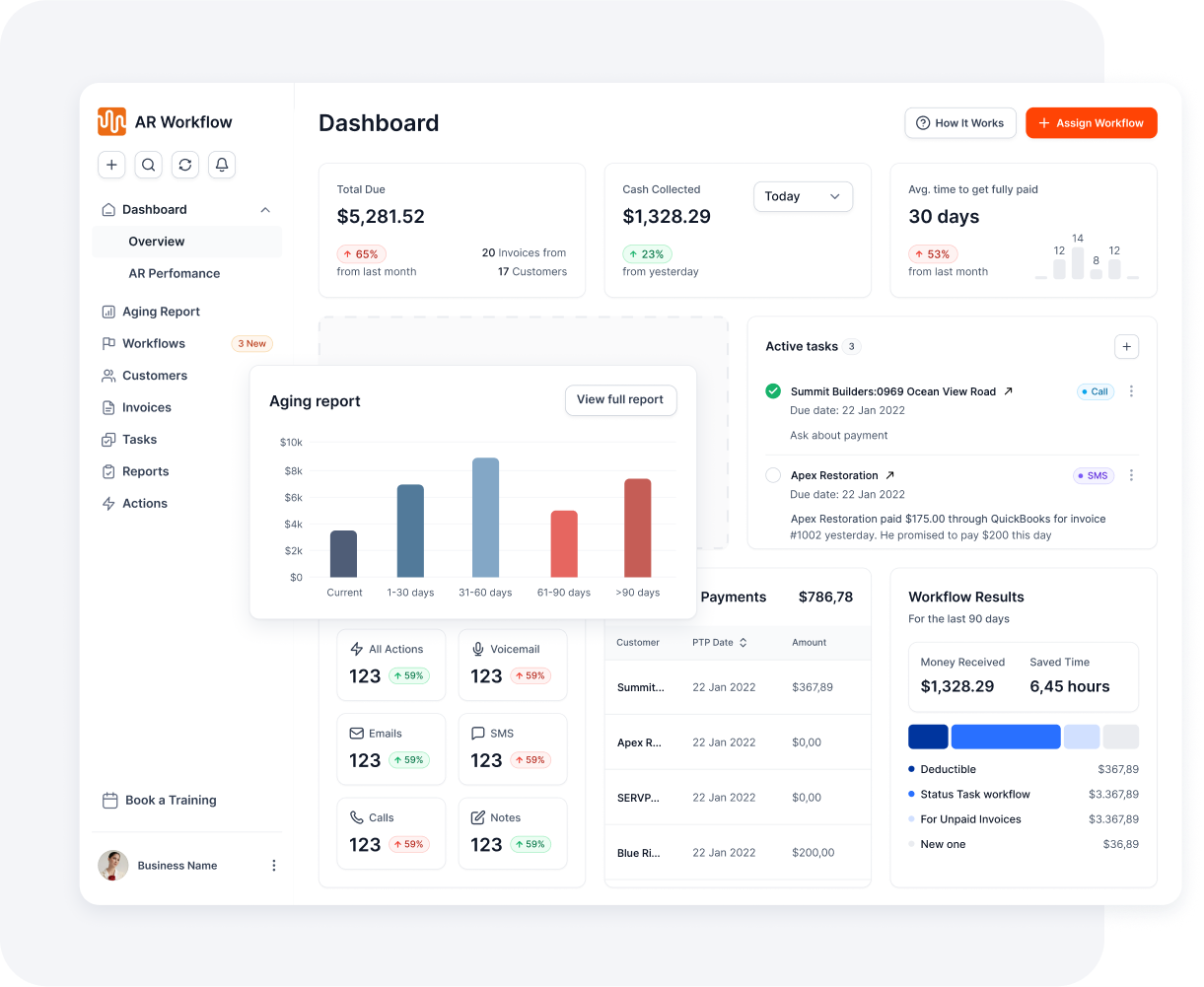
 ON A WORKFLOW
Followed up automatically
 Aging by customer, job and carrierActivity logged on every invoicePerformance by AR team member
 UNPROTECTED
Example view. Your dashboard shows your own QuickBooks data.


BUILT FOR CONTRACTORS
Persistent doesn’t have to mean aggressive.

Clear, professional, persistent.

Friendly, never like a collection agency.

Job context across multiple properties.

Consistent through long payment cycles.

Carrier payments, supplements, and deductibles.

Well-timed reminders that protect the relationship.
YOU’RE IN CONTROL
Less manual work. Not less control.
Start with one invoice and add more when you’re ready

Choose the contacts, channels, tone, and frequency
Review AI-drafted replies before they’re sent
Pause or stop any workflow at any time
 Pause
Pause
YOUR INVOICE, NOT A FEATURE TOUR
No generic feature tour. You’ll see:
YOUR OVERDUE INVOICE
47 days past due[$ AMOUNT]
 Tomorrow, 9:00 AMEmail
 Day 4Text
 Day 8Voicemail
Customer pays by ACH or card

Paid in full
Synced to QuickBooks


Standard reports include A/R overview with DSO, aging detail, collections, cash collected, promise-to-pay, call talk time and team activity. You can also build custom reports and schedule them to your inbox.
No. Keep QuickBooks for your accounting. AR Workflow syncs both ways with QuickBooks Online and adds what accounting reports don’t cover: follow-up activity, unchased invoices and team performance.
Yes. Customers can be grouped under a parent account, such as a carrier with many jobs, so you can see the total owed and drill into each job, with adjuster, homeowner and project manager contacts on the account.
The dashboard shows the open balance with no workflow on it and the share of invoices that are covered. One click puts those invoices on a follow-up workflow.
Yes. AR Performance shows open AR, cash collected and average days to get paid for each team member, with their full activity history and call recordings.
Yes. Any contractor that invoices from QuickBooks Online can use it: restoration, roofing, general contractors and specialty trades.

AI writes the emails, sends the texts, and leaves the voicemails. Your team handles the conversations that matter, and your cash keeps moving.
 Keep QuickBooksStart TodayStay in Control