7 Best Automated Invoice Reminder Software: 1. AR Workflow 2. Cedar 3. Ignition 4. LumiCashflow 5. Buildium 6. Productive 7. Alternative Payments.

Every business bills customers and collects payments in its own way. While sending reminders is part of that process, knowing when to send them and how to follow up isn't always straightforward.
A contractor waiting on a homeowner's payment, for example, has a different collection process from a healthcare provider managing patient balances. Both need payment reminders, but they don't necessarily handle them the same way.
That's why when choosing automated invoice reminder software, you need a platform that fits how your business collects payments without adding more work for your team.
So, which tools are suited to your industry's needs? Let's look at the top seven platforms and how businesses use them to manage invoice reminders.
KEY TAKEAWAYS
These are the seven automated invoice reminder software platforms in 2026:
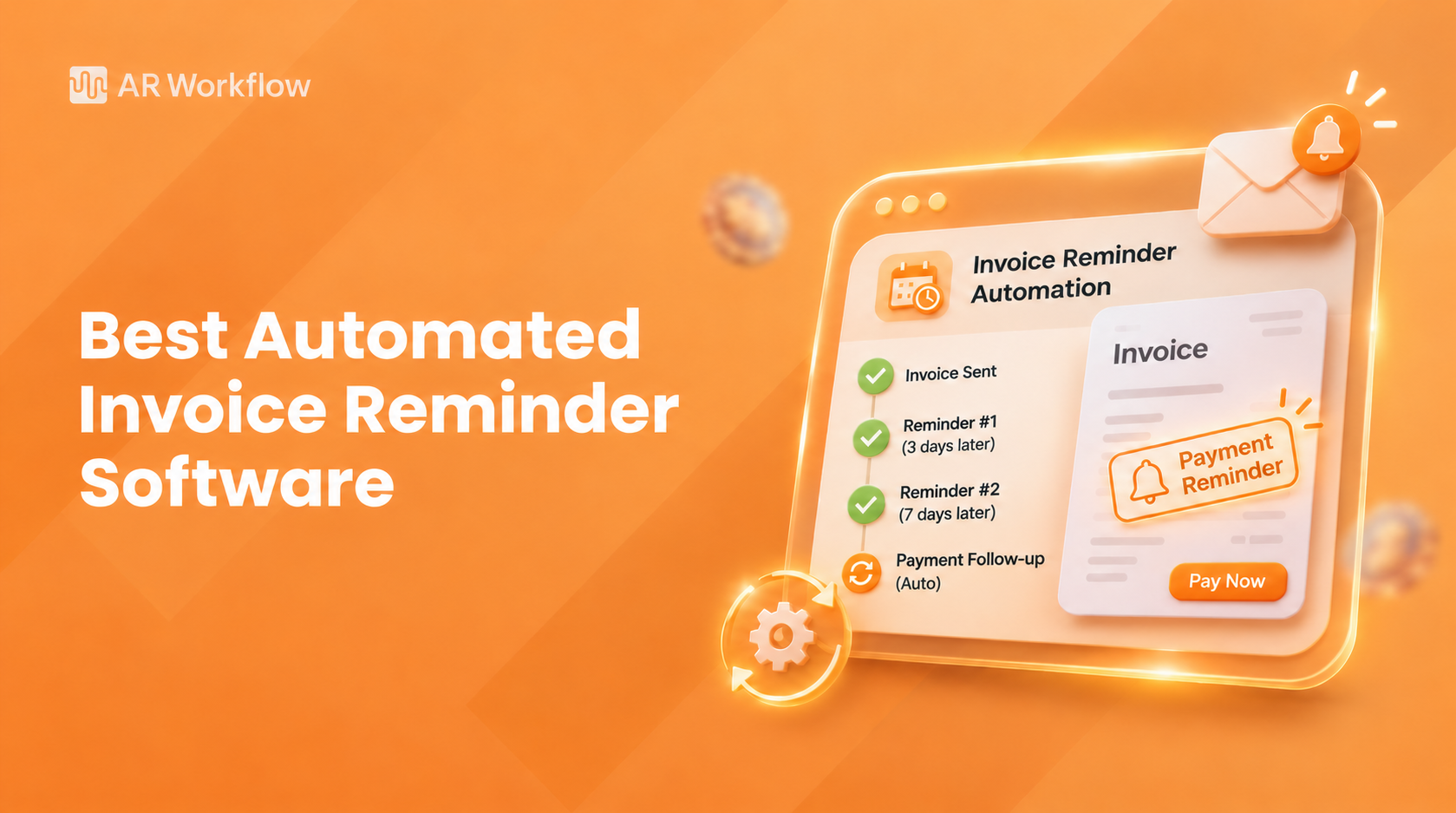
Automated invoice reminder software helps businesses schedule and send payment reminders to customers based on invoice due dates and payment status.
For example, a business might schedule an email three days before an invoice is due. If the customer hasn't paid a week after the deadline, the software can send another reminder without someone having to check the invoice and write a new message.
The exact process, however, depends on the platform. Some tools focus on email reminders, while others also support SMS and more detailed collection workflows.
Since invoice reminder software offers different features and capabilities, it's important to understand which platforms can support your industry's billing and payment collection needs.
With those differences in mind, here are the top seven automated invoice reminder software platforms and how businesses in different industries use them.
|
Platform |
Overview |
Key features |
Pricing |
|
AR Workflow |
Accounts receivable (AR) and collections platform for restoration contractors. |
|
|
|
Cedar |
Patient financial engagement platform for healthcare providers. |
|
Does not list pricing publicly. |
|
Ignition |
Client engagement and billing platform for professional services. |
|
|
|
LumiCashflow |
Accounts receivable collections software for wholesale distributors. |
|
$399/month |
|
Buildium |
Property management and rental accounting software. |
|
|
|
Productive |
Agency management platform with project billing tools. |
|
|
|
Alternative Payments |
B2B payment and collections platform for IT services. |
|
|
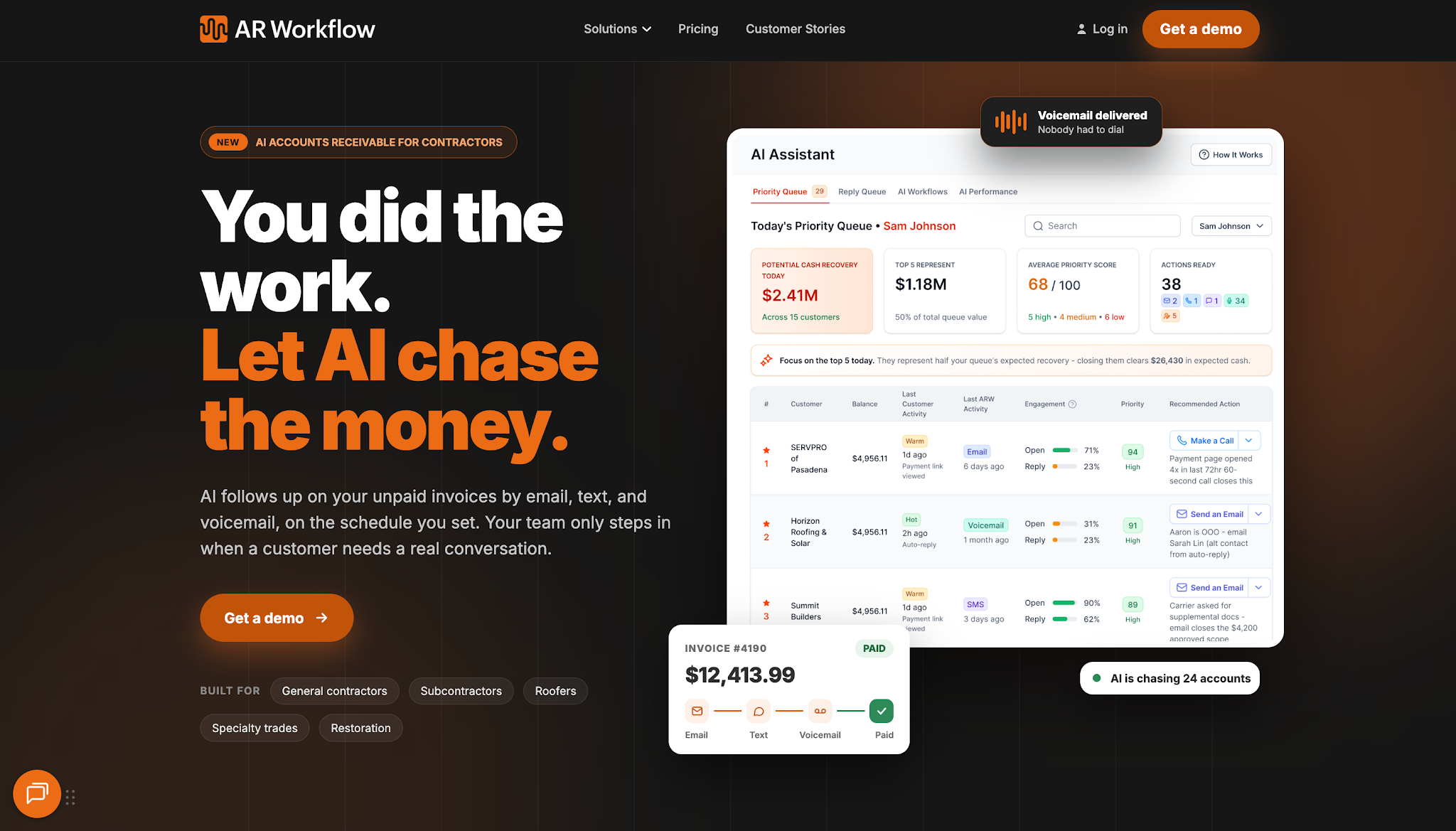
AR Workflow helps disaster restoration contractors, including water damage, fire restoration, and mold remediation businesses, automate accounts receivable management and payment collections.
It helps these businesses manage outstanding invoices and automate collection follow-ups through email and SMS. Contractors can also use the platform to track customer payments and manage collection activity through their existing QuickBooks-connected workflows.
AR Workflow offers three monthly plans:
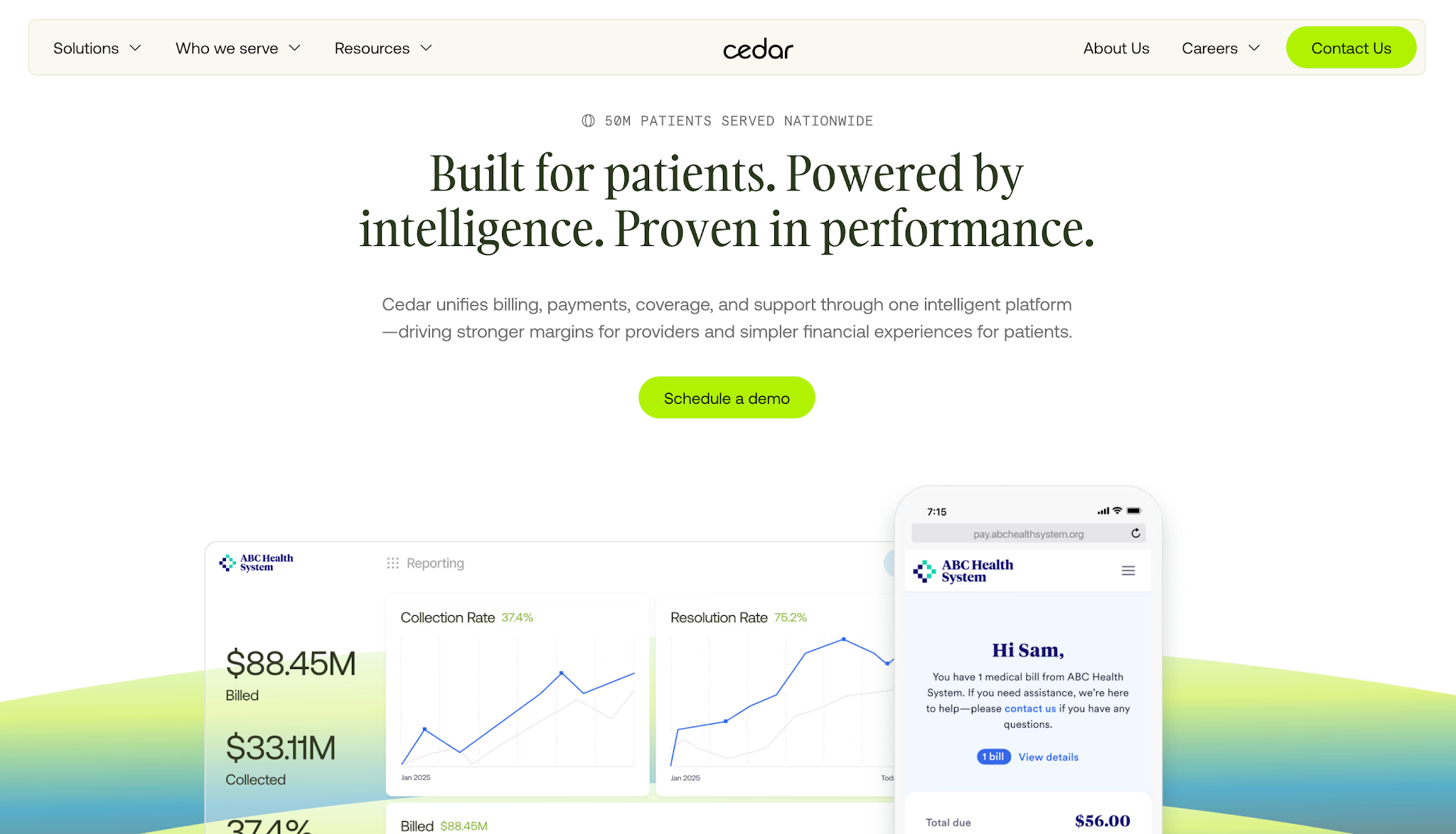
Image source: cedar.com
Cedar is a healthcare financial engagement platform that helps hospitals and healthcare providers manage patient billing and payments.
Its Cedar Pay solution focuses on patient payment communication and gives patients ways to review their medical bills and settle outstanding balances.
Healthcare organizations can use its automated messaging capabilities to manage payment-related reminders while supporting the patient billing experience.
Cedar does not list prices publicly.
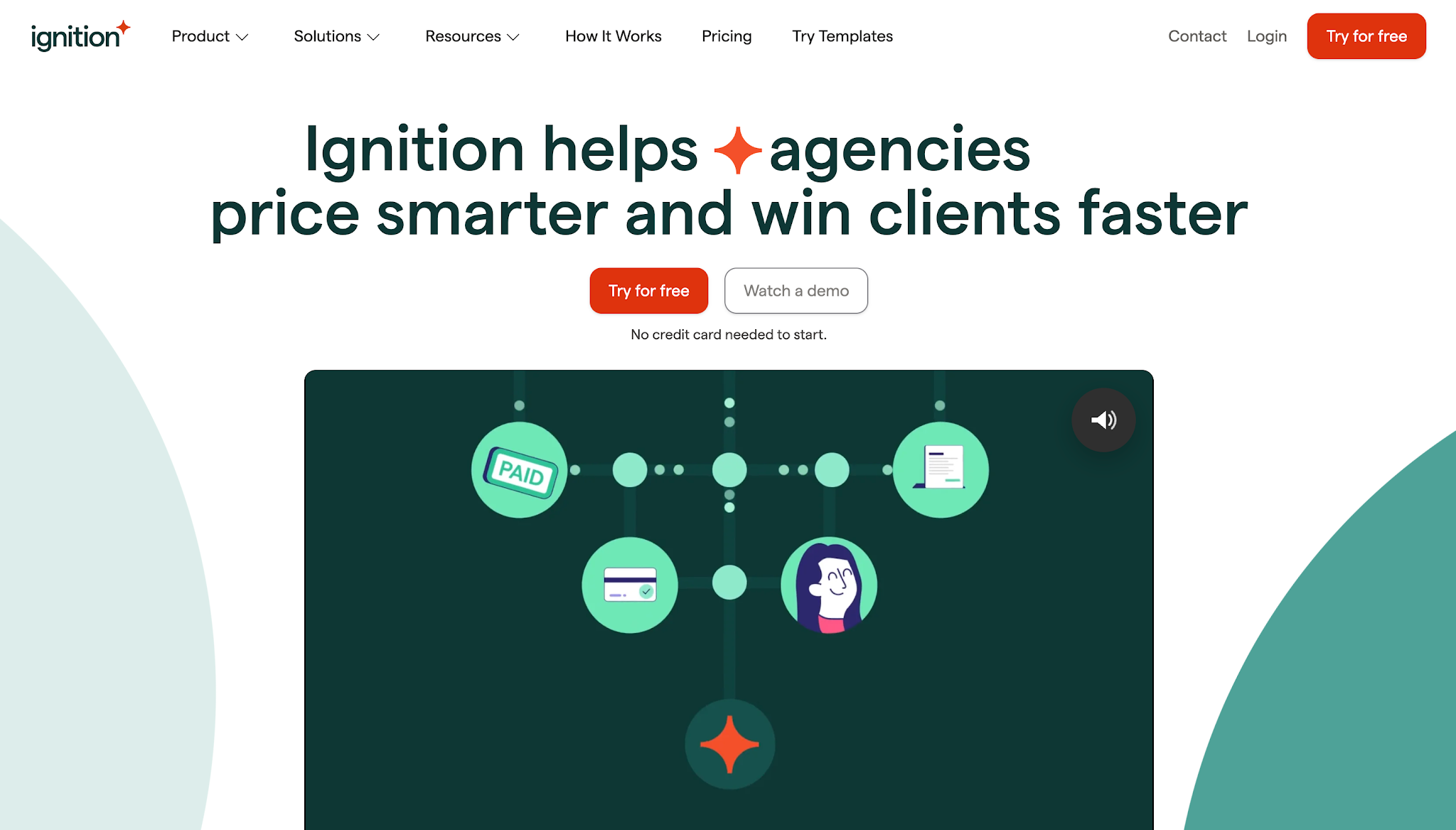
Image source: ignitionapp.com
Ignition is a client engagement and billing platform for professional service businesses, particularly accounting and bookkeeping firms.
It helps firms manage client agreements and collect payments through automated billing processes. Its invoice reminder functionality allows businesses to schedule payment follow-ups for outstanding client invoices.
Ignition offers five subscription options:
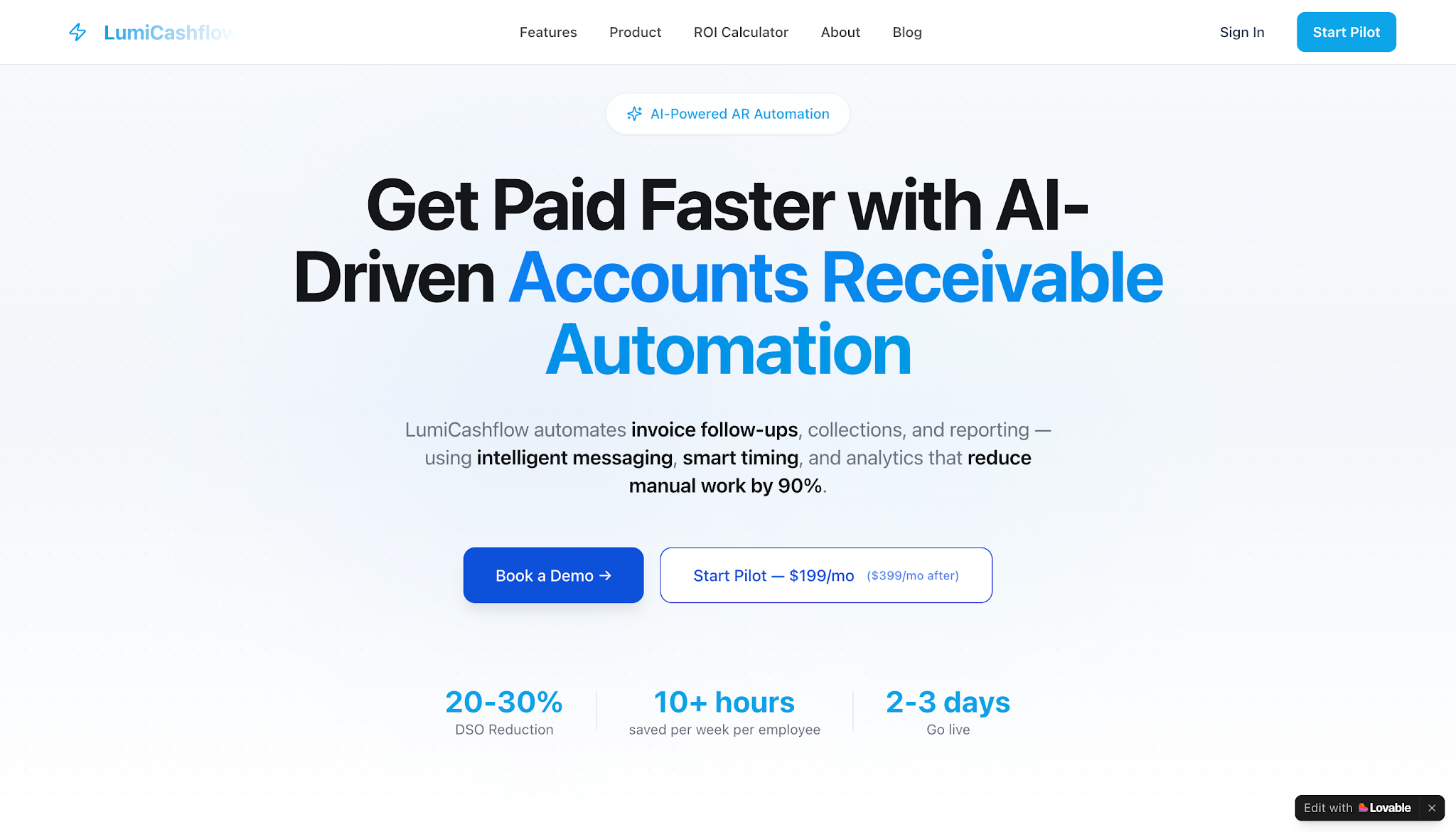
Image source: lumicashflow.com
LumiCashflow is an accounts receivable automation platform designed for wholesale distributors that sell products to business customers on credit.
It helps distribution companies manage outstanding trade invoices and customer payment terms. The platform focuses on automating collection reminders while giving finance teams better visibility into overdue accounts and customer credit status.
LumiCashflow offers a one-tier subscription of $399 per month, which provides access to its collections platform.
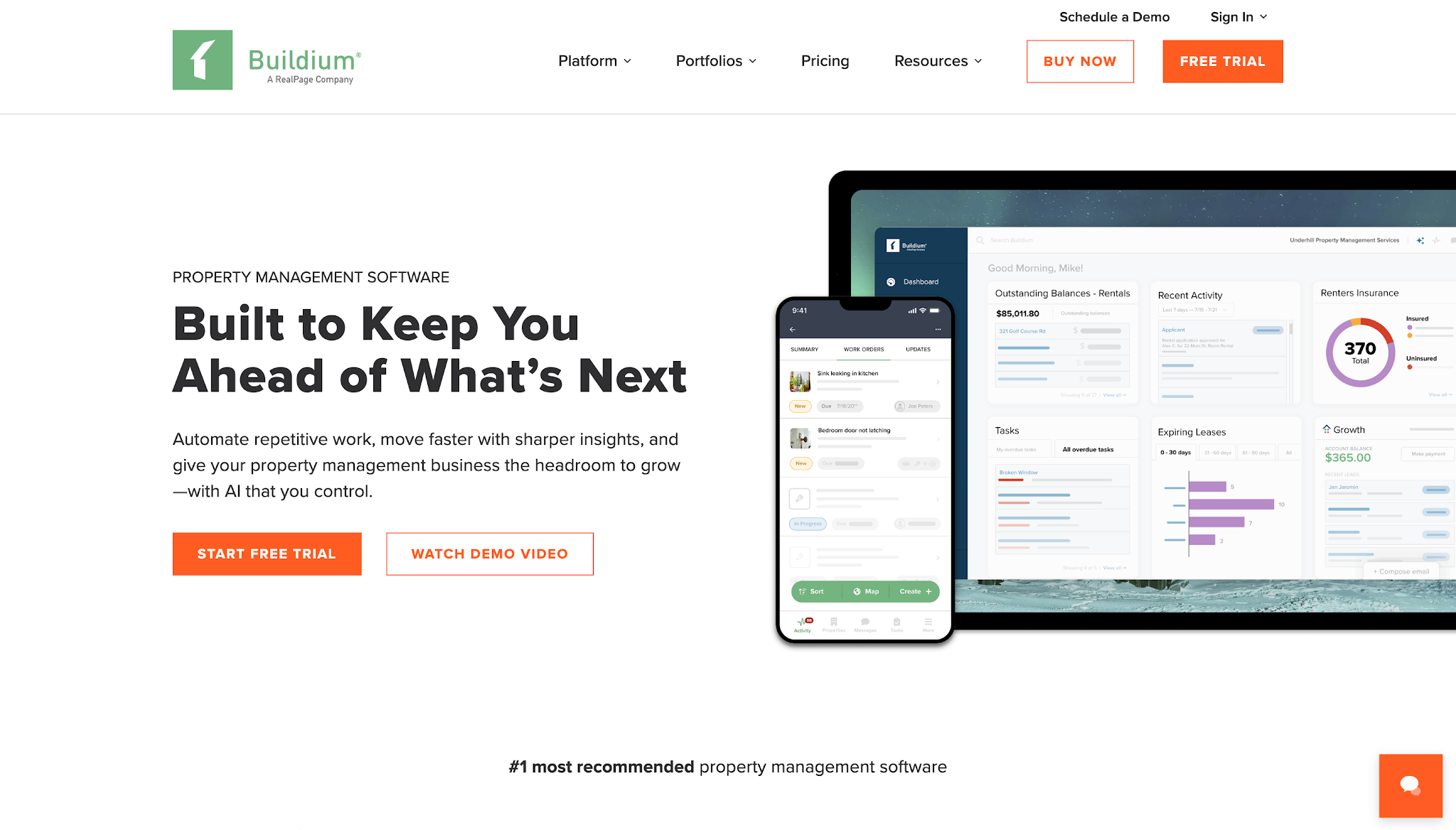
Image source: buildium.com
Buildium is property management software designed for residential property managers and real estate businesses.
It helps property managers handle rental accounting and tenant communications, including rent collection. Businesses can use its payment features to manage recurring charges and send reminders to residents about outstanding payments.
Buildium offers three monthly plans:
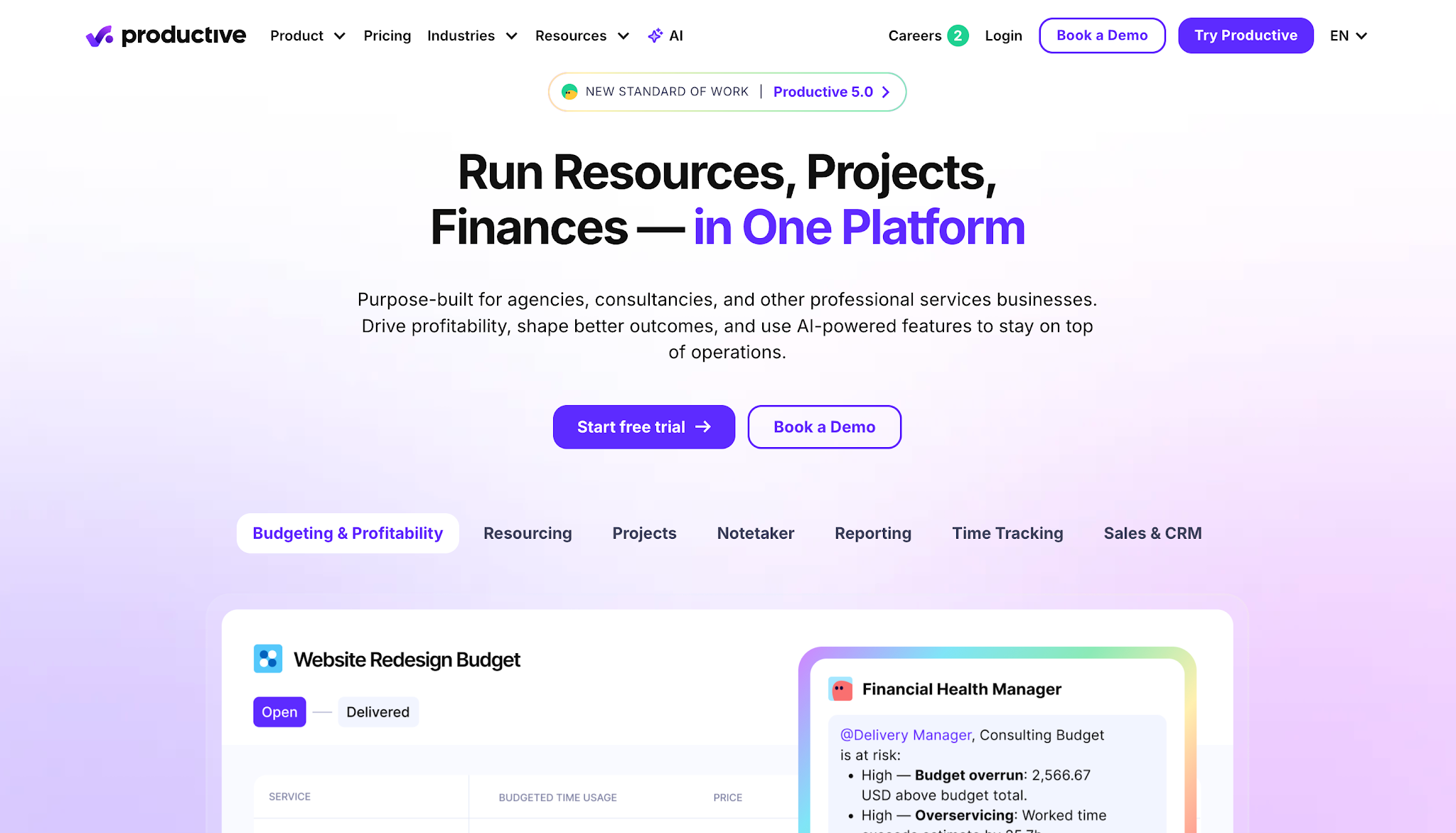
Image source: productive.io
Productive is an agency management platform that helps marketing and creative agencies manage their projects and business finances.
It combines project management with budgeting and invoicing tools. Agencies can use its automated invoice reminder functionality to schedule payment follow-ups for outstanding client invoices, including payments for ongoing retainers and completed projects.
Productive offers three subscription options:
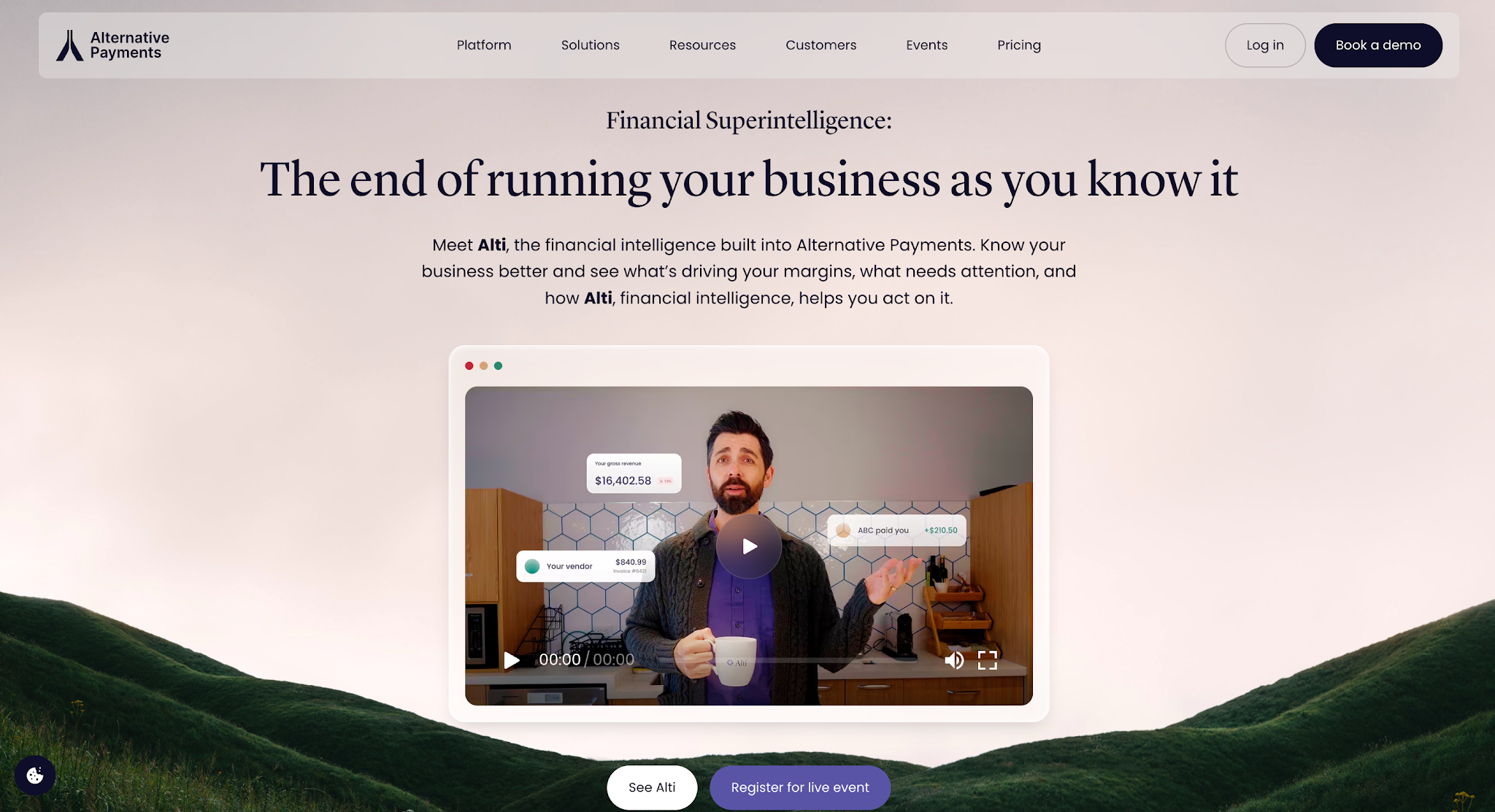
Image source: alternativepayments.io
Alternative Payments is a B2B payment and accounts receivable automation platform that serves managed IT service providers and other service businesses.
It helps these companies manage customer payments and outstanding invoices through automated collections workflows. The platform also integrates with accounting and professional services automation (PSA) systems commonly used by IT service providers.
Alternative Payments offers three accounts receivable subscription options based on monthly payment processing volume:
Choosing the right software starts with understanding how your business handles payments and what you need the software to take care of.
While most platforms can send automatic reminders, they differ in how much control they give you over scheduling and managing unpaid invoices.
Start by looking at how your business bills customers and when you expect them to pay.
For example, property management companies typically collect rent every month, so they need software that can manage reminders for recurring charges.
Contractors, on the other hand, often collect payments after completing a job, which means their reminders need to follow the payment terms of each project.
These differences affect how you should schedule reminders. Before choosing a platform, test whether it can accommodate your billing arrangements without requiring employees to adjust every reminder manually.
Once you know what types of payments you need to manage, consider when and how you want to remind customers about them.
For example, you might want to send early reminders a few days before invoices are due. If the customer doesn't pay by the deadline, you can schedule another message that addresses the overdue balance more directly.
However, not every customer will need the same reminder schedule. Someone who has already agreed to a later payment date shouldn't continue receiving messages based on the original deadline.
Check whether the software allows you to customize reminder timing and message content. It should also give your team a way to pause or adjust reminders when a customer's payment situation changes.
Your reminder software also needs accurate invoice information to know when to contact customers and when to stop.
If your business already uses QuickBooks, for example, check whether the platform can connect to it and retrieve your existing invoice records.
Otherwise, your employees may have to enter the same information into both systems just to automate follow-ups.
Payment updates are equally important. If a customer pays an invoice, the reminder software needs to recognize that change so it doesn't continue requesting payment.
Before choosing a platform, confirm which accounting systems it supports and how it keeps invoice and payment information current.
Even with automatic reminders, some invoices will remain unpaid. Your team still needs a way to identify those accounts and decide what to do next.
For example, if a customer hasn't responded to several reminders, sending another identical email may accomplish little. An employee may need to contact the customer by phone to find out whether there's a payment issue or an invoice dispute.
To manage these situations, look for software that lets employees review previous reminders and customer responses alongside the invoice's current payment status.
If your business handles many overdue accounts, consider whether the platform also supports collection tasks. This gives your team a way to organize the accounts that need personal attention after the automated reminders have gone out.
Automated invoice reminder software works best when it supports the way your business already manages customer payments.
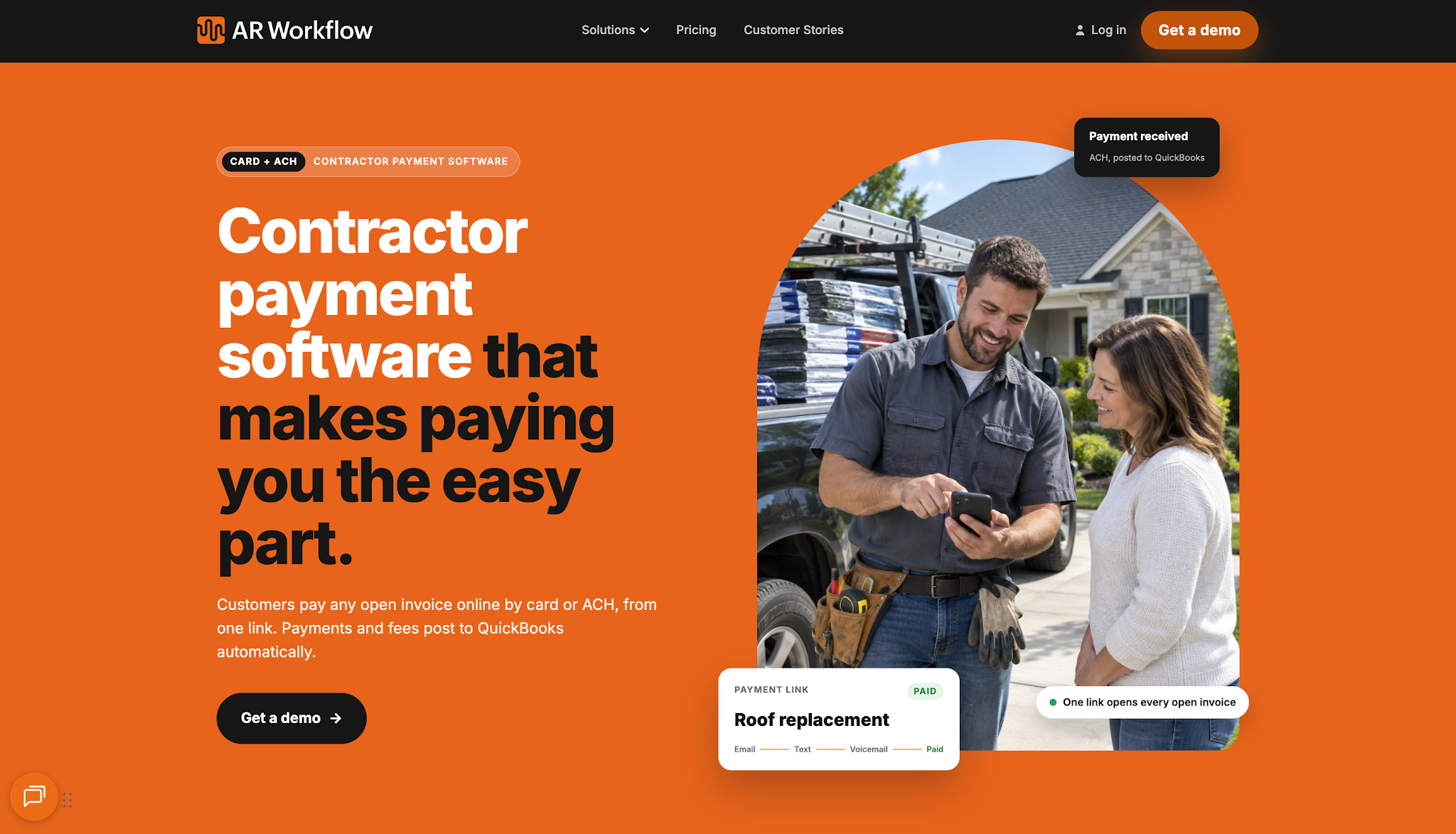
So if you're a restoration contractor looking for an efficient way to manage your collection process, AR Workflow is a great place to start.
It helps your team maintain regular follow-ups on outstanding invoices and keeps your collection activity organized, so your team can spend less time sending repetitive reminders and more time resolving payment issues that need attention.
Ultimately, the goal isn't to send more reminders. It's to make sure each reminder serves a purpose and helps move an outstanding payment toward resolution.
Whatever industry you're in, choose a platform that gives your team a clear next step when an invoice remains unpaid, so your collection process doesn't end with another unanswered email.
Businesses should base their reminder frequency on their payment terms and customer circumstances. For example, they can send a courtesy reminder shortly before the due date, followed by another message several days after the invoice becomes overdue.
However, if a customer has already agreed to a different payment schedule or raised a dispute, the business should take that into account before sending another reminder.
Yes. Zoho Invoice allows businesses to set automatic reminders based on invoice due dates or expected payment dates. Users can customize the email content and choose how many days before or after the due date the system should send a reminder.
Small service businesses with a limited number of invoices may find the reminder features in their existing accounting software sufficient. Dedicated software becomes worth considering when employees spend substantial time managing overdue invoices or need more control over their collections process.
Yes. Platforms with customizable reminder schedules let businesses adjust follow-ups according to different payment terms.
For example, a wholesale distributor might use separate schedules for customers with Net 30 and Net 60 arrangements, so the software doesn't treat their invoices as overdue on the same date.
Yes. Businesses can configure reminder sequences that continue after an invoice's due date when payment remains outstanding. More comprehensive platforms also help employees review collection activity and decide when an unpaid account requires personal follow-up.
Related reading
Your invoice, not a feature tour.
Bring one overdue invoice to a demo and see what AR Workflow would send, when, and how your customer would pay.
Sam owned and ran three restoration companies for more than 14 years and collected over $100 million in receivables. He built AR Workflow in 2020 to give contractors the collections system he wished he'd had.

AI writes the emails, sends the texts, and leaves the voicemails. Your team handles the conversations that matter, and your cash keeps moving.
 Keep QuickBooksStart with one invoiceStay in control

 Log in