
 Log in
Contractor payment software that makes paying you the easy part.
Customers pay any open invoice online by card or ACH, from one link. Payments and fees post to QuickBooks automatically.
Get a demo
WHY PAYMENTS STALL
Half of slow payment is just how hard it is to pay.
A lot of overdue invoices aren't a refusal to pay. The customer meant to mail a check and didn't, didn't want to read a card number over the phone, or had three invoices and wasn't sure which was which. Every extra step between "I should pay that" and "paid" is a chance to slip another week.
- Checks and phone paymentsMailed checks wait in the mailbox. Card numbers read over the phone are a hassle and a security headache.
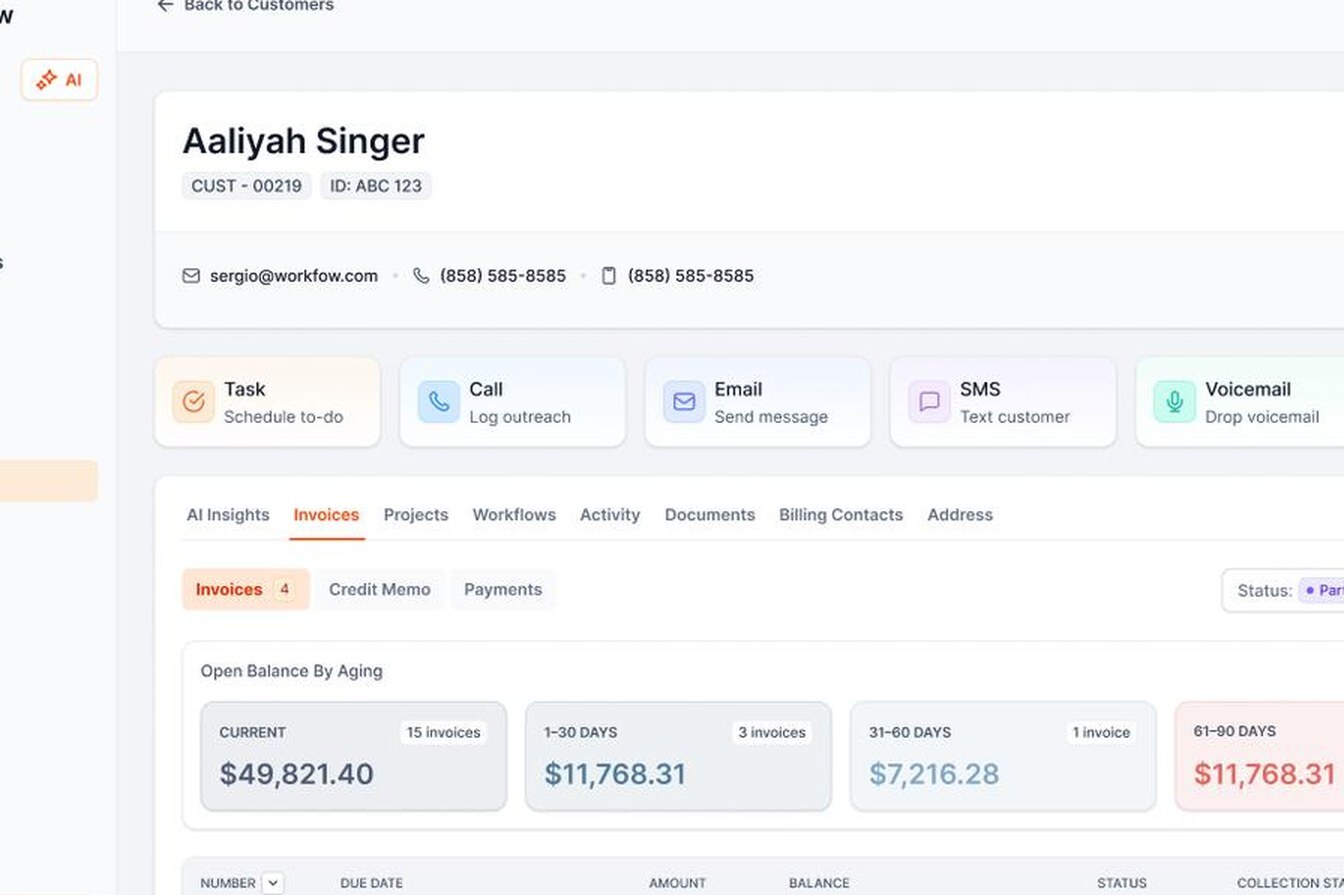
- Too many invoices, no clear totalCustomers with several jobs don't know what they owe in total, so they wait to sort it out.
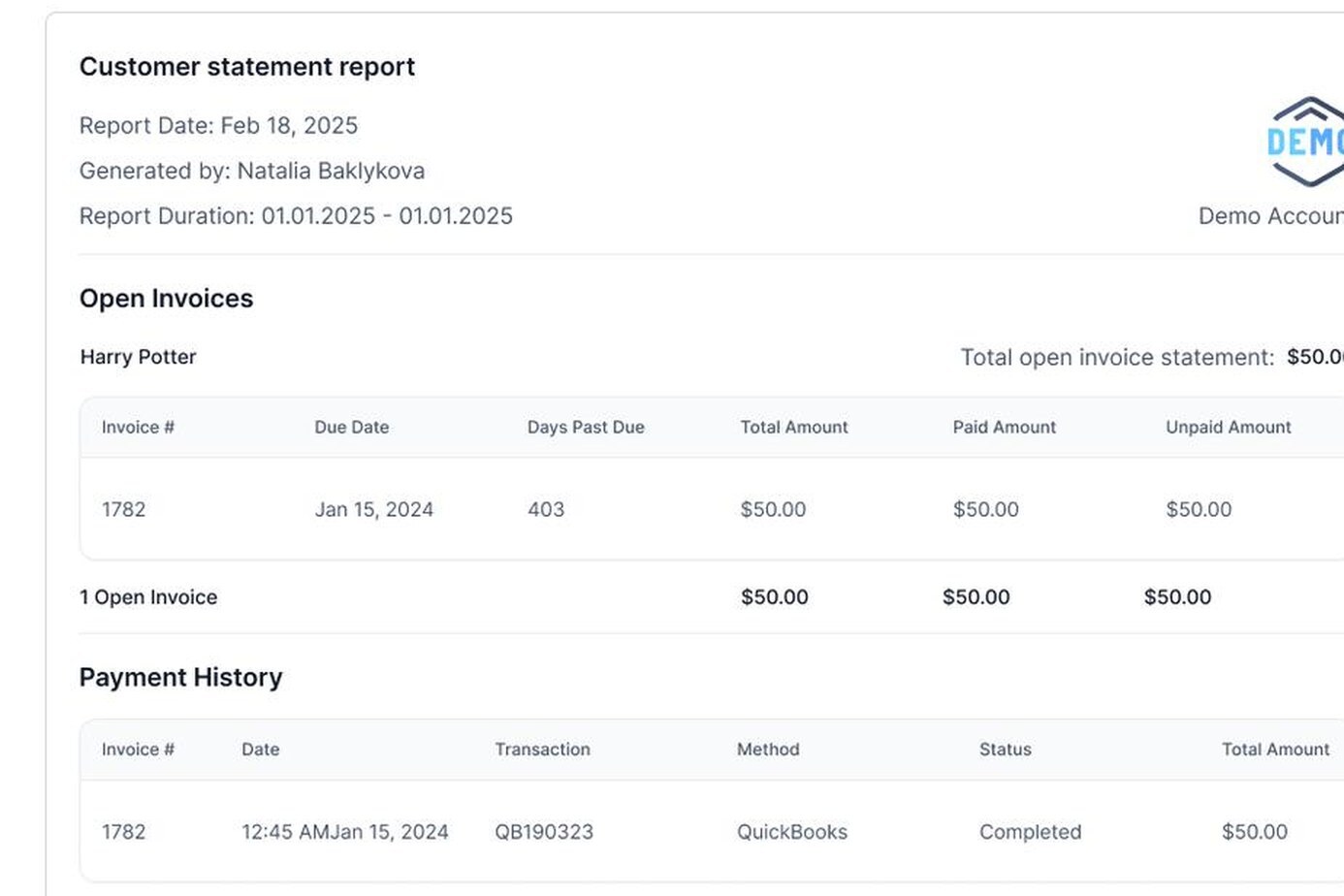
- Manual postingPayments and fees get typed into QuickBooks by hand, and reconciling deposits eats part of every month.
INSIDE AR WORKFLOW
Take a payment, or set up a plan that charges itself.
When the honest answer is "I can't pay all of it this month," a payment plan turns that into a schedule instead of a stalemate. Installments by card or ACH charge on the agreed dates, post to QuickBooks and pause follow-up while the plan is on track. If a scheduled charge fails, it isn't retried automatically. Your team sees it and follows up.
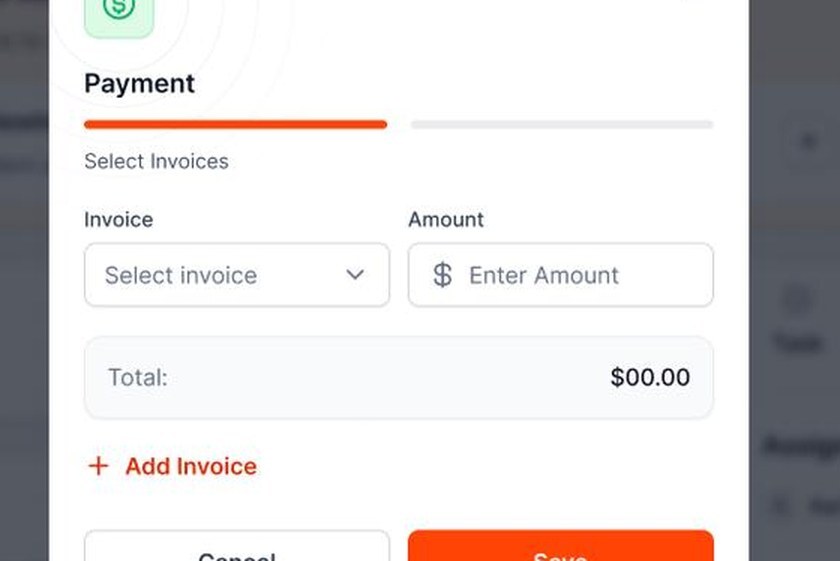
Apply one payment to several invoices
Pick the invoices, enter the amount, save. It lands in QuickBooks.
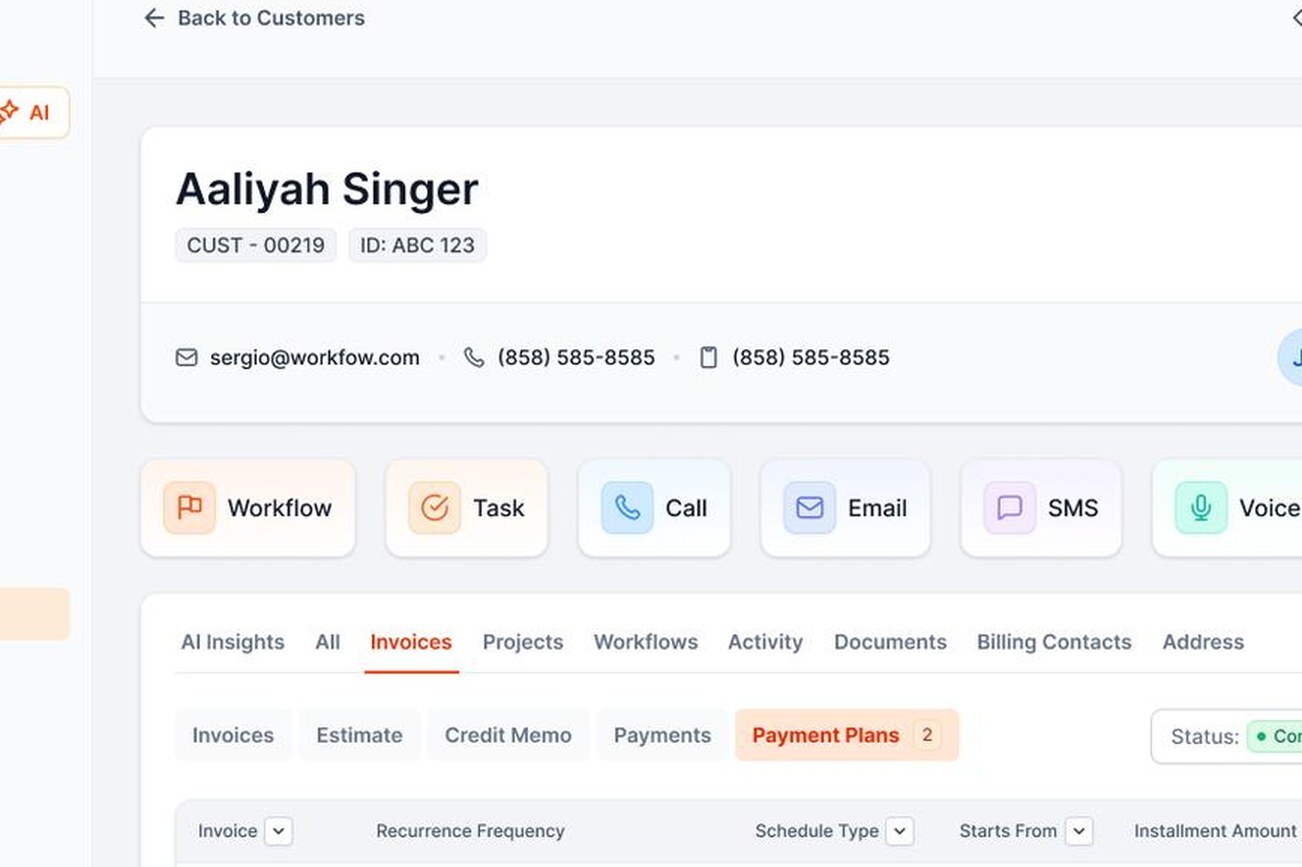
Payment plans on the account
One-time or recurring installments, logged on the customer's timeline.
THE BACK OFFICE
Refunds, disputes and deposits, handled.
Taking payments is only half of it. Your bookkeeper keeps working in QuickBooks. They just stop keying in payments.
- RefundsIssued inside AR Workflow, recorded against the original payment.
- Disputes and chargebacksTracked in one place, with room for signed authorizations, photos and invoices as evidence.
- Deposits viewEvery payout with gross, fees and net, so matching bank deposits is quick.
- Payment historyOn every customer and invoice.
- Two-way QuickBooks syncA check recorded in QuickBooks also stops the reminders.

YOUR INVOICE, NOT A FEATURE TOUR
Bring us one overdue invoice. We'll send you the payment link.
On the demo we set up a payment link for one of your real overdue invoices. You'll see:
- 1Exactly what your customer sees
- 2What your team sees
- 3How the payment lands in QuickBooks

YOUR OPEN INVOICE
Past due[YOUR BALANCE]
 Status requestEmail
 Second touchText
 Still openVoicemail
Payer can pay by card or ACH

Paid
Posted to QuickBooks
FAQ
Contractor payment FAQs
What is contractor payment software?

Contractor payment software lets your customers pay invoices online, usually by card or ACH, and records those payments in your accounting system. AR Workflow combines payments with collections, so the same system that reminds the customer also takes the payment and updates QuickBooks.
Can customers pay by ACH?
Yes. Customers can pay by ACH bank transfer or by credit or debit card from the same payment page.
Can my customers cover the card processing fee?
Yes, you can turn on an optional convenience fee so the customer covers processing and you receive the full invoice amount. Rules vary by state and card network, so check what applies to you first.
Can customers make partial payments?
Yes. The payment page lets customers pay part of a balance, and the remaining amount stays open with follow-up continuing.
How do payments get into QuickBooks?
Automatically. Each payment applies to the right invoice in QuickBooks Online, and processing fees are booked too.
How fast do I get my money?
Card payments typically reach your bank faster than ACH payments. We'll go over current payout timing on your demo.
Do I have to use a specific processor?
Yes. AR Workflow payments run through Finix, and you'll set up a merchant account with them during onboarding. That's what lets payments, fees and reminders all stay in sync.
Can customers pay from their phone?
Yes. The payment page works on any phone. Most customers tap the link straight from a text reminder and pay right there, without creating an account.
Can I send a payment link without starting a reminder workflow?
Yes. Send a link any time from the customer's account, by email or text. It still opens all of their open invoices, and the payment still posts to QuickBooks.
What's the best way for contractors to accept payments?
Offer an online payment link for card and ACH on every invoice and reminder, and keep checks as a backup. That gives customers the easiest option and keeps payments posting to QuickBooks automatically.
Is ACH cheaper than credit cards for contractors?
Usually, yes. ACH fees are typically lower than card fees, which matters on large invoices. We'll go over current rates on your demo.
Can I take a deposit online?
Yes. Create the deposit as its own invoice and send the payment link. Check your state's rules on deposit size for home improvement work first.
Is there a contractor payment app for my phone?
Customers don't need an app. They pay from a link that works on any phone. Your team manages payments, refunds and payment plans from AR Workflow in the browser.
How much does AR Workflow cost?
Plans are $295, $395 and $495 per month, plus standard processing fees on payments. See pricing. There's no free trial. We'll set it up with you on a demo.

Make paying you the easiest thing on their list.
See a payment link built for one of your own overdue invoices.
 Keep QuickBooks
- Start with one invoice
- Stay in control