6 Best Accounts Receivable Tracking Software Tools in 2026: 1. AR Workflow 2. Chaser 3. Upflow 4. QuickBooks Online 5. Tesorio 6. Versapay.

There's a difference between knowing how much money your customers owe and knowing what's happening with that money.
Your accounting software might show you the outstanding balance, but can your team quickly tell which invoices need attention or what's stopping payment from coming through?
Accounts receivable (AR) tracking software can help you track these kinds of details, with some AR automation software solutions offering additional visibility into invoice statuses, payment activity, and collection progress."
In this guide, we'll compare the six best accounts receivable tracking software tools for 2026, focusing on their tracking capabilities and how businesses can use them to manage collections.
KEY TAKEAWAYS
Here are the six best accounts receivable tracking software platforms for 2026:
Unlike accounts payable, which tracks money your business owes, accounts receivable (AR) tracking software helps you monitor the money customers still owe after you've issued an invoice.
It keeps track of outstanding balances and payment activity so employees can see which invoices remain unpaid and how much they still need to collect.
Depending on the platform, it can also help teams monitor overdue accounts and maintain records of previous collection activity.
For example, an office manager at a restoration company might need to check whether a customer has made a partial payment or whether someone has already contacted them about an overdue invoice.
AR tracking software helps employees find this information without having to piece together records from different places.
Some accounting platforms can simplify invoicing and provide basic accounts receivable tracking. But dedicated accounts receivable automation software may offer additional tools to organize collection work and manage outstanding accounts.
The difference all boils down to what your business needs to manage.
Now that we've covered what AR tracking software does, let's look at how existing platforms execute it differently.
|
Platform |
Overview |
Key features |
Pricing |
|
AR Workflow |
AR tracking and collections management software for disaster restoration companies. |
|
|
|
Chaser |
AR management software focused on overdue invoice tracking and payment follow-ups. |
|
|
|
Upflow |
B2B AR management platform focused on receivables analytics and collection reporting. |
|
No public pricing. |
|
QuickBooks Online |
Accounting software with basic invoice tracking and AR reporting. |
|
|
|
Tesorio |
AR automation platform focused on prioritizing outstanding collection accounts. |
|
No public pricing. |
|
Versapay |
B2B AR platform focused on payment commitments and customer collaboration. |
|
No public pricing. |
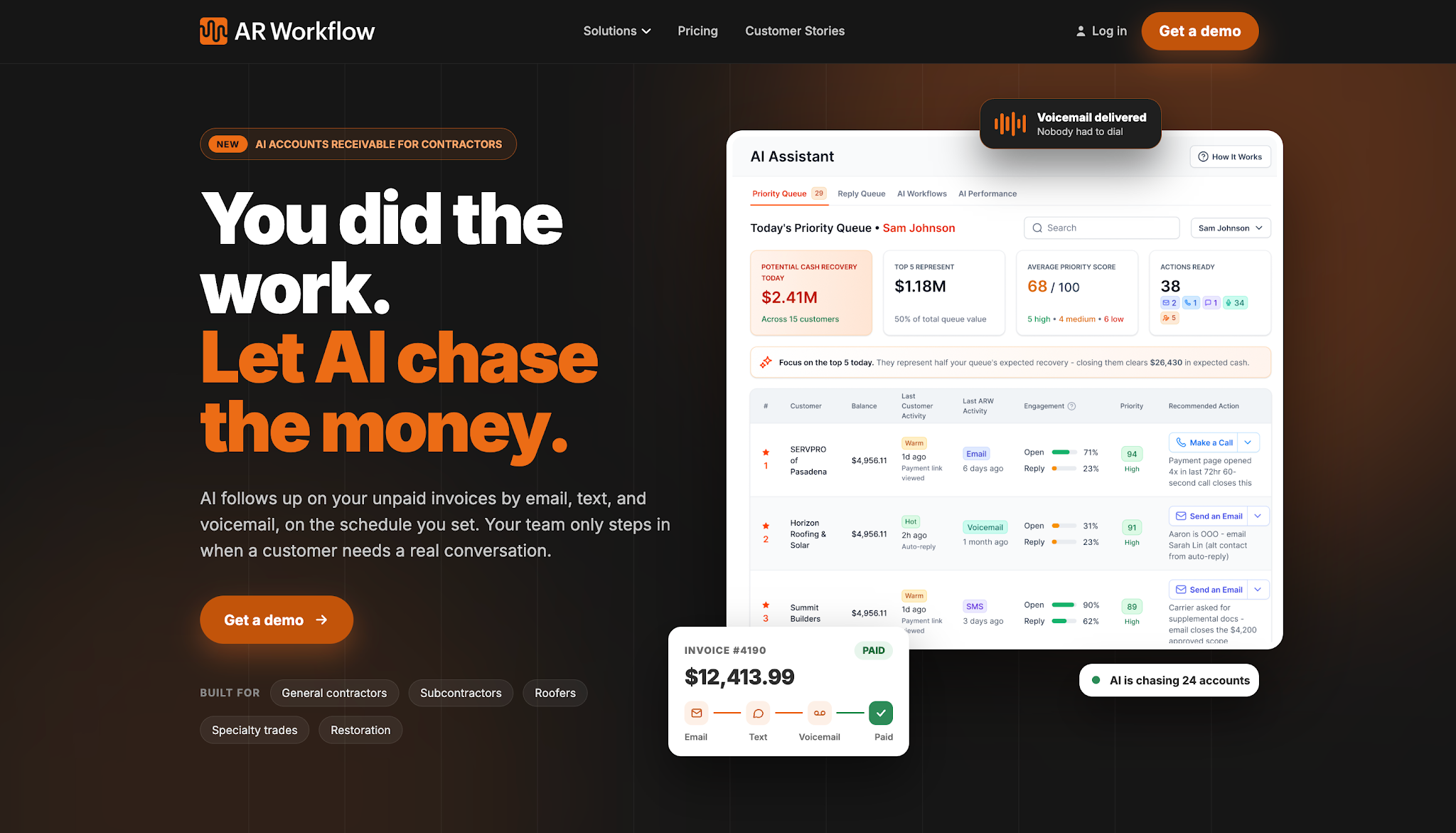
AR Workflow is an accounts receivable software platform built specifically for disaster restoration companies.
It combines invoice tracking with collections management, helping restoration businesses monitor outstanding payments and keep track of the work their employees do to collect them.
AR Workflow offers three monthly plans:
AR Workflow helps restoration companies track outstanding invoices while keeping their collection activities organized.
Its tracking features give employees access to unpaid invoice balances and previous collection records, so they can understand what's happening with each account before deciding what to do next.
The platform also helps managers assign collection tasks and monitor who's responsible for contacting customers. Employees can review previous communications and payment commitments before following up on an overdue invoice.
For routine collections, AR Workflow lets businesses schedule automated reminders through email and SMS according to their collection policies.
This reduces manual AR tasks like sending payment reminders while helping the team maintain regular communication with customers about outstanding payments.
AR Workflow also connects with QuickBooks Online, allowing restoration companies to manage collections alongside their existing accounting records.
With invoice tracking and collection management in one place, employees can spend less time checking separate records and more time working toward collecting outstanding payments.
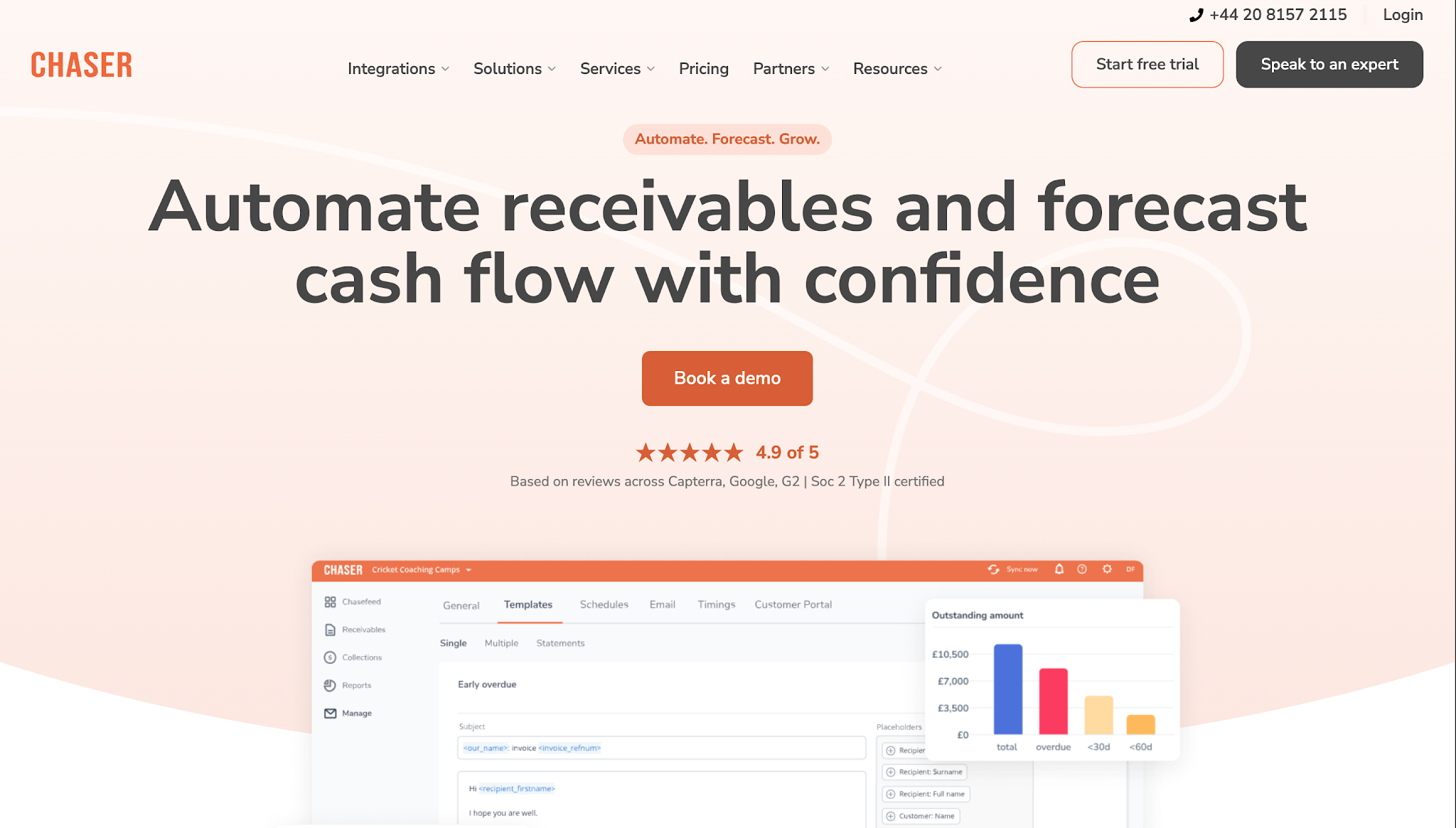
Image source: chaserhq.com
Chaser is accounts receivable management software that helps businesses track overdue invoices and manage payment follow-ups.
It focuses on invoice-level collections tracking, allowing finance teams to monitor unpaid balances and maintain records of their communications with customers.
Chaser publishes the following monthly starting prices:
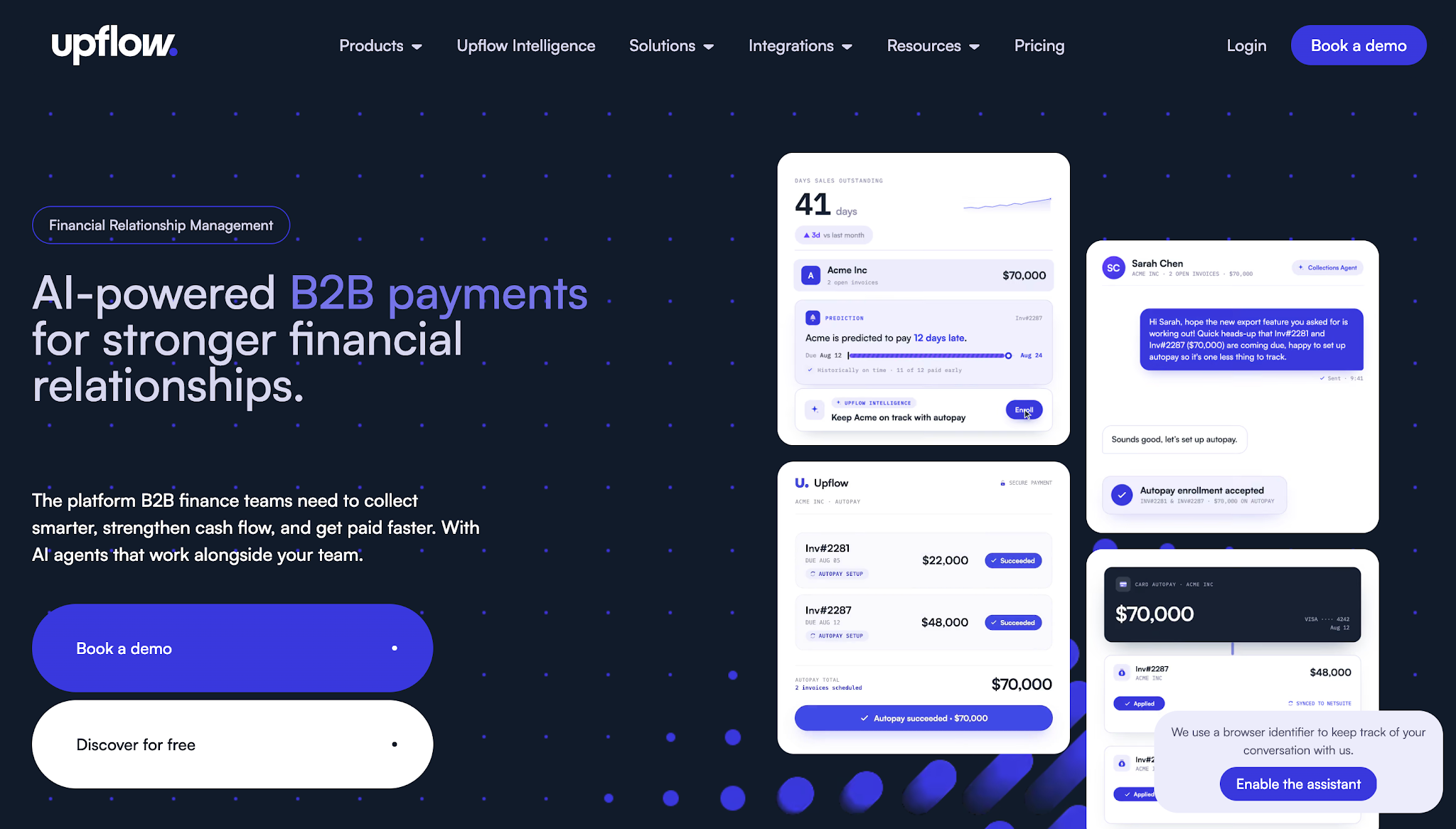
Image source: upflow.io
Upflow is a financial relationship management and accounts receivable platform that helps B2B finance teams monitor receivables and manage customer payments.
Upflow also helps finance leaders examine their overall AR performance. While invoice tracking tells employees which customers owe money, Upflow also helps finance leaders examine trends in outstanding balances and collection results.
Upflow does not list prices publicly.
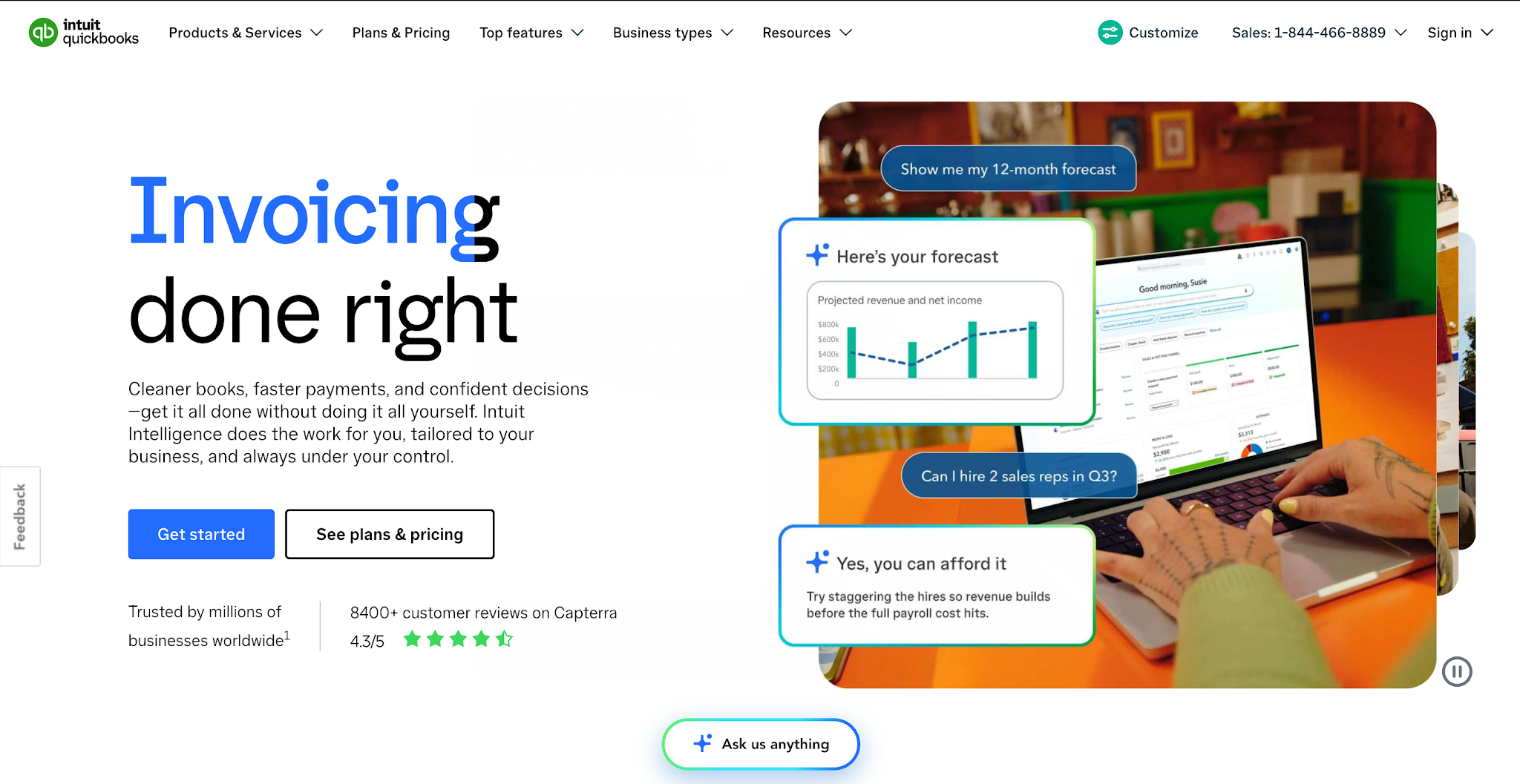
Image source: quickbooks.intuit.com
QuickBooks Online is accounting software that helps businesses manage their daily financial operations, including customer invoices and payments.
Because accounts receivable forms part of those accounting records, businesses can also use QuickBooks to monitor outstanding invoices and generate AR reports.
It's best for businesses that want to track receivables within the accounting system they already use.
QuickBooks Online offers the following subscription plans:
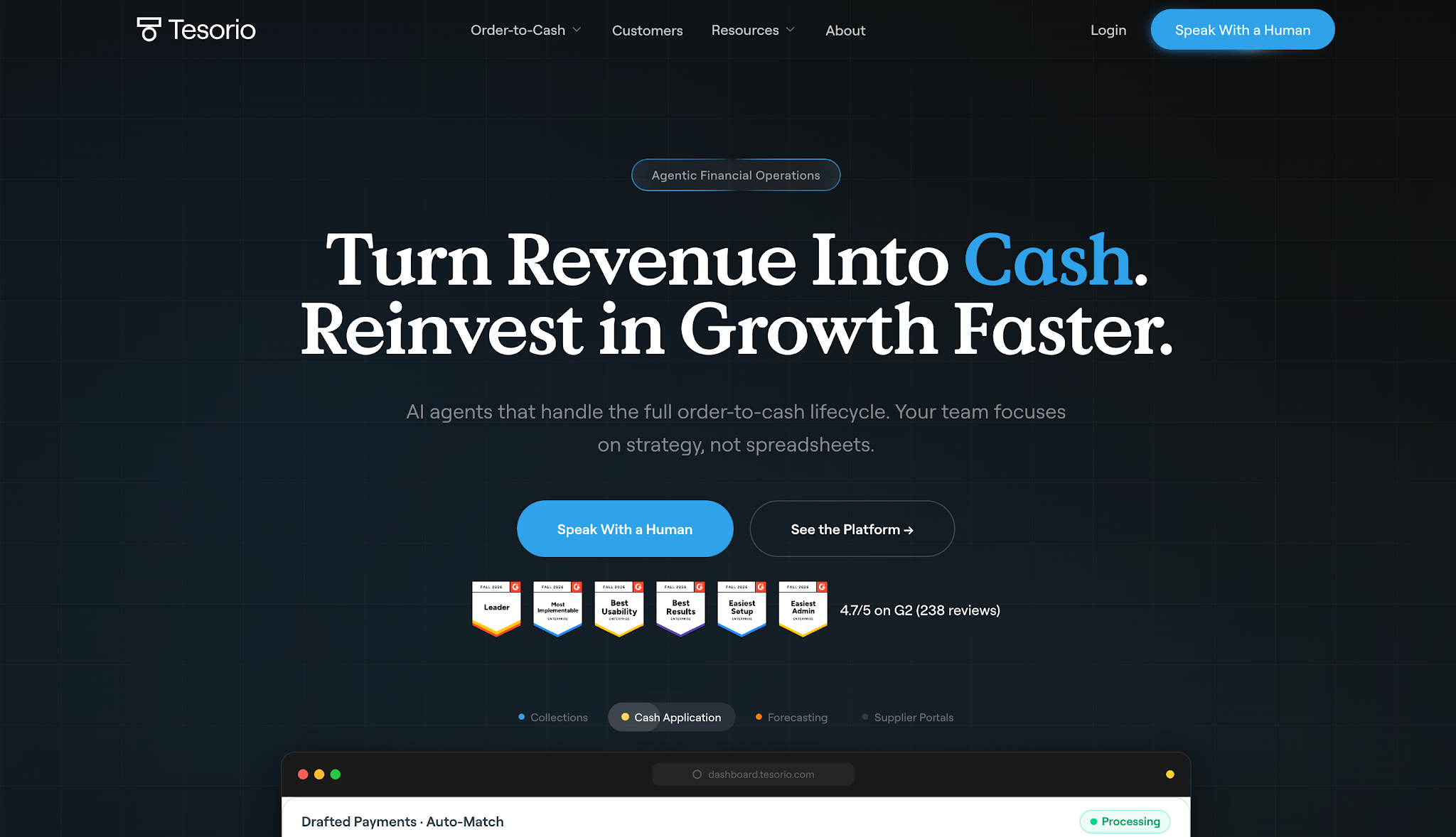
Image source: tesorio.com
Tesorio is an accounts receivable automation platform for B2B finance teams managing outstanding invoices and collection activities.
Its Collections Agent focuses on helping employees identify which accounts need attention based on invoice information and customer payment behavior.
This approach suits businesses that manage substantial receivables portfolios and need to organize collection work according to account risk and payment activity.
Tesorio does not list prices publicly.
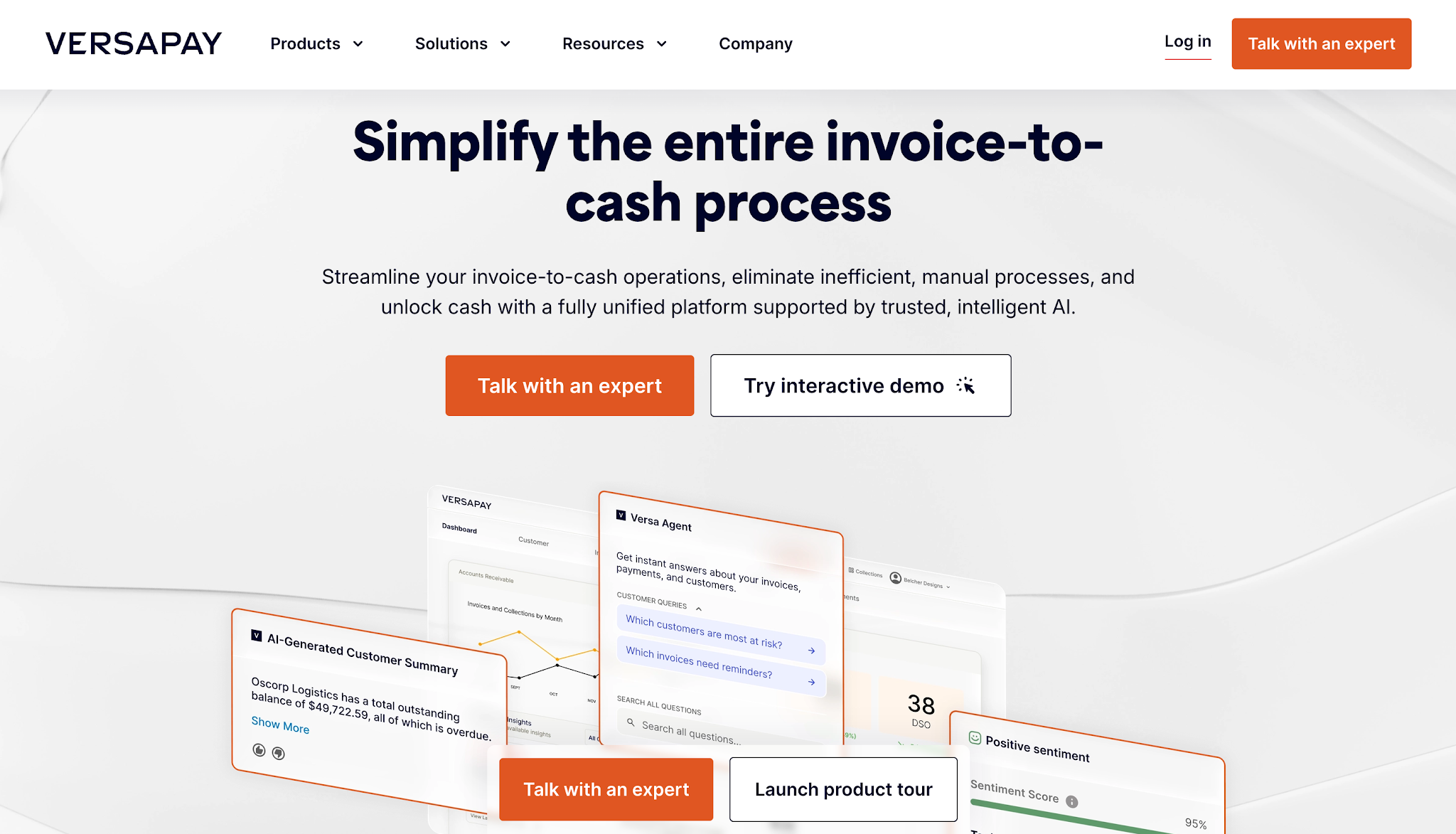
Image source: versapay.com
Versapay is a B2B accounts receivable automation platform that helps businesses manage invoicing, payments, and collections.
Its collaborative AR capabilities give companies a way to work through invoice questions and payment issues with their customers.
When it comes to tracking, Versapay stands out for its Promise to Pay feature, which helps employees monitor customer commitments to settle outstanding balances.
Versapay does not list prices publicly.
Now that we've compared the top six platforms, the next step is understanding which tracking capabilities your business needs. Here are four areas to keep an eye on.
Invoice status tracking gives your team a clear view of which invoices remain unpaid and how much customers still owe. It also helps employees keep track of partial payments so they know the exact balance they need to collect.
AR aging reports help your team understand how long those balances have remained outstanding. They typically group overdue invoices into aging periods, such as 1–30, 31–60, and 61–90 days past due.
Together, these features help employees understand both the amount customers owe and how long they've been waiting for payment.
For example, a restoration company with several outstanding invoices can quickly identify which customers have balances that are more than 60 days overdue. Employees can then review those accounts more closely and determine which ones need attention.
When comparing software, having access to both an overall aging report and individual invoice details helps your team monitor outstanding receivables without manually checking every payment record.
Knowing how much a customer owes is important, but your team also needs to understand what has happened with the account since issuing the invoice.
Payment history tracking lets employees in the accounting department review previous transactions and confirm whether customers have already made payments toward their outstanding balances.
Customer communication records provide additional information about previous collection attempts and customer responses.
For example, a customer might have paid part of an invoice but requested supporting documentation before paying the remaining amount.
If your team can review that conversation, they'll understand why the invoice remains unpaid and what they need to address before contacting the customer again.
These records can also include payment commitments, such as when a customer promises to settle an outstanding balance by a certain date.
Having this information available helps employees avoid repeating previous conversations and manage customer follow-ups based on the account's actual situation.
Tracking outstanding invoices also means keeping track of the collection work your team needs to complete.
Collection task tracking allows managers to assign overdue accounts or specific collection activities to employees. Follow-up tracking helps everyone see which actions employees have completed and which still need attention.
For example, if a customer disputes an invoice charge, an office manager can assign the issue to an employee who can review it. The team can then keep track of who's handling the concern and when they need to contact the customer again.
This becomes increasingly important as transaction volume grows and more employees share collection responsibilities.
Without a clear record of assignments and previous activity, employees might contact the same customer twice or overlook an account that still needs attention.
That's why software that tracks collection responsibilities and scheduled follow-ups helps employees coordinate their work and maintain a more consistent collections process.
AR tracking depends on accurate invoice and payment information.
If your business records payments in an accounting system, your tracking software needs a dependable way to receive those updates.
Otherwise, an employee could contact a customer about an amount they've already paid.
For example, when a customer pays $8,000 toward a $20,000 invoice, the tracking system should reflect the remaining $12,000 after it receives the updated transaction.
Before choosing a platform, check whether it connects with your existing ERP or accounting software.
You should also understand how often it updates invoice records and what happens when synchronization fails.
Accurate information helps employees make collection decisions using the customer's current balance.
Having accurate records helps your team understand what's happening with outstanding invoices. However, employees still need to act on that information to collect payments.
For example, your AR tracking software might show that an invoice is already 15 days overdue and that nobody has contacted the customer about it yet. Someone on your team still needs to send a reminder and record what happens afterward.
Automated accounts receivable software helps reduce that manual effort by handling routine collection activities according to the rules your business sets.
If your company sends payment reminders after an invoice reaches a certain overdue period, an automation platform can schedule those messages without requiring an employee to initiate every one.
So while AR tracking software helps your team monitor outstanding invoices and collection activity, AR automation software also helps carry out the recurring tasks involved in collecting those payments.
Here's how their capabilities generally differ:
|
AR Tracking Software |
AR Automation Software |
|
Shows outstanding invoice balances and payment statuses |
Sends scheduled reminders based on invoice status or payment terms |
|
Tracks overdue periods through aging reports |
Initiates follow-ups when invoices reach specified overdue periods |
|
Maintains customer communication and collection records |
Automates recurring collection communications based on configured rules |
|
Helps employees identify outstanding collection tasks |
Reduces the number of routine follow-ups employees need to initiate manually |
Many modern AR platforms support both tracking and automation within accounts receivable processes, so you don't necessarily need separate software for each.
What matters is how much of your collections process your team needs help managing. If employees mainly struggle to keep track of invoices and previous collection activity, tracking features may be enough.
If they're also spending too much time sending reminders and managing recurring follow-ups, automation can help reduce that work.
Knowing which features to look for is only the beginning.
Before investing in AR tracking software, you should test how well the platform supports the collection activities your employees perform every day.
These four steps can help you evaluate your options.
Start by looking at how your team currently manages outstanding invoices.
Your accounting software may already show unpaid balances and aging periods. However, employees might still maintain separate spreadsheets to record customer conversations or payment commitments.
Ask the people responsible for collections which information takes the most time to find.
For example, do they struggle to determine who last contacted a customer? Or do they regularly need to ask another employee whether a payment promise has been recorded?
Those answers will help you identify the tracking capabilities your next platform needs to provide.
They'll also keep your team from paying for additional software that duplicates information your existing system already handles.
Once you've identified the information you need, find out how each platform keeps it up to date.
After all, your team needs to work with the latest outstanding balances when contacting customers about unpaid invoices.
If a customer has already made a payment but the tracking system hasn't reflected it, an employee could contact them about an amount they no longer owe.
To see how a platform handles these updates, ask the provider to demonstrate what happens when your accounting system records a payment.
For example, if a customer pays $5,000 toward a $20,000 invoice, the tracking system should reflect the remaining $15,000 balance after it receives the new transaction.
You should also ask how often the software updates its records and how it handles synchronization errors.
These details help you understand whether your employees can rely on the information in the tracking system or whether they'll still need to check and update records manually.
Your AR tracking software should also help employees manage invoices that require more attention than a routine payment reminder.
Take payment disputes, for example. A customer may question an invoice charge and request clarification before agreeing to pay the remaining balance.
Your team needs a way to record that concern and keep track of the steps required to resolve it.
During a software demonstration, ask the provider to show how employees can document a dispute and identify who's responsible for handling it. Then, check how the system records partial payments.
If a customer pays only part of an invoice, your employees should be able to see the original amount and the remaining balance. They should also be able to review the payment activity that explains the difference.
These details help your team understand an account's current status before contacting the customer again.
When evaluating a platform, pay attention to how clearly it presents this information and how easily employees can update the collection records as the situation changes.
Another thing to consider is how quickly employees can find the information they need when reviewing an outstanding invoice.
Your AR management software may offer extensive reporting and collection management features, but those capabilities won't help much if employees spend too much time navigating the system.
To test this, ask the provider to demonstrate how employees can review an unpaid invoice's account history, including any customer relationship management information the platform supports.
See how easily they can find the current balance and previous customer communications. Then, check whether they can identify who's handling the account and when the next follow-up should happen.
Mid-sized businesses should also consider how different employees will access the software and the sensitive financial data it contains.
An office manager or someone on your dedicated AR team may need to update collection notes and schedule reminders, while finance leaders may only need to review outstanding balances and collection progress.
Before choosing a platform, involve someone who handles collections regularly in the evaluation process.
They can help you assess whether the software makes everyday collection tasks easier or adds extra steps to work they already know how to handle.
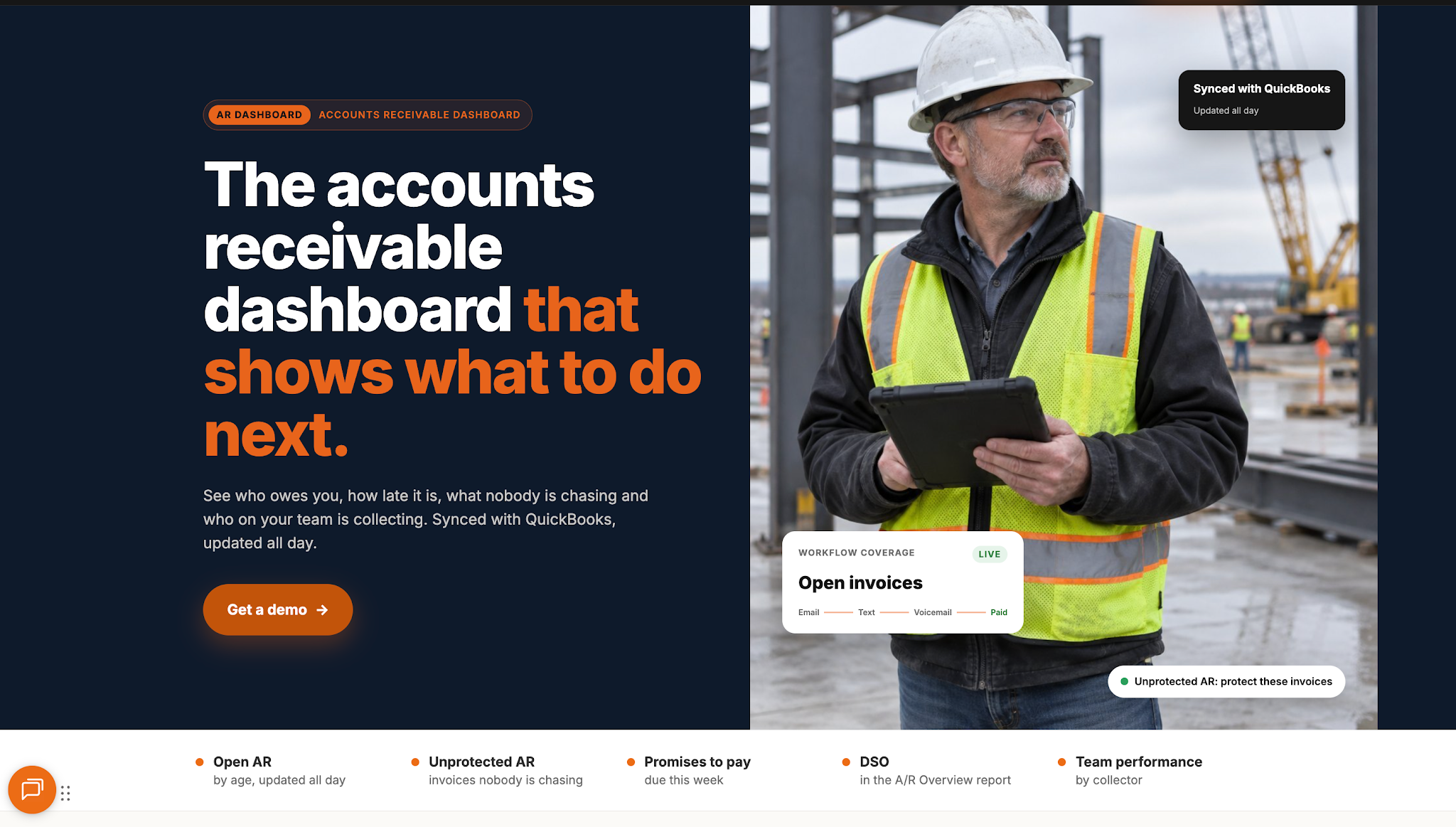
While there are several accounts receivable tracking software options available, each platform focuses on different aspects of managing outstanding payments. The right choice ultimately depends on what your business needs to keep track of and how your team handles collections.
If you're running a restoration company, AR Workflow helps you go beyond knowing which invoices remain unpaid.
It gives your team a way to keep track of what's happening with those invoices, who's handling each account, and what collection work still needs attention, so outstanding payments don't get overlooked.
After all, your team has already spent the time completing those restoration jobs. Having a clearer picture of your receivables and a more organized collections process helps you focus on collecting the money you've earned, eventually improving your cash flow management.
There are many accounts receivable software solutions available, each serving different business needs. One of them is AR Workflow, which specializes in helping disaster restoration companies track outstanding invoices and automate payment follow-ups to manage collections more efficiently.
Ultimately, the best accounts receivable software comes down to what your business specifically needs help with.
QuickBooks is a popular accounting software option for managing accounts receivable. Even better, restoration companies that need more support with collections can connect QuickBooks with AR Workflow to automate payment reminders and manage overdue accounts.
The five Cs commonly refer to Character, Capacity, Capital, Collateral, and Conditions.
Businesses use these principles in credit management to evaluate customer creditworthiness before extending credit. They help assess a customer's willingness and ability to meet payment obligations, which can support credit decisions and help businesses manage credit risk.
Yes. Many accounts receivable tracking platforms also offer automated payment reminders to help businesses follow up on unpaid invoices without manually contacting every customer.
Related reading
Your invoice, not a feature tour.
Bring one overdue invoice to a demo and see what AR Workflow would send, when, and how your customer would pay.
Sam owned and ran three restoration companies for more than 14 years and collected over $100 million in receivables. He built AR Workflow in 2020 to give contractors the collections system he wished he'd had.

AI writes the emails, sends the texts, and leaves the voicemails. Your team handles the conversations that matter, and your cash keeps moving.
 Keep QuickBooksStart with one invoiceStay in control

 Log in