Restoration companies rarely deal with just one type of outstanding payment. While each one needs attention, consistently sending reminders and tracking every unpaid invoice can be difficult when you have so many other responsibilities in your business.
This is exactly what payment reminder software helps you with. The question now is: how do you know which type of software makes the most sense for your business?
This article compares the top six payment reminder software platforms for restoration companies in 2026 to help you decide.
Book a demo with AR Workflow and start worrying less about your payment reminder process today!
TL;DR
These are the six best payment reminder software options for you to consider in 2026:
- AR Workflow
- Even Level
- AutoRM
- Abivo
- Jobber
- Housecall Pro
Types of Payment Reminder Software by Industry
Payment reminder software generally serves the same purpose: helping businesses remind customers about upcoming or overdue payments. The difference lies in how much of the payment collection process each platform handles.
Understanding these differences will help you narrow down which type of software suits your restoration business.
Invoice and Accounting-Based Payment Reminder Software
Accounting and invoicing software typically sends reminders based on invoice due dates and payment status.
If your restoration company already manages its invoices through an accounting system, these reminders may cover your basic follow-up needs without requiring another platform.
However, the functionality generally centers on the invoice itself. Teams that need more control over collection activity may want dedicated follow-up software.
Automated Payment Follow-Up Software
Automated follow-up software focuses more directly on communicating with customers about outstanding payments.
These platforms let businesses schedule late-payment reminders at set intervals, customize messages, and manage follow-up sequences without manually sending every email.
This approach helps when your team handles enough unpaid invoices that remembering when to contact each customer becomes difficult.
Accounts Receivable (AR) and Collections Automation Software
Accounts receivable automation extends beyond sending reminders.
These platforms help businesses organize outstanding invoices, monitor collection activity, and identify accounts that need attention.
For restoration companies managing substantial overdue balances, this broader functionality helps employees understand which invoices require action and what follow-up has already occurred.
Restoration-Specific Payment Reminder and Collections Software
Restoration-focused platforms account for payment situations that general invoicing tools don't necessarily address.
For example, a restoration company may need to contact a homeowner about an unpaid deductible while separately coordinating with an insurance adjuster about an outstanding claim payment.
Restoration collections software helps teams organize these follow-up activities while tracking the money they still need to collect.
6 Best Payment Reminder Software for Restoration Companies in 2026
Now that you understand the different types of payment reminder software and how they work, here are six payment reminder software platforms to consider.
|
Platform |
Overview |
Key features |
Pricing |
|
AR Workflow |
Restoration-specific AR automation and payments platform. |
|
|
|
Even Level |
AR and collections management for restoration contractors. |
|
|
|
AutoRM |
Insurance claim follow-up automation for restoration companies. |
|
Does not list pricing publicly. |
|
Abivo |
AI-powered collections automation for overdue business invoices. |
|
Does not list pricing publicly. |
|
Jobber |
Field-service management software with invoice reminders. |
|
|
|
Housecall Pro |
Field-service management with payment reminders. |
|
Does not list pricing publicly. |
1. AR Workflow
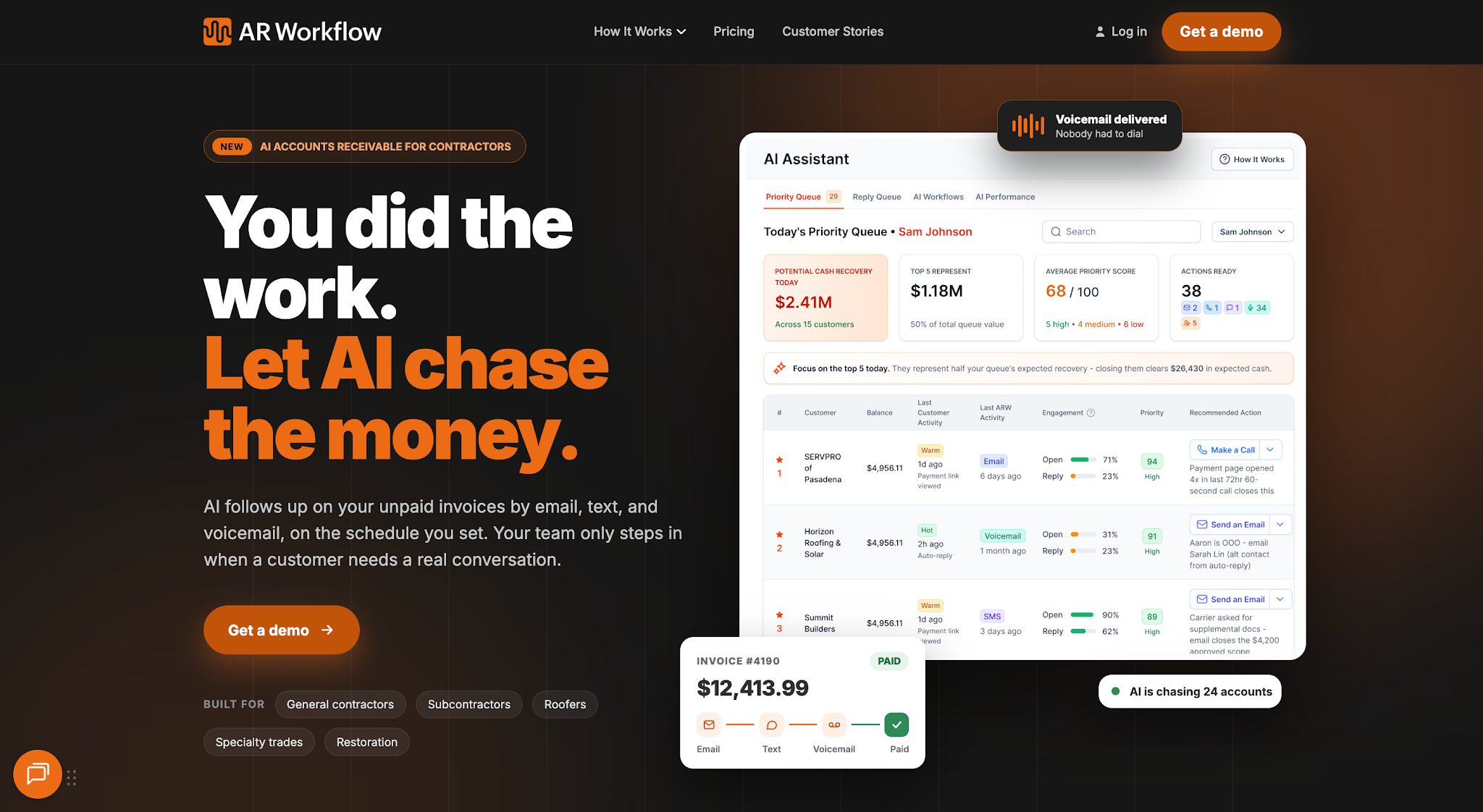
AR Workflow is an automated accounts receivable and payments platform built specifically for disaster restoration companies.
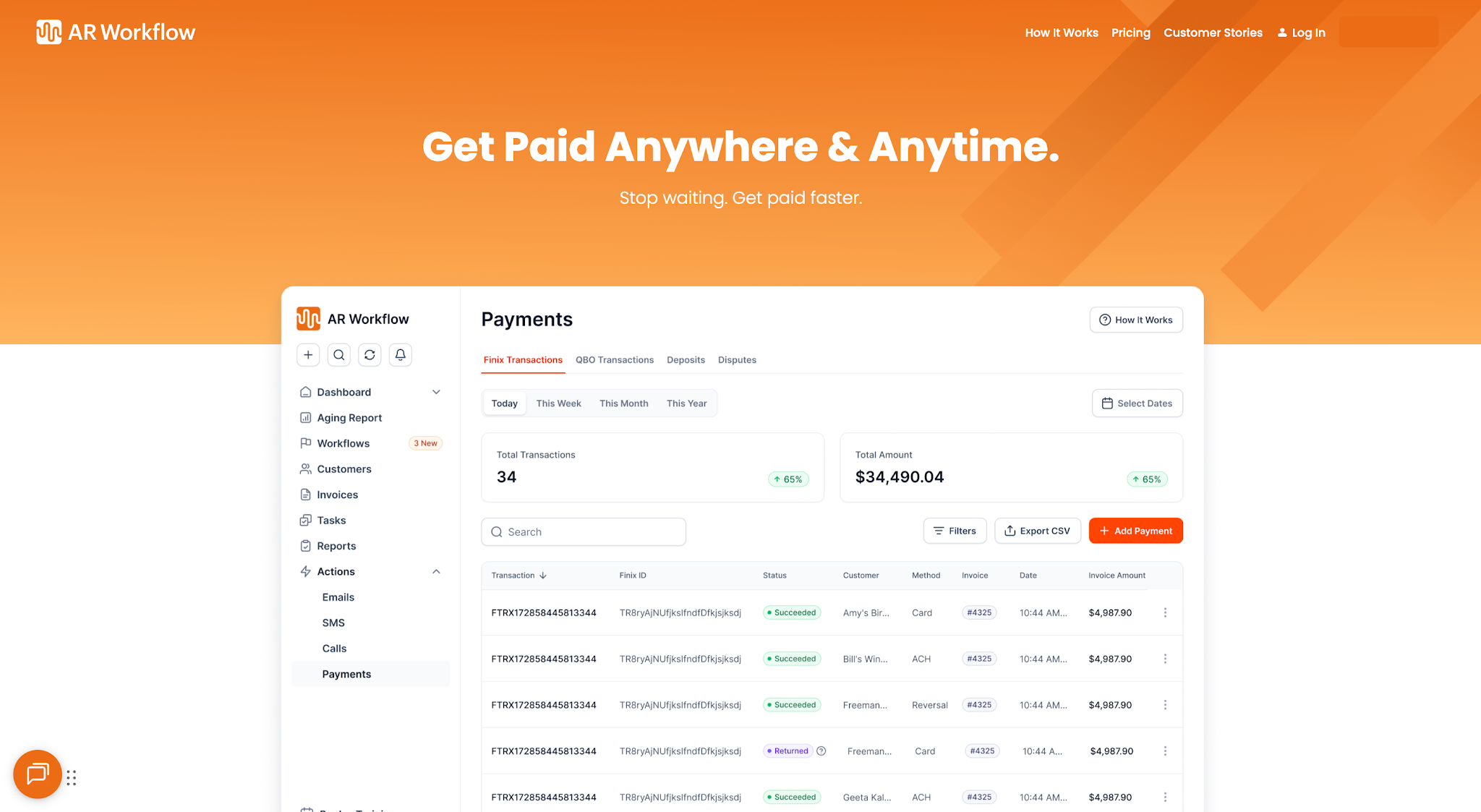
It helps restoration businesses manage outstanding invoices through automated payment reminders and organized collections workflows. The platform connects with QuickBooks, letting teams manage collections while continuing to use their existing accounting system.
It primarily helps restoration companies collect payments from completed jobs while reducing the manual effort of following up with customers.
Key Features
- Automated payment reminders — Allows restoration companies to schedule payment follow-ups through email and SMS.
- Custom collection workflows — Helps teams organize reminder sequences for different restoration payment situations.
- Customer communication tracking — Keeps records of customer emails, calls, and collection-related notes.
- AR aging reports — Gives finance teams visibility into outstanding invoices based on how long payments have remained unpaid.
- Online payment portal — Allows customers to pay outstanding invoices through a secure online payment option.
- QuickBooks integration — Connects invoice information and collection activity with the company's accounting records.
Pricing
AR Workflow currently offers three subscription plans:
- Lite: $295/month — Supports up to 50 open invoices and includes one user. It suits smaller restoration teams managing collections with a limited number of outstanding accounts.
- Grow: $395/month — Supports up to 100 open invoices and includes 10 users. It suits restoration companies that manage more outstanding invoices and need several employees to coordinate collections.
- Enterprise: $495/month — Supports unlimited open invoices and unlimited users. It suits larger restoration businesses that need to manage higher collection volumes.
All three plans include collection task management, online payment options, and AR reporting. They also provide email and SMS communication capabilities.
Why AR Workflow Stands Out
One of AR Workflow's main advantages is how closely its collections process matches the situations restoration companies encounter when trying to collect payment.
Consider a restoration company waiting on an insurance-related invoice.
Sending a reminder is one part of the process, but the person managing that account also needs to know whether anyone has contacted the adjuster, what response they received, and when the next follow-up should happen.
AR Workflow helps keep that information together so employees can continue collection activity without repeatedly searching through emails or asking coworkers for updates.
The platform also offers collection campaigns for situations such as insurance payment delays and deductible disputes. Teams can customize those workflows based on how they want to manage each account.
This gives restoration companies a way to automate routine communication while maintaining visibility into the collection process.
2. Even Level
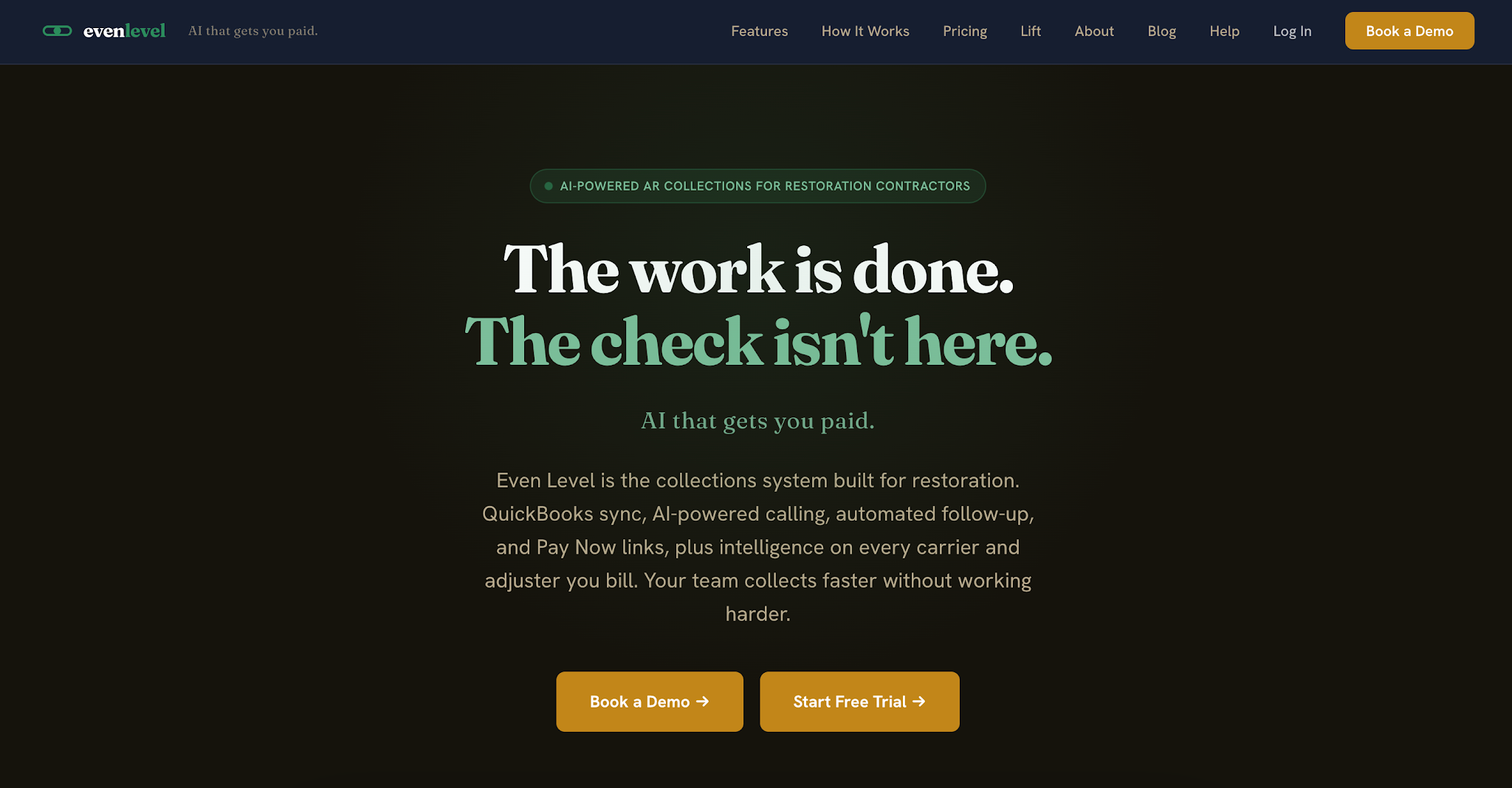
Image source: evenlevel.com
Even Level is an accounts receivable and collections management platform developed for restoration and trade contractors.
It focuses on helping businesses organize unpaid invoices and manage customer follow-ups through a system that connects with QuickBooks.
The platform combines automated collection communication with tools for managing customer accounts and monitoring outstanding balances.
Key Features
- Automated follow-up sequences — Allows teams to schedule collection emails for outstanding invoices.
- QuickBooks synchronization — Keeps accounting information connected with collection activity.
- AI-drafted emails — Helps employees prepare customer payment communications.
- AR aging dashboard — Shows outstanding balances and helps teams identify accounts that are several days past their payment due dates.
- Payment links — Allows customers to pay through card or ACH payment options.
- Customer portal — Gives customers access to account and payment information.
Pricing
Even Level offers four subscription plans:
- Starter: $149/month — Includes automated follow-up sequences, an aging dashboard, and payment links. It supports one QuickBooks company and up to five users.
- Growth: $299/month — Adds AI-powered call summaries, task management, and automated payment plans. It supports up to three QuickBooks companies and 12 users.
- Scale: $499/month — Adds custom integrations and dedicated onboarding. It supports up to eight QuickBooks companies and 20 users.
- Enterprise: Custom pricing — Supports unlimited QuickBooks companies and users, with additional customization for larger franchise groups.
3. AutoRM
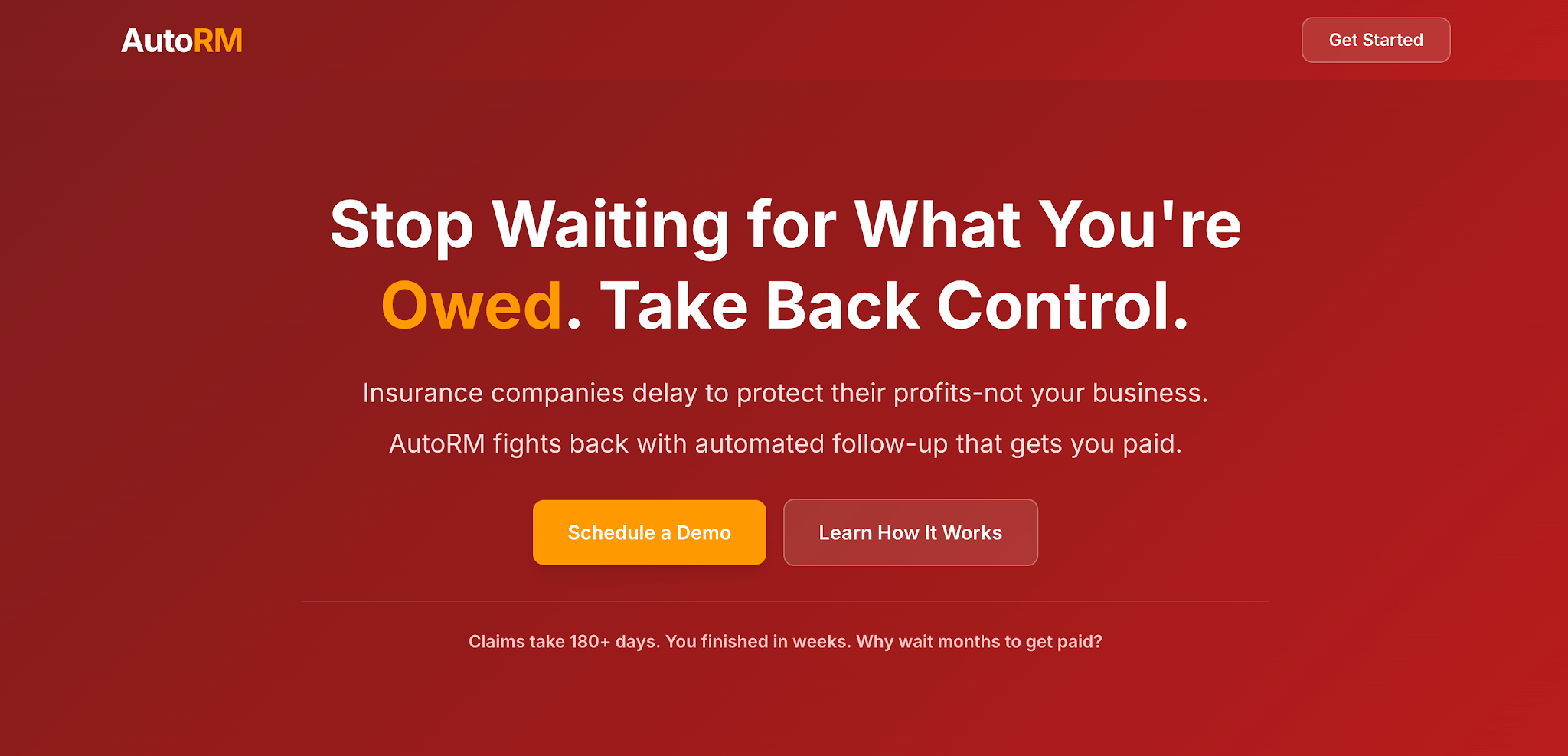
Image source: getautorm.com
AutoRM is an AI-powered recovery management platform designed for restoration companies handling insurance-related payment delays.
Its main purpose is to automate communication throughout the insurance claim follow-up process.
Unlike broader invoice collection platforms, AutoRM concentrates on keeping claim-related communication moving between restoration contractors, insurance representatives, and homeowners.
Key Features
- Automated claim follow-ups — Sends email, SMS, and phone reminders based on scheduled timelines.
- Escalation rules — Helps teams identify pending claims that require additional action.
- AI response drafting — Prepares responses to insurance adjuster communications for human review and approval.
- CRM integration — Connects claim follow-up activity with existing customer management systems.
- Homeowner updates — Sends updates about claim progress to property owners.
- Performance tracking — Helps teams monitor response times and claim recovery activity.
Pricing
AutoRM does not list prices publicly.
4. Abivo
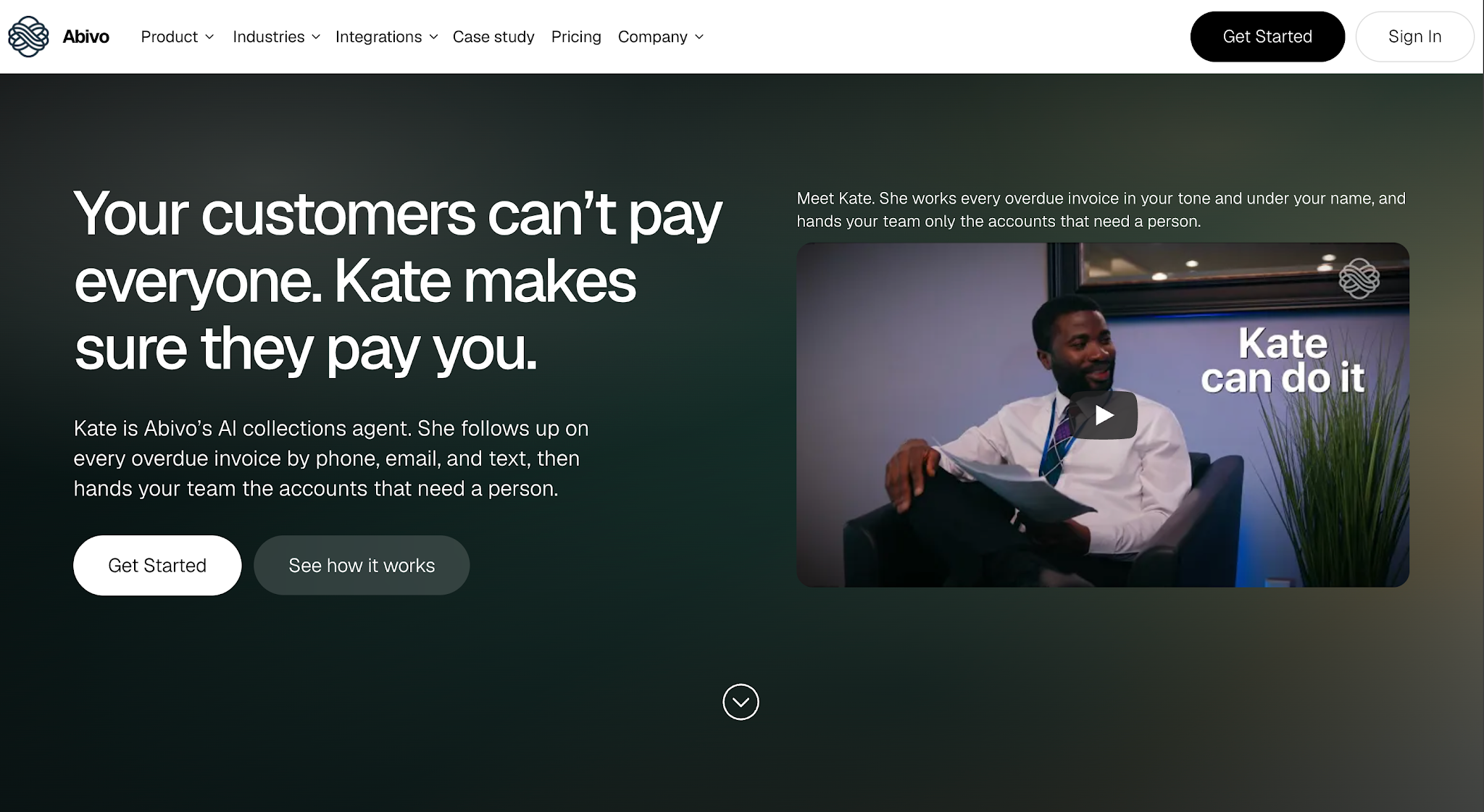
Image source: abivo.ai
Abivo is an AI-powered accounts receivable and collections automation platform that helps businesses manage overdue invoices through automated customer communication.
Its AI collections agent, Kate, contacts customers through phone calls, email, and SMS to request payment updates and record their responses.
The platform connects with existing accounting systems, allowing finance teams to automate routine collection activities without replacing their accounting software.
Abivo serves businesses in several industries, including commercial restoration contractors. Its collections workflows support follow-ups for outstanding water damage, fire restoration, and mold remediation invoices.
Key Features
- AI-powered payment reminders — Contacts customers through automated phone calls, email, and SMS about outstanding invoices.
- Smart follow-up scheduling — Adjusts reminder timing based on previous customer responses and payment commitments.
- Promise-to-pay tracking — Records customer payment commitments and schedules follow-ups based on the agreed dates.
- Dispute escalation — Alerts employees when client disputes or payment questions require personal attention.
- Customer communication history — Records previous collection conversations so employees can review what happened with each account.
- Accounting system integration — Connects with accounting platforms to access outstanding invoice information and support automated collections.
Pricing
Abivo does not list prices publicly.
5. Jobber
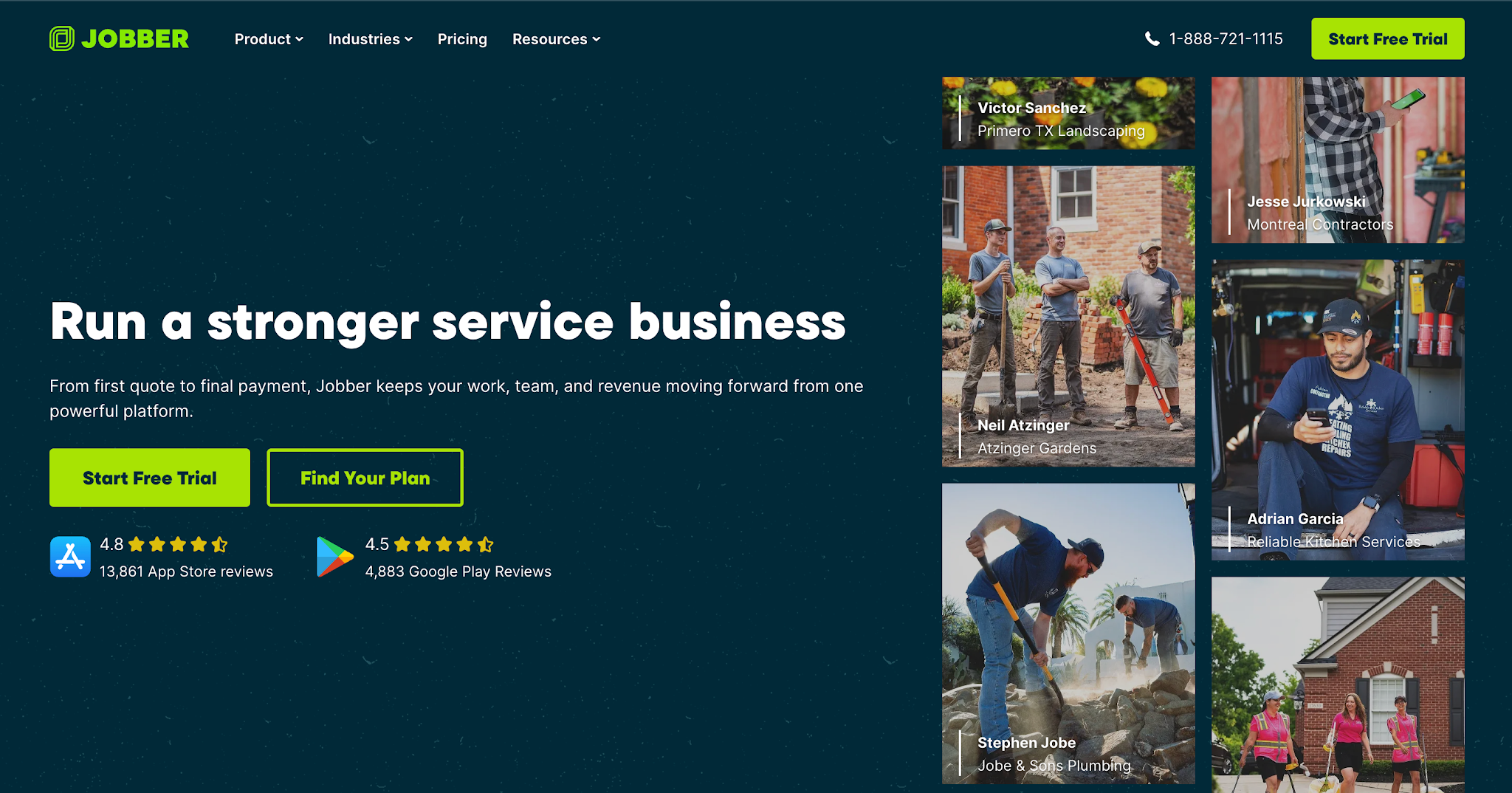
Image source: getjobber.com
Jobber is a field-service management platform for businesses that manage jobs, customer relationships, and invoicing.
Its payment-reminder functionality is part of a broader system for running day-to-day service operations.
Restoration contractors evaluating Jobber should understand that its main purpose extends beyond accounts receivable. It combines invoicing and customer communication with tools for managing field-service work.
Key Features
- Automated invoice follow-ups — Allows businesses to automate reminders for outstanding invoices.
- Online invoicing — Helps teams create and send invoices to customers.
- Online payments — Gives customers a way to pay invoices digitally.
- Client hub — Allows customers to view invoices and complete payments online.
- QuickBooks Online integration — Connects supported invoicing and accounting information with QuickBooks.
- Custom workflow automations — Allows businesses on eligible plans to customize recurring communication processes.
Pricing
Jobber offers four subscription plans, with pricing that varies by team size:
- Core: $49/month — Includes one user and provides basic job scheduling, invoicing, and online payment tools.
- Connect: $139/month — Includes one user and adds automated invoice follow-ups, payment collection automation, and QuickBooks Online integration.
- Grow: $199/month — Includes one user and adds two-way SMS communication, customizable workflow automations, and job costing tools.
6. Housecall Pro
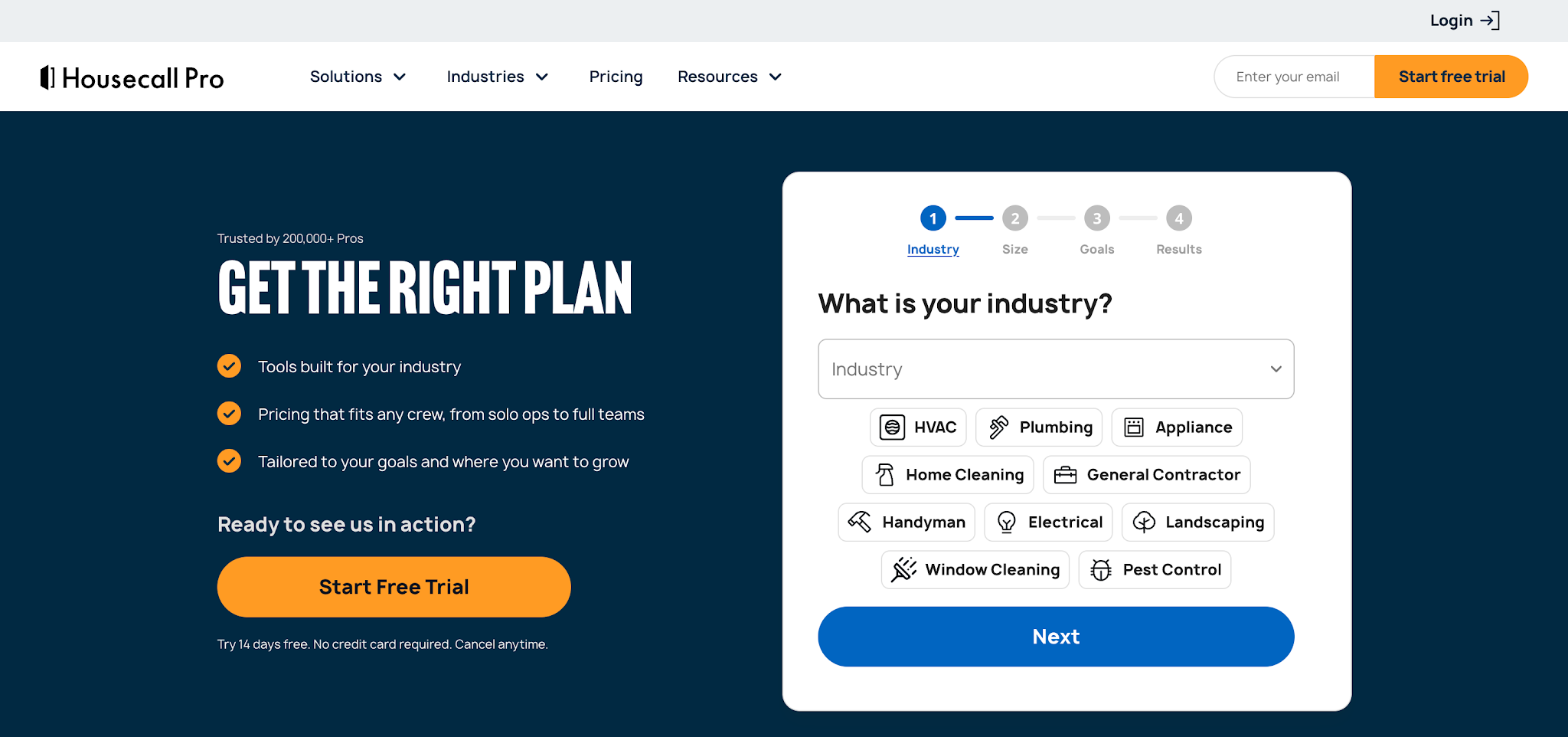
Image source: housecallpro.com
Housecall Pro is a field-service management platform that serves home-service businesses, including restoration contractors.
It combines job management and customer communication with invoicing and payment collection tools.
The company offers a dedicated restoration software solution, although its overall platform serves a wider range of service industries.
Key Features
- Automated invoice reminders — Helps businesses remind customers about outstanding payments.
- Invoice management — Allows teams to create, send, and track customer invoices.
- Online payment links — Gives customers a way to pay invoices digitally.
- Customer payment portal — Allows customers to access payment options online.
- Flexible payment methods — Supports card payments, ACH transfers, and digital wallets.
- QuickBooks Online integration — Connects supported accounting information through eligible subscription plans.
Pricing
Housecall Pro does not list prices publicly.
How to Choose the Right Payment Reminder Software
The platforms above offer different levels of payment reminder functionality. Before you sign up for one, consider how your restoration company currently handles invoices and what your team needs help managing.
Consider Your Existing Billing and Accounting Workflow
Your payment reminder software needs accurate invoice information to send reminders to the right customers at the right time. So before choosing a platform, check how well it integrates with your company's existing accounting system.
For example, if your team manages invoices through QuickBooks, look for software that can pull invoice details and reflect payment updates from your accounting records. This allows employees to manage follow-ups without manually entering the same invoice data into another system.
Also check how often the software updates payment statuses. If a customer has already paid an invoice, your team needs that information to avoid sending an unnecessary reminder.
Look for Flexible Reminder Scheduling
Restoration companies handle different payment situations, so a one-size-fits-all reminder schedule won't always make sense.
For instance, a homeowner who missed their deductible payment may only need a reminder a few days after the due date. An insurance-related invoice, however, may require follow-ups over several weeks while your team waits for the adjuster to review the claim.
That's why you should look for software that lets you set reminders according to when and how often your team needs to contact each account.
The platform should also allow employees to pause or adjust reminders when a customer disputes a charge or agrees to a payment schedule. This helps your team maintain consistent follow-ups without sending messages that no longer match the customer's situation.
Check Email and SMS Capabilities
The communication channels a platform supports will affect how your team contacts customers about outstanding payments.
Email works well when your employees need to share invoice details or explain why a payment remains outstanding. SMS gives customers a shorter reminder that they can read quickly, especially when the message includes a direct payment link.
Since both channels serve different purposes, check whether the software supports email and SMS reminders and allows your team to customize each message.
You should also consider what happens when customers respond. If the platform records those conversations, employees can review previous communication before contacting the same customer again. This helps prevent repeated questions and keeps the next follow-up relevant.
Evaluate Payment Tracking and Collection Visibility
Automating reminders can save time, but your team still needs to know whether those reminders are helping move outstanding invoices toward payment.
For that reason, look for payment service software that shows which invoices remain unpaid and what collection activity has already taken place.
For example, if a customer responds to a reminder and promises to pay next Friday, the person managing that account should be able to record the commitment and check for a confirmed payment.
This gives your team a clearer way to manage the next follow-up. This is helpful for your AR manager, who can identify accounts that need additional attention without checking individual emails or asking employees for updates.
Consider How Easily Customers Can Pay
Once a customer receives a payment reminder, they should have a straightforward way to settle the outstanding invoice.
If the reminder only tells them to contact your office for payment instructions, your team still needs to handle another interaction before the customer can pay.
To avoid that extra step, look for software that allows you to include payment links in reminders or direct customers to an online payment portal.
Check which payment methods the platform lets you accept, such as credit cards or ACH transfers, and whether it charges additional transaction fees or requires paid add-ons.
These details will help you understand how convenient the payment process will be for your customers and what additional expenses your business may incur.
Match the Software to Your Collection Volume
Finally, consider how many outstanding invoices your restoration company manages and how much work your team spends collecting them.
If your business only handles a small number of overdue invoices each month, a platform with basic automated reminders may be enough to keep those accounts moving.
However, if your employees regularly manage dozens or hundreds of unpaid invoices, you'll likely need more than scheduled messages. You'll also need a way to prioritize overdue accounts and coordinate follow-ups so employees know which invoices require their attention.
Before choosing a platform, check how many invoices and users each subscription plan supports. You should also understand how the monthly pricing changes as your collection volume increases.
This will help you choose software that fits your budget, handles your current workload, and gives your team room to manage more accounts as your business grows.
What Happens After You Send a Payment Reminder?
Automating reminders helps your team maintain consistent communication, but the collection process doesn't always end when the message goes out.
Your team still needs to track customer responses and payment commitments to determine which accounts require further attention.
Without a clear way to manage that information, employees may still find themselves searching through emails or checking spreadsheets to figure out what to do next.
This is an important distinction when comparing payment reminder software. Automated messaging reduces repetitive work, but collection management tools help employees decide the next action after those messages.
Automate Your Payment Follow-Ups With AR Workflow
Choosing the right payment reminder software can make a real difference in how efficiently your restoration company collects outstanding payments.
With the right platform, your team can automate more of the collections process and stay organized as you manage more outstanding payments.
If you're looking for software that understands the payment challenges restoration companies face, AR Workflow is a great place to start. It gives your team a structured way to manage collections while working with your existing accounting system.
That means less time spent chasing late payments and more of your time focused on running the rest of your business, without losing sight of the money you still need to collect.
Get a demo with AR Workflow and start automating your payment collections today!
FAQs About Payment Reminder Software
What is the best free app for payment reminders?
The best free payment reminder app depends on whether you need personal bill notifications or automated reminders for business invoices.
For a restoration company, check whether the software supports customer invoice tracking and automated follow-ups. Free reminder apps generally focus on notifying the user rather than managing business collections.
What is the best app for reminders of bill payments?
A simple app with calendar or bill reminders can help individuals remember upcoming payment due dates.
However, restoration businesses sending reminders to customers need software that tracks outstanding invoices and supports customer communication. An invoicing or collections platform serves that purpose more directly.
How to make a payment reminder?
Start by identifying the unpaid invoice and confirming its due date and outstanding balance.
Then write a short message that includes the invoice number, amount due, and relevant payment terms. Keep the tone professional and provide a way for the customer to ask questions if they need clarification.
A payment reminder software can automate this process by sending messages according to the schedule your business sets.
When should you send automated payment reminders: before or after the due date?
You can send automated payment reminders a few days before the due date and follow up if the invoice remains unpaid. For restoration companies dealing with insurance-related payments, you may need to adjust the reminder schedule while waiting for claim updates or resolving payment disputes.