Running a company in the restoration industry means managing work that does not always follow a predictable schedule. As the workload grows, handling everything manually takes more time and leaves more room for mistakes. Restoration project management software can help, but different platforms serve different purposes.
So how do you know which one your company needs? This guide compares the top six restoration project management software platforms by use case, from estimating and field documentation to equipment tracking and accounts receivable collections, to help you make that decision.
KEY TAKEAWAYS
- No single restoration tool covers every job stage well. Most companies combine a few specialized platforms.
- Pick software by the operational gap that costs you the most time: estimating, documentation, equipment, contents or collections.
- Check that any new platform works with the tools you already use, such as QuickBooks for invoicing.
- Finishing more jobs does little for cash flow if invoices sit unpaid, so collections deserve their own tool and process.
These are the six restoration project management software options, divided by use case:
| 1 | AR Workflow: best for accounts receivable and collections |
| 2 | Xactimate: best for restoration estimating |
| 3 | Encircle: best for field documentation and reporting |
| 4 | RestoreTrack: best for equipment and inventory management |
| 5 | iCat: best for contents inventory and pack-out management |
| 6 | DocuSketch: best for property sketching and floor plans |
Why restoration companies need specialized software
A restoration company handles several different processes to complete a job, from preparing estimates and documenting property damage to managing equipment and collecting payments. Each process involves different tasks, which means the team needs different software tools to manage them properly.
For example, estimating software helps contractors calculate restoration costs, while equipment-tracking software helps them track where equipment is and which jobs use it.
Without the right tools, employees often have to manage these tasks manually through spreadsheets, paperwork or repeated phone calls. This takes time away from other work and increases the risk of missing important information as the company takes on more jobs.
Specialized software solutions help address these problems by focusing on specific parts of a restoration business. Since each platform serves a different purpose, choosing the right one starts with understanding which part of your business operations needs the most attention.
6 best restoration project management software tools in 2026 by use case
To help you decide which one to invest in, here are the top six restoration management software platforms that serve different parts of the business.
| Platform | Overview | Key features | Pricing |
|---|---|---|---|
| AR Workflow | Restoration-specific accounts receivable and collections platform. | Custom collection workflows Automated email and SMS AR dashboard Collection task management Online payments | Lite: $295/month Grow: $395/month Enterprise: $495/month |
| Xactimate | Property damage estimating software for restoration and insurance claims. | Estimate creation Regional pricing data Digital sketching XactScope XactRebuild | Xactimate: $2,690/year |
| Encircle | Field documentation and reporting software for restoration teams. | Photo documentation Moisture mapping Drying logs Custom forms Job reporting | For up to 200 jobs/year: Field Documentation: $285/month With Scope to Estimate: $583/month |
| RestoreTrack | Equipment and inventory tracking software for restoration contractors. | Equipment fleet tracking QR code scanning Consumables inventory Low-stock alerts Activity history | Starter: $30/month Pro: $70/month Business: $120/month |
| iCat | Contents inventory and pack-out management platform. | Photo-based inventory AI inventory descriptions Pack-out tracking Storage tracking Digital pick lists | Enterprise AI: $250/month |
| DocuSketch | Property sketching and 360-degree documentation software. | 360-degree capture Digital floor plans Sketch export Timeline views | Standard: $379 to $975/month Express: $429 to $1,095/month |
1. AR Workflow: best for accounts receivable and collections
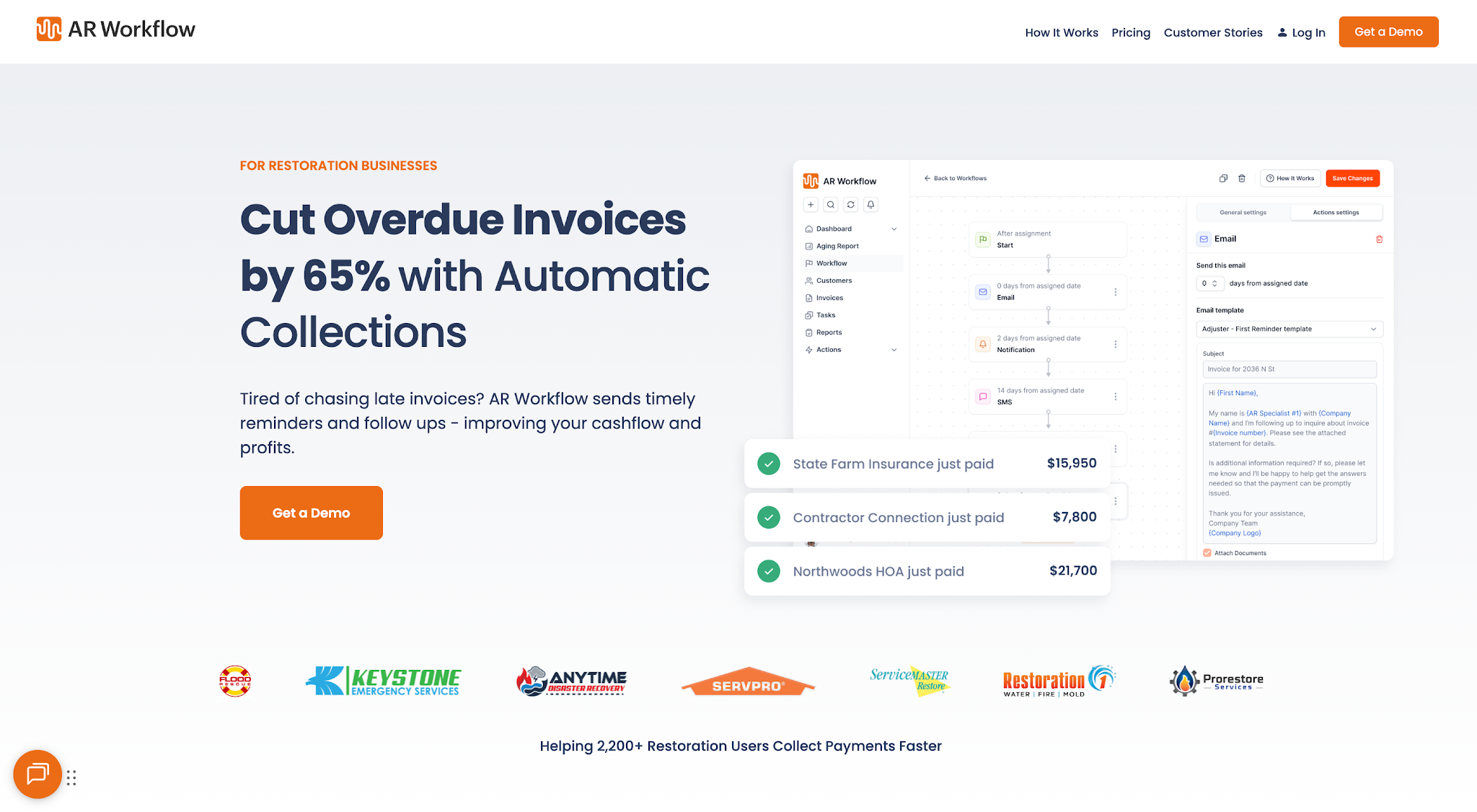
AR Workflow keeps open invoices, follow-ups and payments in one view.
AR Workflow helps disaster restoration companies automate accounts receivable (AR) and payment collection. It helps owners and finance teams manage the process of collecting payments on outstanding invoices.
The platform focuses on the collections stage of restoration work, when a company has already issued an invoice and needs to keep track of payment activity. It supports a structured process for managing overdue accounts and communicating with customers.
Key features
- Custom collection workflows: set up follow-up schedules for outstanding invoices based on your collections process.
- Automated email and SMS reminders: send scheduled payment reminders, with texts from a dedicated number, without employees starting every message.
- AR dashboard: gives owners and finance teams easy access to open invoices, outstanding balances and collection performance.
- Collection task management: helps employees organize accounts that need attention and track their next actions.
- Online payment portal: gives customers a secure way to pay outstanding balances.
- QuickBooks integration: brings invoice information from QuickBooks into your collections workflow.
Pricing
- Lite: $295/month. 50 open invoices and one included user.
- Grow: $395/month. 100 open invoices and 10 included users.
- Enterprise: $495/month. Unlimited open invoices and users.
2. Xactimate: best for restoration estimating
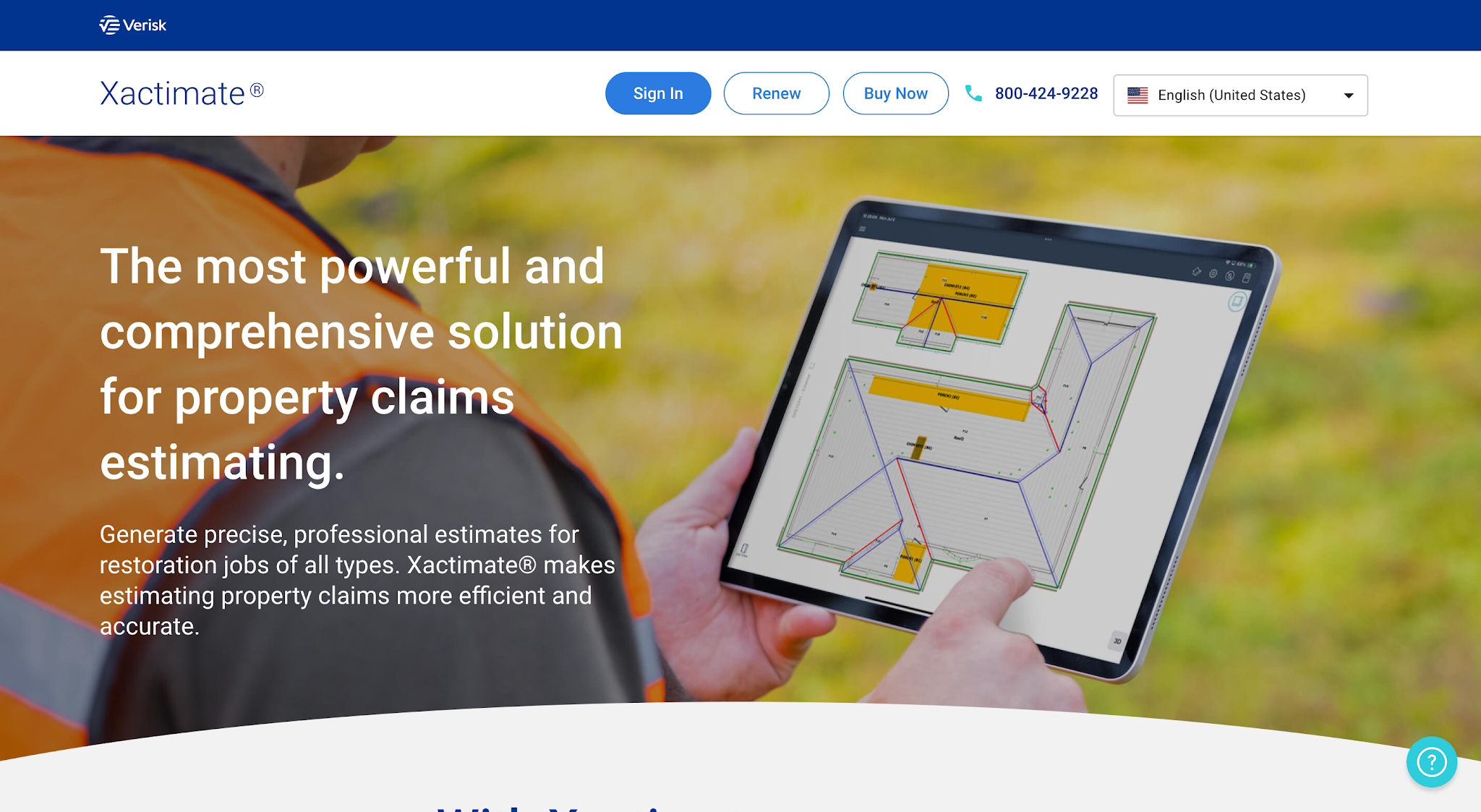
Image source: xactimate.com
Xactimate is property damage estimating software developed by Verisk for restoration professionals and insurance claims specialists.
The platform specializes in preparing estimates for damaged properties. Restoration estimators use it to prepare accurate estimates for repair and restoration work using property measurements and location-specific pricing information.
Key features
- Estimate creation: lets estimators prepare detailed estimates with individual charges for restoration work.
- Regional pricing data: gives users access to pricing information for more than 460 geographic regions.
- Digital sketching: lets estimators create property diagrams and incorporate measurements into estimates.
- XactScope: guides users through the estimating process to help them prepare consistent scopes.
- XactRebuild: helps estimators prepare rebuild estimates for water mitigation claims.
Pricing
- Xactimate: $2,690/year ($350/month)
3. Encircle: best for field documentation and reporting
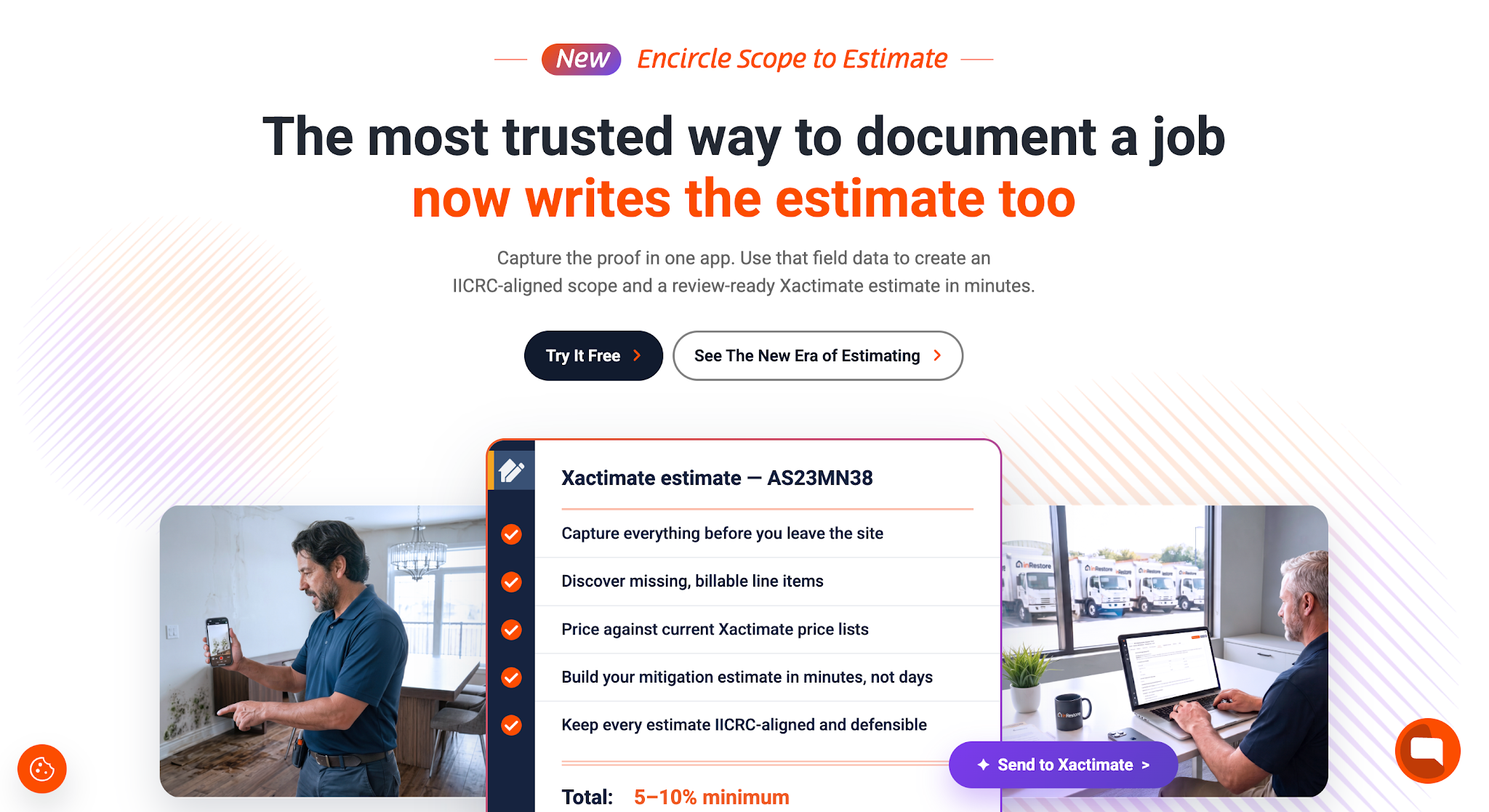
Image source: getencircle.com
Encircle is restoration documentation software that helps field technicians and office teams maintain records of work at damaged properties.
It focuses on collecting relevant information from job sites and organizing it into reports. Restoration companies use it to document property conditions and track mitigation work. Teams that handle a lot of water mitigation often look at it as their water restoration software, since it records moisture maps and drying logs.
Key features
- Photo and video documentation: lets technicians capture visual records of property damage and restoration work.
- Moisture mapping: helps field teams document moisture readings during water damage restoration.
- Drying logs: lets technicians record drying conditions and equipment observations throughout mitigation.
- Custom forms: gives teams a way to collect job information using standardized documentation.
- Job reporting: helps office staff organize field records into reports they can share with relevant parties.
Pricing
Pricing depends on jobs done per year. For up to 200 jobs/year, the pricing is as follows:
- Field Documentation: $285/month.
- Field Documentation + Scope to Estimate: $635/month.
4. RestoreTrack: best for equipment and inventory management
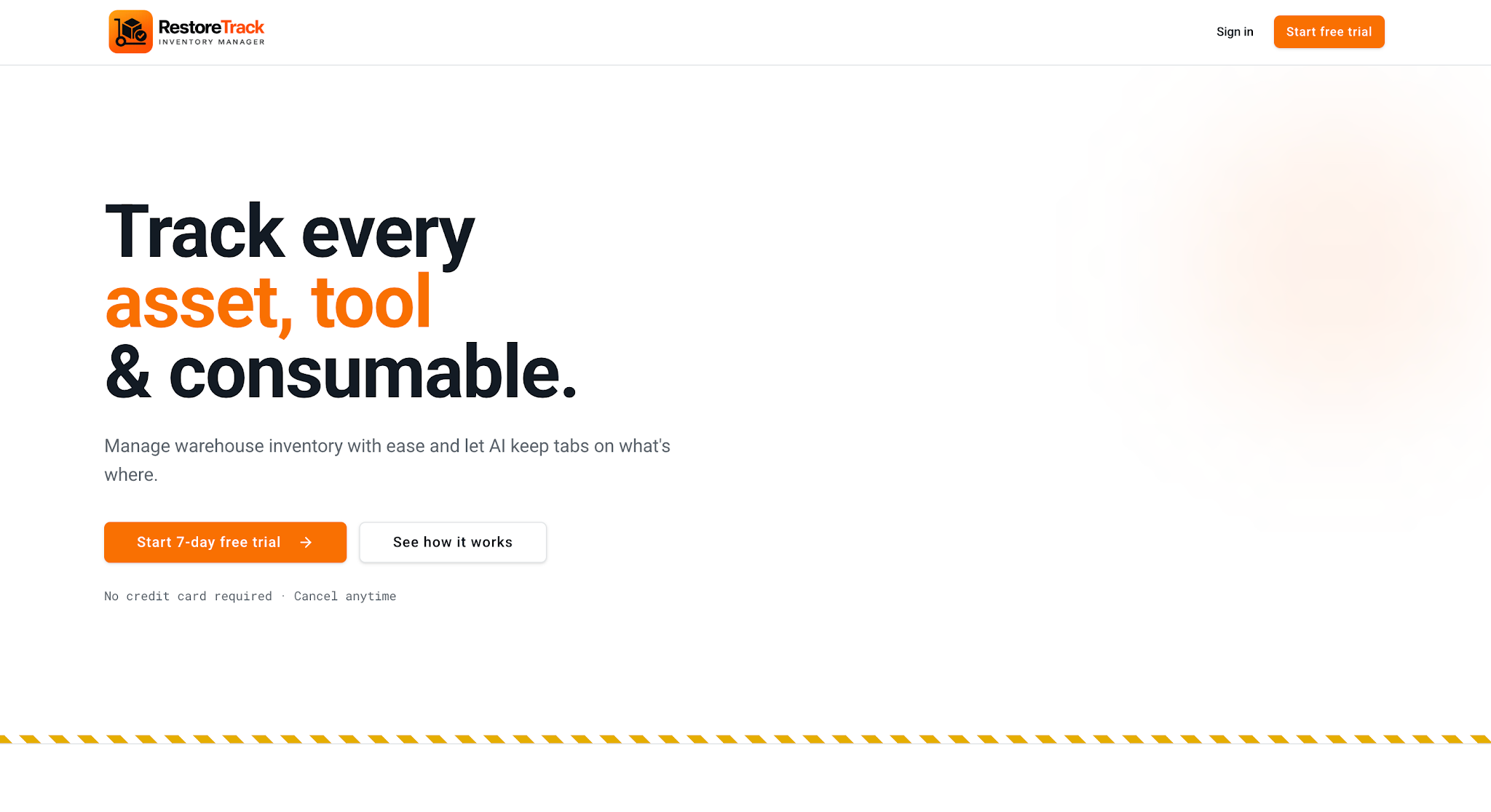
Image source: restoretrack.com
RestoreTrack is equipment and inventory management software for restoration contractors. It helps businesses maintain records of the equipment and supplies they use during restoration jobs.
The platform focuses on tracking company-owned assets as they move between the warehouse and job sites. It also supports inventory management for consumable materials.
Key features
- Equipment fleet tracking: gives teams a searchable record of equipment, including its status and serial number.
- QR code scanning: helps employees save time by assigning equipment to jobs and recording returns through their phones.
- Consumables inventory: helps warehouse staff track supplies and monitor remaining stock.
- Low-stock alerts: notifies employees when consumable inventory reaches low levels.
- Equipment activity history: records equipment assignments and returns so managers can review previous activity and make better resource allocation decisions.
Pricing
- Starter: $30/month. Up to five team members and 100 equipment items.
- Pro: $70/month. Up to 25 team members and 1,000 equipment items.
- Business: $120/month. Unlimited team members and equipment items.
5. iCat: best for contents inventory and pack-out management
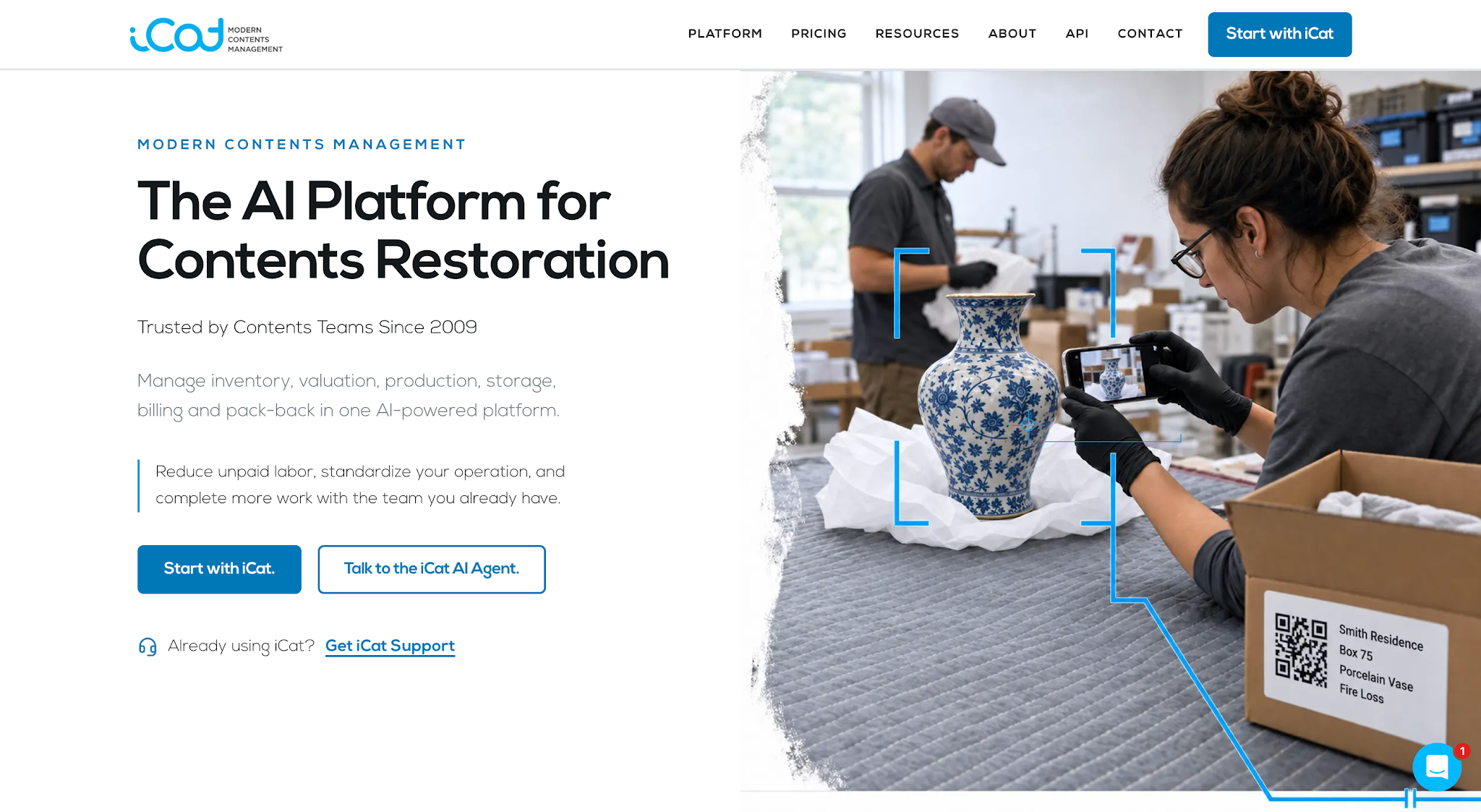
Image source: icatcontents.com
iCat is a contents restoration management platform for companies that handle personal belongings affected by property damage.
The software focuses on managing contents from the initial inventory through removal, storage, cleaning and return to the property. Restoration teams use it to maintain records of the items they handle during pack-out and pack-back operations.
Key features
- Photo-based inventory: lets technicians create contents records using photographs of individual items.
- AI inventory descriptions: helps employees generate item descriptions from captured images.
- Pack-out tracking: lets crews document items as they leave a damaged property.
- Storage location tracking: gives warehouse teams records of where contents are stored.
- Digital pick lists: helps employees identify which items to retrieve for cleaning or pack-back.
- Pack-back management: supports the process of returning contents to the appropriate rooms.
Pricing
iCat offers one flat price of $250/month, which includes all features, such as unlimited jobs, unlimited users and AI tools.
6. DocuSketch: best for property sketching and floor plans
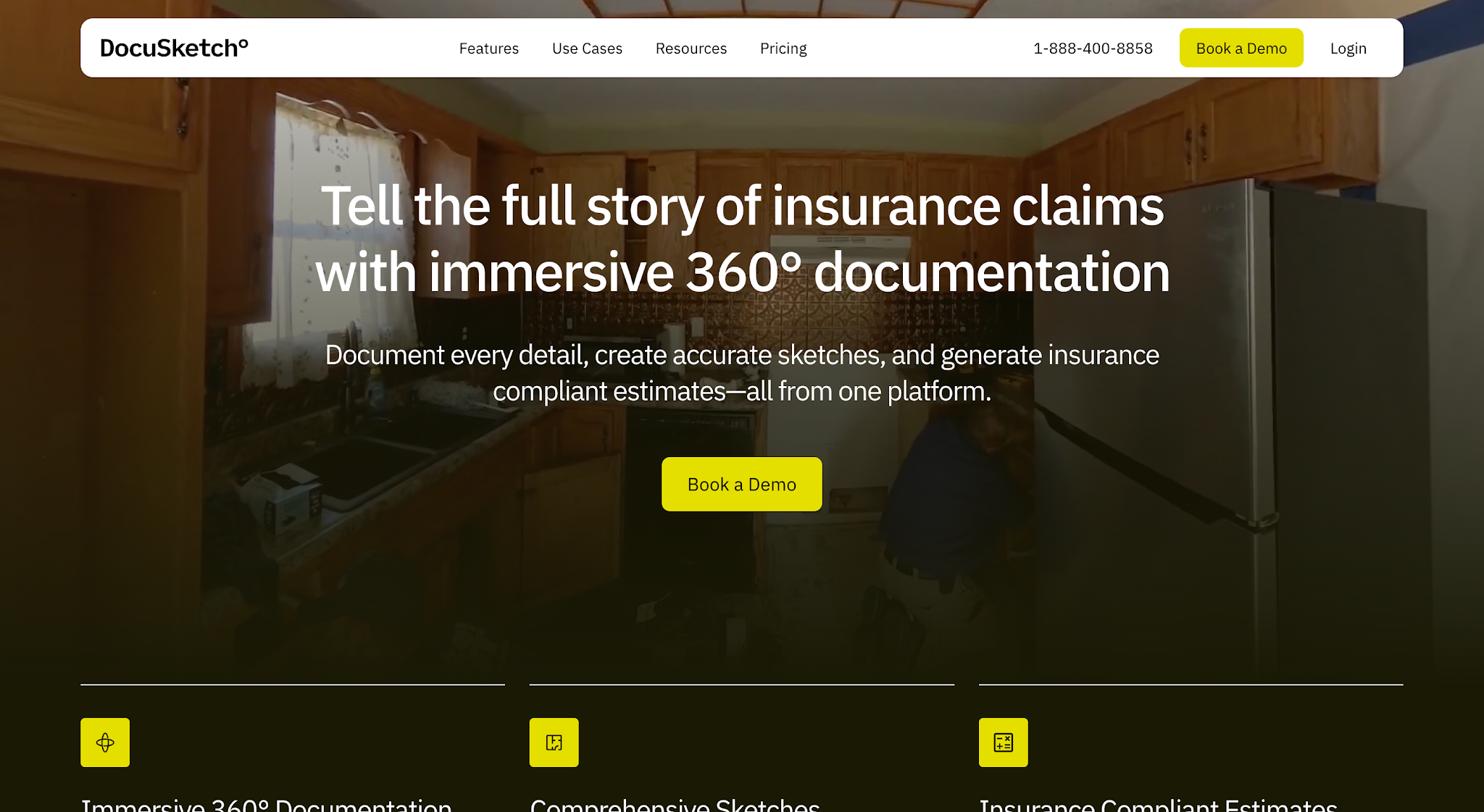
Image source: docusketch.com
DocuSketch is property documentation and sketching software that serves restoration contractors and insurance claims professionals.
The platform specializes in creating digital property records and floor plans from 360-degree imagery. Restoration teams use it to document damaged spaces and create sketches for estimating and claims.
Key features
- 360-degree property capture: lets technicians create visual records of rooms and damaged areas.
- Digital floor plans: gives users measured property sketches based on captured imagery.
- Sketch export: lets users export floor plans in formats compatible with estimating software.
- Timeline views: helps users compare visual records from different stages of restoration work.
- Shareable property records: makes digital property documentation available to relevant project participants.
Pricing
| Plan | Standard | Express |
|---|---|---|
| 5 Pack | $379/month | $429/month |
| 10 Pack | $575/month | $649/month |
| 20 Pack | $975/month | $1,095/month |
Bring one overdue invoice.
Your project tools get the job done. We'll show you how AR Workflow would get that job's invoice paid.
How to select the right restoration project management software
Let's look at the key factors you should consider when comparing your options.
Identify your biggest operational gaps
Before comparing software, identify which parts of your restoration business need the most improvement. This helps you focus on platforms that can solve problems your team currently faces.
For example, if your estimators spend too much time preparing estimates, look for software that can improve cost accuracy and streamline estimate preparation.
The same applies to other parts of your operations. If your office staff spend hours contacting customers about overdue invoices, you may need software that can automate those collection follow-ups. Our roundup of the best accounts receivable software compares options for that job.
Start by reviewing which tasks take up the most time or regularly cause delays. Once you identify those problems, you can narrow your options to software that specifically addresses them.
Compare specialized vs. all-in-one restoration job management software
Restoration software generally falls into two categories: specialized software and all-in-one management platforms.
Specialized software focuses on a particular function, such as estimating or equipment tracking. All-in-one restoration job management software combines several functions to help companies manage more of their operations through a single platform.
The right choice depends on your company's needs, whether you're managing a small team or a larger restoration operation.
If you need a more comprehensive solution to manage several parts of your restoration projects, an all-in-one platform may make more sense. If you already have systems that work well and only need help with a specific task, specialized software may be the better option.
Consider what your other systems already handle before deciding whether you need to replace them or add another platform. Our guide to restoration contractor software covers the wider stack.
Check workflow compatibility
The software you choose should help improve workflow efficiency while working with the tools your team already uses. Otherwise, employees may face a steeper learning curve as they adjust how they work or transfer information between multiple tools.
For example, if your company uses QuickBooks to manage invoices, look for collections software that integrates with it. This allows your team to use existing invoice information when managing payment follow-ups without having to enter the same details manually.
You should also consider how employees will use the software during their daily work. If field technicians need to document property damage on-site, check whether the platform allows them to capture information directly from their phones.
Tip: Before deciding, ask the provider to demonstrate the platform's integration capabilities using one of your real jobs, and watch how it handles your team's regular tasks.
Evaluate costs and ROI
Finally, consider the software's cost and whether the benefits justify the expense without putting unnecessary pressure on your profit margins.
Start by reviewing the subscription price and any additional costs, such as setup fees or charges for extra users. Then compare those expenses with the time and resources your team currently spends on the tasks you want to improve.
For example, if your office staff spend several hours each week manually contacting customers about overdue invoices, collections software could reduce that workload through automated reminders.
You can estimate the potential savings by calculating how much employee time the software could free up each month. This gives you a clearer way to determine whether the software offers enough value to justify its cost.
How unpaid invoices affect restoration company cash flow
Restoration companies spend money on labor, materials and equipment to complete their projects. They don't always receive payment immediately after finishing the work, especially when insurance claims are involved.
This means the company still needs to cover its daily operating expenses while waiting for customers or insurance carriers to pay outstanding invoices. The longer those payments take, the less cash the business has available to fund new jobs and pursue new business opportunities.
Payment delays can happen for several reasons. An insurance carrier may request additional documentation, or a customer may have questions about the charges on their invoice. In these situations, your team needs to address those concerns before the payment can move forward.
Delays can also happen when employees don't consistently follow up on unpaid invoices. If your team manages collections manually, it's easy to lose track of which customers need reminders or which invoices require further attention.
This is why a structured collections process is important. It helps your team keep track of outstanding invoices and follow up with customers consistently so unpaid balances don't sit unnoticed for weeks. Your AR aging report shows which ones to start with.
By handling collections more efficiently, you're more likely to receive payments sooner and keep enough cash available to support ongoing restoration work.
Speed up payment collection with AR Workflow
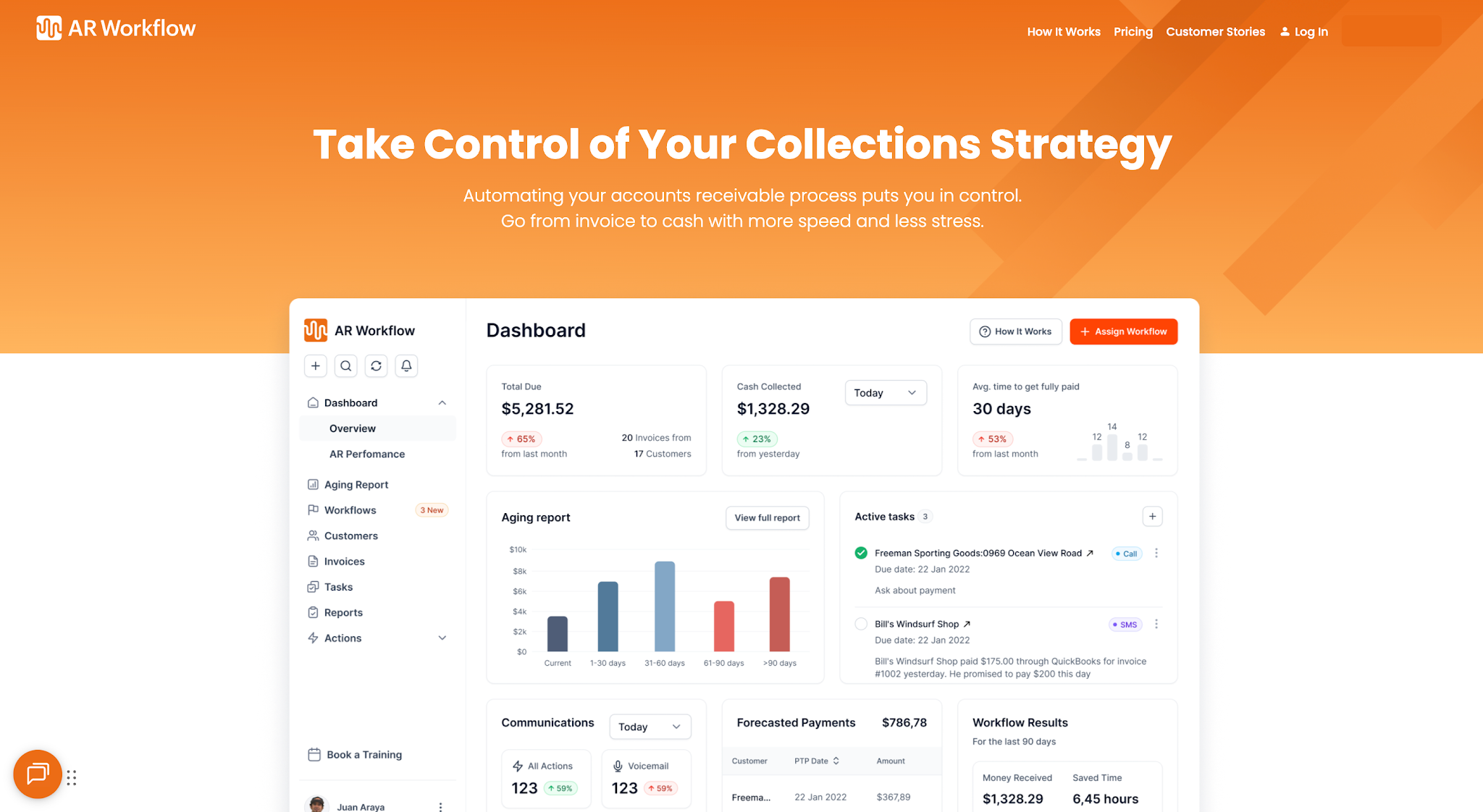
AR Workflow shows which accounts still need attention and what goes out next.
Choosing the right restoration project management software starts with understanding which part of your business needs the most improvement.
If your company already has the tools to manage its restoration projects but still struggles to collect payments on time, adding more project management features won't necessarily solve the problem. What your company needs is a better way to manage outstanding invoices and make sure your team consistently follows up on payments.
AR Workflow helps restoration companies do that. It automates collection reminders through email and SMS from a dedicated number, while giving your team a clearer view of outstanding invoices and which accounts still need attention.
That means your employees can spend less time manually chasing payments while your company works toward collecting the money it has already earned. Because ultimately, completing more restoration jobs means little for your cash flow if too much of that money remains tied up in unpaid invoices.
FAQs about restoration project management software
What software do restoration companies use?
Restoration companies use software to estimate, schedule jobs, document the field, track equipment and collect payments. The specific tools they need depend on which parts of their operations they want to manage or improve.
What is the best CRM for restoration companies?
The best customer relationship management (CRM) software for a restoration company depends on its needs. Look for software that helps track customer communication and manage jobs while integrating with existing business tools.
What is a restoration project manager?
A project manager in the property restoration industry oversees restoration jobs from start to finish. They coordinate crews, manage schedules and monitor progress to ensure the team completes the work according to the project scope.
Does restoration project management software handle collections?
Usually not in depth. Most project tools stop at the invoice. Collecting on it, with follow-up schedules, reminders and online payment, is typically handled by dedicated AR collections software that connects to your accounting system.
Related reading
Your invoice, not a feature tour.
Bring one overdue invoice to a demo and see what AR Workflow would send, when, and how your customer would pay.