7 Best Fire and Water Restoration Software Tools in 2026: 1. AR Workflow 2. Albi 3. Xactimate 4. Cotality Mitigate 5. Encircle 6. iCat 7. magicplan.

Running a fire and water restoration company means managing several moving parts, often while multiple jobs are underway. Crews need to assess property damage, document their work, and keep projects on schedule, all while making sure that payments for each restoration job are completed.
Handling all of this can be especially difficult when teams rely only on manual processes or software that doesn't meet their needs.
Fortunately, there are fire and water restoration software tools designed to streamline operations in different parts of the business. The only challenge now is knowing which platforms truly address the issues your company needs to solve.
In this guide, we'll compare the top seven software platforms based on their specific use cases, so you can find the right tools for your restoration operations.
KEY TAKEAWAYS
These are the seven best fire and water restoration software tools for 2026 by use case:
Fire and water restoration software refers to digital tools that help restoration contractors manage different aspects of property damage restoration work.
These tools serve different purposes depending on the work involved. For example, estimating software helps contractors calculate the cost of restoring damaged properties, while job management software helps teams coordinate restoration projects and monitor their progress.
Other platforms help contractors document damage, manage contents removed from properties, or track equipment during water mitigation.
A fire and water restoration software also supports the financial side of restoration work by helping businesses manage invoices and collect outstanding payments after completing jobs.
While these platforms all support the restoration industry, they don't necessarily perform the same functions. Understanding those differences helps restoration businesses decide which tools belong in their operations.
Fire and water restoration projects share several operational requirements. Both involve assessing property damage, documenting the work, and coordinating the resources needed to complete the job.
However, the type of damage determines which processes require more specialized software.
For example, water restoration contractors need to monitor moisture levels and document drying progress throughout mitigation. Fire restoration teams, on the other hand, often deal with smoke and soot damage, which can require detailed cleaning records and contents inventory management.
Here's how their software needs typically differ:
|
Water damage restoration |
Fire damage restoration |
|
Moisture readings and drying logs |
Smoke and soot damage documentation |
|
Drying equipment monitoring |
Contents inventory and pack-out tracking |
|
Water extraction and mitigation records |
Cleaning and restoration records |
|
Daily drying progress reports |
Contents cleaning, storage, and pack-back management |
Companies that handle both types of restoration work may need software that supports these specialized tasks alongside their general job management processes.
The important consideration is identifying which activities your current tools already handle and which ones require additional assistance.
To help make the comparison easier, we've selected seven platforms based on the specific restoration business functions they support.
|
Platform |
Overview |
Key features |
Pricing |
|
AR Workflow |
Accounts receivable automation and payment collections platform for restoration companies. |
|
|
|
Albi |
Restoration job management software for coordinating projects between office and field teams. |
|
|
|
Xactimate |
Property damage estimating software for fire and water restoration contractors. |
|
Xactimate: $350/month |
|
Cotality Mitigate |
Water mitigation software for documenting moisture readings and drying progress. |
|
Cotality Mitigate does not list prices publicly. |
|
Encircle |
Field documentation platform for recording property damage during restoration jobs. |
|
|
|
iCat |
Software for managing damaged personal belongings during contents restoration projects. |
|
Enterprise AI: $250/month |
|
magicplan |
Mobile property documentation software for floor plans and damage mapping. |
|
|
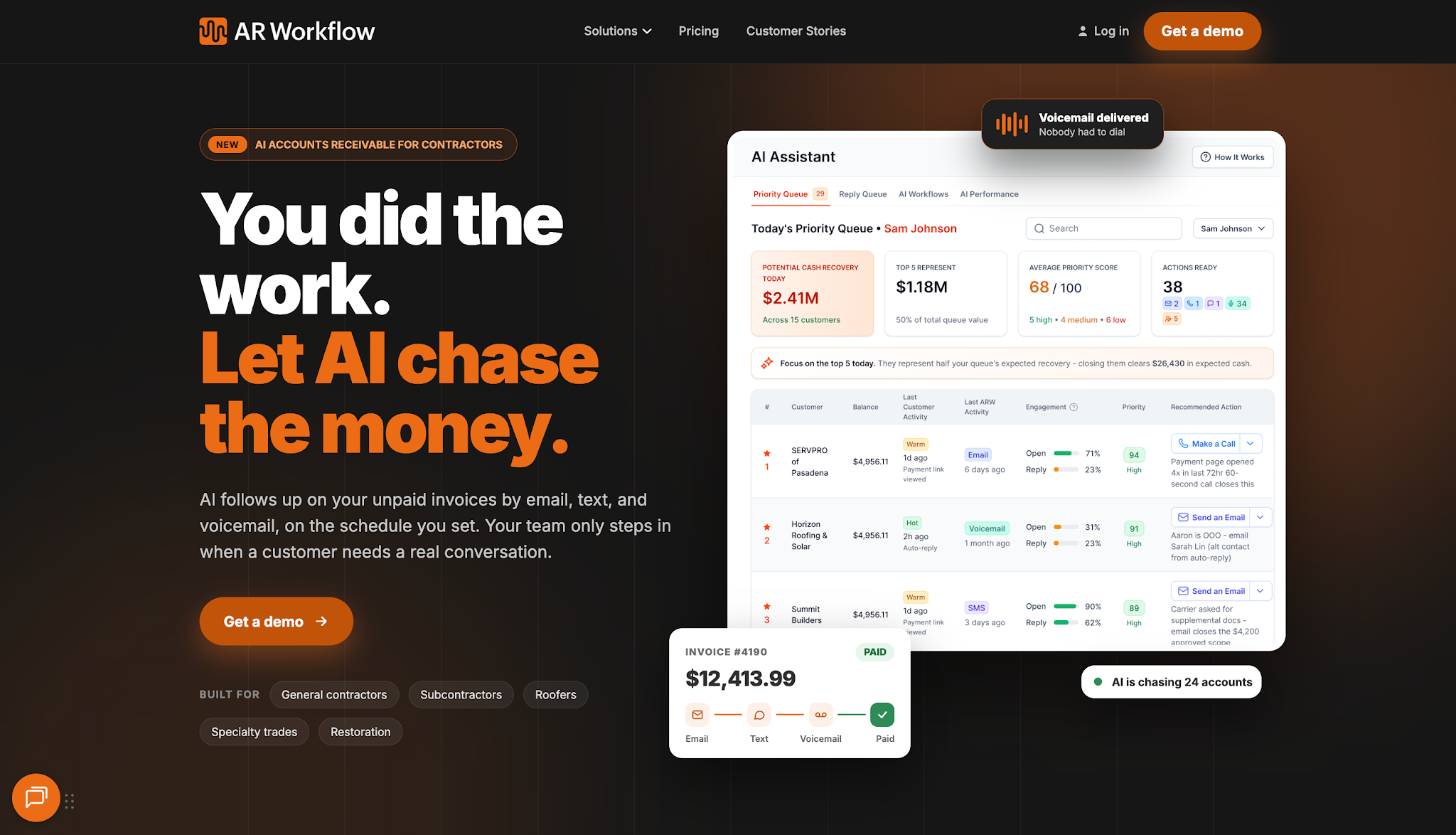
AR Workflow is an accounts receivable platform built specifically for disaster restoration companies.
It helps restoration businesses manage the collections process after they issue invoices for completed work. Its main focus is helping owners and finance teams maintain consistent payment follow-ups while keeping track of outstanding receivables.
The platform is also well-suited to restoration companies that handle high invoice volumes and spend significant administrative time managing overdue payments.
AR Workflow offers three monthly plans:
AR Workflow stands out because it brings the entire payment collection process together in a single platform.
From tracking outstanding invoices and scheduling follow-ups to managing customer communication and accepting online payments, it helps restoration businesses manage each stage of collections without requiring any team member to handle tasks manually.
AR Workflow also offers invoicing integration with QuickBooks, so payment activity stays up to date with the company's accounting records. Its automated workflows can adjust follow-ups when customers pay, helping teams avoid unnecessary reminders that could affect customer relationships.
Another advantage is its flexibility. AR Workflow supports different types of restoration work, including water damage, fire and smoke restoration, and mold remediation.
It also serves contractors in other trades, making it suitable for businesses that need a structured way to collect payments regardless of the services they provide.
Unlike the other platforms on this list, which primarily focus on managing or documenting restoration work, AR Workflow specializes in helping contractors collect the money they've earned from that work.
Get a demo with AR Workflow and witness firsthand why it's a worthy investment for your business!
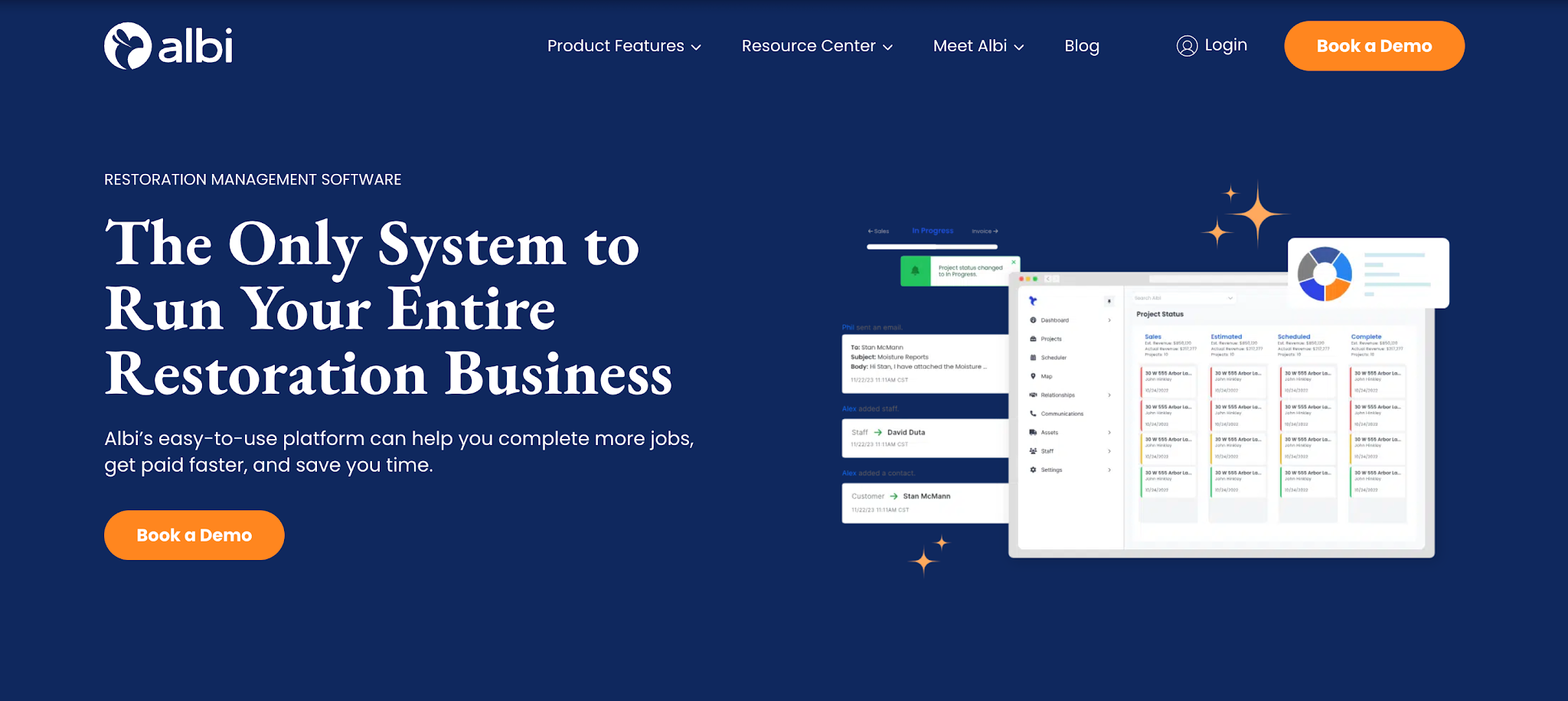
Image source: albiware.com
Albi is restoration management software that helps contractors organize projects and coordinate work between their office and field teams.
The platform brings job information into one place, allowing employees to manage assignments and monitor project progress. It also provides mobile access so technicians can update job records while working on-site.
Albi offers two user types:
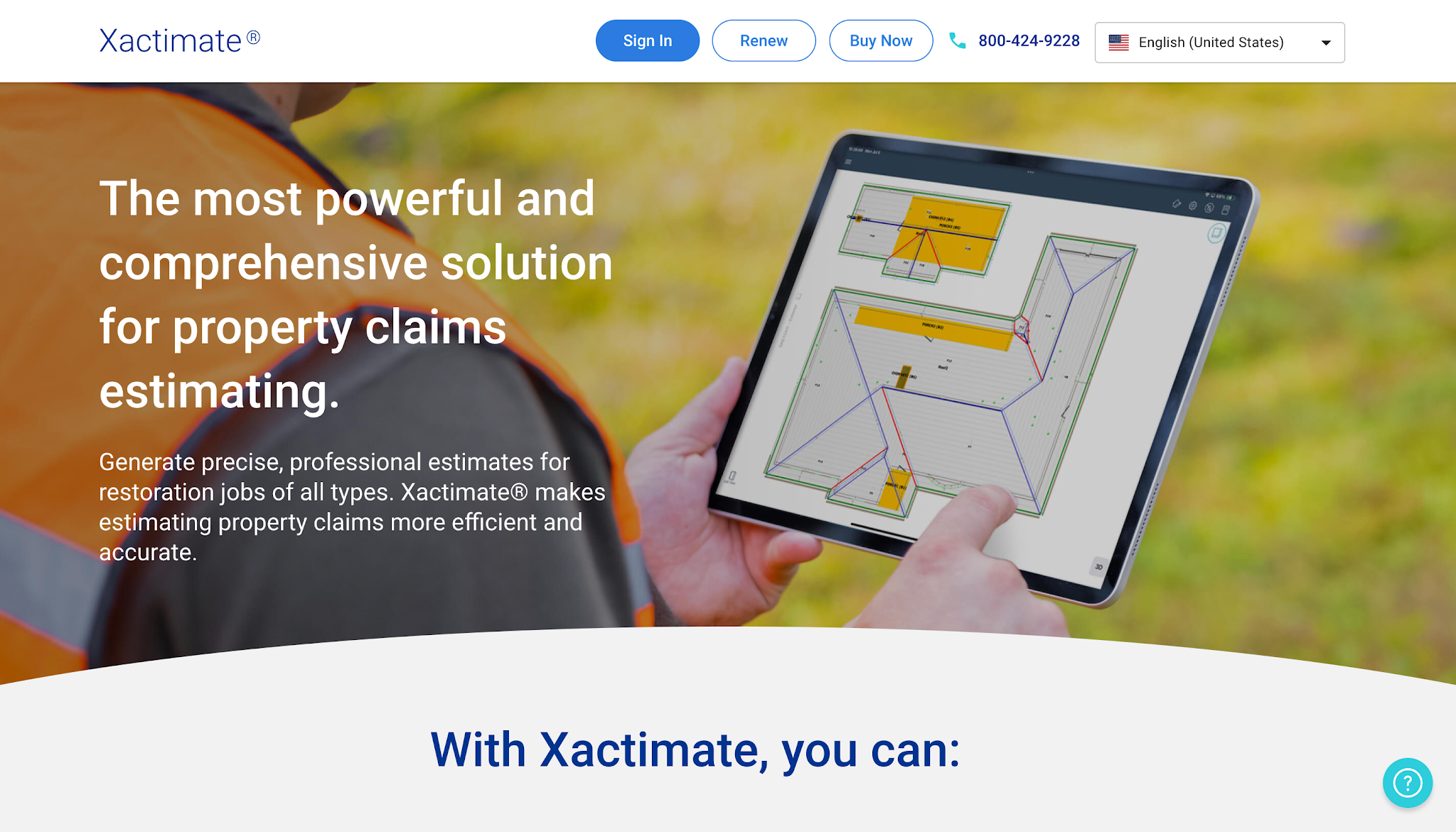
Image source: xactimate.com
Xactimate is property damage estimating software from Verisk. Restoration contractors use it to prepare estimates that describe the work and costs involved in restoring damaged properties.
The platform supports estimating for different types of property losses, including fire and water damage. Contractors who regularly handle insurance-related restoration projects can use Xactimate to prepare detailed scopes of work and accurate estimates of the costs involved.
Xactimate offers a single monthly price of $350/month.
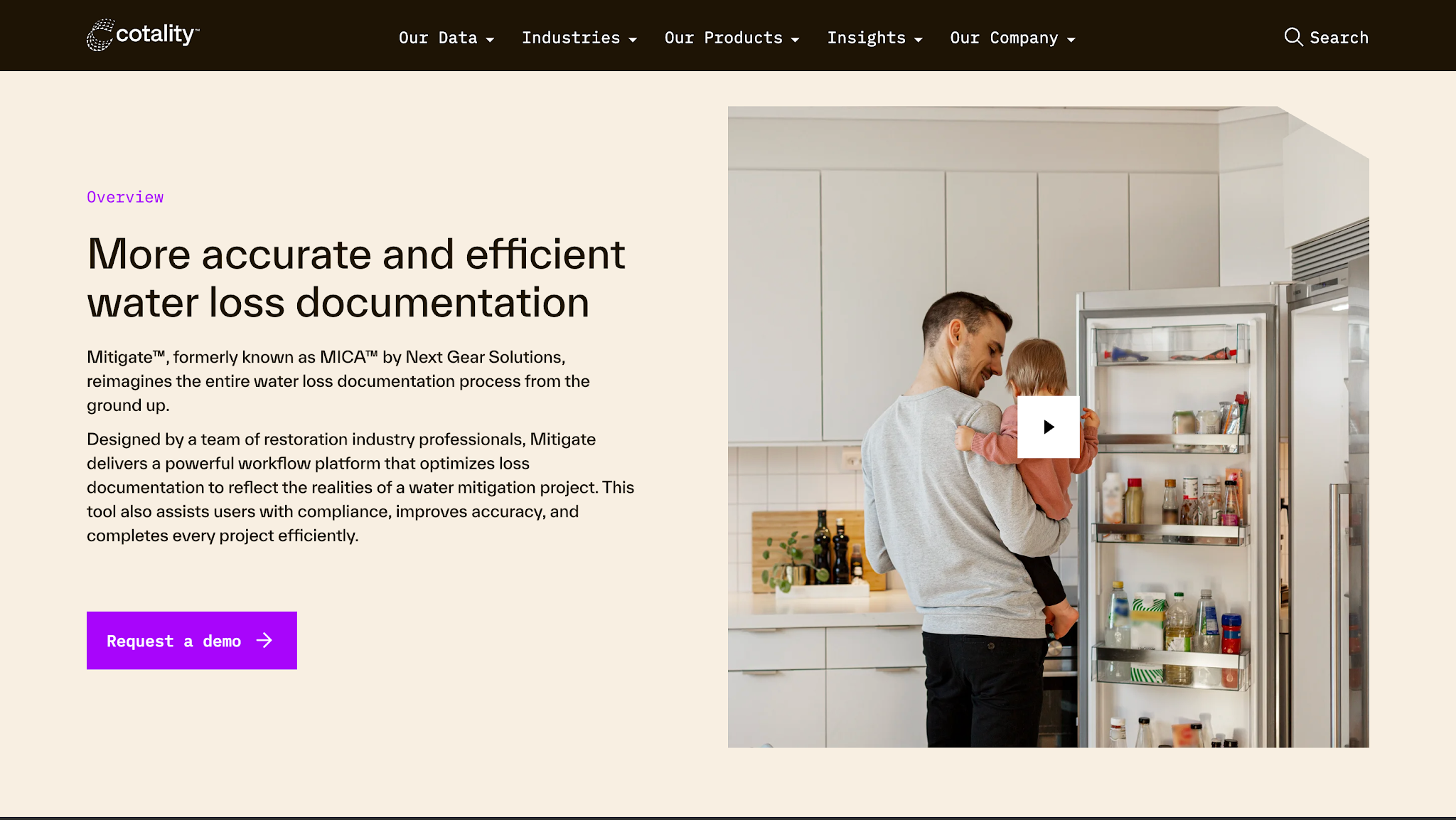
Image source: cotality.com
Cotality Mitigate, formerly MICA by Next Gear Solutions, is software designed for documenting water mitigation projects.
It helps water restoration technicians maintain records of drying conditions and moisture readings throughout the mitigation process. The platform also incorporates guidance related to ANSI/IICRC S500, which addresses professional water damage restoration.
Cotality Mitigate does not list prices publicly.
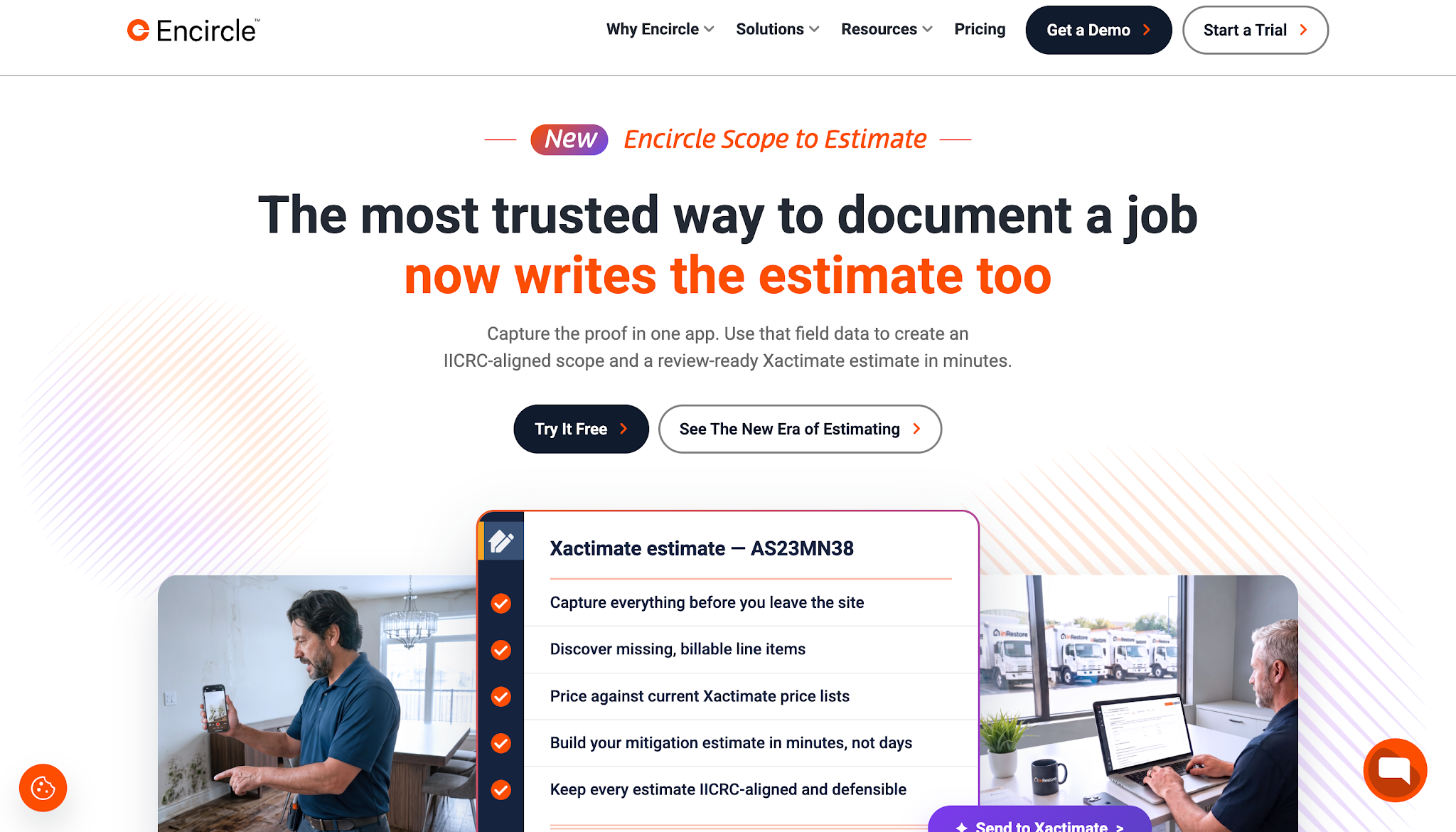
Image source: getencircle.com
Encircle is a field documentation platform that helps restoration contractors capture photos, record property conditions, and organize job information directly at the job site.
Teams can use it for both fire and water damage projects, with records that office staff and other parties involved in the job can easily access.
Encircle's subscription price lists are:
The pricing depends on the number of jobs per year.
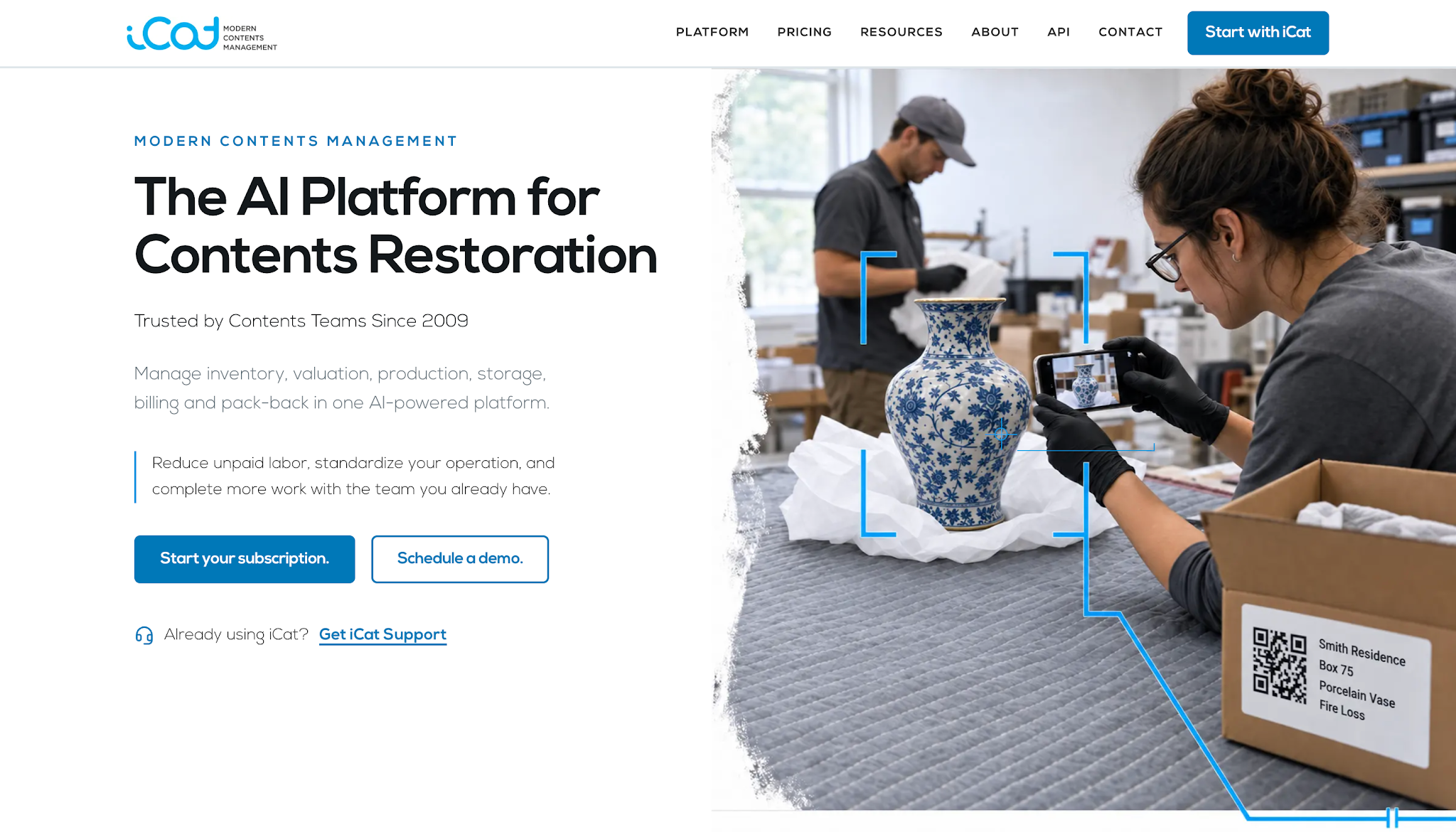
Image source: icatcontents.com
iCat is a software platform that helps restoration companies manage damaged personal belongings throughout the contents restoration process.
Fire restoration teams can use it to create content inventories, track items during pack-out and cleaning, and organize their storage and eventual return to the property.
iCat offers an Enterprise AI plan at $250/month.
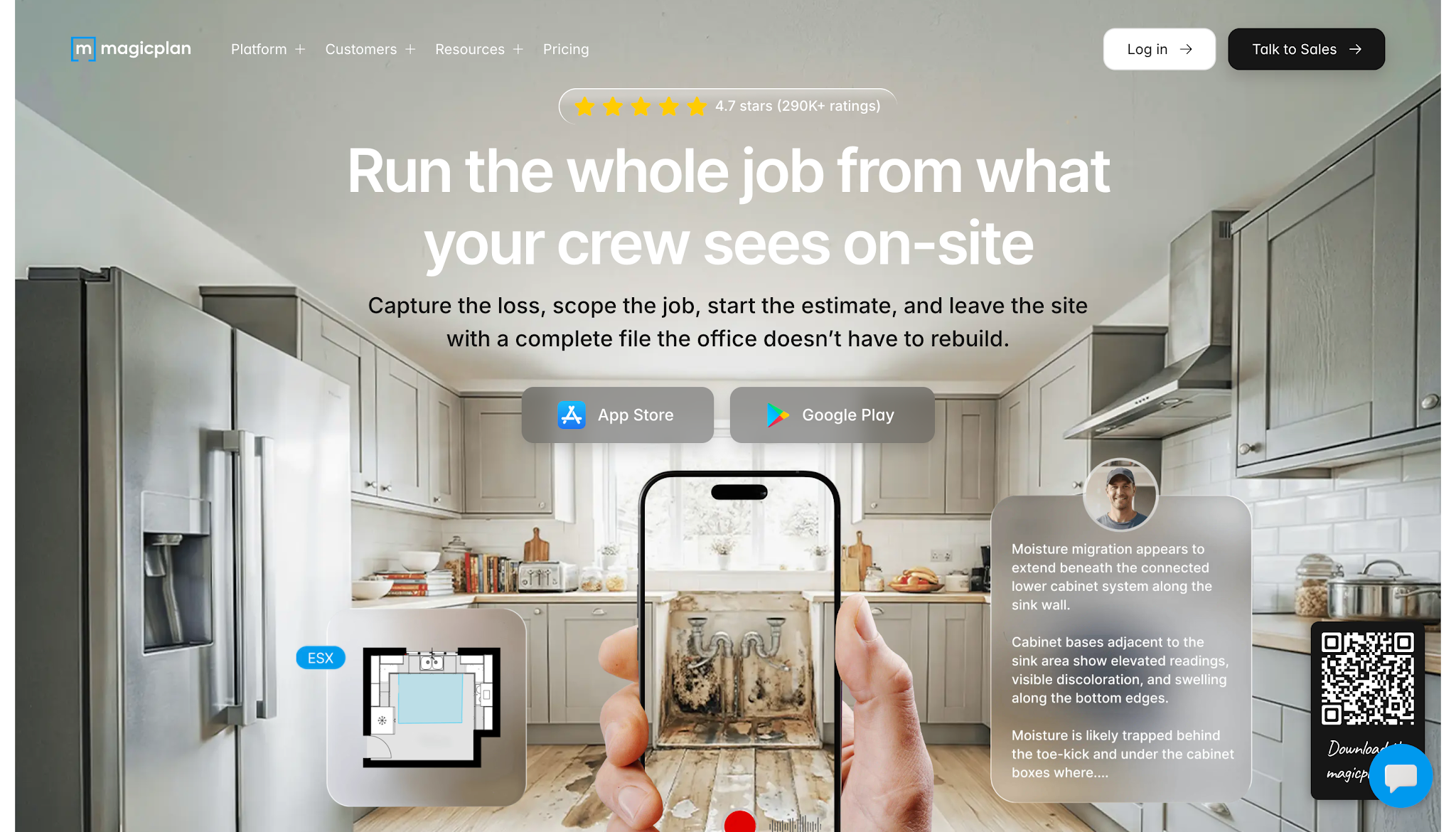
Image source: magicplan.app
magicplan helps contractors create floor plans and record information about damaged spaces in one app.
Restoration professionals can use it during their initial property assessments to document layouts and identify areas affected by fire or water damage. They can also record measurements and connect damage documentation to specific locations within the property.
magicplan offers three subscription plans, with pricing based on the number of new projects per month. For 10 projects per month, the plans are:
Now that we've covered the seven software options, let's make it easier for you to weigh your options using these criteria.
Restoration jobs often require several employees to coordinate their work, particularly when crews are handling multiple properties.
For example, a project manager might need to schedule demolition work at one property while arranging a return visit to check drying equipment at another. Without an organized schedule, employees can miss updates or arrive before the site is ready for their work.
Project management software helps managers coordinate these activities and monitor job progress.
When comparing platforms, check whether your team can assign responsibilities, update schedules, and review project status without constantly contacting employees for information.
The goal is to give everyone enough information to complete their assigned work on time.
Once your team assesses a damaged property, the next priority is turning those findings into an accurate scope of work and estimate. That requires records that clearly explain the damage and support the services your company plans to perform.
Your software should help technicians organize photos and measurements alongside their inspection notes so estimators have the relevant information they need to prepare estimates.
This is especially important for insurance-related projects, where incomplete documentation can lead to additional questions about scope or charges.
So when comparing software, pay attention to how field documentation moves into the estimating process.
If your team has to manually transfer information between systems, check how much additional work that creates and whether the software offers a more direct way to share those records.
Once restoration work begins, your team also needs to keep track of the equipment and materials involved in each job. The type of tracking required depends on the restoration services your company provides.
When it comes to water mitigation, your software should help your employees record equipment placement and usage so managers know where their drying equipment is and when they can assign it to another project.
Fire restoration brings another consideration when crews handle damaged personal belongings. In these cases, the software should help track each item's location and progress through cleaning or storage until the team returns it to the property.
When evaluating these features, consider whether your team needs equipment tracking, contents inventory management, or both. That distinction will help you choose software that supports your actual restoration activities.
Completing restoration work doesn't automatically mean the customer has paid for it.
Once the company sends an invoice, office employees still need to monitor its status and contact the appropriate party when payment remains outstanding.
That process can become difficult when the business handles many invoices with different due dates and payment arrangements.
Look for software that gives staff clear access to outstanding balances and payment activity. If employees regularly spend hours sending reminders or checking overdue accounts, dedicated collections automation may also deserve consideration.
The aim is to make sure completed jobs continue receiving the necessary attention until the business collects payment.
Even if several platforms offer robust tools and capabilities that interest your team, purchasing more software won't necessarily solve the problems you're experiencing.
Start by understanding your company's specific needs and whether a particular software solution can address them.
Start by looking at the tasks that regularly delay your team or require unnecessary manual work.
If employees struggle to keep up with project schedules, focus on restoration job management software. If estimators spend too much time preparing estimates, review tools designed for that process.
You should also consider what happens after completing a job. If your office team regularly deals with aging invoices and repeated payment reminders, accounts receivable software may provide more immediate value than another field management tool.
Identifying the specific problem helps narrow your options before you start comparing individual features.
Before selecting another platform, review which systems your company already uses and how the new software will fit into them.
For example, your team might already use software for estimating and accounting. Using multiple tools could require employees to enter the same information twice if the systems don't exchange the data they need.
Check the vendor's integration capabilities and find out exactly what information transfers between platforms.
If an integration isn't available, ask whether your team can export and import the necessary records without creating too much additional work.
This helps you assess how the software will affect your current processes before committing to it.
The size of your team and the number of jobs you handle will affect what you need from your software. Smaller restoration companies may only need a few employees to access the platform, while larger teams may require more users and detailed reporting.
Check how many employees will use the software and whether its subscription supports their responsibilities. Also consider how your workload changes during periods of heavy storm activity or increased restoration demand.
A platform should support your current operations while giving your team enough room to handle additional work as the business grows.
Software prices don't always tell you the full cost of adopting a platform.
Before comparing subscriptions, check what's included in each plan. One vendor may charge according to user count, while another bases pricing on job volume or the number of invoices the business tracks.
Implementation also deserves attention.
Ask about the software's learning curve, whether the vendor provides onboarding support, and how your team will transfer existing information into the new system.
These details help you determine whether the software fits your budget and how much effort your company needs to invest before employees can begin using it.
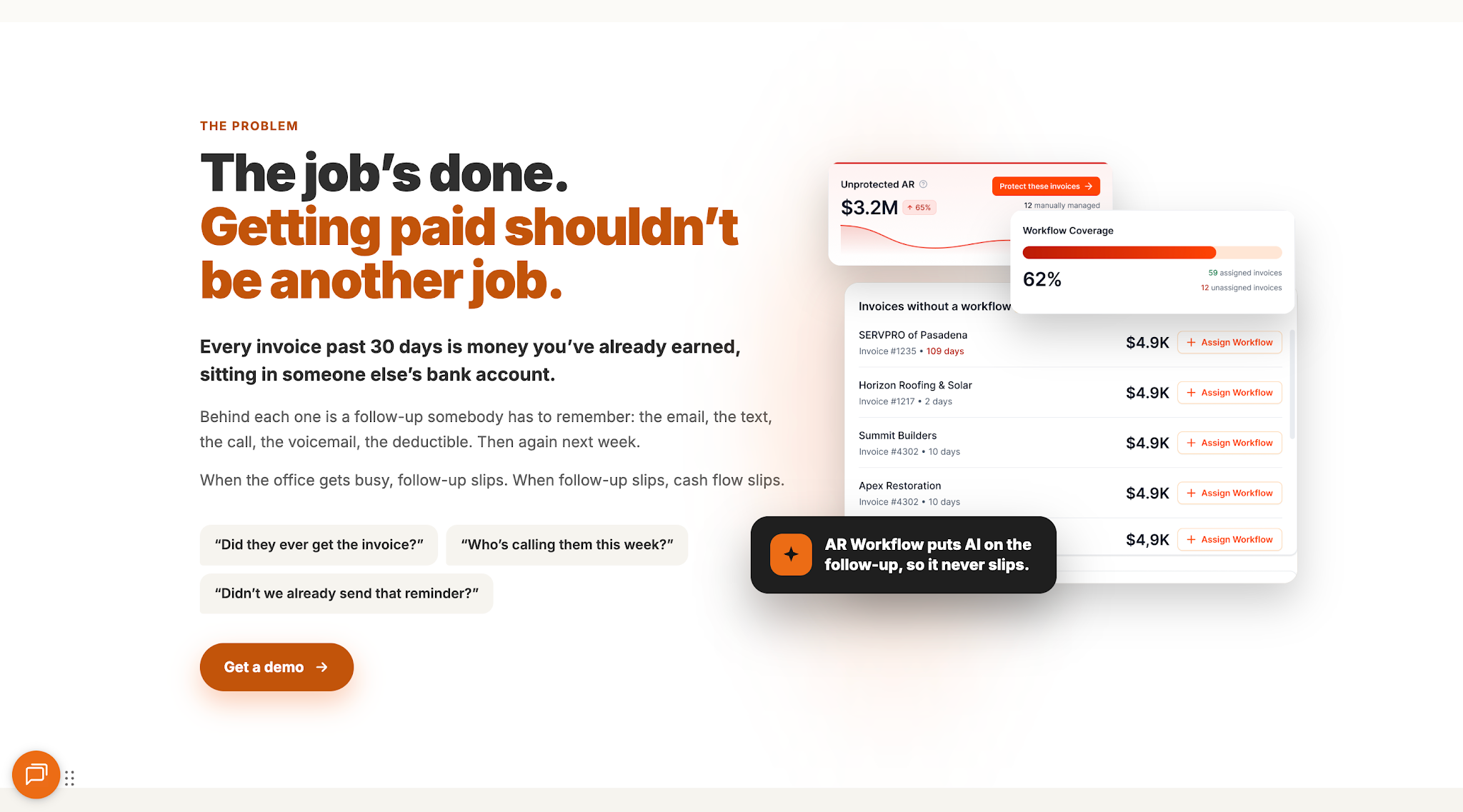
Choosing the right software comes down to identifying what your business needs to improve. Whether that's preparing estimates, managing jobs, or documenting damage, each platform serves a different purpose in helping your team complete restoration work more efficiently.
But remember, completing the work is only part of the process. Your company still needs to collect payment for those jobs, which is exactly what AR Workflow specializes in through its automated collections process.
That way, your team won't waste time chasing payments while feeling confident that all invoices are consistently tracked and updated.
After all, your company has already invested time and resources in completing those restoration jobs, so collecting the payments you've earned shouldn't be another problem you have to worry about.
Restoration companies use different types of software depending on the services they provide. Common options include AR Workflow for payment collection, Xactimate for estimating, Albi for job management, and Encircle for field documentation.
Fire and water restoration requires specialized skills because technicians must assess damaged materials and determine which restoration methods suit the property's condition.
Water damage jobs can involve extensive drying and moisture monitoring, while fire restoration may require smoke cleaning and damaged contents management. These tasks also demand careful documentation and coordination between employees.
Homeowners can handle very minor water incidents involving clean water and a small affected area. However, extensive water damage requires professional assessment, particularly when moisture reaches hidden building materials, or the water contains contaminants.
Restoration professionals have equipment and training to evaluate those conditions and determine the appropriate remediation process.
Yes. Restoration contractors can use the same estimating software for both fire and water damage projects, as long as it supports the different line items and cost calculations required for each type of damage.
Related reading
Your invoice, not a feature tour.
Bring one overdue invoice to a demo and see what AR Workflow would send, when, and how your customer would pay.
Sam owned and ran three restoration companies for more than 14 years and collected over $100 million in receivables. He built AR Workflow in 2020 to give contractors the collections system he wished he'd had.

AI writes the emails, sends the texts, and leaves the voicemails. Your team handles the conversations that matter, and your cash keeps moving.
 Keep QuickBooksStart with one invoiceStay in control

 Log in