By the time a restoration job is ready to invoice, most of the information needed to bill for it already exists somewhere. The question is how much work your office still has to do to turn that information into an invoice, send it, and keep track of what happens afterward.
If that process involves moving between systems or manually checking which invoices are still outstanding, the software behind it starts to matter.
The right restoration invoicing software can take more of that work off your team's plate, but different platforms handle very different parts of the process.
This article breaks down which capabilities you need and which software matches how your restoration company already works.
TL;DR
These are the five best restoration invoicing software options covered in this guide:
- AR Workflow — Best for restoration companies that want to manage invoicing alongside outstanding AR and collections.
- Albi — Built for restoration companies that want invoicing and payments within a broader restoration management platform.
- Jobber — Connects invoicing with field service jobs, customer information, and payments.
- Joist — Focuses on straightforward estimating and invoicing for contractors and smaller contracting businesses.
- Contractor+ — Combines project-based estimating and invoicing with broader contractor management tools.
What Is Restoration Invoicing Software?
Restoration invoicing software helps restoration companies create, send, and manage invoices for the work they complete.
It gives the office a way to take the billing information tied to a job and organize it into an invoice in a structured format without managing the process through separate documents or manual records.
Depending on the software, teams may also be able to convert an approved estimate into an invoice rather than entering the same job information again.
Once the invoice has been sent, the software can help the office keep track of what happens next. Teams can see whether the invoice is still open and record the payment once it comes in, while online payment options give customers a direct way to pay.
If the invoice remains unpaid, some platforms also provide other tools for managing the outstanding balance.
What to Look for in Restoration Invoicing Software
Restoration invoicing platforms can differ quite a bit in what they handle and how they fit into your existing process.
Fit With Your Existing Job Management Process
Check how the invoicing software will fit into your team's entire workflow for managing jobs.
If estimates, customer details, or completed work are already stored in another system, look at whether that information can carry into invoicing without being entered again. This is especially important if you plan to keep your current restoration management platform.
The goal is to avoid creating another disconnected step between job completion and billing.
Estimating and Invoicing Capabilities
Look at how easily the software moves work from estimate to invoice.
If your team already creates estimates digitally, check whether approved estimates can be converted into invoices without the same manual entry. Also check how much control you have over invoice details, line items, and other billing information.
This helps you see whether the platform actually improves the billing process or simply gives you another place to create invoices.
Online Payment Options
Check what payment methods the platform gives your customers once the invoice has been sent.
Look for options such as credit card or ACH payments, and whether those payments stay connected to the invoice inside the system. If payment plans are important to your process, check whether the platform supports those as well.
The easier it is to move from invoice to payment, the less manual coordination your team may need once the payer is ready to settle the balance.
Accounting and Software Integrations
Look at how the invoicing platform connects with the systems your finance and operations teams already use.
If your accounting records live in QuickBooks or another platform, check what information actually syncs between the two systems. The same applies to any restoration software that already holds job or customer data.
A useful invoicing integration should reduce double entry and improve accuracy by keeping invoice information consistent between systems.
5 Best Restoration Invoicing Software Options in 2026
Now that you know what to look for, here are five restoration invoicing software options worth considering and what each one offers.
1. AR Workflow — Best for Invoice Management and Collections
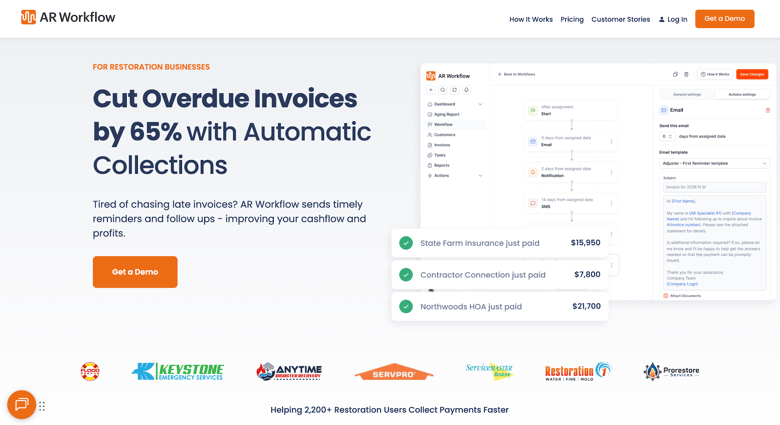
AR Workflow is an accounts receivable (AR) automation and payments platform designed specifically for restoration companies. It helps owners and finance teams manage invoicing, payments, and the collection work tied to outstanding receivables across restoration projects.
Its invoicing tools cover the process from preparing estimates to creating invoices and tracking them after they have been sent.
AR Workflow also connects invoices to the debt collection process, customer communication, payment options, and AR reporting so teams can keep managing unpaid balances.
Key Features
- Estimate-to-invoice conversion - Lets users turn accepted estimates into invoices without creating the billing information again.
- Custom invoices - Allows users to create invoices with project information, company branding, photos, custom fields, and other billing details.
- Invoice tracking - Tracks invoices as the team manages open balances and outstanding receivables.
- Online payments - Allows customers to pay through a secure online payment portal.
- Collection task management - Lets teams organize the tasks involved in collecting outstanding invoices.
- Customer communication - Allows teams to manage email and SMS communication connected to collection activity.
- AR reporting - Gives owners and finance teams a clearer real-time view of invoicing and accounts receivable information.
Pricing
- Lite - $295/month, supports up to 50 open invoices and includes one user, with additional users available for $10/month each.
- Grow - $395/month, increases capacity to 100 open invoices and includes up to 10 users, making it better suited to a growing collections workload.
- Enterprise - $495/month, intended for larger teams with more substantial AR volumes, as it removes the invoice and user limits, allowing teams to manage unlimited open invoices with unlimited users.
2. Albi — For Restoration Job Management and Invoicing
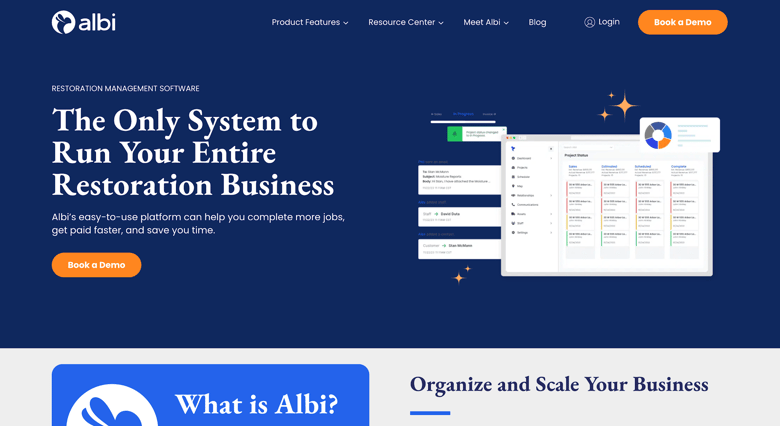
Image source: albiware.com
Albi is restoration management software built for restoration contractors. It combines project management, customer management, field documentation, scheduling, reporting, payments, and other parts of running restoration jobs in a single platform.
Invoices and payments sit within the individual project record. Users can create invoices through Albi, view job financial information, apply payments to invoices, and send payment requests through Albi Pay.
Albi also supports restoration-specific payment needs such as insurance check deposits.
Key Features
- Project invoicing - Allows users to create and manage invoices within the restoration project they belong to.
- Payment requests - Lets users request payment by credit card or ACH and link the request to the relevant invoice.
- Payment tracking - Tracks payment requests and updates invoice balances as payments are received.
- Check deposits - Allows restoration companies to deposit eligible insurance checks through Albi Pay.
- Project financials - Shows invoices, payments, outstanding balances, expenses, and other financial information connected to a job.
Pricing
- Base User - $60/seat/month
- Pro User - $100/seat/month
3. Jobber — Best for Job-to-Invoice Workflows
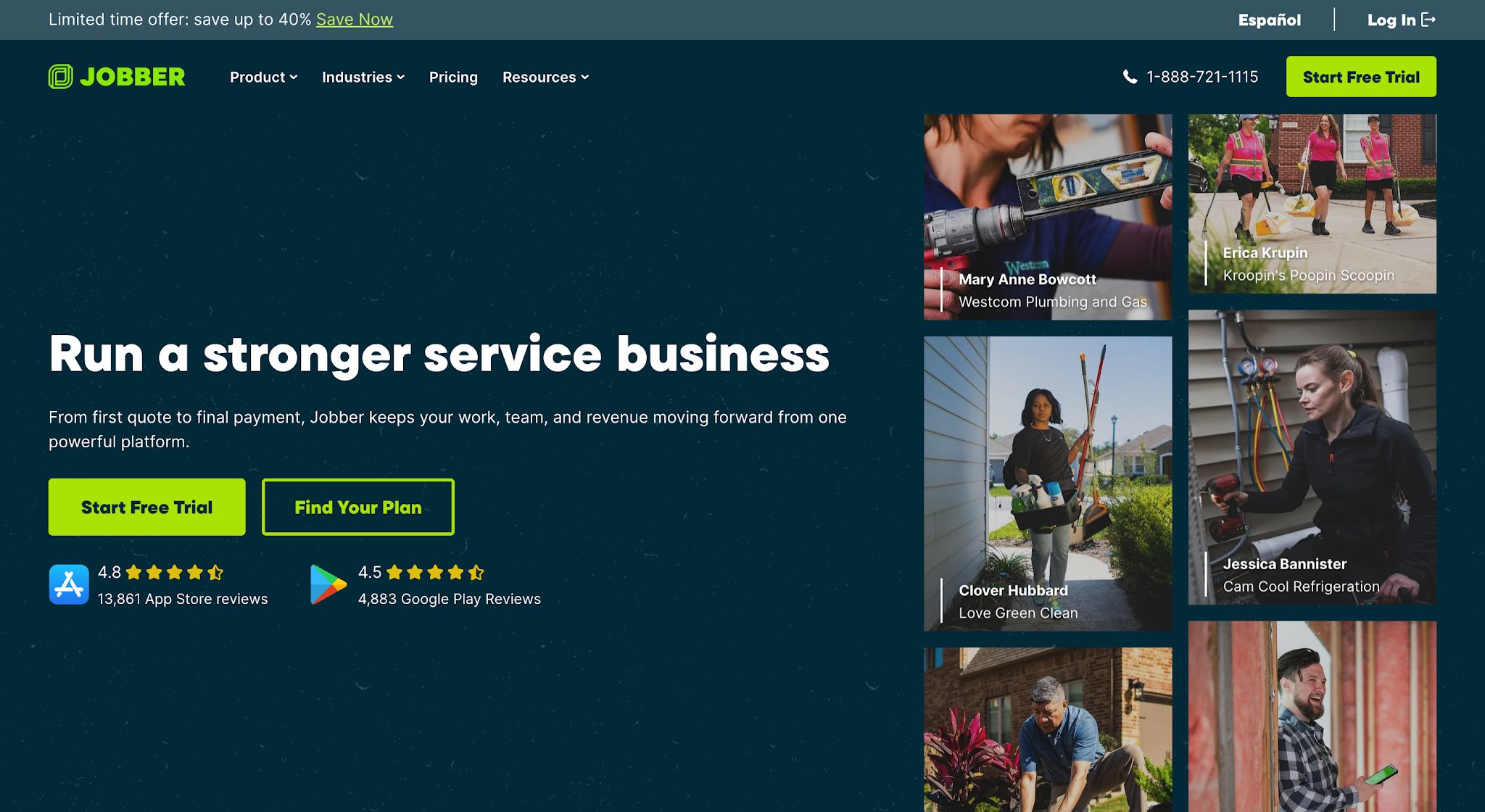
Image source: getjobber.com
Jobber is field service management software for home and commercial service businesses, including restoration companies. It serves businesses ranging from solo operators to field teams managing multiple crews.
Key Features
- Job-based invoicing - Lets users generate invoices using information already connected to the customer and completed job.
- Invoice tracking - Allows users to view and track invoices after they have been created and sent.
- Invoice follow-ups - Sends automated email or text reminders for outstanding invoices on supported plans.
- Online payments - Lets customers pay invoices online using supported payment methods.
- QuickBooks Online sync - Syncs customer, invoice, and payment information between Jobber and QuickBooks Online on supported plans.
Pricing
- Core - $49/month
- Connect - $139/month
- Grow - $199/month
- Plus - $499/month, including five users
4. Joist — Best for Simple Estimating and Invoicing
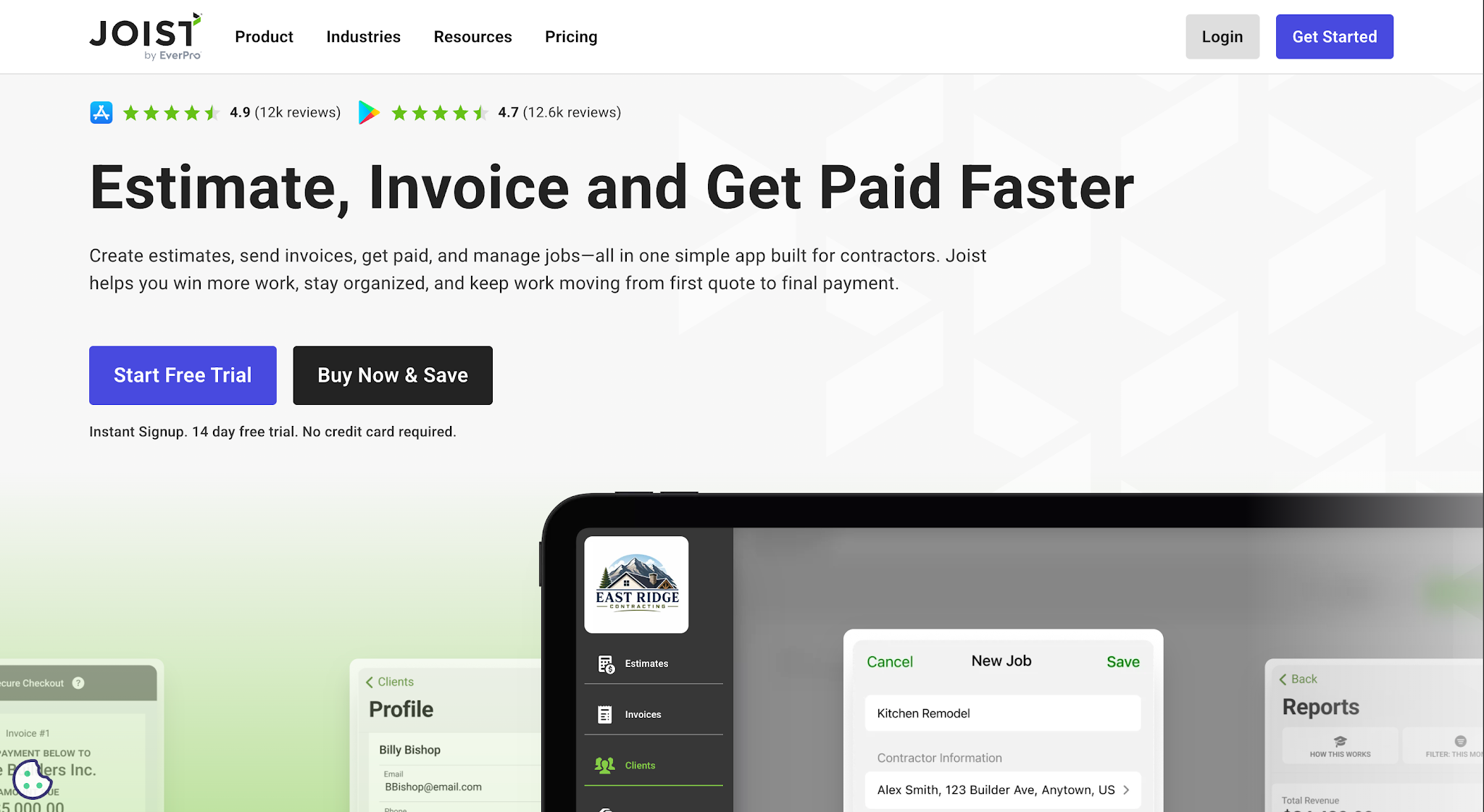
Image source: joist.com
Joist is estimating and invoicing software built specifically for contractors. It primarily serves solo contractors and small businesses that need tools for handling the administrative side of their jobs.
Contractors can prepare an estimate, convert it into an invoice, send the invoice to the customer, accept payment, and keep the related documents connected to the job.
Key Features
- Estimate-to-invoice conversion - Lets contractors turn an existing estimate into an invoice without entering the same information again.
- Online payments - Allows customers to pay invoices using the payment methods supported by Joist.
- Payment reminders - Lets contractors send reminders when an invoice still needs to be paid.
- Client activity tracking - Tracks customer activity related to estimates and invoices on supported plans.
- QuickBooks sync - Allows users on eligible plans to connect invoicing information with QuickBooks.
Pricing
- Basics - $10/month
- Pro - $17/month
- Elite - $32/month
- Run - $100/month
5. Contractor+ — Best for Project-Based Contractor Invoicing
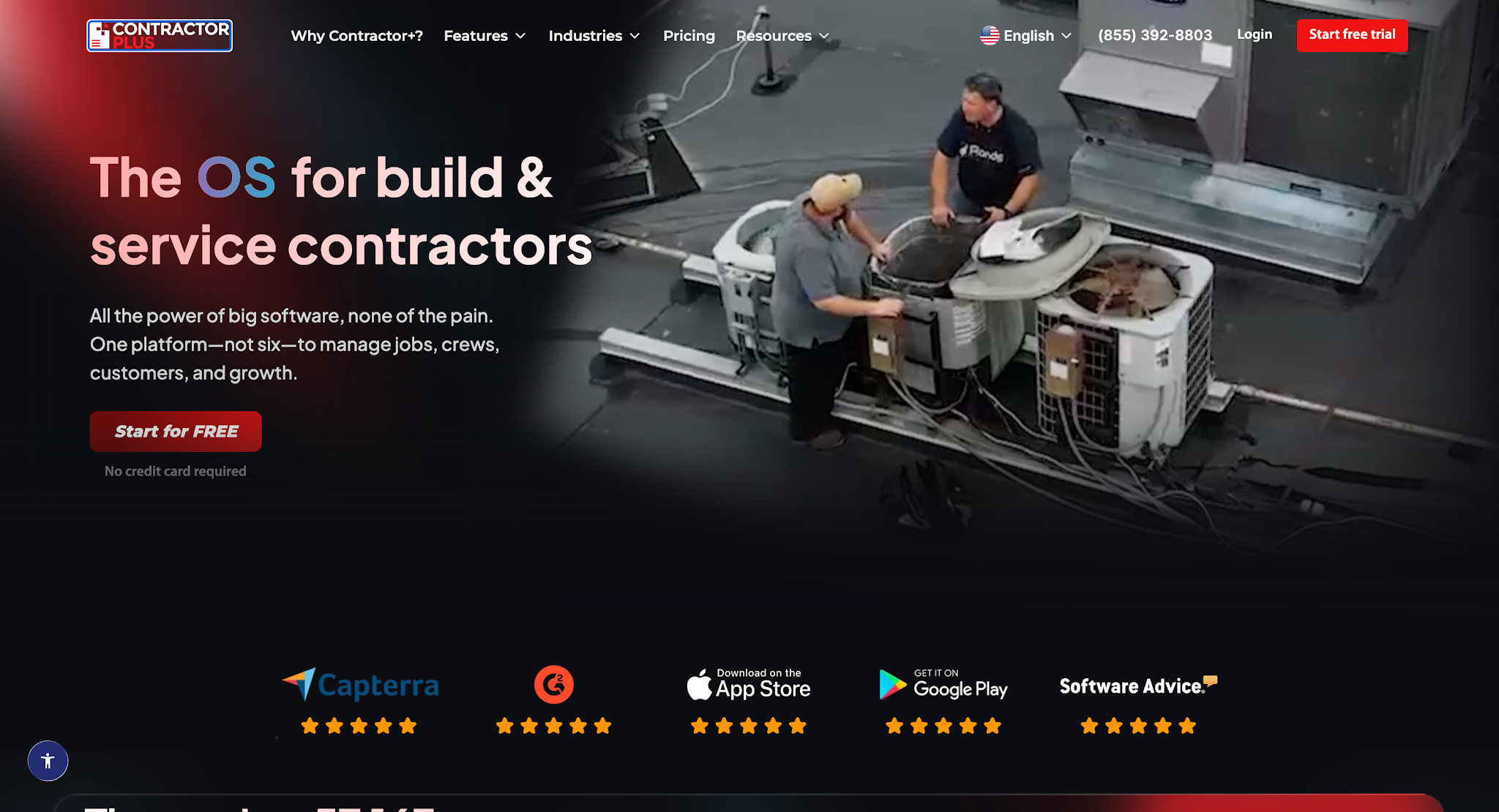
Image source: contractorplus.app
Contractor+ is contractor management software for solo contractors and contracting teams. It combines estimating and invoicing with client management, project tracking, scheduling, and other specialized tools used to manage contractor jobs.
Its invoicing tools let contractors create invoices from existing estimates, add billable items from the job, manage changes to the original scope, and send invoices to customers.
Contractor+ serves contractors and field service businesses rather than focusing specifically on the restoration industry.
Key Features
- Estimate-to-invoice conversion - Lets users turn an approved estimate into an invoice without rebuilding it manually.
- Uninvoiced billables - Tracks unbilled time, mileage, materials, and expenses connected to the job so they can be added to an invoice.
- Change orders - Allows contractors to record approved changes and include the additional work in billing.
- Progress billing - Lets contractors invoice by milestone, percentage, or completed scope when a project requires multiple payments.
- Recurring invoices - Allows users to set up recurring billing for repeat or ongoing jobs.
Pricing
- Freedom - Free
- Pro - $49/month for one user
- Pro Team - $98/month for the first two users, plus $29/month for each additional user
- Max - $597/month for $1m+ contractors
How to Choose Invoicing Software for Your Restoration Business
Choosing between these platforms gets easier once you look at how invoicing currently works in your business. Pinpointing where the extra work happens gives you something practical to compare the software against. Here are the main areas to look at.
Find Your Biggest Invoicing Bottleneck
Start by identifying which part of invoicing currently creates the most work for your team.
If staff have to re-enter information from estimates or job records to create an invoice, look for software that can carry that information directly into billing.
If creating invoices already works well but keeping track of unpaid balances does not, invoice tracking and accounts receivable tools deserve more attention.
This helps narrow down which features are actually relevant to your business. You don't necessarily need more robust tools for parts of the process that already work well.
Check Your Existing Management Software
Next, look at how the invoicing software will work with your existing software stack.
Your restoration management or accounting software may already hold customer details, job information, estimates, or payment records that the invoicing platform will need. Check whether those systems integrate and, more importantly, what information the integration actually transfers.
This matters most if you aren't looking to replace your existing management software. In that case, the invoicing platform needs to fit into your current process without creating more data entry or forcing your team to maintain the same information in multiple tools.
Consider Invoice Volume and Outstanding AR
Think about how many invoices your team needs to manage at one time, not only how easy it is to create a single invoice.
A company with a small number of open invoices may only need basic status tracking. A restoration business carrying a larger volume of outstanding AR needs a practical way to see which invoices remain open and how long they've been outstanding.
Look at how each platform organizes open invoices and what visibility it gives your finance team once invoice volume increases. Also check for plan limits, since some platforms restrict the number of invoices, documents, or users available at different pricing tiers.
Plan for Unpaid Invoices
Check out what the software lets your team do when an invoice isn't paid by the due date.
Basic invoicing software may show that the balance is still outstanding or let you send a payment reminder. Other platforms go further by helping teams track collection activity, manage follow-up tasks, keep communication history together, or set up payment arrangements.
How much of that functionality you need depends on what currently happens when an invoice becomes overdue.
If your team already spends significant time manually managing outstanding balances, compare the platforms based on what they offer after the invoice has been sent as well as how they create it.
What Happens Beyond Sending the Invoice
Sending an invoice doesn't always mean the invoicing process is finished from your team's perspective. If payment doesn't arrive by the due date, that invoice becomes an outstanding balance your team still needs to manage while the delay puts more pressure on your cash flow.
This is a common challenge in restoration. In fact, C&R Magazine and KnowHow's 2026 State of the Industry report found that 40.8% of restoration businesses identified getting paid as their biggest challenge, higher than hiring.
At that point, creating or sending the invoice is no longer the problem. The work shifts to keeping track of the outstanding balance and making sure someone continues following up until payment comes in.
AR Workflow is built around that part of the process. An AR manager can track invoice status, organize collection tasks, review communication history, send email or SMS messages, and provide payment options without treating each overdue account as a separate manual project.
While the software still cannot make a payer send money, what it can do is give the team a structured process for managing the work between an outstanding invoice and eventual payment.
Simplify Invoice Management With AR Workflow
Choosing the right restoration invoicing software starts with knowing what you need to improve.
If your team can already create and send invoices without much trouble, but outstanding balances still take up your office or finance team's time, creating invoices probably isn't the part of the process that needs the most attention.
What deserves more attention is what happens after those invoices go out and how your team keeps outstanding balances moving toward payment.
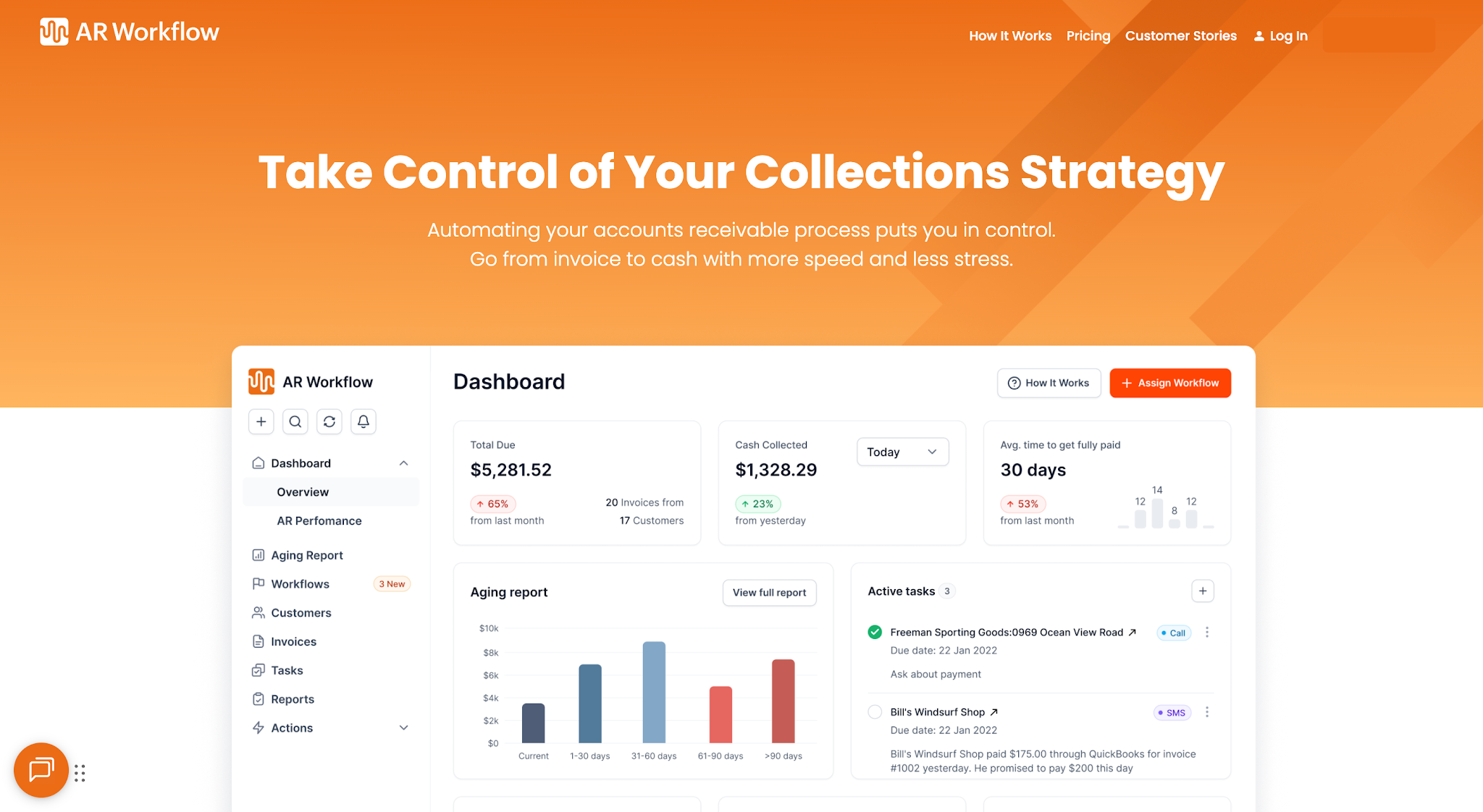
AR Workflow helps restoration companies manage that process by connecting invoicing with payment tracking and collections. Your entire team can see what remains outstanding and manage the work needed to collect it without keeping track of every next step manually.
Sending the invoice isn't the outcome your restoration business is working toward. Getting the revenue you've already earned into your account is.
FAQs About Restoration Invoicing Software
What is the most common software used for restoration estimating?
Xactimate is one of the most commonly used restoration estimating software platforms, particularly for property damage claims involving an insurance carrier.
But if you're looking for a platform specifically designed for restoration businesses that can take an accepted estimate into invoicing and help manage the payment and collection process afterward, AR Workflow is the best software to choose.
What is the best software for invoicing?
The best invoicing software depends on what you need help managing. Basic tools may be enough if you mainly need to create invoices and accept payments.
If your restoration company also needs to manage what happens after invoices are sent, AR Workflow connects invoicing with payment tracking and collections.
What is the best CRM for restoration companies?
The right CRM depends on which part of the customer and job process your restoration company needs to manage.
If your main problem is collecting outstanding invoices rather than managing the entire customer relationship, an accounts receivable platform such as AR Workflow may be more relevant than adding another CRM.
What is the best estimating software for remodeling?
The best estimating software for remodeling should make it easy to build detailed estimates based on labor, materials, and other project costs.