Running a business means constantly balancing what comes in with what needs to go out. Expenses like payroll and supplier payments have deadlines, even when customers take longer than expected to pay their invoices.
Having a clear process for collecting those payments can help businesses improve cash flow. Invoice collection software supports that process, with options ranging from basic payment reminders to more comprehensive accounts receivable collections software.
In this guide, we'll compare the top six invoice collection software options for 2026 and help you understand which one best suits your business.
Book a demo with AR Workflow and make invoice collection easier for your restoration team!
TL;DR
These are the best invoice collection software solutions in 2026:
- AR Workflow
- FreshBooks
- Zoho Invoice
- QuickBooks
- Chaser
- Upflow
How Does Invoice Collection Software Work?
Invoice collection software helps businesses keep track of unpaid invoices and manage how they collect payments from customers. It typically integrates with an existing invoicing or accounting system, though some platforms include these features built in.
Businesses use it to see which invoices are overdue, send payment reminders automatically, and check whether customers have paid. More advanced platforms also let teams manage collection tasks and keep records of previous customer communication.
This is especially helpful for businesses that handle a large number of invoices. Without a clear way to manage collections, employees can spend hours checking payment records and contacting customers individually.
Software can handle much of that routine cash collection work while employees focus on prioritizing collection efforts for accounts that need more attention.
Features vary by platform, so it's important to understand the different types of invoice collection software before choosing one.
Different Types of Software for Invoice Collections
While invoice collection software generally serves the same purpose, the features available depend on the type of platform you use.
Invoicing Software With Payment Collection Features
Invoicing software mainly helps businesses create and send invoices, but many platforms also include features that make collecting payments easier.
For example, businesses can send automatic payment reminders and allow customers to pay directly through an invoice. This makes it easier to manage billing and routine payment follow-ups in the same system.
Platforms like FreshBooks and Zoho Invoice offer these capabilities, making them suitable for freelancers and small businesses with relatively simple collection needs.
Accounting Software With Invoice Collection Features
Beyond invoicing, businesses may also want to manage unpaid invoices alongside their other financial records. Accounting software supports this by combining invoice management with features for tracking income and expenses.
Since the software already records customer transactions, businesses can use it to monitor outstanding balances and send payment reminders without switching between different systems.
QuickBooks is one example of this type of software. It's particularly relevant for businesses that want to manage collections as part of their existing accounting process.
Dedicated Collections and AR Automation Software
However, when a business handles a larger number of unpaid invoices, basic invoicing and accounting features may no longer provide enough support.
A dedicated automated collections software focuses specifically on managing outstanding payments.
These platforms typically offer more control over payment reminders and collection tasks, helping teams keep track of customer communication and identify accounts that need further attention.
AR Workflow, Chaser, and Upflow are examples of dedicated collections platforms, although they serve different business needs.
6 Best Invoice Collection Software Options for 2026
The right type of software depends on how much time your team spends collecting payments and how much of that work you want to automate.
|
Platform |
Overview |
Key Features |
Pricing |
|
AR Workflow |
Accounts receivable automation and payment collection software built for disaster restoration companies. |
|
|
|
FreshBooks |
Invoicing and accounting software for freelancers and small businesses that need basic payment collection tools. |
|
|
|
Zoho Invoice |
Free invoicing software for small businesses and independent professionals. |
|
Payment processing fees may apply |
|
QuickBooks |
Accounting software that combines invoice collection features with financial management tools. |
|
|
|
Chaser |
Accounts receivable software focused on automating payment reminders and managing overdue invoices. |
|
|
|
Upflow |
Accounts receivable and financial relationship management software for B2B finance teams. |
|
Does not list pricing publicly. |
1. AR Workflow
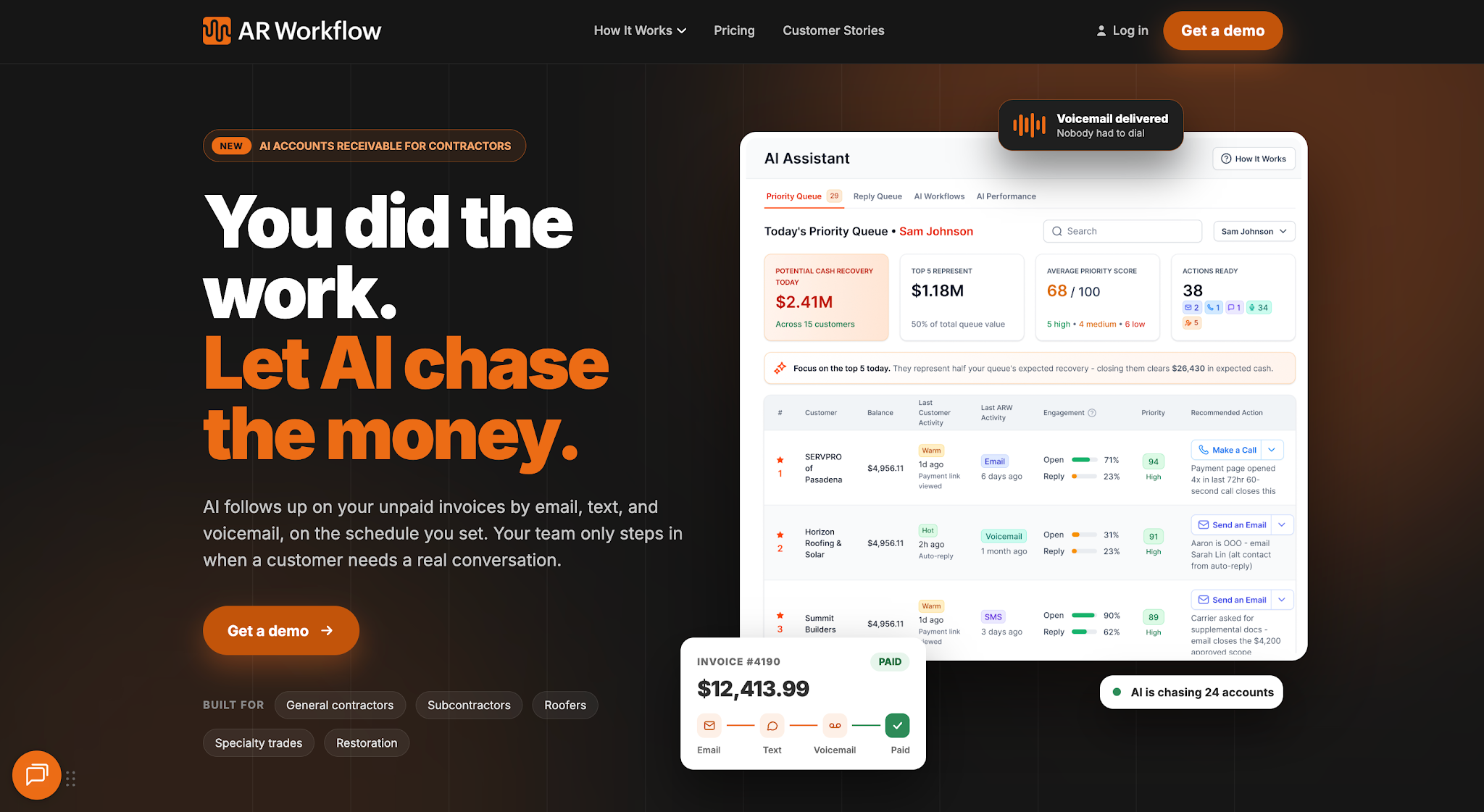
AR Workflow is an accounts receivable automation and payment collection platform designed specifically for disaster restoration companies.
It helps these businesses get paid faster for completed jobs by automating the process of collecting unpaid invoices. Teams can already schedule payment reminders via email and SMS, monitor outstanding balances, and give customers an easier way to pay online, all in one platform.
Even better, AR Workflow integrates with well-known platforms like QuickBooks, allowing restoration companies to manage collections without replacing their existing accounting software.
Key Features
- Automated collection workflows: Schedule payment reminders and organize follow-ups based on each invoice's status.
- Email and SMS communication: Contact customers through automated or individual messages and keep a record of previous communication.
- Collection task management: Assign collection tasks to employees and track what still needs attention.
- AR reporting: Review outstanding balances and invoice aging to see which accounts need attention.
- Secure online payment portal: Give customers a way to pay outstanding invoices online.
- QuickBooks integration: Import invoice records from QuickBooks to support collection tracking and follow-ups.
Pricing
AR Workflow offers three monthly plans:
- Lite — $295/month: Includes 50 open invoices and one user.
- Grow — $395/month: Includes 100 open invoices and 10 users.
- Enterprise — $495/month: Includes unlimited open invoices and unlimited users.
All three plans include collection task management, an online payment portal, and AR reporting.
2. FreshBooks
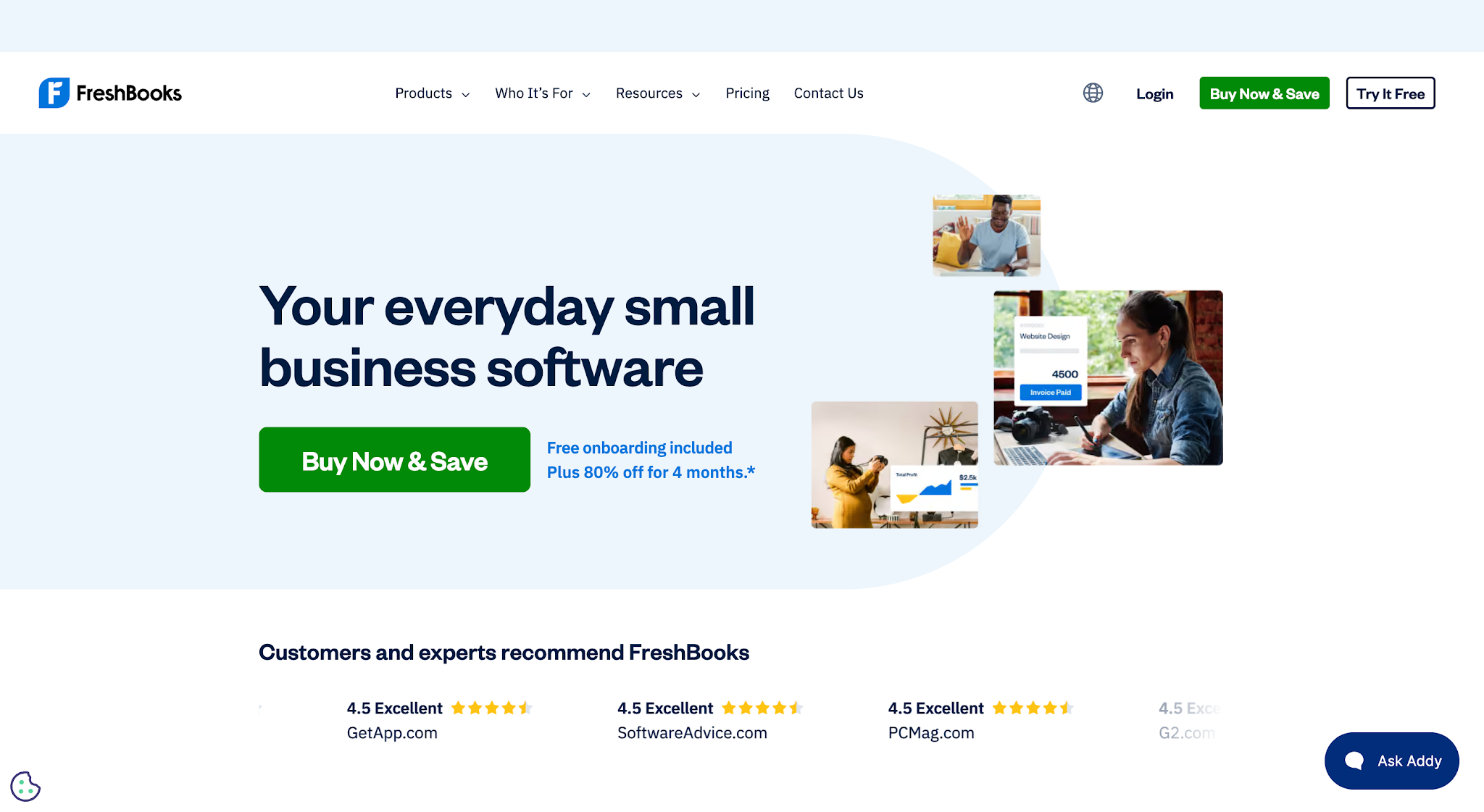
Image source: freshbooks.com
FreshBooks is an invoicing and accounting platform for freelancers and small businesses.
It allows businesses to create invoices, accept online payments, and send reminders when customers haven't paid. These features work alongside its expense tracking and accounting tools, so businesses can handle everyday billing without managing another collection system.
FreshBooks also supports recurring billing, which can save time for businesses that bill the same customers regularly.
Key Features
- Invoice creation: Create branded invoices and send them directly to customers.
- Automatic payment reminders: Schedule reminders for customers with upcoming or overdue payments.
- Online payments: Accept supported card payments and bank transfers directly through invoices.
- Recurring invoices: Automatically bill customers for ongoing services.
- Late fees: Apply late payment charges according to your invoice settings.
- Invoice tracking: Check invoice activity and monitor unpaid balances.
Pricing
FreshBooks offers four plans at regular monthly rates:
- Lite — $4.60/month: Invoice up to five clients, track expenses, and accept online payments.
- Plus — $8.60/month: Invoice up to 50 clients and access additional accounting reports.
- Premium — $14/month: Invoice unlimited clients and access project profitability tracking.
- Select — Custom pricing: Includes unlimited clients, dedicated phone support, and additional payment-related benefits.
3. Zoho Invoice
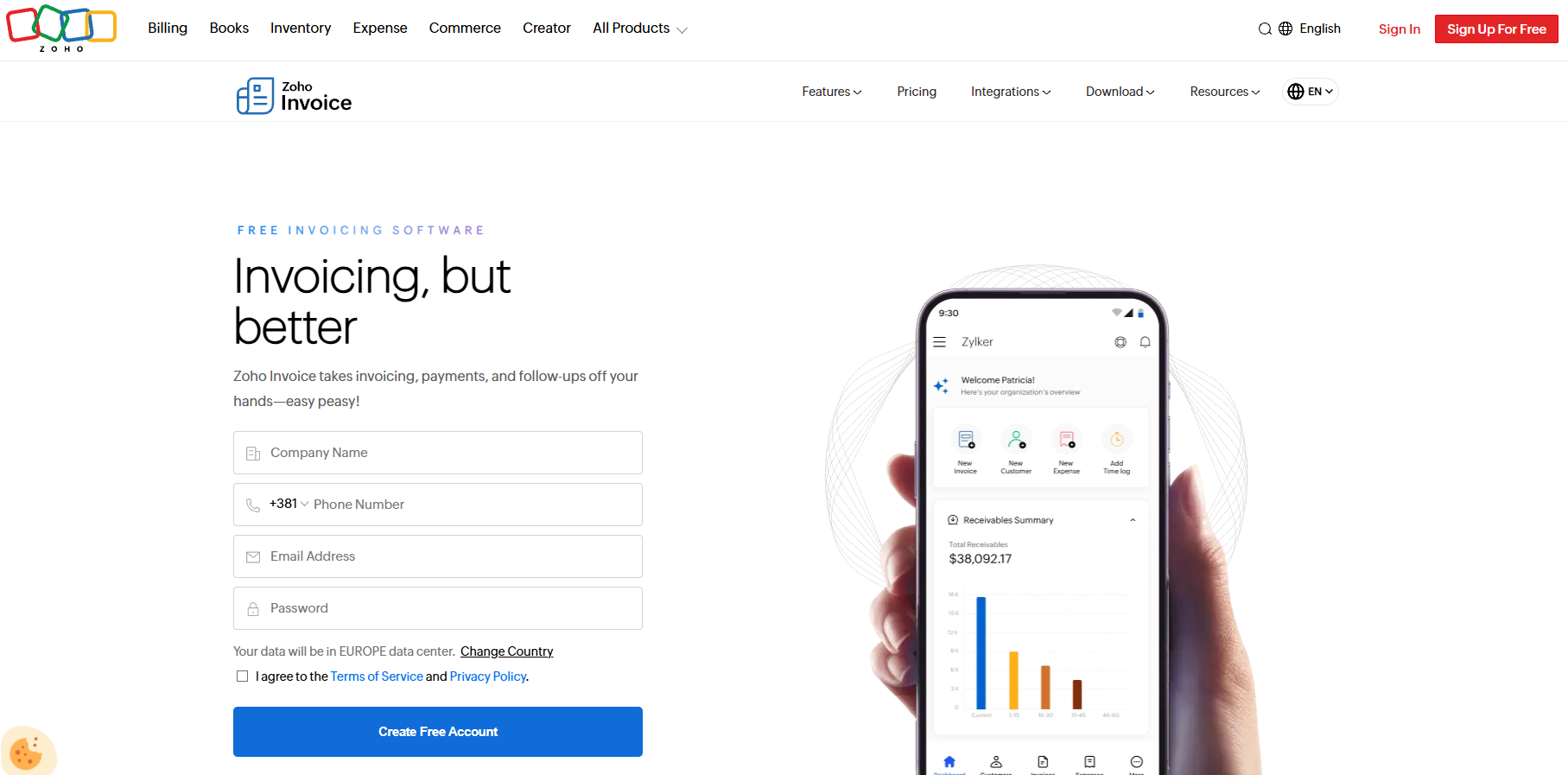
Image source: zoho.com
Zoho Invoice is an invoicing platform designed for small businesses and independent professionals.
Businesses can use it to prepare invoices and collect payments online. It also supports automatic payment reminders, helping users manage overdue invoices without sending every message manually.
Customers can access their invoices through a dedicated portal, where they can review payment details and complete transactions using the available payment options.
Key Features
- Customizable invoices: Create invoices using templates that match your business branding.
- Automated payment reminders: Schedule reminders for upcoming and overdue payments.
- Online payment collection: Accept payments through supported payment gateways.
- Customer portal: Allow customers to view invoices and make payments online.
- Recurring invoices: Schedule invoices for customers who receive regular services.
- Invoice status notifications: Track invoice activity and receive updates when customers interact with invoices.
Pricing
Zoho Invoice does not charge a monthly subscription fee. However, payment processing fees may apply when customers pay through a third-party payment gateway.
4. QuickBooks
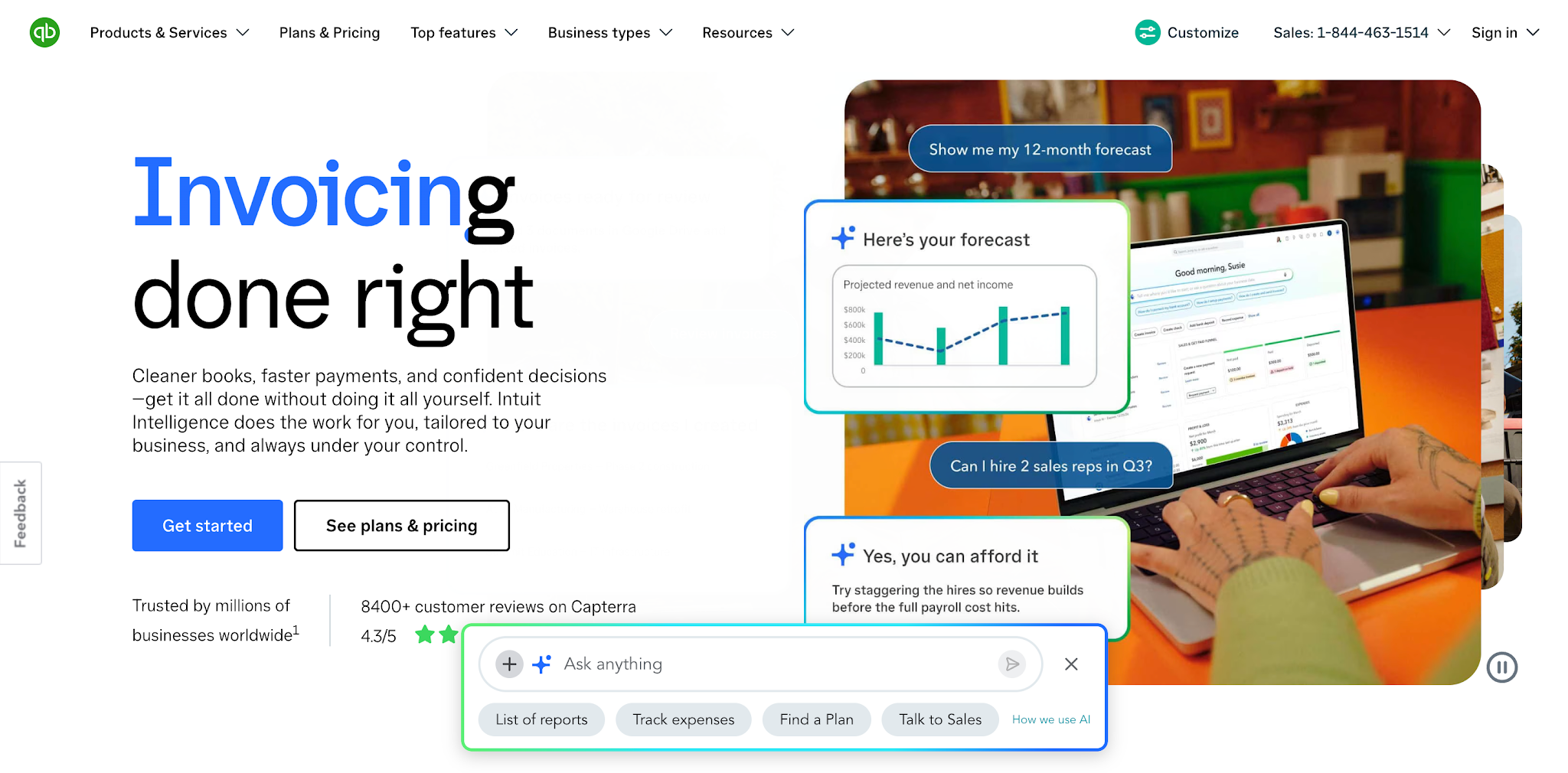
Image source: quickbooks.intuit.com
QuickBooks is accounting software that lets businesses manage financial data and customer invoices in the same platform.
Since it already tracks income and customer payments, businesses can use QuickBooks to monitor outstanding invoices and send payment reminders. Customers can also pay directly through invoices using supported payment methods.
QuickBooks works well for businesses that want to handle invoice collections alongside their regular bookkeeping.
Key Features
- Invoice creation and sending: Create invoices and send them directly to customers.
- Automated payment reminders: Schedule reminders for unpaid invoices.
- QuickBooks Payments: Accept supported card payments and bank transfers through invoices.
- Accounts receivable reports: Review outstanding customer balances and overdue invoices.
- Payment status tracking: Monitor invoice activity and recorded payments.
- Financial reporting: Review business income and financial performance alongside receivables.
Pricing
QuickBooks Online offers four plans at regular monthly rates:
- Free: Includes one user, income and expenses tracking, and two monthly invoices
- Simple Start — $38/month: Includes invoicing, payment tracking, basic reports, and one user.
- Essentials — $85/month: Adds accounts receivable and payable reporting, with access for three users.
- Plus — $140/month: Includes five users, inventory tracking, and project profitability reporting.
- Advanced — $340/month: Supports up to 25 users and includes custom reporting, workflow automation, and additional user permissions.
5. Chaser
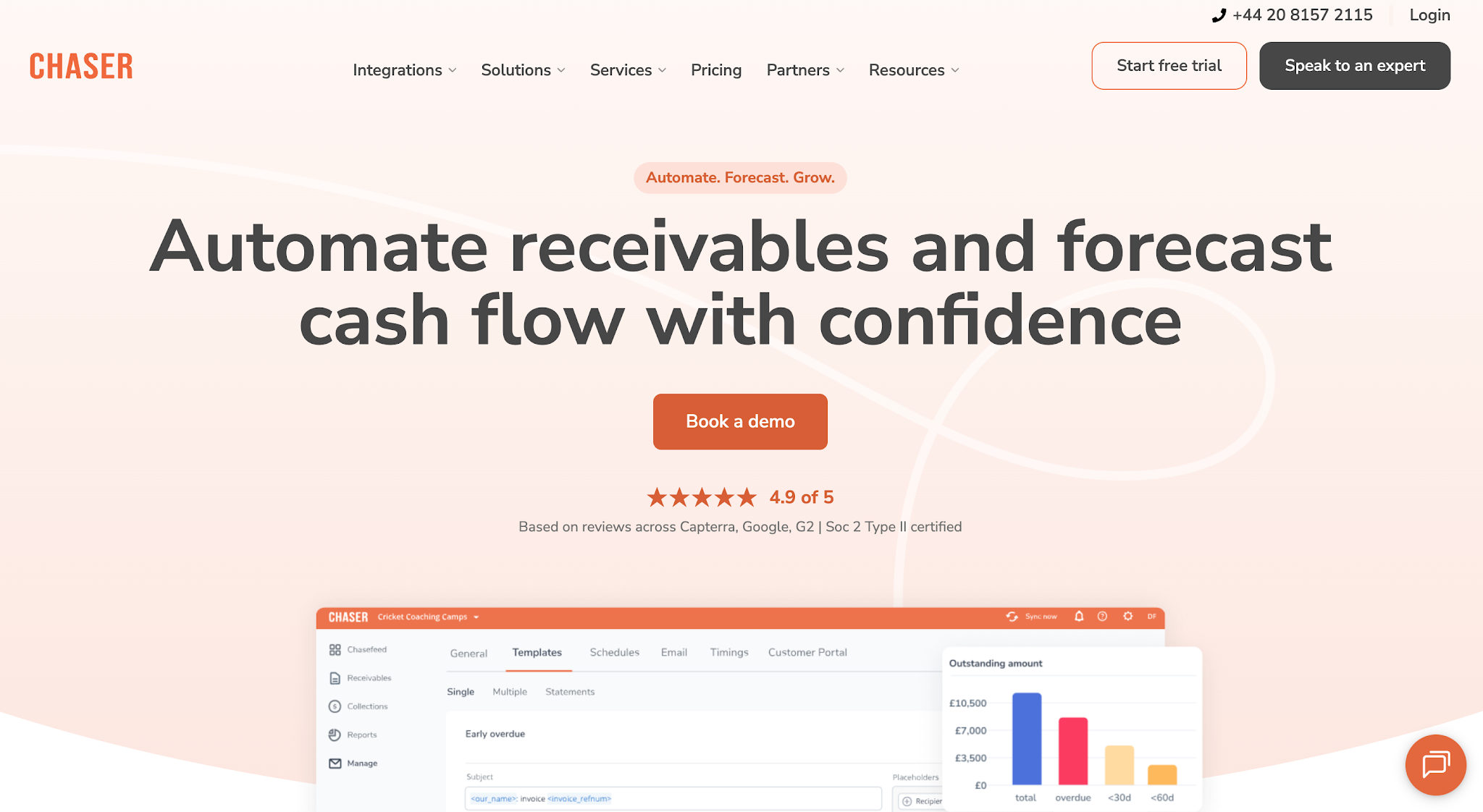
Image source: chaserhq.com
Chaser is accounts receivable software that helps businesses automate payment reminders and manage overdue invoices.
It works with accounting software to help teams track unpaid balances and organize collection activity. Businesses can customize their reminder schedules and use different communication methods to contact customers.
Chaser also supports payment plans, which can help businesses manage customers who need to settle outstanding balances through installments.
Key Features
- Automated email reminders: Schedule personalized reminders for unpaid invoices.
- SMS payment reminders: Contact customers about outstanding payments through text messages.
- Custom collection workflows: Set up follow-up schedules based on customer accounts and invoice status.
- Payment portal: Allow customers to pay outstanding invoices online.
- Payment plans: Arrange installment payments for customers with outstanding balances.
- Accounting integrations: Connect with supported accounting systems to manage receivables.
Pricing
Chaser offers four monthly plans:
- Compact — From $259/month: Includes four users, 30 follow-up templates, and four automated receivables workflows.
- Core — From $779/month: Includes unlimited users, templates, and automated workflows, plus multi-entity support.
- Complete — From $1,169/month: Adds a dedicated account manager, priority support, and receivables forecasting.
- Custom — Custom pricing: Offers tailored support for businesses with larger collection requirements.
6. Upflow
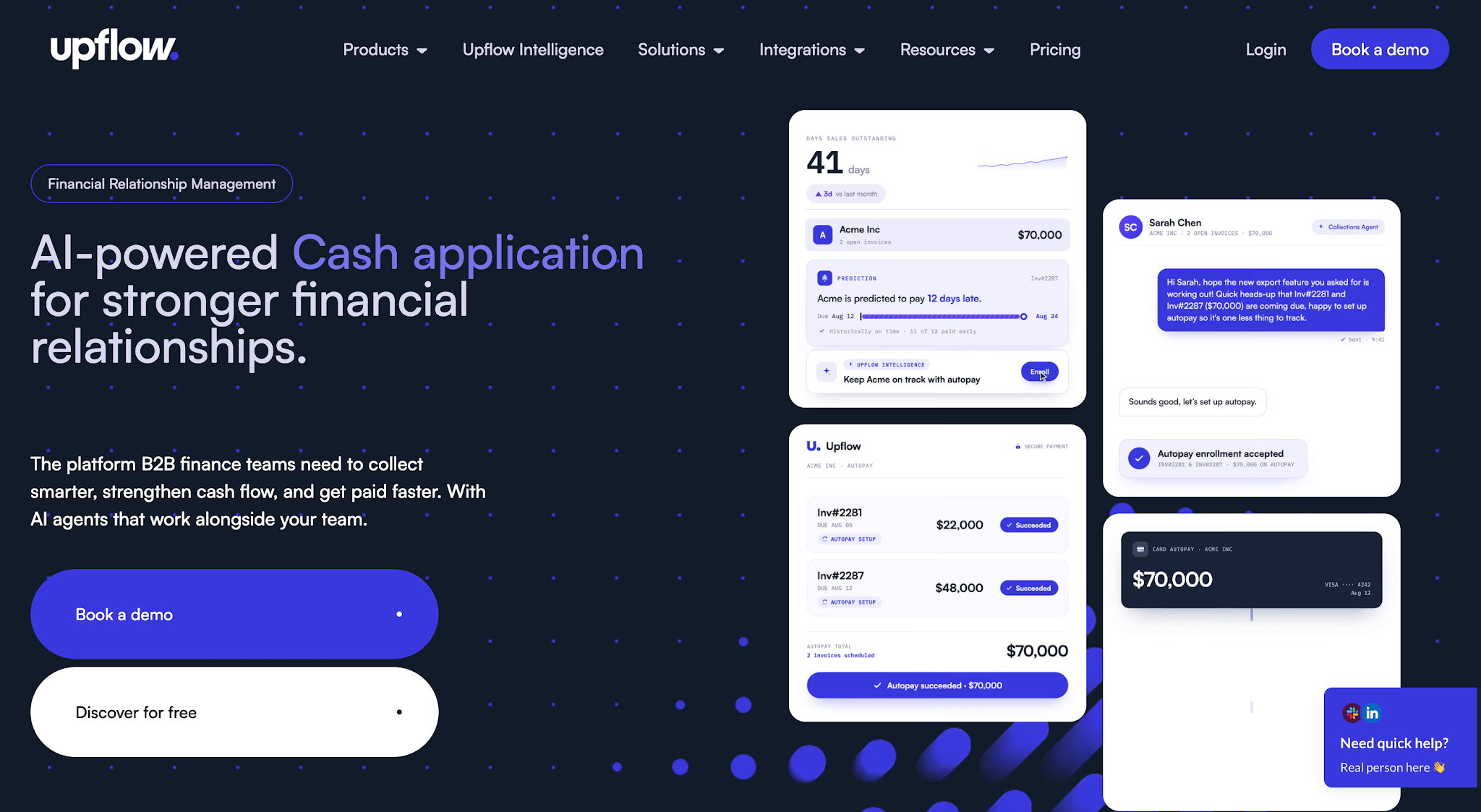
Image source: upflow.io
Upflow is an accounts receivable and financial relationship management platform designed for B2B finance teams.
It helps businesses manage customer payments and monitor outstanding receivables through automated collections and reporting tools.
Upflow also provides payment information about customer behavior, allowing finance leaders to review overdue accounts and adjust their collection strategies based on payment history.
Key Features
- Automated collections: Schedule payment reminders and manage customer follow-ups.
- AR analytics: Review outstanding balances and collection performance.
- Customer payment portal: Allow customers to access payment information and complete transactions.
- Customer payment insights: Review payment history and identify patterns in customer payment behavior.
- Payment management: Support payment collection through available payment services.
- Financial system integrations: Connect receivables information with supported financial systems.
Pricing
Upflow does not list prices publicly.
Key Features to Look for in Invoice Collection Software
After comparing the different platforms, now it's time to look more closely at the features they offer. While most invoice collection software can track unpaid invoices and send reminders, the level of control you get over these tasks can vary.
Here are the key features to consider when evaluating your options.
Automated Invoice Reminders
One of the main reasons businesses use invoice collection software is to reduce the time spent reminding customers about unpaid invoices.
With automated reminders, you can schedule messages before or after an invoice's due date. However, check whether the software lets you customize when those messages go out and what they say.
For example, you may want to send a friendly reminder before the due date and a more direct message to request payment if the invoice remains unpaid for several weeks.
The software should also stop reminders once it records the payment to avoid contacting customers unnecessarily and protect customer relationships.
Invoice and Payment Status Tracking
Along with sending reminders, you'll need a way to monitor which invoices remain unpaid and whether customers have responded to previous collection attempts.
Invoice and payment tracking gives your team access to that customer data without having to review individual emails or manually compare payment records.
If several employees manage collections, look for software that also records customer communication and payment arrangements. This lets anyone handling an account see what's already happened and decide when another follow-up is needed.
Online Payment Options
Once customers receive a reminder, the next step is making it easy for them to complete the payment.
Software with online payment options allows customers to pay directly through an invoice or payment link. Depending on the platform, this may include credit cards or bank payment options.
When comparing these features, check which payment methods the software supports and whether it charges additional transaction fees.
Also consider how quickly incoming payments reach your bank account, especially if your business depends on timely collections to cover operating expenses.
Customizable Collection Workflows
While automatic reminders can handle routine follow-ups, certain delinquent accounts may require additional action.
For example, your team might need to call a customer who hasn't responded or arrange a payment plan for someone who cannot settle the full amount immediately.
Customizable collection workflows let businesses organize next steps based on their collection policies.
Look for software that lets you adjust follow-up schedules throughout your collection cycles and assign tasks to employees when necessary. This is especially helpful when multiple people manage outstanding accounts and need to coordinate their work.
Accounting Software Integrations
To keep those collection activities accurate, the software also needs access to your latest invoice and payment information.
If your business already uses accounting software, choosing a platform that integrates with it can reduce the need to update records manually.
However, don't assume every integration works the same way. Check whether invoice balances and payment statuses update automatically between systems, particularly after a customer pays.
Otherwise, your team could continue sending reminders for invoices that have already been settled.
Collection Reporting and Visibility
Look for invoice collection software that provides reports on outstanding balances and collection performance. These reports should show how much customers still owe, which invoices are overdue, and whether your business is collecting payments on time.
Having this information readily available helps your team spot payment delays and prioritize high-risk accounts. It also lets you monitor whether your collection efforts are reducing overdue balances, so you can adjust as needed.
How Does Invoice Collection Software Work for B2B Payments?
The features we've covered apply to most businesses, but B2B invoice collections often require more than tracking due dates and sending payment reminders.
Unlike consumer payments, where businesses usually collect directly from the customer, B2B payments often involve agreed payment terms. The invoice may also need to go through an approval process before the customer's finance department can release payment.
Because of this, B2B invoice collection software needs to help businesses manage the payment process beyond the invoice's due date.
For example, if a customer approves an invoice but schedules payment for the following week, your team needs to record that agreement and follow up at the right time.
Dedicated collections platforms support this by keeping customer communication and payment records in one place. They can also help businesses schedule follow-ups based on payment terms and assign collection tasks when an account needs additional attention.
This is especially relevant to disaster restoration companies, where insurance-related payments can involve communication with property owners and insurance companies.
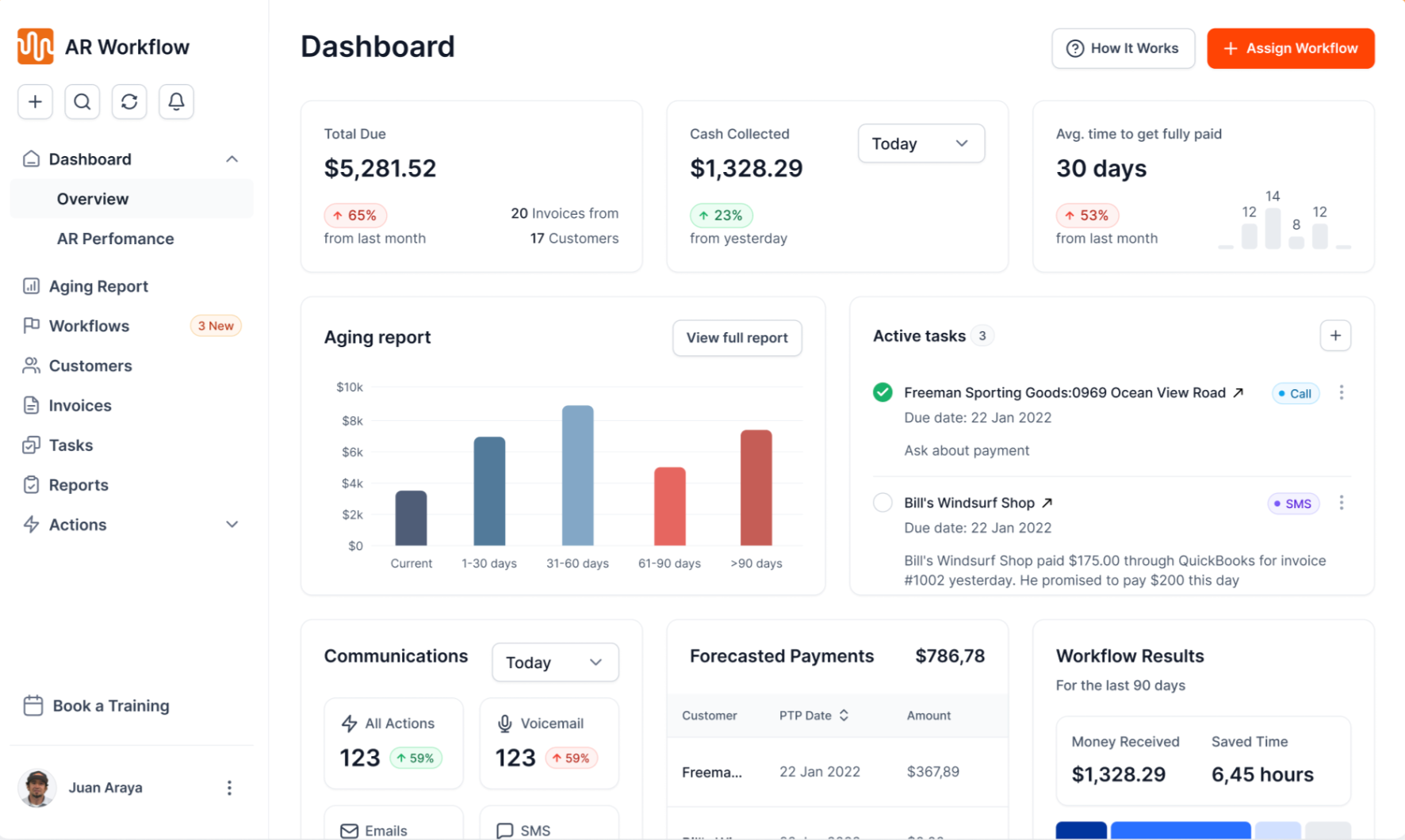
AR Workflow, for instance, supports these businesses by automating collection follow-ups through email and SMS while giving teams a clearer view of outstanding invoices.
If your business primarily serves other businesses, look for invoice collection software that goes beyond basic payment reminders and tracking.
Consider platforms that also let you manage customer communication, payment arrangements, and collection tasks, so your team can handle the entire collection process in one place.
Book a demo now and see how AR Workflow can improve your collections process.
How to Choose the Right Invoice Collection Software
Now that we've covered the key features to look for, let's look at how to choose the right invoice collection software based on your business needs and the challenges you're currently facing.
Consider Your Invoice Volume and Collection Workload
Start by looking at how many invoices your business handles each month and how much time your team spends collecting unpaid balances.
For example, if you handle only a small number of invoices and most customers pay on time, basic payment-reminder software may be enough. However, if your team regularly manages high invoice volumes, you'll likely need more than that.
With a higher volume of unpaid invoices, employees have to spend more time checking payment statuses and keeping track of previous follow-ups. So consider whether the software can handle your current workload and still support your business as your invoice volume grows.
Identify Which Collection Tasks Need Automation
After assessing your collection workload, identify which tasks take the most time and could benefit from automation.
For example, if your employees spend hours sending payment reminders each week, software that automatically schedules and sends those messages could save them considerable time.
However, if your main concern is keeping track of customer responses and previous follow-ups, you'll want a platform that also records communication history and lets employees manage collection tasks.
By identifying these needs first, you can focus on software that addresses the problems your team actually deals with instead of paying for features you may rarely use.
Check Compatibility With Your Existing Software
After identifying the features you need, check whether the software works with the accounting or billing software your business already uses.
This is particularly important if you plan to keep your existing systems. Without an integration, your employees may still have to transfer invoice information manually or update payment records in more than one place.
To avoid that extra work, confirm which integrations the platform supports and whether they allow smooth data exchange when handling payment updates.
Ideally, when a customer pays an invoice, your collection software should receive that information automatically so your team doesn't continue sending unnecessary reminders.
Compare Pricing Against Your Business Needs
Once you've narrowed down your options, compare their prices based on the features and level of support your business needs.
For example, a small business that only needs automated reminders may find a free or low-cost invoicing platform sufficient. Meanwhile, a business managing overdue balances may benefit from paying more for advanced collection features.
However, the monthly subscription price isn't always the full cost. Check whether the software charges extra for additional users or payment processing, especially if those costs could increase as your business grows.
From there, consider whether the time your team could save and the improvements to your collection process justify the total cost.
Look for Industry-Specific Functionality When Necessary
Finally, consider whether your industry has payment requirements that general invoice collection software may struggle to support.
For example, disaster restoration companies often deal with insurance-related payments that involve additional communication with property owners and insurance companies. As a result, their collection process may require more than standard invoice reminders.
AR Workflow caters specifically to restoration businesses by providing automated collection follow-ups and tools for managing outstanding receivables.
If your business has similar industry-specific requirements, make sure the software can support those processes before making your final decision.
This will help you choose a platform that works with how your business collects payments rather than having to adjust your entire process around the software.
Improve Your Collections Process With AR Workflow
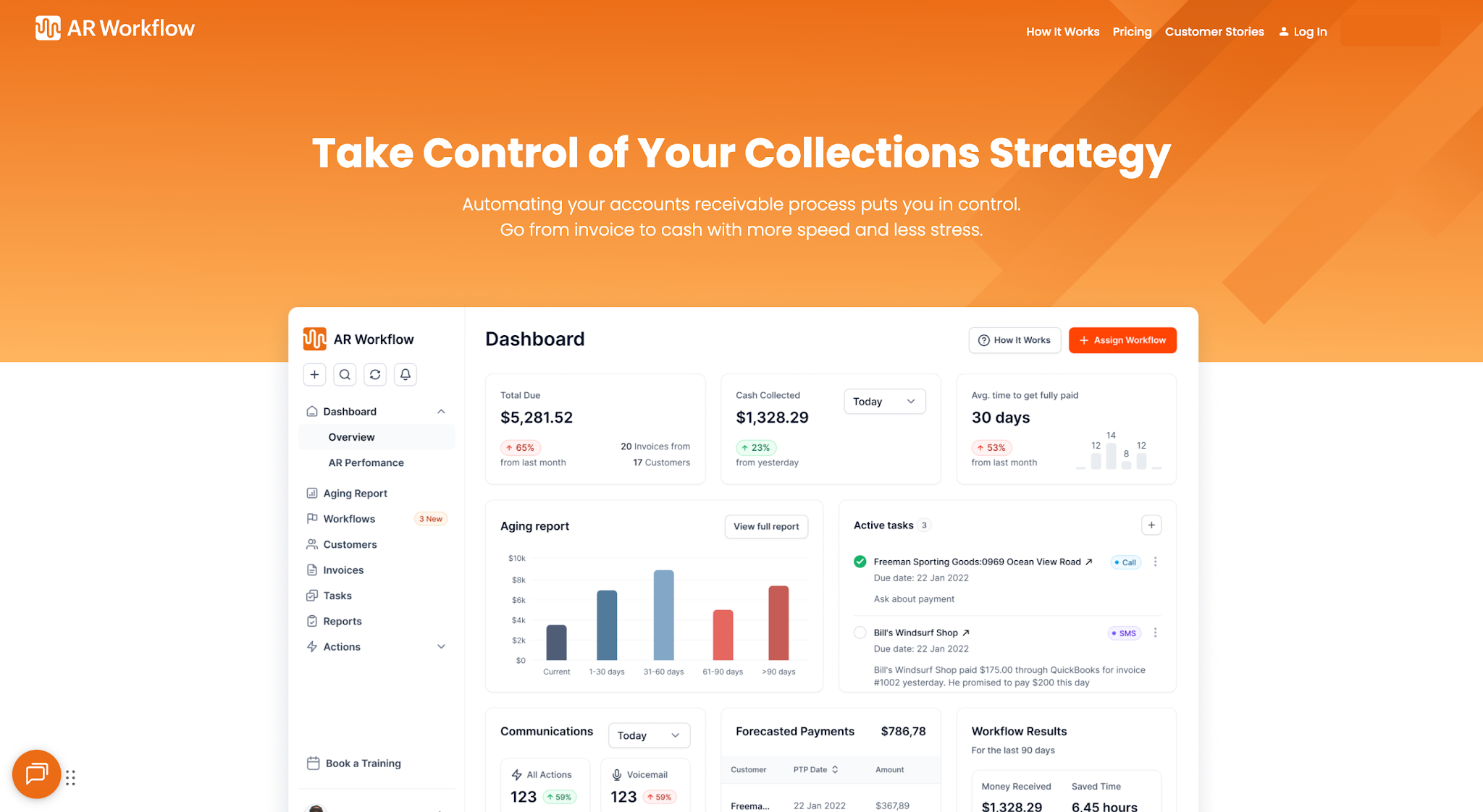
Choosing the right invoice collection software comes down to understanding your business's collection needs. Whether you need basic payment reminders or more advanced collections automation, the goal is to reduce manual work and collect outstanding payments more efficiently.
If you run a disaster restoration company, AR Workflow offers a solution built specifically for your industry's collection needs.
It automates everything from invoices to payment follow-ups to payment collections, so you can spend less time on these administrative tasks and focus more on running your business.
Remember, business growth often means managing more invoices and payments. That's why investing in software that can support that workload now can save your team from rethinking its collection process every time the business takes on more customers.
FAQs About Invoice Collection Software
What is the most popular invoice software?
One of the most popular invoicing software platforms is QuickBooks Online, largely because QuickBooks has been around for decades and has built a reputation as a trusted accounting solution for businesses.
Nonetheless, the best invoice software option still depends on whether your business needs basic invoice management or broader accounting capabilities.
What is the best collection software?
The best collection software depends on your business's collection needs.
What is the best way to organize invoices?
The best way to organize invoices is to keep them in one place and sort them by payment status and due date. Using invoice management software can also help you keep these records updated automatically, so you don't have to track every payment manually.
What is a good app to keep track of invoices?
The best app to keep track of invoices depends on your business needs. If you only need to monitor invoice statuses and due dates, basic invoicing software may be enough.
However, if your business handles a large number of unpaid invoices and needs help managing payment follow-ups, a dedicated collections management software may be a better option.
What is the difference between invoice collection software and debt collection software?
Invoice collection software focuses on tracking unpaid invoices and managing routine payment follow-ups. Debt collection software generally supports more advanced stages of the debt collection process, particularly when accounts become seriously overdue and require a more involved recovery process.