Compare the 8 best AR automation software tools for 2026: accounts receivable automation features, QuickBooks sync, pricing and how to choose one.

Accounts receivable automation software handles the repetitive work between sending an invoice and getting paid: reminders, follow-ups, payment tracking and reporting. That matters because accounts receivable (AR) plays an important role in improving cash flow. It affects how quickly the money a business has earned reaches its bank account. But as a business grows, so does the work involved in keeping invoices, payments, and outstanding balances organized.
Relying on manual processes can take more time as invoice volume grows, which is why businesses are increasingly looking for ways to automate parts of their AR process.
But choosing accounts receivable automation software isn't simply about finding a platform with the most features. Different platforms are built for different businesses and AR needs, so the better question is which one fits the way your business actually operates.
In this guide, we'll compare the eight top AR automation platforms for 2026 based on the businesses they serve, what they help automate, and what they cost, so you can narrow down the option that fits your needs.
KEY TAKEAWAYS
The 8 best AR automation software tools for 2026, by best fit:
Pick the tool that matches your industry, invoice volume and accounting system, not the one with the longest feature list.
Accounts receivable automation software reduces the manual work involved in managing and collecting money customers still owe a business.
Depending on the platform, that may start with creating and delivering an invoice and continue through payment collection, cash application, reconciliation, and AR reporting.
While the exact scope varies considerably, it doesn't remove people from the process. The software is only meant to handle the repetitive work around those situations so that your finance team has more time and information to deal with the exceptions that actually require their attention.
That difference in scope is also why no single accounts receivable software solution makes sense for every company.
Most AR teams follow the same basic cycle, whatever the industry. The table below shows where automation usually helps and where a person still needs to stay involved.
| AR stage | Manual way | With AR automation |
|---|---|---|
| Invoice delivery | Export a PDF, attach it to an email, note the date in a spreadsheet | Invoices sync from the accounting system and go out with a pay-online option |
| Payment reminders | Someone checks the aging list and writes each follow-up | Reminder sequences go out on a schedule by email and text, and stop when the invoice is paid |
| Payment collection | Wait for checks, call for card numbers | Customers pay online by card or ACH from a secure portal |
| Cash application | Match each payment to an invoice by hand | Payments are matched to open invoices automatically (cash application automation) |
| Escalation | Overdue accounts sit until someone notices | Tasks are created for the team when an account passes a set number of days |
| Reporting | Build an aging report at month end | Aging, DSO and collector activity are visible any time |
The point is not to remove judgment from collections. Disputes, payment plans and difficult conversations still need a person. Automation clears the routine work so that person has time for them.
All the listed accounts receivable solutions below automate parts of AR, but they aren't interchangeable. They serve businesses with different AR volumes, financial systems, payment processes, and industry requirements. Here's how the eight options compare.
| Platform | Overview | Key Features | Pricing |
|---|---|---|---|
| AR Workflow | AR automation and payments platform built specifically for disaster restoration companies. |
|
|
| BILL | Financial operations platform suited to small businesses that want straightforward invoicing and AR automation. |
|
|
| Quadient AR by YayPay | AR automation platform for mid-market B2B finance teams that need to manage more of the receivables process. |
| Pricing not publicly listed |
| HighRadius | Finance automation platform designed for mid-market and enterprise companies with more complex AR operations. |
| Pricing not publicly listed |
| Billtrust | B2B accounts receivable platform with dedicated solutions for manufacturers and distributors. |
| Pricing not publicly listed |
| Tesorio | AR automation platform for B2B finance teams, including SaaS companies with subscription-based revenue models. |
| Pricing not publicly listed |
| Freehand | AI automation platform built around the financial workflows of freight, logistics, and 3PL companies. |
| Pricing not publicly listed |
| Versapay | B2B AR automation platform focused on helping businesses and customers work through invoices and payment issues together. |
| Pricing not publicly listed |
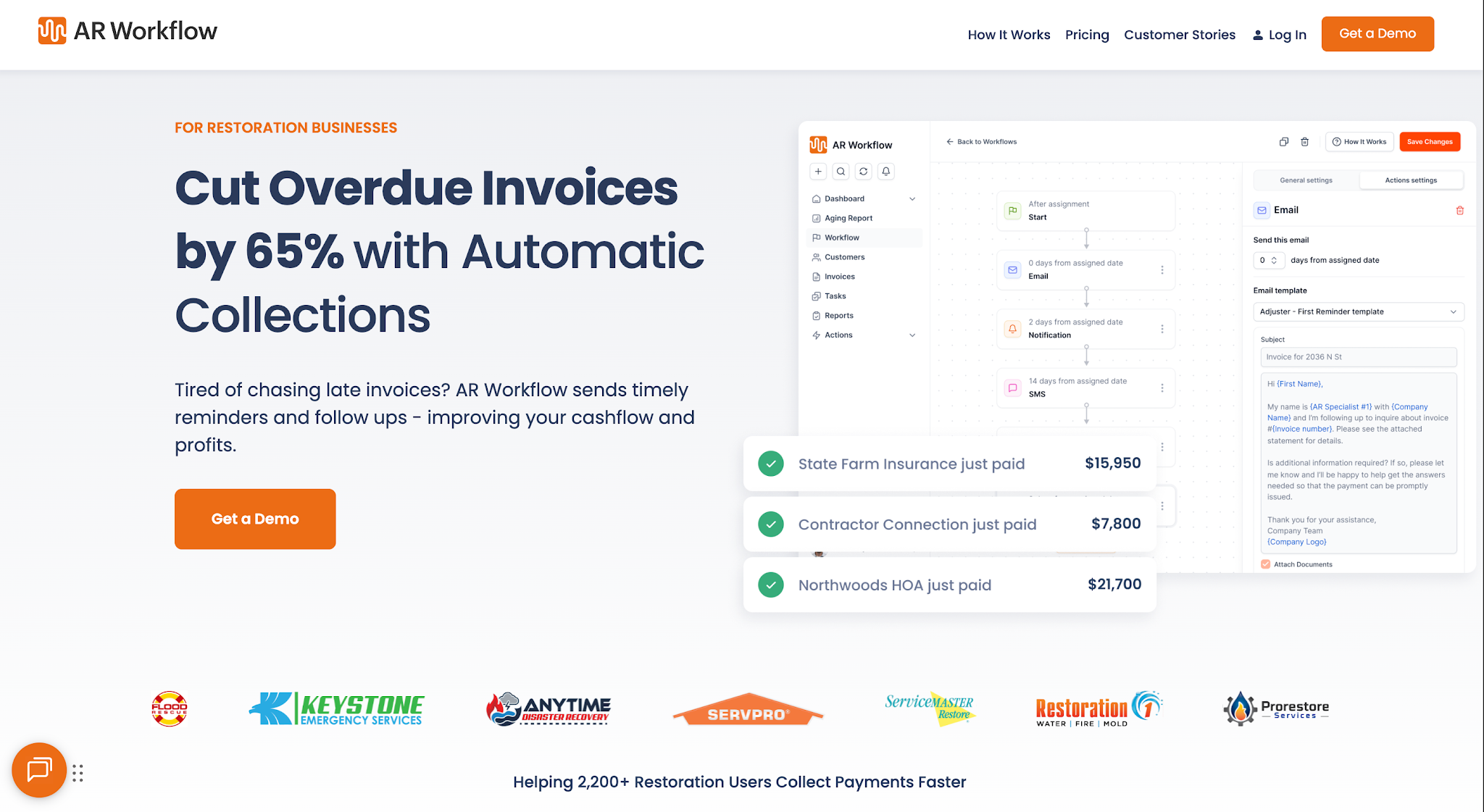
AR Workflow organizes open invoices, collection workflows and payments alongside QuickBooks.
AR Workflow is an accounts receivable automation and payments platform built specifically for disaster restoration companies.
It helps restoration businesses manage outstanding receivables, automate collection activity, accept online payments, and keep track of what is happening with unpaid invoices from one platform.
The software is designed for restoration contractors who want a more structured way to manage AR without relying heavily on spreadsheets and manual follow-up.
It works alongside QuickBooks, giving teams additional tools for managing the collection process while keeping their accounting records in the system they already use.
See the full plan details on the AR Workflow pricing page, or read customer stories from restoration teams.
Bring one overdue invoice.
We'll show you how AR Workflow would follow it up from QuickBooks: emails, texts from a dedicated number, and a way to pay online.
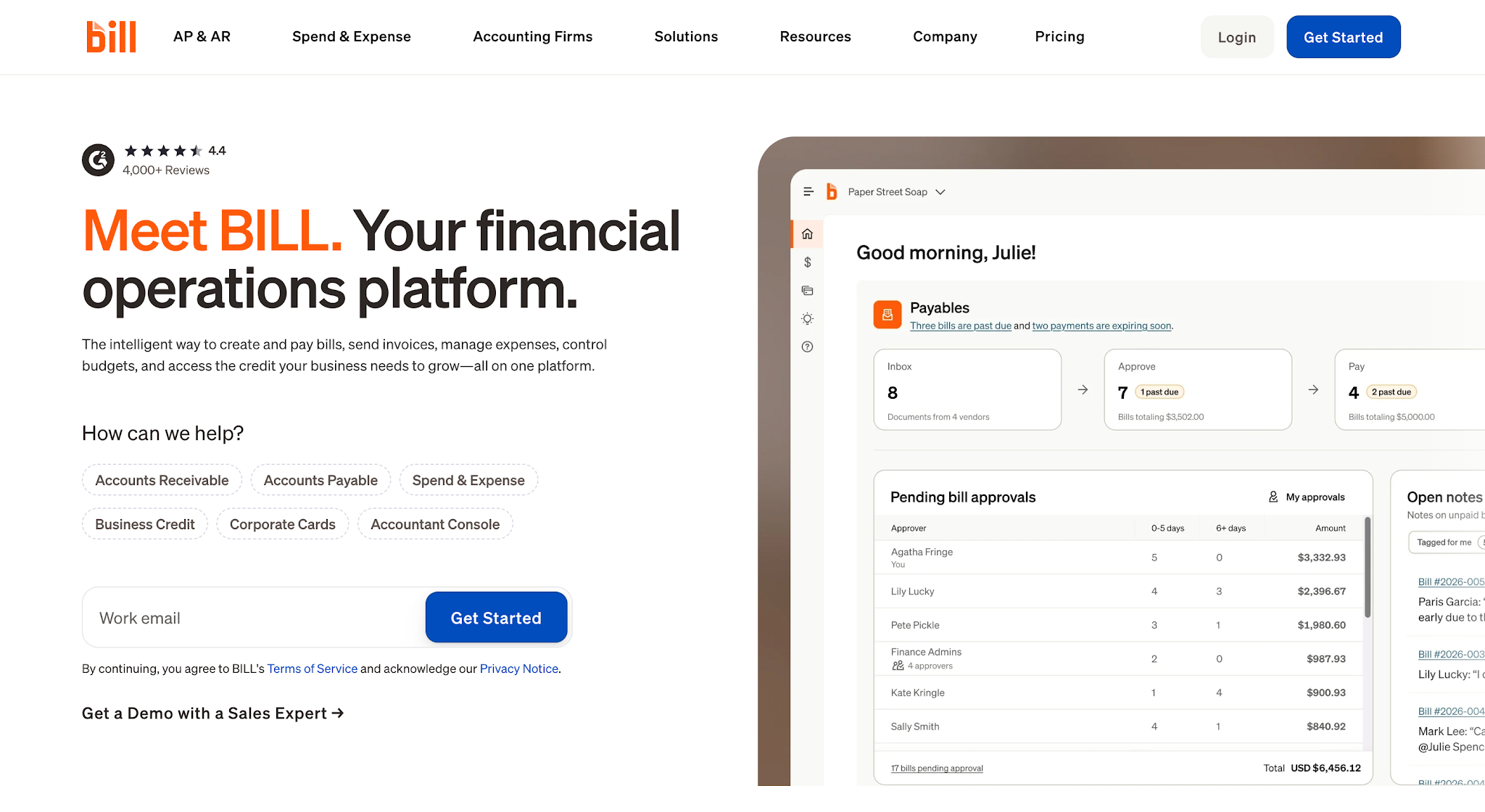
Image source: bill.com
BILL is a financial operations platform that helps businesses manage accounts payable, accounts receivable, expenses, and other payment-related work.
The platform serves businesses of different sizes, but its straightforward approach to invoicing and accounts receivable works well for smaller businesses.
It lets them automate everyday tasks like sending invoices, tracking payments, and following up on unpaid balances without making their AR process more complicated.
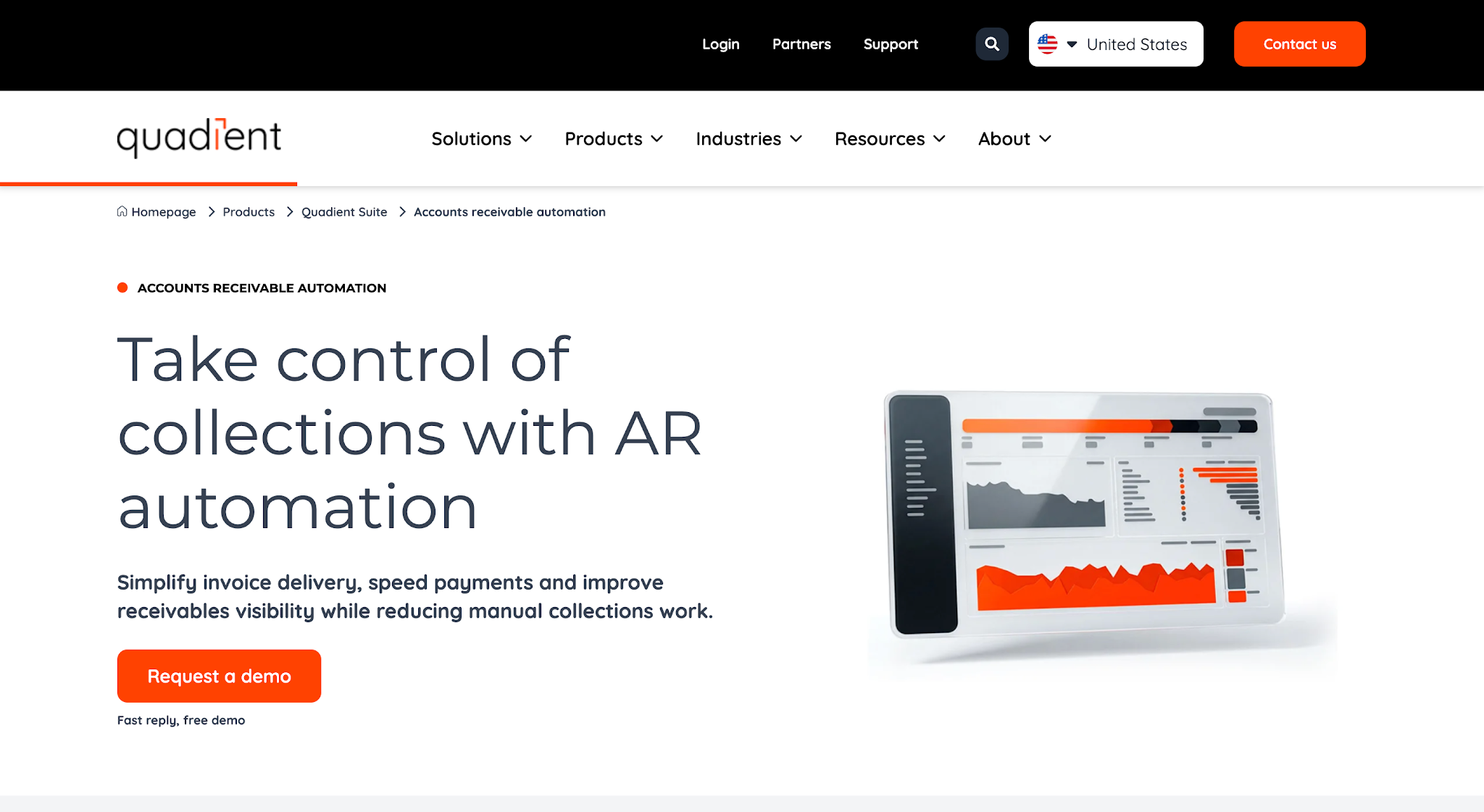
Image source: quadient.com
Quadient AR by YayPay is an accounts receivable automation platform for B2B finance leaders and their teams. It helps mid-sized businesses and larger enterprises manage collections, payments, credit, disputes, and cash application in one workflow.
Instead of only automating invoices and payment reminders, Quadient helps finance teams manage more of the work involved in getting invoices paid and keeping their receivables organized.
Quadient AR by YayPay does not list prices publicly.
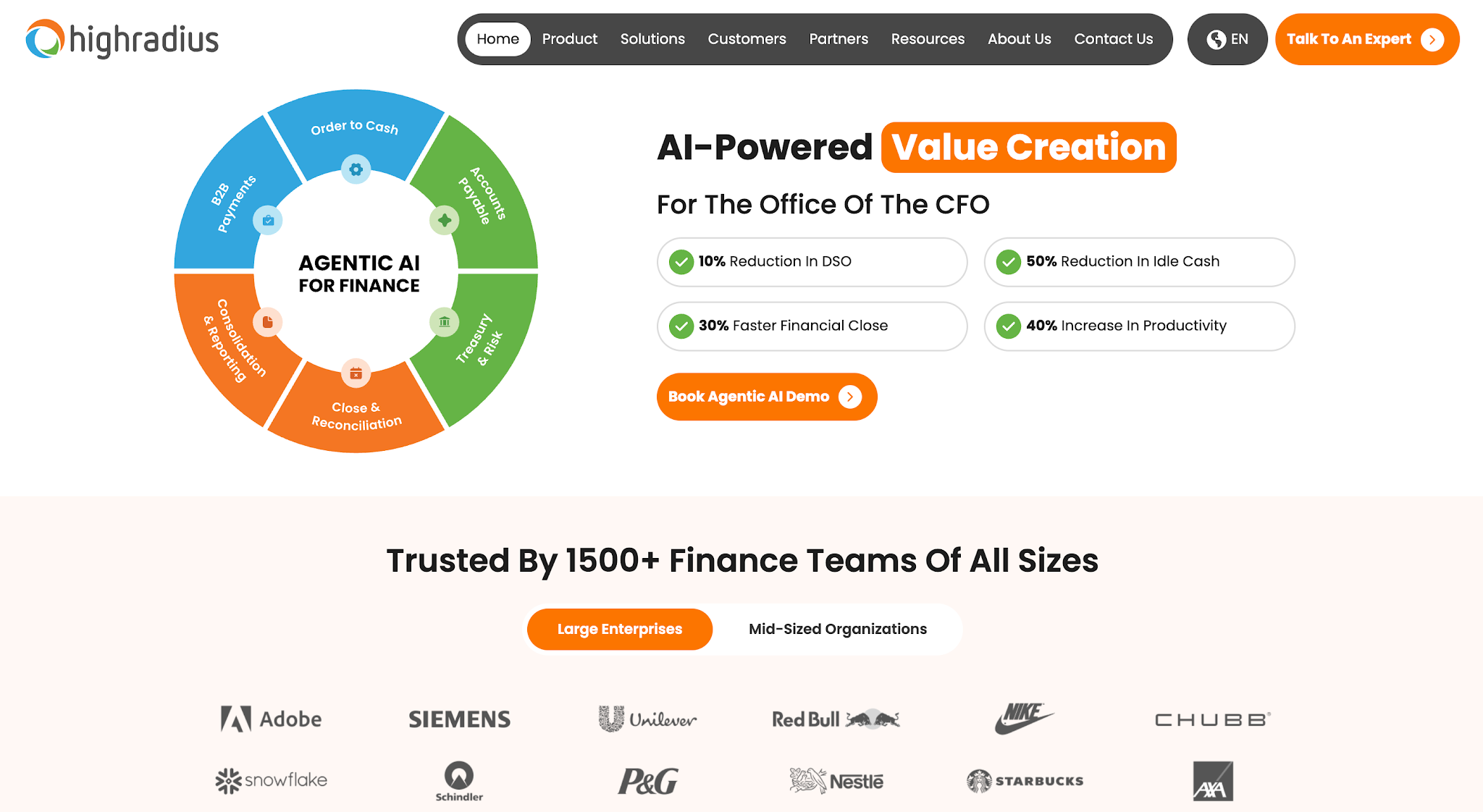
Image source: highradius.com
HighRadius is a finance-focused accounts receivable management software platform that helps businesses manage several parts of the invoice-to-cash process, such as invoicing, collections, credit management, deductions, and forecasting.
It serves mid-market and enterprise companies, where finance teams often have more AR activity to manage. HighRadius brings several parts of the accounts receivable process into one platform, while integrating with existing ERP systems.
HighRadius does not list prices publicly.
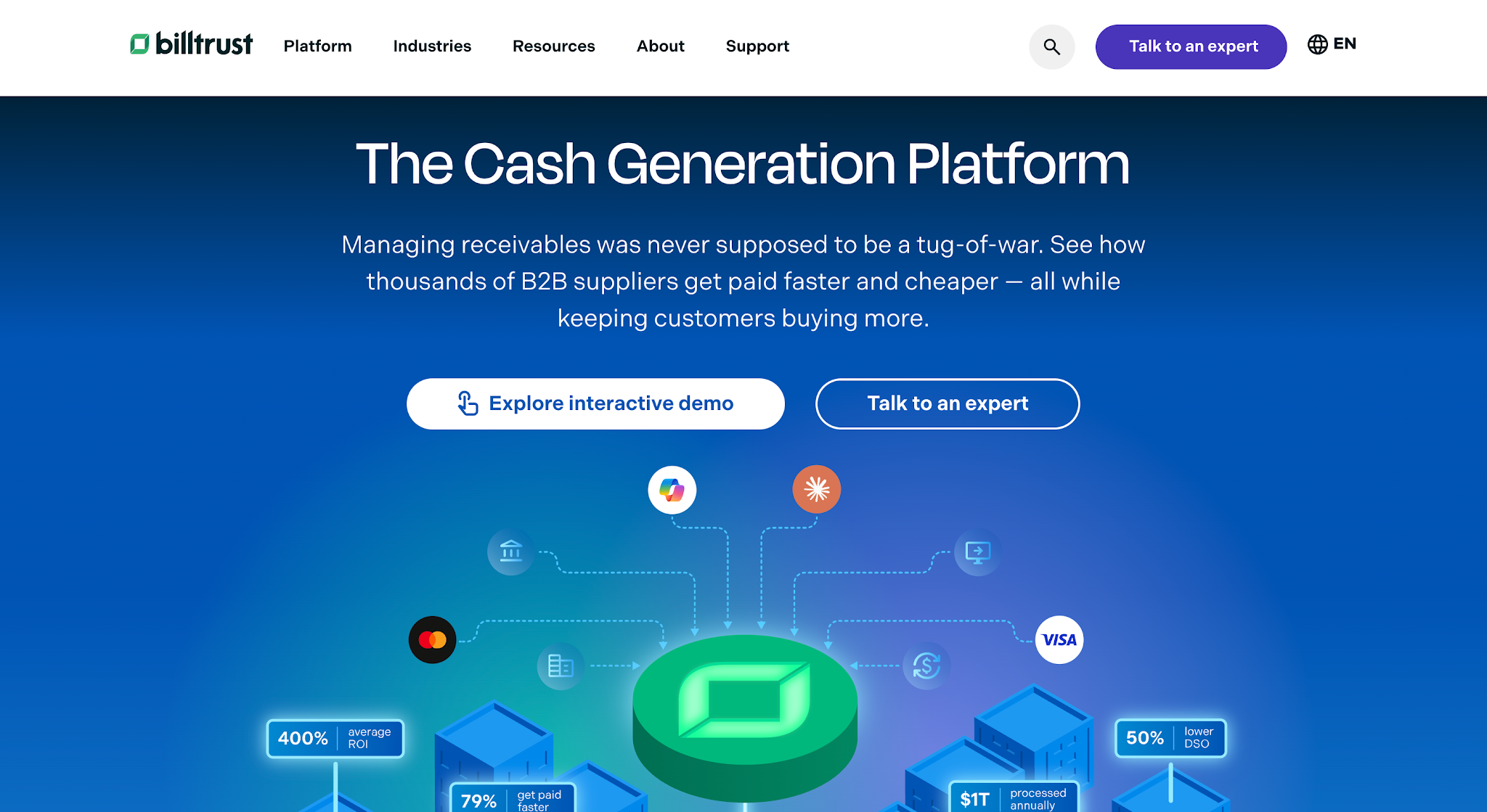
Image source: billtrust.com
Billtrust is a B2B accounts receivable platform that helps businesses manage the order-to-cash process, including invoicing, payments, and collections. It serves several industries and offers dedicated solutions for manufacturers and distributors.
Because manufacturers and distributors often process a high volume of B2B invoices, Billtrust helps manage that workload and accelerate cash flow through features like digital invoice delivery, B2B payment options, automated cash application, and collections automation.
Billtrust does not list prices publicly. If it is on your shortlist, compare these Billtrust competitors.
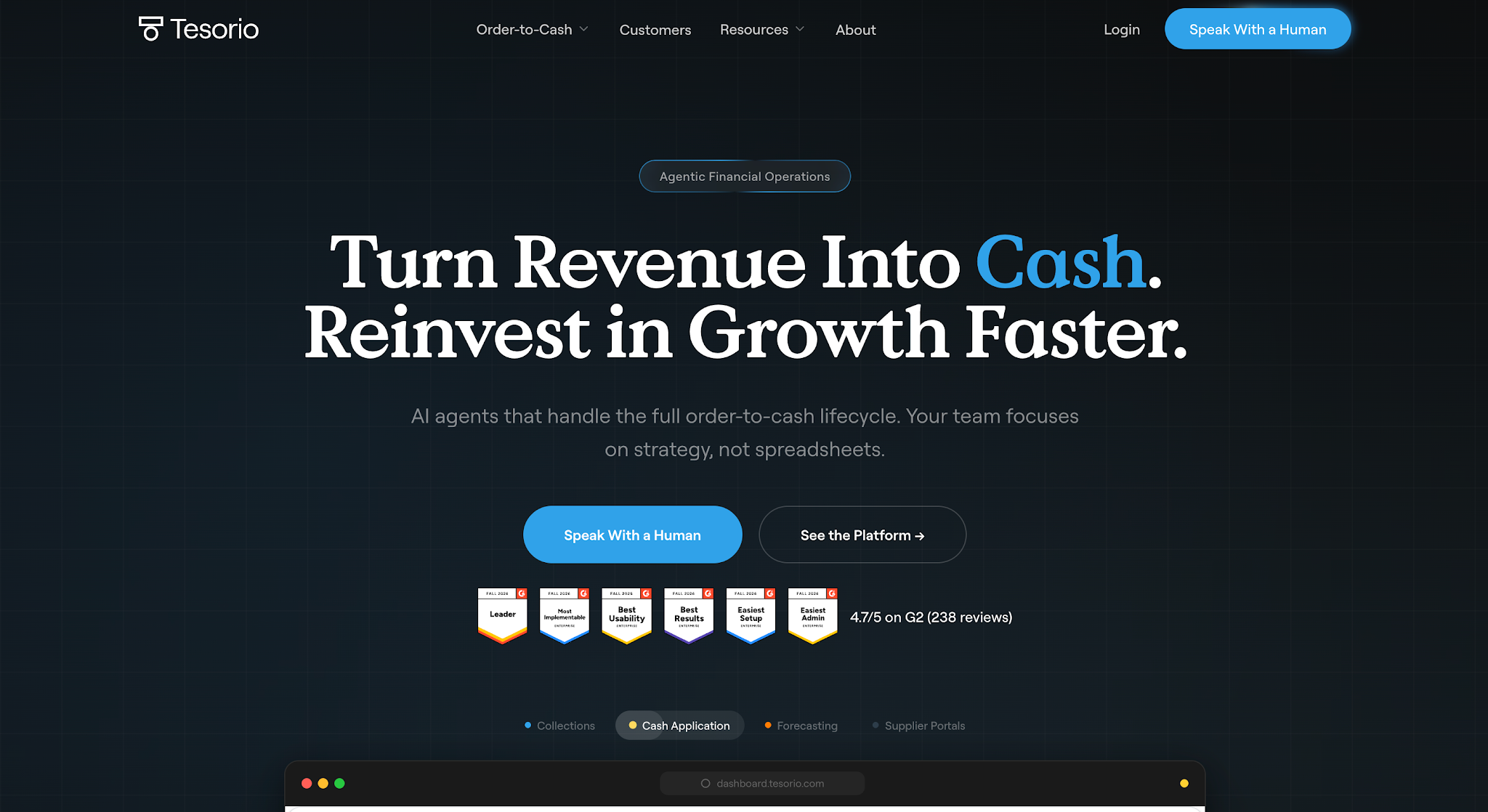
Image source: tesorio.com
Tesorio is an accounts receivable automation platform that helps B2B finance teams manage and automate their AR process. It connects with a company’s ERP so invoice and payment information can be managed from one AR workspace.
The platform serves several types of businesses but offers a dedicated solution for SaaS companies managing subscription-based revenue and recurring billing.
Tesorio does not list prices publicly.

Image source: freehand.ai
Freehand is an AI automation platform for companies that manage freight and logistics operations.
It helps finance and logistics teams handle the financial work tied to moving goods, where invoices often need to be checked against shipment records, carrier contracts, rates, and other freight data.
Freehand does not list prices publicly.
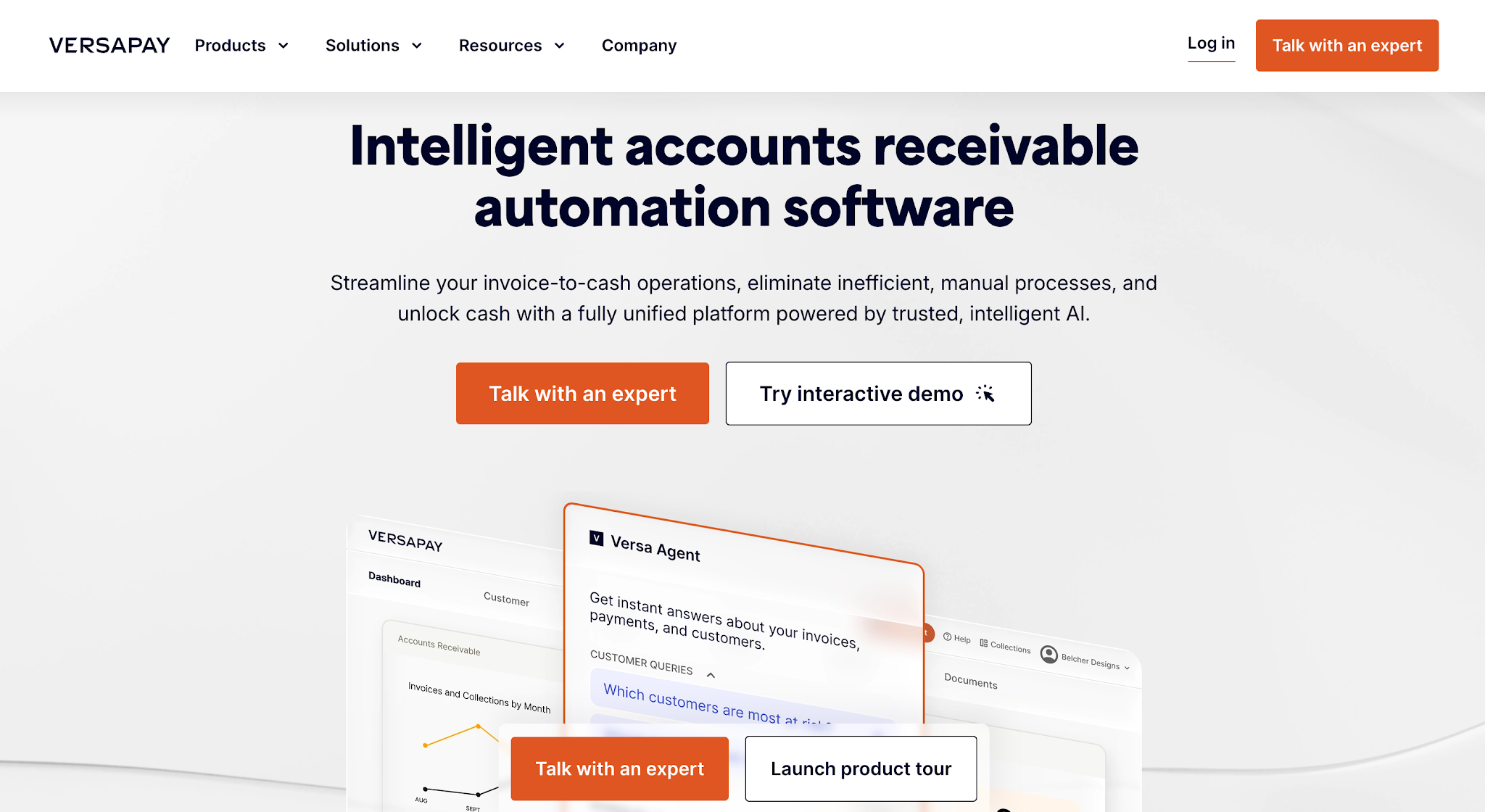
Image source: versapay.com
Versapay is an accounts receivable automation platform for B2B companies. A big part of the platform's approach is making it easier for businesses and their customers to work through payment issues together.
If a customer has a question about an invoice or disputes a charge, the conversation can happen alongside the account information instead of getting separated into different email threads.
Versapay does not list prices publicly. If it is on your shortlist, compare these Versapay alternatives.
The benefits of accounts receivable automation show up in everyday work long before they show up in a report. Here is what changes when routine AR tasks run on their own.
Tip: If you are not sure automation is worth it yet, time how long your team spends on follow-up for one week. That number, not a feature list, is the best way to compare the cost of any AR automation platform.
Choosing the best AR software comes down to finding the platform that fits how your business manages accounts receivable. Since not all platforms are built for the same industries or use cases, here are five things to consider when comparing your options.
The first thing to consider when choosing accounts receivable automation software is how your business currently manages AR.
Think about where most of the manual work happens. If your invoicing process already works well but your team spends hours tracking unpaid invoices and sending reminders, software with stronger collections automation may make more sense than one focused heavily on invoice creation.
Use your existing process to determine which capabilities you actually need. This makes it easier to rule out platforms that solve problems your team doesn't have.
Your industry also affects what you should look for in AR automation software.
A SaaS company dealing with subscription payments has different needs from a restoration company collecting payment after completing a job. Manufacturers and distributors may have another set of requirements due to the volume and type of B2B transactions they manage.
So look at which industries each platform serves and whether its AR workflows match how your business gets paid. This matters most when comparing general AR platforms with software built for a specific industry.
The software you choose also needs to work with the existing systems your business uses, including its accounting or ERP platform.
Check which accounts receivable systems each platform integrates with and what financial data moves between them. Ideally, invoice and payment information should stay connected without requiring your team to repeatedly enter or update the same records.
If your business uses QuickBooks, for example, you don't necessarily need an AR platform to replace it. You need one that can work with QuickBooks while handling the additional AR tasks you want to automate.
Consider which parts of AR you actually want the software to automate.
Focus on the tasks that take the most time or create the most manual work for your team. Then compare platforms based on how well they automate those specific tasks rather than how many features they offer overall.
Tip: Before you book demos, pull your AR aging report and pick three overdue invoices. Ask each vendor to show exactly what would happen to those invoices. If your reminders need better wording either way, start with our past due invoice letter templates.
AR management software cost is also an important factor to consider because the right software needs to make sense for both your AR needs and your budget.
A smaller business with basic automation needs may have little reason to pay for an enterprise platform with features it won't use. But a company managing a larger volume of receivables may be able to justify a higher price if the software reduces a significant amount of manual AR work.
So compare each platform's price with the AR problems you're trying to solve and the amount of work it could realistically reduce.
Use this checklist during demos. Ask every vendor to show each item live with your own data rather than describing it.
| Feature | Why it matters | Question to ask in the demo |
|---|---|---|
| Accounting sync | Keeps invoices and payments in one source of truth | Does it sync both ways with QuickBooks or our ERP, and how often? |
| Reminder sequences | Removes routine follow-up | Can we set different schedules for different customer types? |
| Email and text reminders | Reaches customers where they will see it | Do texts come from a dedicated number, and are replies logged? |
| Online payments | Gives customers an easy way to pay | Which payment methods are supported, and what are the fees? |
| Task management | Makes sure escalations reach a person | Can we assign accounts to collectors and see what is overdue for each? |
| Aging and AR reporting | Shows what is owed and what is being done | Can we see aging by customer, job or collector? |
| Communication history | Gives context before every contact | Where do calls, notes and replies show up? |
| Pricing model | Affects total cost as you grow | Is pricing per user, per invoice or a flat monthly plan? |
Accounts receivable plays an important role in keeping money coming into the business after work has been completed, or an invoice has been sent.
That means managing outstanding invoices and keeping payments moving is work that businesses can't simply put aside when things get busy.
As the business grows, however, there are usually more invoices and payment activity for the team to keep track of. What once worked as a manual process can eventually start taking more time and become harder to manage consistently.
So if your team spends too much time checking outstanding invoices, tracking payment communication, or manually following up with customers, automated accounts receivable software may be worth considering.
Buying software is the easy part. Here is how to automate accounts receivable without confusing customers or your own team.
Start with your aging report. Close out invoices that are already paid, fix wrong contact details and flag anything in dispute. Automation sends reminders based on what is in your system, so bad data means bad reminders.
Write down when each reminder should go out: for example, a few days before the due date, on the due date, and at 7, 15 and 30 days past due. Agree on your payment terms first, because the schedule depends on them.
Draft friendly, firm and final versions of your message. Our past due invoice letter templates are a good starting point. Keep each one short, name the invoice and amount, and include a way to pay.
Link the AR platform to QuickBooks or your ERP so invoices and payments sync. If you use QuickBooks, see how QuickBooks collections work alongside your existing books rather than replacing them.
Decide when an account moves from automated reminders to a person. A phone call at 30 days, a manager review at 60 and a final notice at 90 is a common pattern. Some teams also add a ringless voicemail step before the first call.
Look at which reminders get paid and which get ignored. Adjust timing and wording, and move chronic late payers to tighter terms. Automation works best when someone owns it and tunes it.
Contractors have a different AR problem from SaaS or distribution companies. Invoices are larger and less frequent, customers are often homeowners, and payment can depend on an inspection, a lender or an insurance claim. Generic tools built for high-volume B2B billing can feel like overkill.
If you run a trade business, look for contractor accounts receivable automation that understands job-based billing. AR Workflow has pages for the trades it supports, including restoration, roofing, HVAC, plumbing, electrical and general construction.
For restoration companies in particular, collections often involve the homeowner, the adjuster and sometimes a mortgage company. Automation should handle the routine homeowner reminders while your team keeps documentation organized for the carrier side. Our guide to restoration insurance billing covers that part of the process.
AR Workflow was built specifically to close the gaps created by manual accounts receivable processes within restoration businesses.
It gives restoration teams one place to manage the work that happens between sending an invoice and receiving payment.
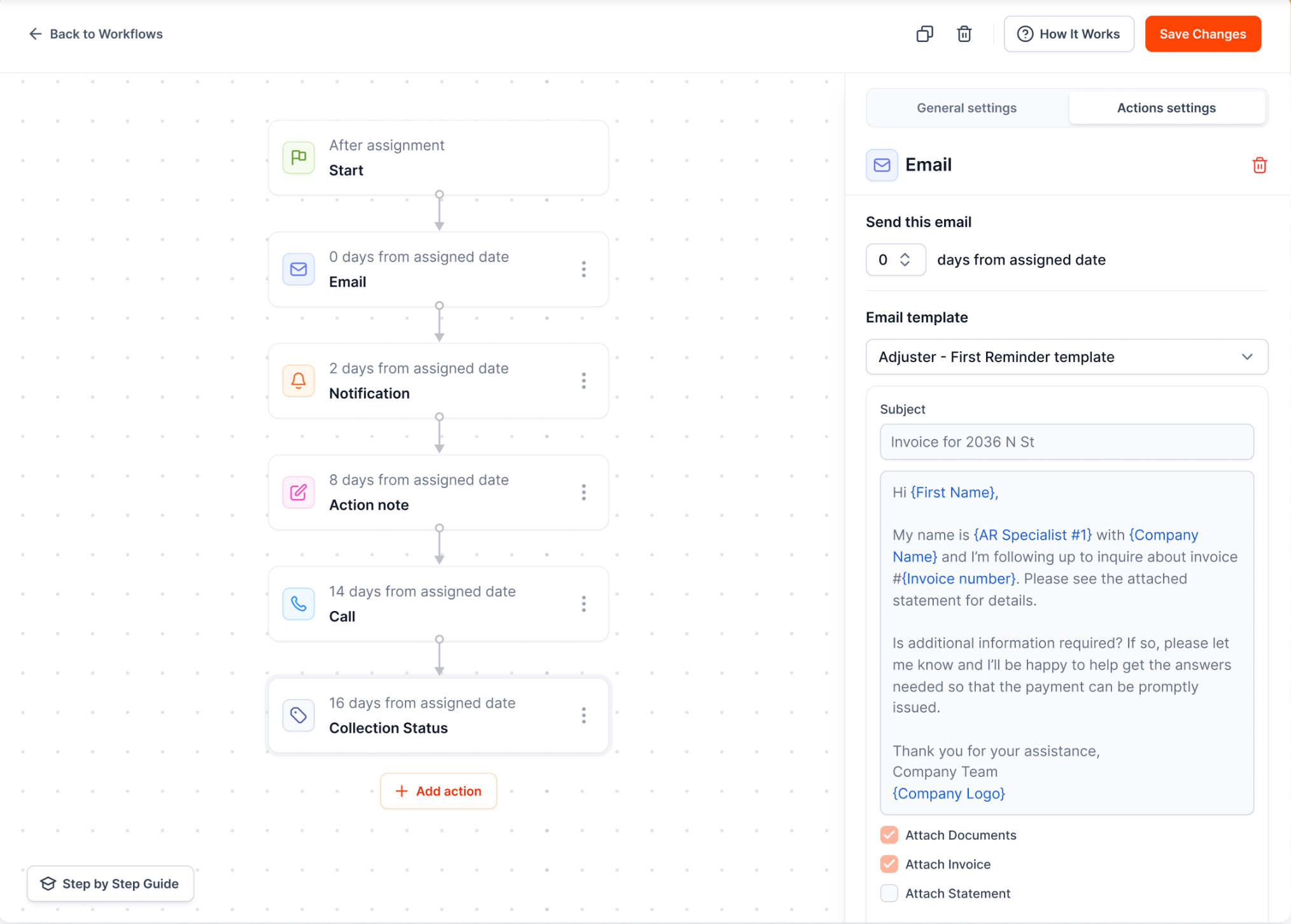
One place for open invoices, collection tasks and account history.
Instead of manually tracking outstanding balances and past communication, teams can organize collection activity and automate routine follow-ups as part of the same process.
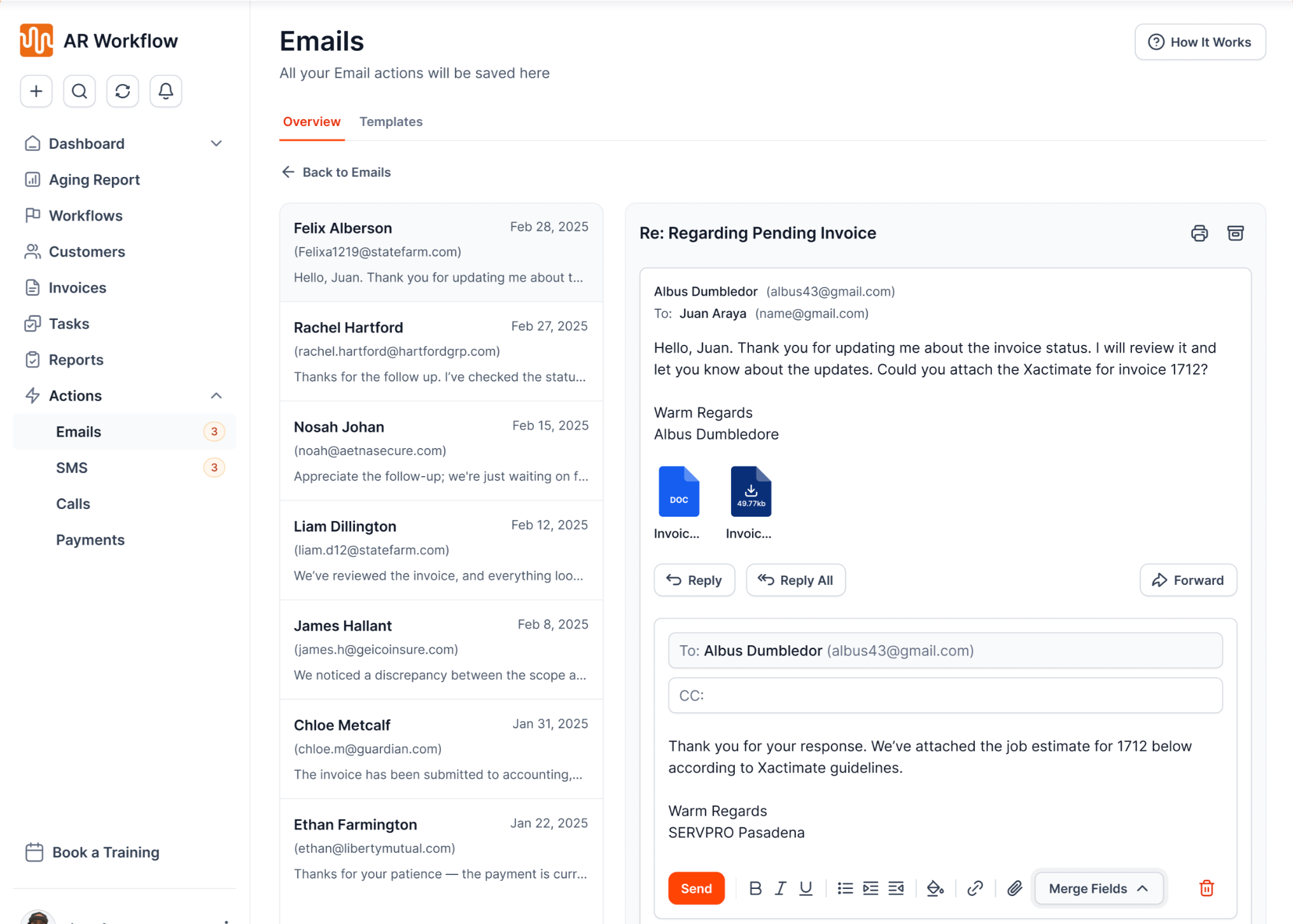
Templated email follow-ups go out on the schedule your team sets.
This makes it easier to stay consistent with outstanding receivables even as the business takes on more work. More importantly, it gives the team a clearer way to keep invoices moving toward payment without adding more manual work every time AR volume grows.
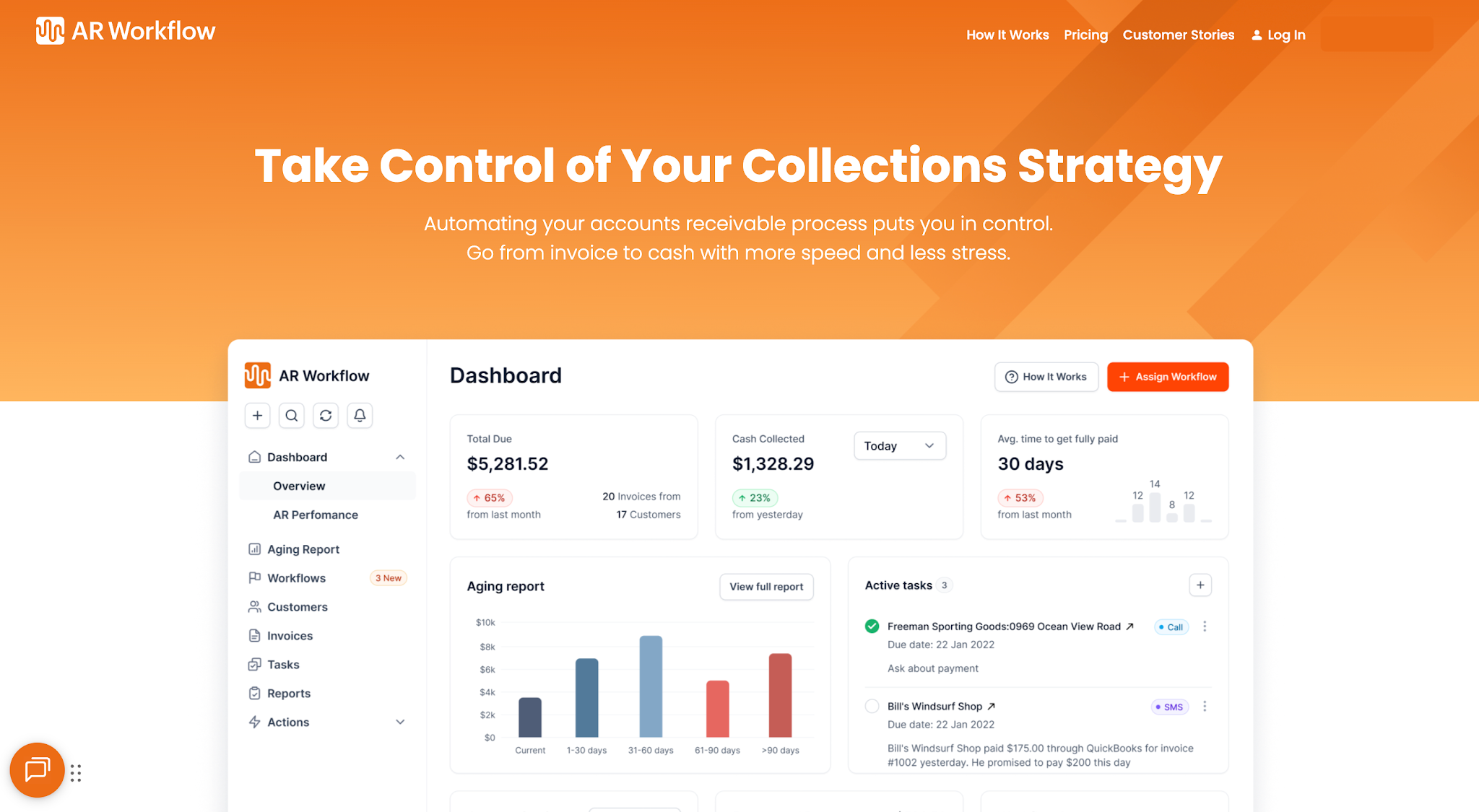
Collection activity, reminders and online payments in one platform.
If you're in the restoration industry and your team is still spending too much time manually managing what happens before your invoices get paid, automating your collections process may be exactly what you need. AR Workflow for restoration is here to help you achieve that.
After all, you've already done the work and earned the revenue. It's about time you had a unified process that helps you collect what your team deserves.
Accounts receivable automation uses software to reduce manual work within the AR process. Depending on the platform, it can help with invoicing, payment reminders, payment processing, cash application, collections, reconciliation, reporting, or other work involved in moving an invoice toward recorded payment.
QuickBooks is one of the best-known options for accounts receivable because it lets businesses create invoices, track payments, and manage outstanding balances alongside their accounting records.
If your restoration business needs more support with collecting those outstanding invoices, AR Workflow integrates with QuickBooks to add automated collections and AR management without replacing your accounting software.
The five C's commonly used in credit evaluation are Character, Capacity, Capital, Collateral, and Conditions. They help businesses assess whether a customer is likely to meet their payment obligations before extending credit.
AI can automate parts of accounts receivable, including payment matching, account prioritization, payment predictions, and certain customer communications. Enterprise platforms such as HighRadius and Tesorio use it to forecast cash and decide which accounts to call first. People still handle disputes, payment plans and judgment calls, so AI works best as support for your team rather than a replacement for it.
Accounts receivable management tools are software that help a business track what customers owe and collect it. Common features include aging reports, automated payment reminders, collection task lists, communication history, online payments and AR reporting. Some, like AR Workflow, sit on top of QuickBooks Online, while others connect to an ERP.
It depends on the platform and the size of the business. Of the tools above, BILL lists plans from $49 per user per month, and AR Workflow lists Lite at $295, Grow at $395 and Enterprise at $495 per month. Enterprise platforms such as HighRadius, Billtrust, Tesorio, Freehand and Versapay do not publish pricing.
Related reading
Your invoice, not a feature tour.
Bring one overdue invoice to a demo and see what AR Workflow would send, when, and how your customer would pay.
Sam owned and ran three restoration companies for more than 14 years and collected over $100 million in receivables. He built AR Workflow in 2020 to give contractors the collections system he wished he'd had.

AI writes the emails, sends the texts, and leaves the voicemails. Your team handles the conversations that matter, and your cash keeps moving.
 Keep QuickBooksStart with one invoiceStay in control

 Log in