Compare 7 tools that replace Versapay: AR Workflow, Chaser, Upflow, Invoiced, Quadient AR, Billtrust and HighRadius. See which one fits contractors.

If you've managed accounts receivable for a while, you're probably familiar with the different software platforms that make the process easier. Versapay is one of them, as it offers tools for invoicing, payment processing, and collections.
However, while Versapay offers a broad range of AR features, it may not be the right choice for every business. Some companies may need more specialized collections tools, different accounting integrations, or a platform that better fits their budget.
If you're exploring Versapay alternatives, this guide compares the top seven options based on their features, pricing, and primary use cases to help you find the right fit for your business.
KEY TAKEAWAYS
Here are the seven best Versapay alternatives featured in this guide:
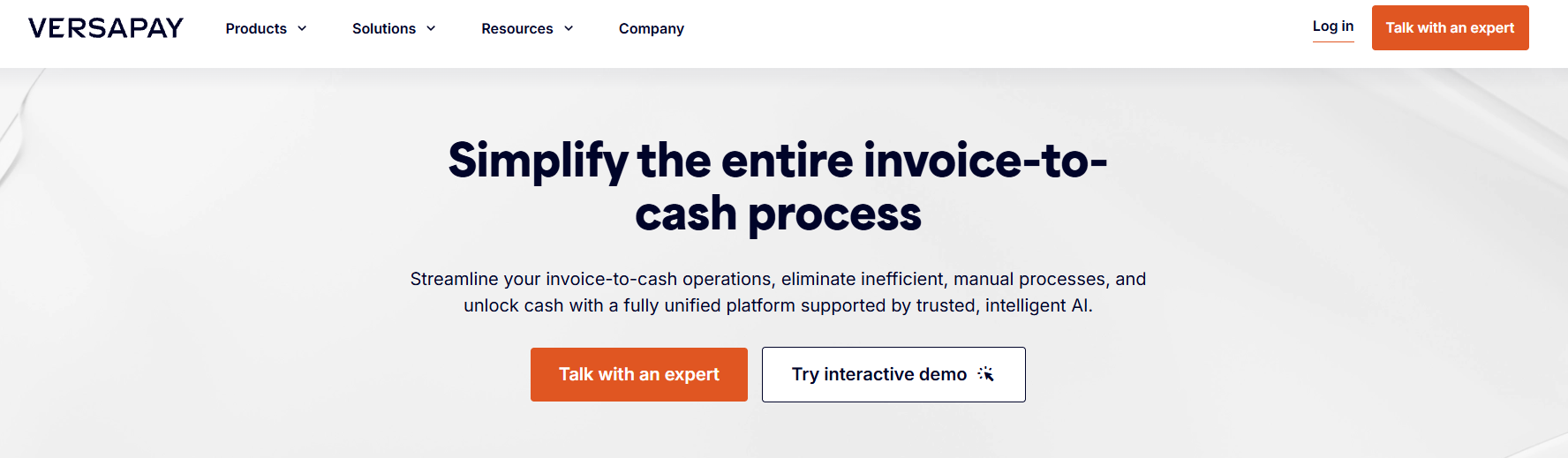
Image source: versapay.com
Versapay is a B2B accounts receivable automation platform that helps businesses manage invoicing and payments. It offers tools for automated collections and cash application, which helps finance teams match incoming payments with outstanding invoices.
The platform is also built with a customer portal where businesses can communicate with customers about invoices and accept payments online.
The platform also provides a customer payment portal where businesses can communicate with customers about invoices and accept payments online.
It primarily serves mid-market companies and larger B2B businesses that want to manage more of their accounts receivable processes through the same platform.
While Versapay offers a broad range of AR tools, not every business needs all of them. Companies that mainly want to improve collections or manage overdue invoices may prefer software that focuses more closely on those tasks.
Some users have also reported issues with the platform. Reviews on G2 and Capterra mention difficulties integrating Versapay with certain ERP systems. Other reviewers have likewise raised concerns about limited reporting capabilities and occasional payment-processing issues.
Versapay also doesn't publicly list its pricing, so businesses need to contact sales before they can compare costs with other options.
These concerns won't necessarily affect every business. However, they're worth considering if you're looking for software that better suits your needs.
If you're experiencing any of these issues or simply want software that focuses on a specific part of your AR process, here are the best seven Versapay alternatives to consider based on their features and the businesses they serve best.
|
Platform |
Overview |
Key features |
Pricing |
|
AR Workflow |
Accounts receivable automation and payments software for disaster restoration contractors. |
|
|
|
Chaser |
Credit control and AR software focused on automated payment follow-ups. |
|
|
|
Upflow |
AR management software focused on receivables analytics and collection visibility. |
|
Upflow does not list prices publicly. |
|
Invoiced |
Invoice-to-cash automation software for B2B finance teams. |
|
Invoiced does not list prices publicly. |
|
Quadient AR |
AR automation software focused on predictive collections. |
|
Quadient AR does not list prices publicly. |
|
Billtrust |
B2B payment processing and accounts receivable automation platform. |
|
Billtrust does not list prices publicly. |
|
HighRadius |
Enterprise financial automation software focused on order-to-cash management. |
|
HighRadius does not list prices publicly. |
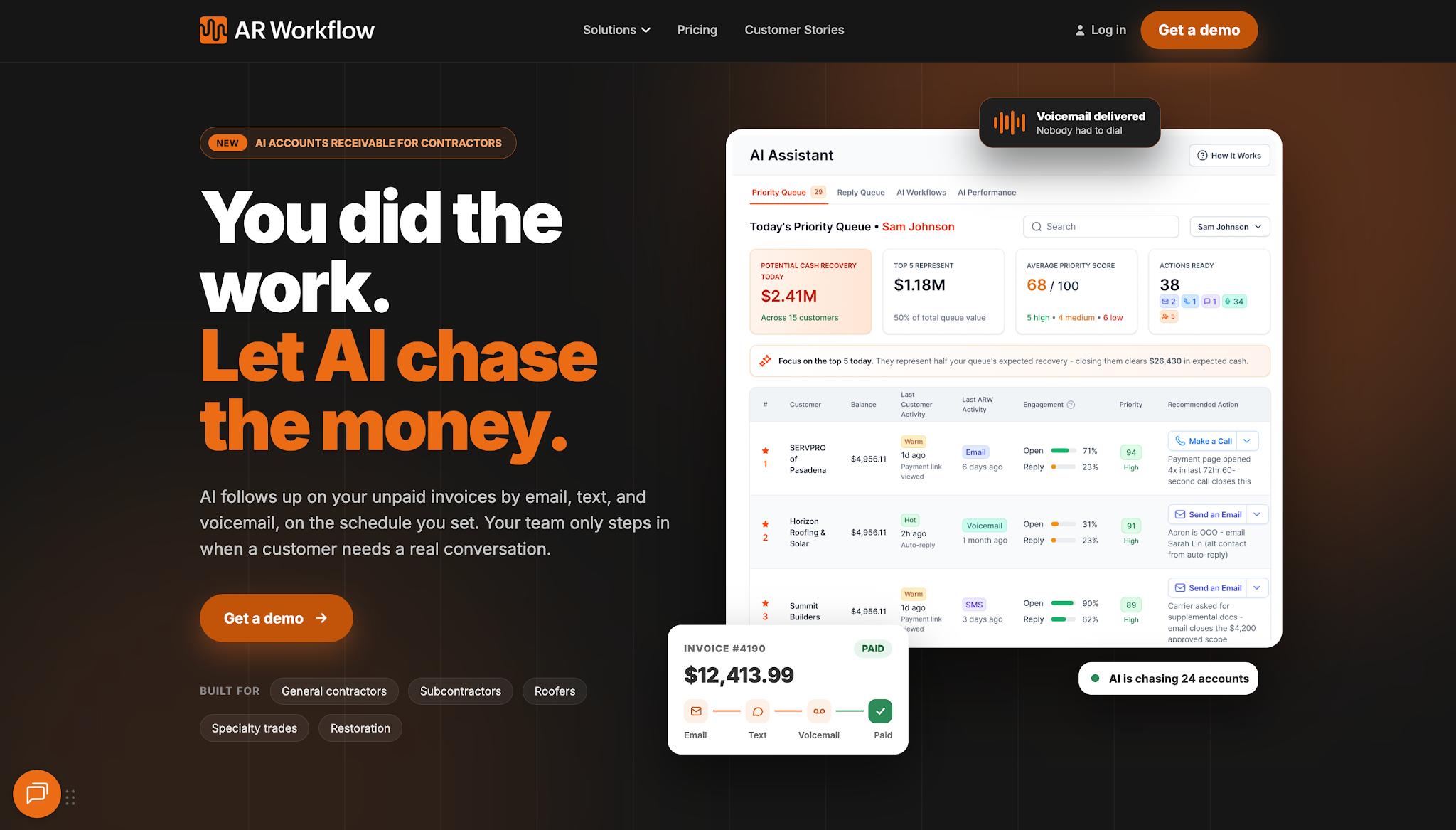
AR Workflow is an accounts receivable platform that specializes in payment collections automation for disaster restoration contractors.
It helps restoration businesses manage outstanding invoices after they complete their work and begin collecting payment.
The platform focuses on creating a structured collections process, which is particularly important for restoration companies that handle insurance-related payments and invoices involving different customers or payment arrangements.
AR Workflow offers three monthly plans:
Unlike Versapay, which serves a broader range of B2B industries, AR Workflow focuses specifically on disaster restoration companies. It helps contractors manage collections for completed jobs, including invoices that involve insurance-related payments and homeowners.
For restoration businesses that already use QuickBooks for accounting, AR Workflow adds dedicated collections tools without requiring them to replace their existing accounting system.
This makes it an appealing alternative for contractors who want to spend less time chasing overdue invoices without investing in broader AR functionality they don't need.
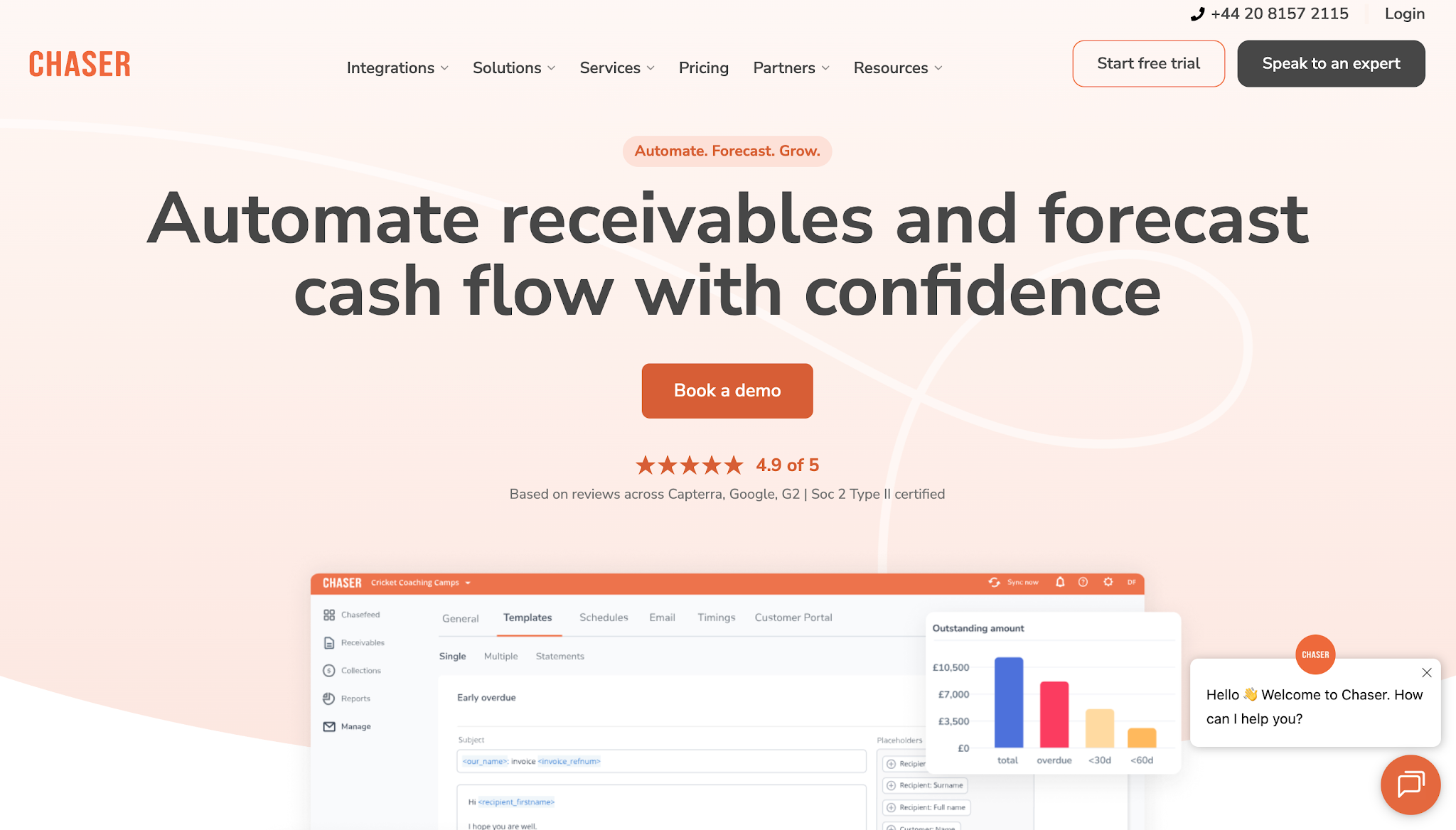
Image source: chaserhq.com
Chaser is accounts receivable software that focuses on helping businesses collect outstanding payments through automated collections outreach.
Its primary specialization is credit control and payment follow-ups. Businesses use it to maintain consistent contact with customers before and after invoice due dates.
Chaser serves teams that want to reduce their manual AR workload while keeping customer payment communication organized.
It also offers additional receivables management and forecasting capabilities for finance teams that need more information about customer payment behavior.
Chaser publishes the following starting monthly prices:
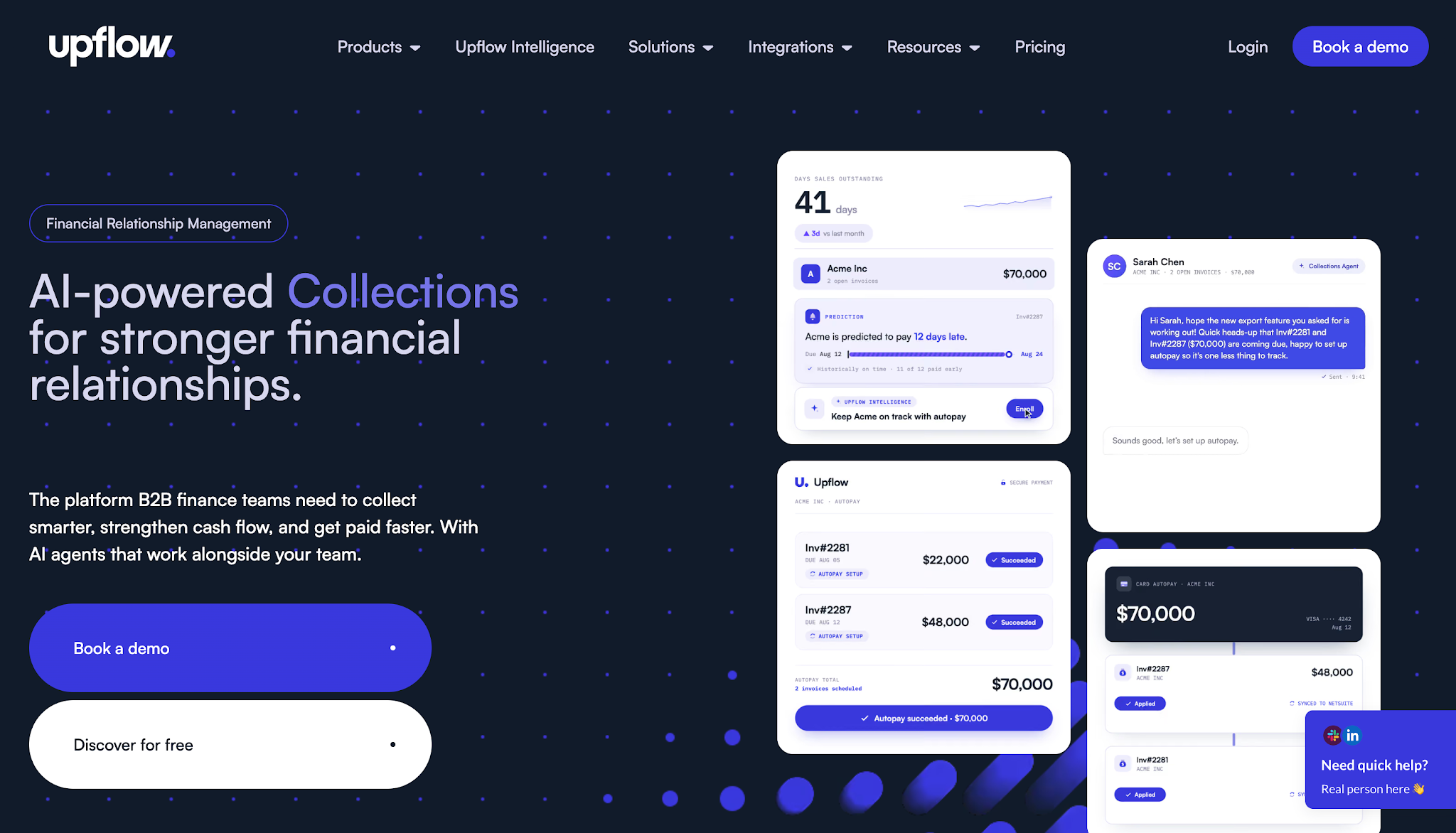
Image source: upflow.io
Upflow is an accounts receivable management platform that focuses on helping finance teams understand their receivables and improve collection decisions.
It combines AR analytics with collection management, giving businesses a clearer view of outstanding payments and customer payment behavior.
Its reporting capabilities also suit finance teams that need to understand why receivables remain unpaid and where to direct collection efforts.
Upflow does not list prices publicly.
Image source: invoiced.com
Invoiced, now part of Flywire, is an invoice-to-cash automation platform for B2B finance teams.
It focuses on managing financial activities from invoice delivery through payment collection and cash application.
The platform serves mid-sized and larger businesses that handle significant invoice volumes and need to connect their invoicing processes with payment records.
Its cash application functionality is particularly important for companies that regularly receive payments through different channels and need to match those payments to the correct customer accounts.
Invoiced does not list prices publicly.
Image source: quadient.com
Quadient AR (Yaypay) is an accounts receivable automation solution that helps B2B finance teams manage collections and monitor customer payment activity.
The platform uses AI-driven collections capabilities to help finance teams make decisions about outstanding accounts.
Its predictive capabilities make it well-suited for businesses that want to identify potential payment delays early and prioritize collection activities based on customer behavior.
Quadient AR also supports other receivables activities, including dispute management and payment processing.
Quadient AR does not list prices publicly.
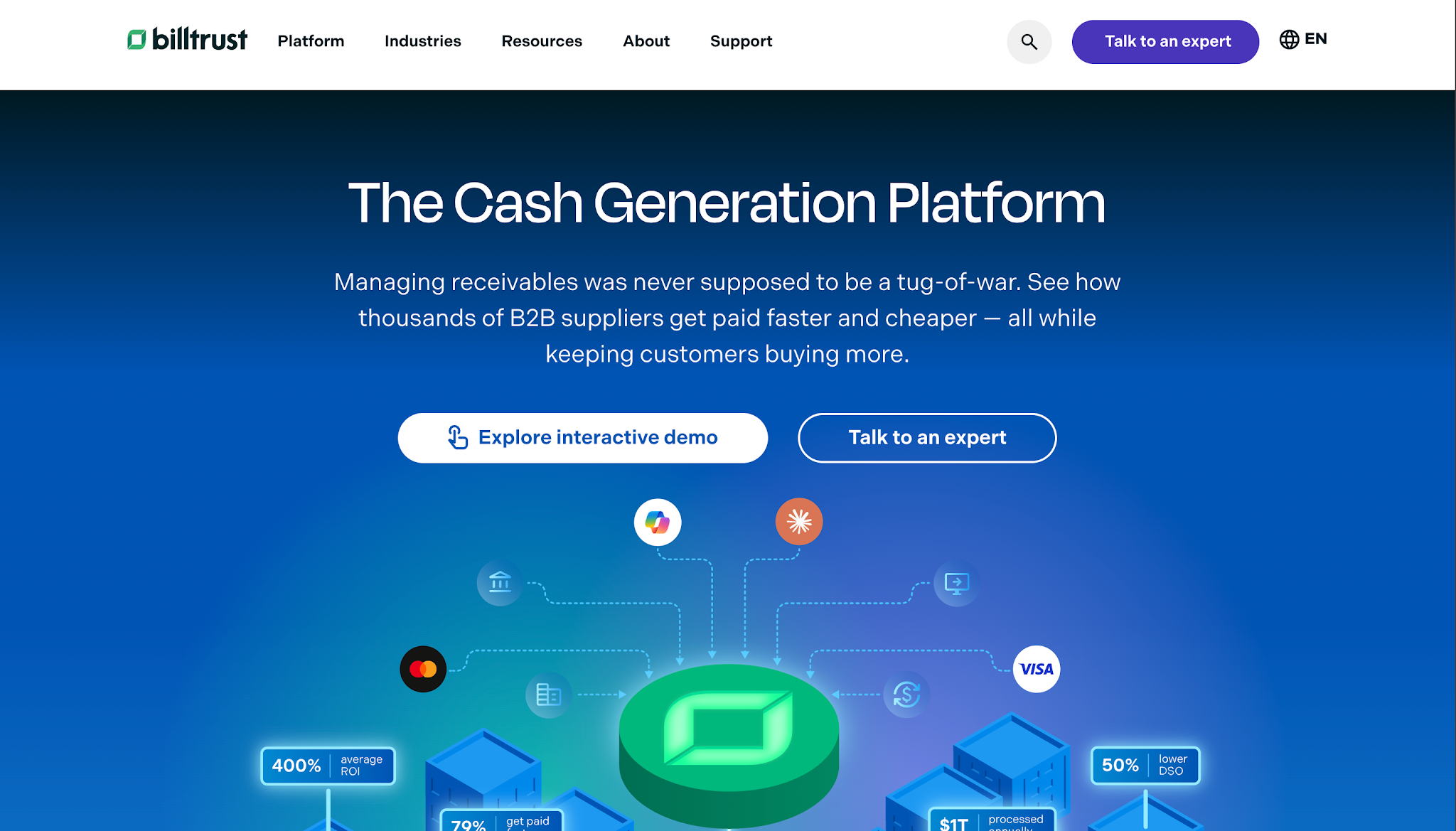
Image source: billtrust.com
Billtrust is an accounts receivable automation platform that focuses on helping B2B companies manage invoicing and customer payments.
It serves businesses that need to accept payments through multiple channels while maintaining control over processing costs and payment reconciliation.
The platform also offers broader AR functionality, including collections and credit management, alongside its payment services.
Billtrust does not list prices publicly.
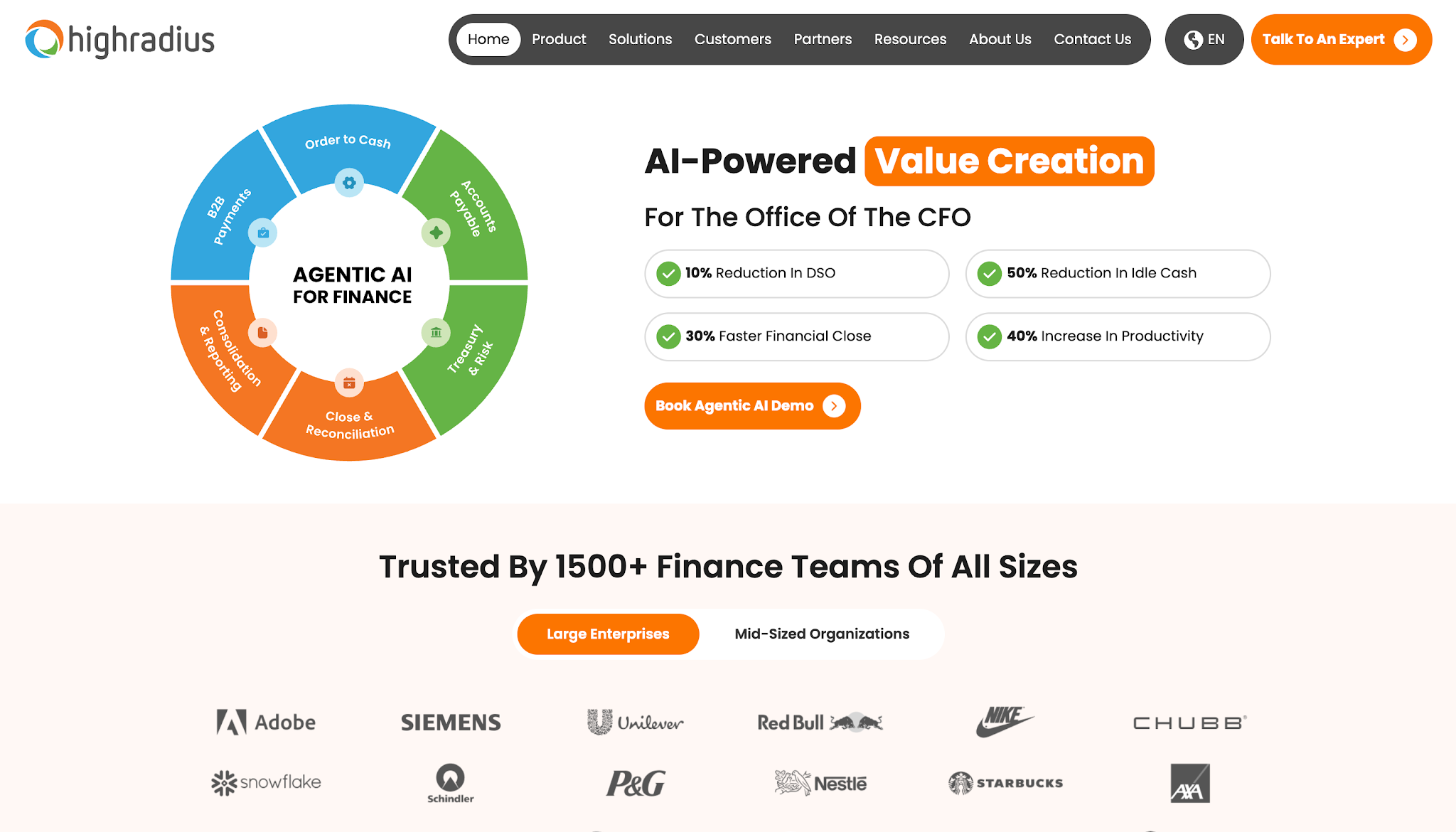
Image source: highradius.com
HighRadius is an enterprise financial automation platform that provides software for managing the order-to-cash lifecycle.
This covers the financial activities that begin when a customer places an order and continue through invoicing, collections, and payment reconciliation.
HighRadius primarily targets larger organizations that handle high transaction volumes and require coordination between different financial processes.
Its AI-native platform uses AI agents and automation to help enterprise teams manage collection priorities and reduce manual financial processing.
HighRadius does not list prices publicly.
Now that you have a clearer idea of what each platform offers, let's discuss how to weigh your options using these criteria:
Start by looking at how your team currently manages outstanding invoices.
Where does the process require the most manual work? Does your team spend hours sending reminders, or does it struggle more with matching incoming payments to the correct invoices?
These problems call for different capabilities.
For example, if your employees regularly lose track of customer follow-ups, software that records communication history and schedules reminders would address that issue directly.
You should also consider whether your business handles different payment arrangements. If you're dealing with insurance-related invoices or payments from homeowners, you'll want software that supports how your team manages those accounts.
Understanding where your accounts receivable process needs improvement helps you choose a platform that addresses those needs while making sure you get the most value for your investment.
Compare how each platform handles the collection tasks your team wants to improve.
If your main concern is overdue invoices, check whether the software lets you automate payment reminders and customize follow-up schedules. You should also be able to track customer responses and payment promises so your team knows when another reminder is necessary.
If you handle different payment arrangements, look for software that lets you adjust collection workflows based on the account. This helps your team manage each customer appropriately without manually organizing every follow-up.
Pay particular attention to how the platform handles these tasks during a demo. You'll get a better idea of whether its collections tools can support your daily operations.
Your next priority should be checking whether the platform works with your existing accounting software.
If your business uses QuickBooks Online, for example, check whether the AR platform can import outstanding invoices and sync payment updates. Otherwise, your team could end up manually transferring information between multiple systems.
The same applies if you use an ERP system such as NetSuite or Microsoft Business Central. Don't assume that a platform supports your accounting system simply because it advertises integrations.
Check which information the integration shares and how frequently it updates. This will help you understand whether the platform can work with your current accounting process without creating additional work for your team.
Finally, compare what each platform will actually cost your business and what it takes to get started.
Start with the subscription price, then check for additional charges. These might include payment processing fees or costs for extra users. If your team handles a large number of invoices, check whether the provider charges more as your invoice volume increases.
You should also find out how much work the initial setup requires. Ask whether the provider helps with accounting integrations and whether your employees will need training before they can use the software.
By reviewing both the ongoing costs and setup requirements, you'll have a clearer idea of which platform offers the best value for your business.
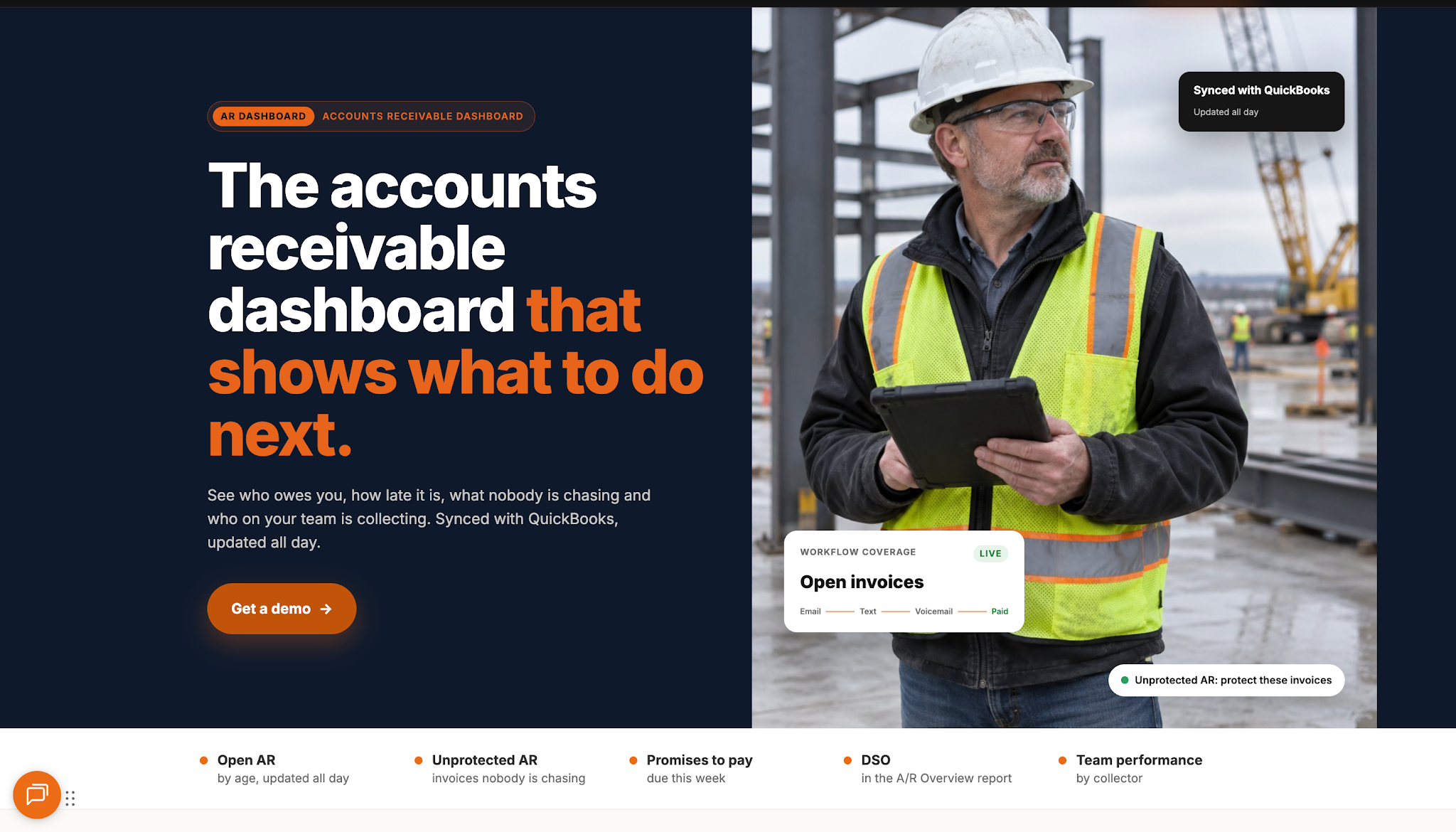
Choosing between Versapay alternatives ultimately depends on which part of your accounts receivable process needs the most attention.
Businesses that handle complex financial transactions might need broader automation, while those struggling with overdue invoices could benefit more from dedicated collections software.
If your restoration company spends too much time contacting customers about unpaid invoices, AR Workflow offers a way to organize that work.
Through a unified platform, your team can easily maintain a consistent collections process and keep track of what happens with each outstanding account.
With AR Workflow, your restoration business can manage a growing number of outstanding invoices without adding more work to your team's daily responsibilities.
Five of the most widely used payment gateways are Stripe, PayPal, Square, Authorize.net, and Adyen. They differ in supported payment methods, processing costs, integrations, and the types of businesses they serve.
Payment gateways primarily handle payment acceptance. Businesses that also need automated collections and broader accounts receivable management should compare those capabilities separately.
Yes. Versapay is an established B2B accounts receivable automation and payment platform.
Versapay doesn't publicly list standard subscription prices on its website. Businesses need to contact its sales team for a quote based on their requirements.
Companies that have publicly shared their experiences with Versapay include Laticrete, TireHub, and Ennis Fabrics.
Credit risk refers to the possibility that a customer won't pay an outstanding invoice on time or at all.
Higher credit risk increases the need to monitor payment behavior and identify accounts that require attention. Finance teams can manage this risk by reviewing customer payment histories and setting appropriate credit terms.
Accounts receivable software, on the other hand, can support this process by tracking overdue balances and highlighting changes in payment behavior.
Related reading
Your invoice, not a feature tour.
Bring one overdue invoice to a demo and see what AR Workflow would send, when, and how your customer would pay.
Sam owned and ran three restoration companies for more than 14 years and collected over $100 million in receivables. He built AR Workflow in 2020 to give contractors the collections system he wished he'd had.

AI writes the emails, sends the texts, and leaves the voicemails. Your team handles the conversations that matter, and your cash keeps moving.
 Keep QuickBooksStart with one invoiceStay in control

 Log in