5 Best Payment Recovery Software Platforms for 2026: 1. AR Workflow 2. Upflow 3. Kolleno 4. Gaviti 5. Stripe Billing. Learn why AR Workflow stands out.

Completing a job and sending the invoice doesn't always mean payment will arrive on time. For many businesses, collecting outstanding payments takes repeated follow-ups, especially when employees have dozens of unpaid invoices to manage.
As those invoices pile up and put pressure on cash flow, keeping track of who needs to pay and when to contact them again becomes increasingly difficult.
Businesses can use debt collection software to organize these efforts, or opt for payment recovery software that offers tools to recover overdue invoices and, in some cases, failed transactions.
If you're looking for software to make that process easier, we've put together the top five payment recovery platforms worth considering in 2026.
Get a demo with AR Workflow and start recovering payments faster today.
KEY TAKEAWAYS
These are the five best payment recovery software platforms listed in this guide:
Payment recovery software helps businesses collect payments that customers haven't completed. Depending on the platform, this may involve recovering overdue invoice payments or retrying transactions that failed during processing.
For businesses that invoice customers after providing a service, payment recovery software typically focuses on accounts receivable management. It helps employees identify unpaid invoices, schedule payment reminders, and track collection activity until the customer settles the balance.
Subscription businesses have different needs. They often use payment recovery tools to retry declined card transactions or prompt customers to update expired payment details.
Understanding this difference early on matters because the right software depends on why your business isn't receiving payments in the first place.
That said, payment recovery platforms take different approaches to collecting outstanding revenue.
|
Platform |
Overview |
Key Features |
Pricing |
|
AR Workflow |
Accounts receivable automation and payment collection platform for disaster restoration companies. |
|
|
|
Upflow |
Financial relationship management platform for B2B cash collection and customer payment relationships. |
|
Upflow does not list prices publicly. |
|
Kolleno |
Accounts receivable automation and financial operations platform with AI-powered collections. |
|
|
|
Gaviti |
Invoice-to-cash automation platform focused on configurable accounts receivable collection workflows. |
|
Gaviti does not list prices publicly. |
|
Stripe Billing |
Subscription billing platform focused on recurring payments and failed transaction recovery. |
|
|
To help you choose the right one for your business, we've laid out five platforms, each offering different capabilities to address the payment problems your business experiences.
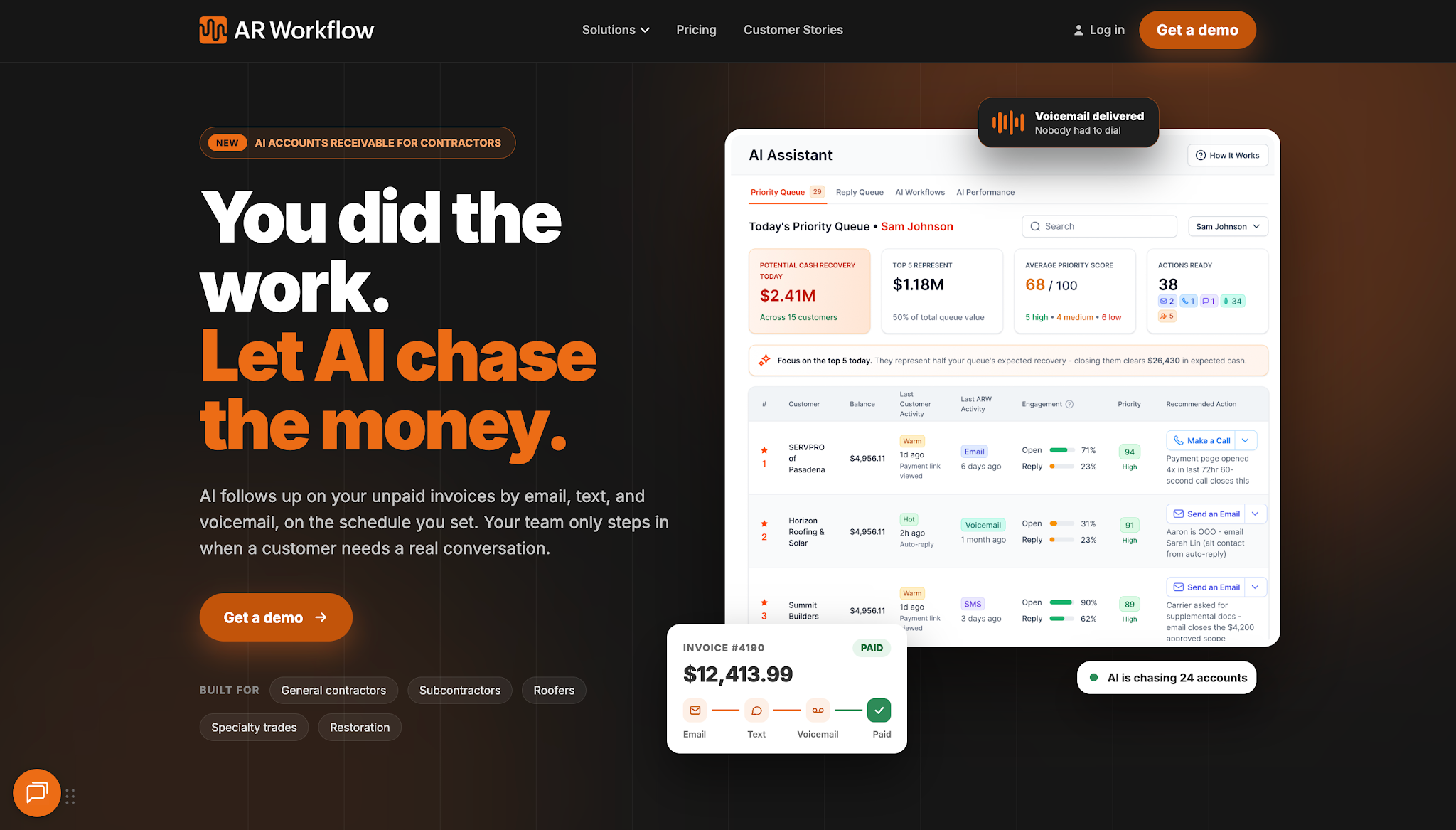
AR Workflow helps disaster restoration companies automate payment collections and manage overdue invoices after every completed restoration work.
Its platform is built to simplify the process of tracking invoices and following up with customers, so employees don't have to rely on spreadsheets, phone calls, or manual reminders to keep collections moving.
AR Workflow offers three plans with the following monthly subscription prices:
AR Workflow focuses on a payment-collection problem restoration contractors know well, where even when the work is complete, companies often still struggle to collect the balance they're owed.
That's usually because restoration payments involve additional coordination with homeowners and insurance-related parties.
So even when the team has completed and invoiced the work correctly, payment collection doesn't happen that easily, as team members are often still tasked with contacting the responsible payers and tracking the account progress until payment arrives.
To manage this process more efficiently, AR Workflow gives teams a structured workflow management system for handling collections in one platform.
Built specifically and in accordance with how restoration companies experience these, AR Workflow makes everything easier for team members, from monitoring overdue invoices to sending automated reminders and maintaining regular communication, without having to handle all those manual tasks alone.
Even better, the platform makes it easier for restoration businesses to connect with their existing accounting software, such as QuickBooks, so companies won't have to learn new accounting software and can stick with what they already use, making payment collection easier.
Want to see how AR Workflow makes your payment collection process easier? Book a demo today!
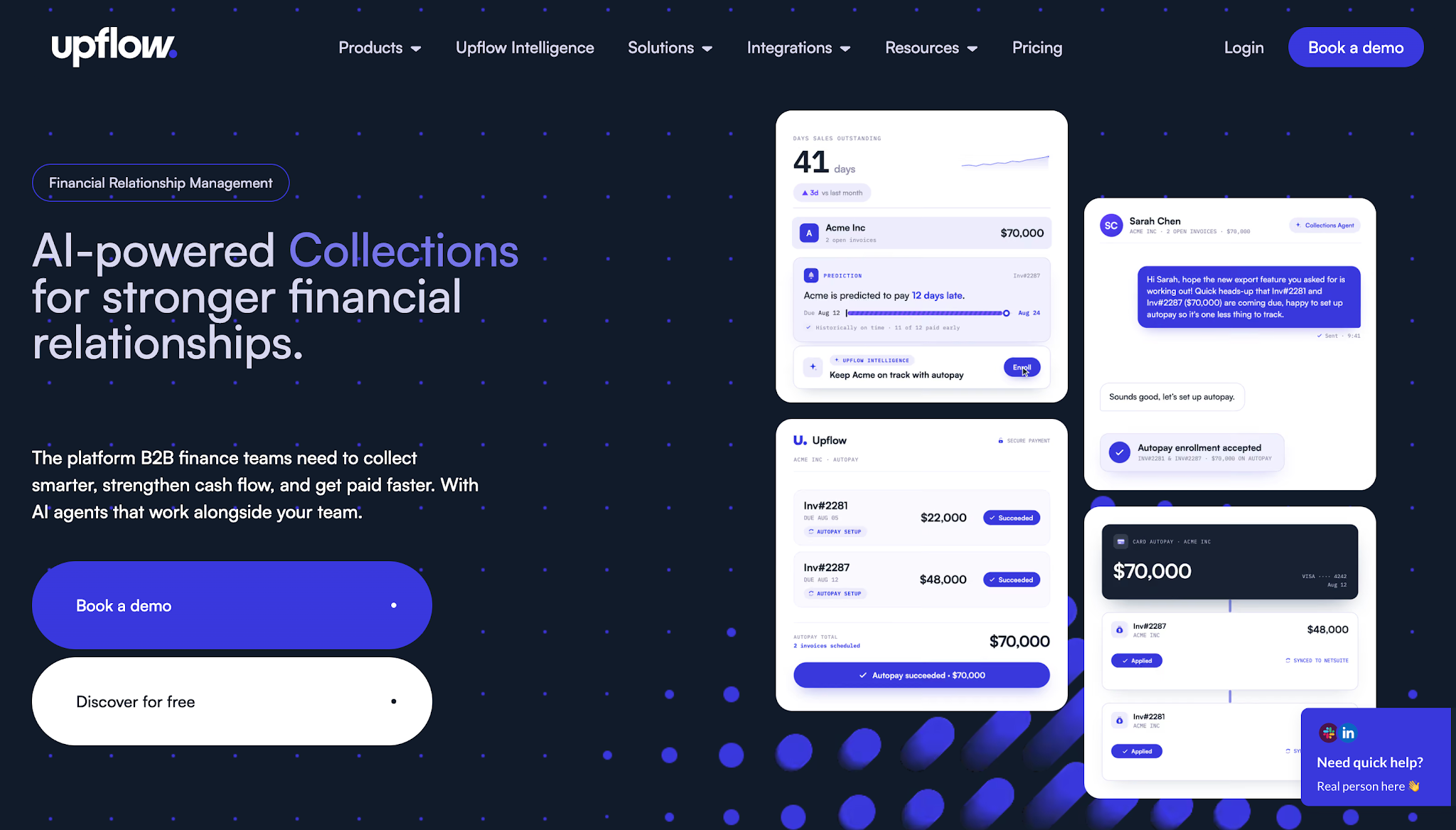
Image source: upflow.io
Upflow is a financial relationship management platform that helps B2B companies improve cash collection and manage customer payment relationships.
The platform focuses on businesses that invoice other companies and need a more organized approach to customer relationship management while collecting outstanding payments.
It brings customer account information and payment activity into a shared environment where finance teams can use communication tools to manage customer outreach.
Upflow does not list prices publicly.
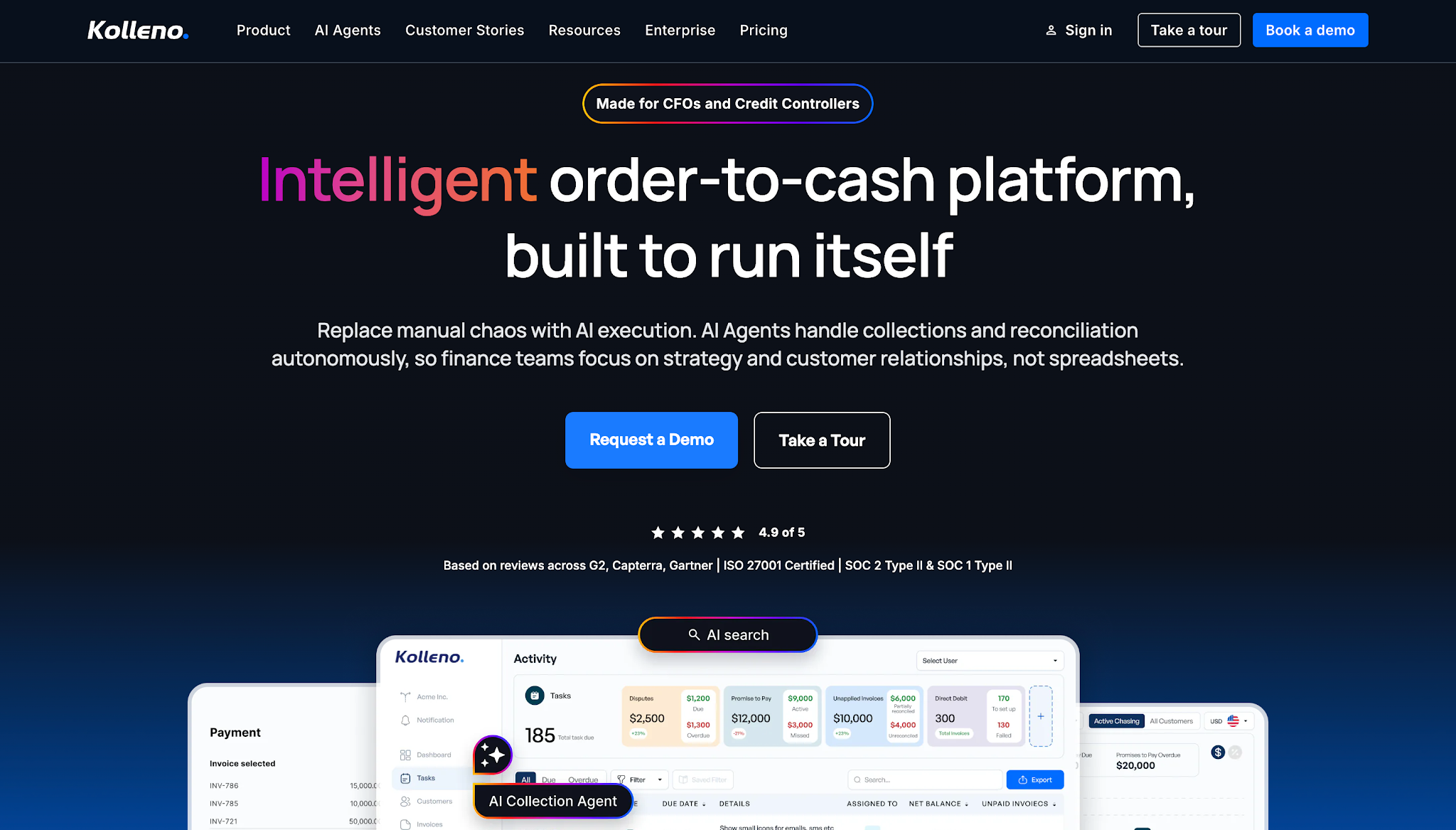
Image source: kolleno.com
Kolleno is an accounts receivable and financial operations platform that helps businesses automate collection activities and manage outstanding payments.
The platform combines collections management with additional finance functions, including payment reconciliation, cash application, and credit risk management.
These capabilities support companies that need to manage customer payment collection and record payments against outstanding invoices.
Kolleno also uses AI-powered automation. Its platform uses AI agents to assist finance teams with collection-related work, making it an option for businesses exploring more advanced automation within their accounts receivable operations.
Kolleno lists the following monthly pricing:
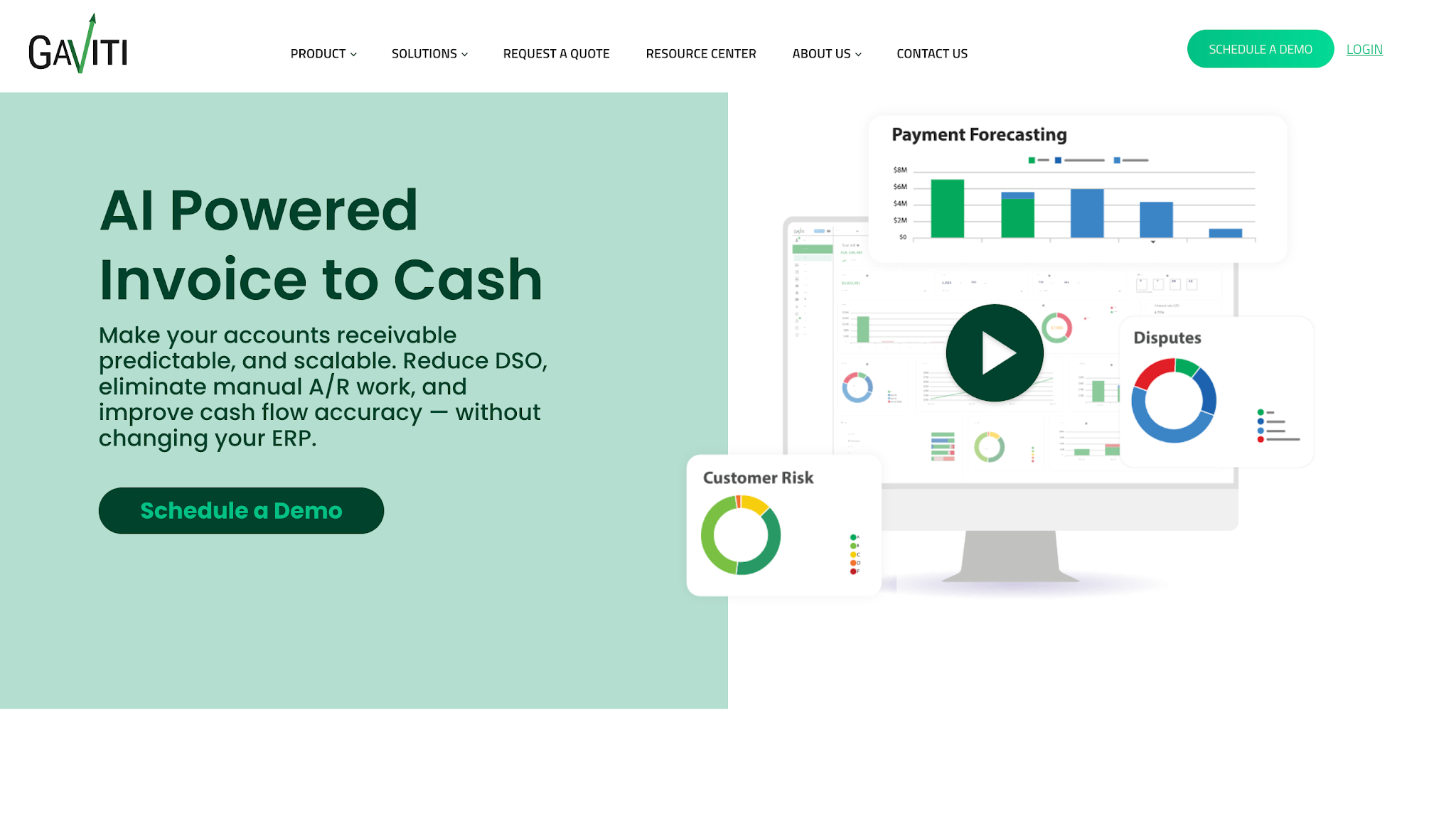
Image source: gaviti.com
Gaviti is an invoice-to-cash automation platform that helps businesses manage accounts receivable collections through configurable workflows.
The software focuses on giving finance teams greater control over their collections operations and how they manage unpaid invoices.
Businesses can establish collection rules based on account information and determine which activities should take place as invoices move through different stages of delinquency.
Gaviti does not list prices publicly.
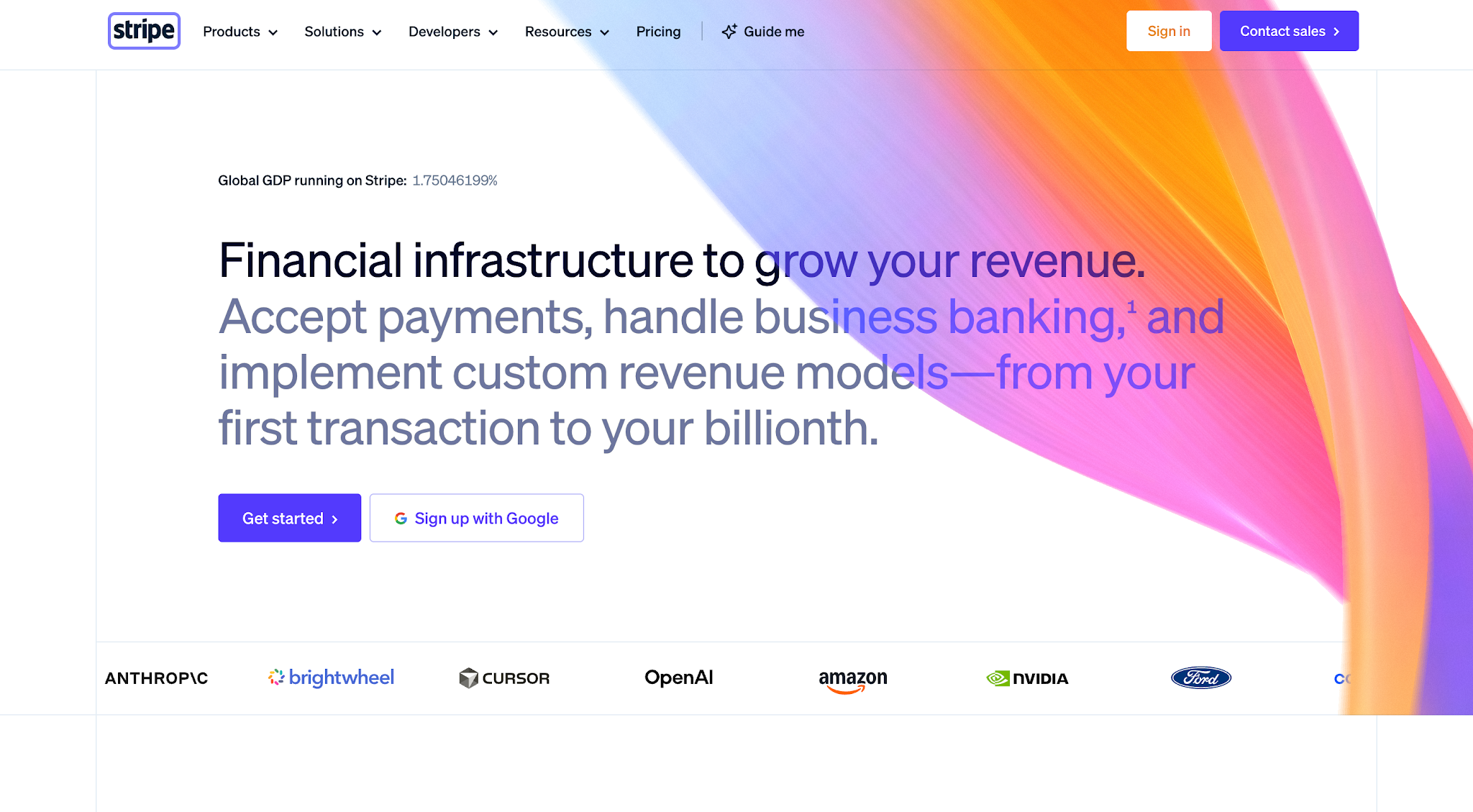
Image source: stripe.com
Stripe Billing is a subscription billing and recurring payment management platform. It helps businesses manage subscription payments and recover revenue when recurring transactions fail.
Unlike platforms that primarily help employees collect overdue invoices, Stripe Billing focuses on failed transactions that subscription businesses encounter when using payment processors.
This makes it a different type of payment recovery solution, with a greater focus on payment processing than the accounts receivable collection platforms discussed earlier.
Stripe Billing offers the following options:
The platforms above address different payment problems, so start by understanding how your business currently collects payments.
Before comparing subscription costs or advanced features, identify which parts of your payment recovery process need the most attention.
Start by reviewing what happens when a customer doesn't pay an invoice on time.
Does someone on your team regularly check overdue or delinquent accounts? Do employees know which customers received reminders and which accounts still need another call? Does the process depend on someone remembering to follow up?
These questions help identify where collection activity slows down.
For example, if your company has several invoices outstanding for more than 60 days, review those accounts' collection history. If employees struggle to remember when they last contacted a customer, you may need software that tracks communication and organizes follow-up tasks.
On the other hand, businesses that lose payments because of failed subscription charges should prioritize automated retry capabilities.
Your current collections process should determine which software category deserves your attention.
After identifying your collection needs, check whether the software works with your existing accounting or billing systems.
Many companies already use QuickBooks or another accounting platform to record invoices and payments. Adding payment recovery software should give employees a way to manage collections using that information without manually entering the same data into multiple systems.
For example, if your team records an invoice as paid in QuickBooks, you'll want to understand how the recovery platform receives that update. Otherwise, an outdated balance could trigger another payment reminder after the customer has already paid.
Ask each vendor how its integration handles invoice updates and payment status changes while protecting sensitive financial data. Also check whether the software offers role-based access controls and whether the connection requires additional setup or fees.
The goal is to keep your accounting records and collection activities consistent so employees can make decisions using current information.
Once you've confirmed that the software can work with your existing systems, look at how it handles the collection activities your team performs regularly.
Payment reminders are an obvious starting point, although you should also consider how the platform manages the work that happens between reminders.
For example, what happens when a customer responds and promises to pay next week? Can your team record that information and adjust the next collection action?
You should also check whether the software offers compliance features and allows employees to intervene when an account requires personal attention.
For restoration businesses, this is especially important when an outstanding invoice involves questions about insurance payments or additional documentation.
The right automation capabilities should help employees maintain collection schedules while giving them enough control to handle accounts that need individual attention.
Choosing the right payment recovery software comes down to understanding which payments your business needs to recover and how much work goes into collecting them.
If you're running a restoration business and struggling to keep up with overdue payment collections, AR Workflow is a great place to start.
Its AI-powered platform helps you create automated workflows for managing outstanding invoices, so you can improve operational efficiency while giving every account the attention it needs.
With AR Workflow, payment recovery no longer has to be another problem your business constantly worries about or spends hours managing.
Not exactly. Payment recovery software helps businesses recover payments they haven't received, whether that's an overdue invoice or a failed transaction.
Debt collection software, on the other hand, focuses specifically on helping businesses recover outstanding debts, whether through internal collections teams or collection agencies.
It provides debt collection solutions that help businesses manage overdue accounts and carry out collection strategies, such as scheduling follow-ups and tracking collection attempts.
Businesses should consider regulatory compliance when automating payment reminders, especially those sent through calls or text messages.
For example, the Telephone Consumer Protection Act (TCPA) regulates certain automated calls and text messages, including consent requirements that may apply depending on how businesses contact customers.
Before using automated communication features, businesses should understand the applicable requirements and check whether their software's compliance controls can help them follow those rules.
Payment recovery software can automate parts of the collections process, including sending reminders and tracking unpaid invoices. However, the customer or responsible payer still needs to complete the payment, and some accounts require employees to resolve disputes or provide additional information.
Payment recovery software helps businesses maintain more consistent communication with customers who have overdue payments.
By tracking previous contact and following appropriate reminder schedules, employees can avoid unnecessary messages while keeping customers informed about their outstanding balances.
Collections teams can use performance tracking to monitor recovery rates and changes in overdue invoice balances. They can also track how long customers take to pay and review whether automation reduces the time employees spend managing collection activities.
Related reading
Your invoice, not a feature tour.
Bring one overdue invoice to a demo and see what AR Workflow would send, when, and how your customer would pay.
Sam owned and ran three restoration companies for more than 14 years and collected over $100 million in receivables. He built AR Workflow in 2020 to give contractors the collections system he wished he'd had.

AI writes the emails, sends the texts, and leaves the voicemails. Your team handles the conversations that matter, and your cash keeps moving.
 Keep QuickBooksStart with one invoiceStay in control

 Log in