Finding the best accounts receivable software seems straightforward until you start comparing options. One accounts receivable (AR) automation software platform specializes in collecting overdue invoices, while another handles invoicing as part of a larger restoration management system.
Both deal with accounts receivable, but they serve different purposes. That distinction is important for restoration companies because the software you choose should address the part of your payment collection process that needs improvement.
So, which platform actually fits what your business needs? In this guide, we'll help you compare and choose your best options.
Book a demo with AR Workflow and find out why it's the best software to invest in for your business.
TL;DR
These are the five accounts receivable software platforms featured in this article:
- AR Workflow
- Even Level
- PSA by Canam Systems
- Albi
- DASH by Cotality
Why Managing Accounts Receivable Is Different in Restoration
Restoration companies often have to manage outstanding invoices and unpredictable cash inflows while continuing to take on new jobs.
Since restoration work can involve significant labor and equipment costs, delayed payments can complicate cash flow management and leave the business with less money for ongoing operations.
What makes accounts receivable management different in restoration is how companies receive payment for their work.
Unlike businesses that collect payment directly from customers at the time of service, restoration contractors frequently deal with insurance-related jobs where the payment process involves additional parties.
These differences affect how they manage collections. Employees need to understand why an invoice remains unpaid before deciding whether to contact the customer or address an outstanding insurance-related requirement.
That means restoration companies need more than a record of outstanding balances. They also need a way to track payment status and previous collection activity so employees know what action to take next.
5 Best Accounts Receivable Software Options in 2026
These are the top five accounts receivable software platforms for your restoration business.
|
Platform |
Overview |
Key features |
Pricing |
|
AR Workflow |
Accounts receivable automation and payment collection platform built for restoration companies. |
|
|
|
Even Level |
Restoration-focused accounts receivable platform with automated collections and AI-assisted tools. |
|
|
|
PSA by Canam Systems |
Restoration business management and accounting software with accounts receivable capabilities. |
|
Does not list prices publicly |
|
Albi |
Restoration management platform with invoicing and payment processing through Albi Pay. |
|
|
|
DASH by Cotality |
Restoration job management software with budgeting and accounting integrations. |
|
Does not list prices publicly |
1. AR Workflow
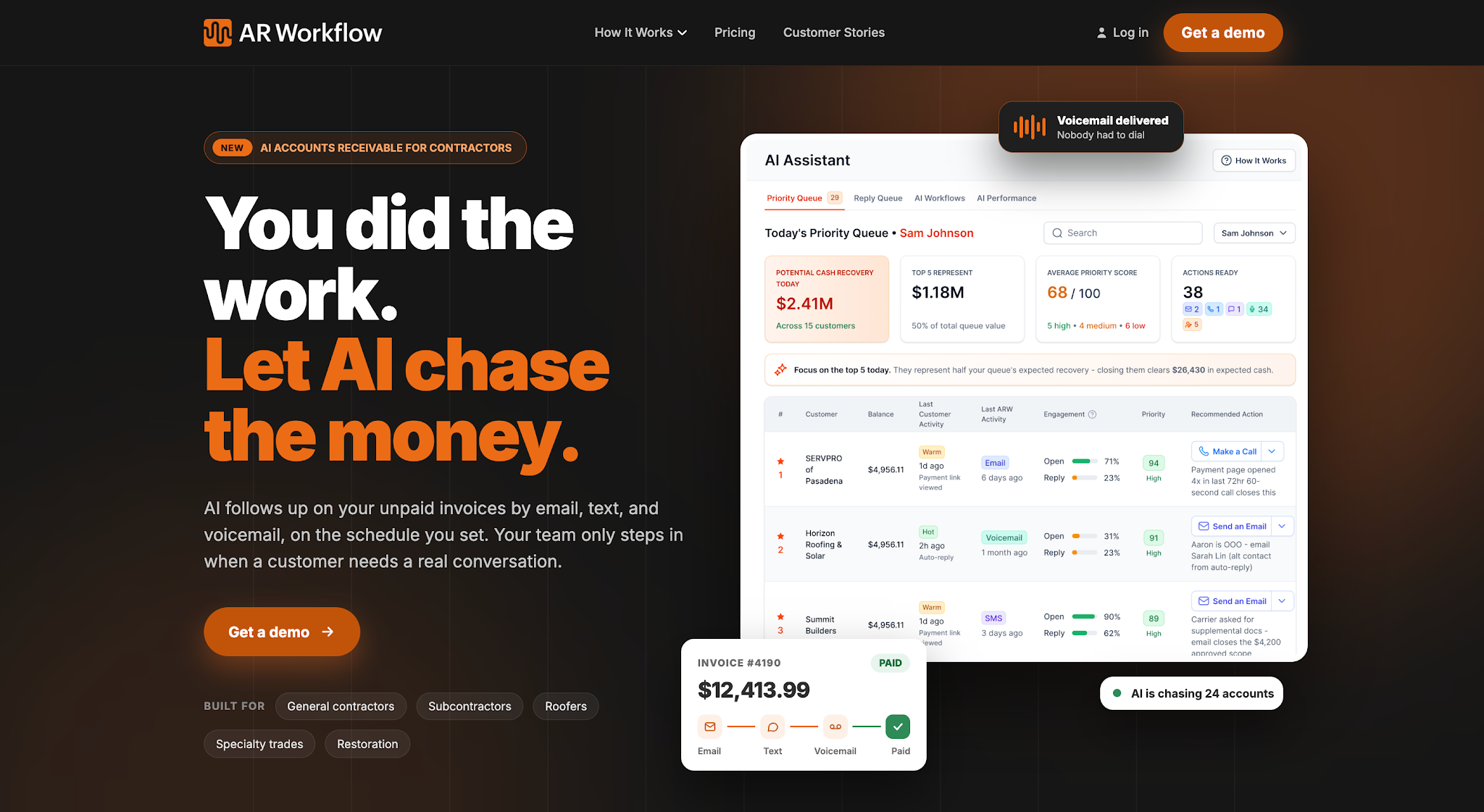
AR Workflow is an AR automation and payments platform designed specifically for disaster restoration companies.
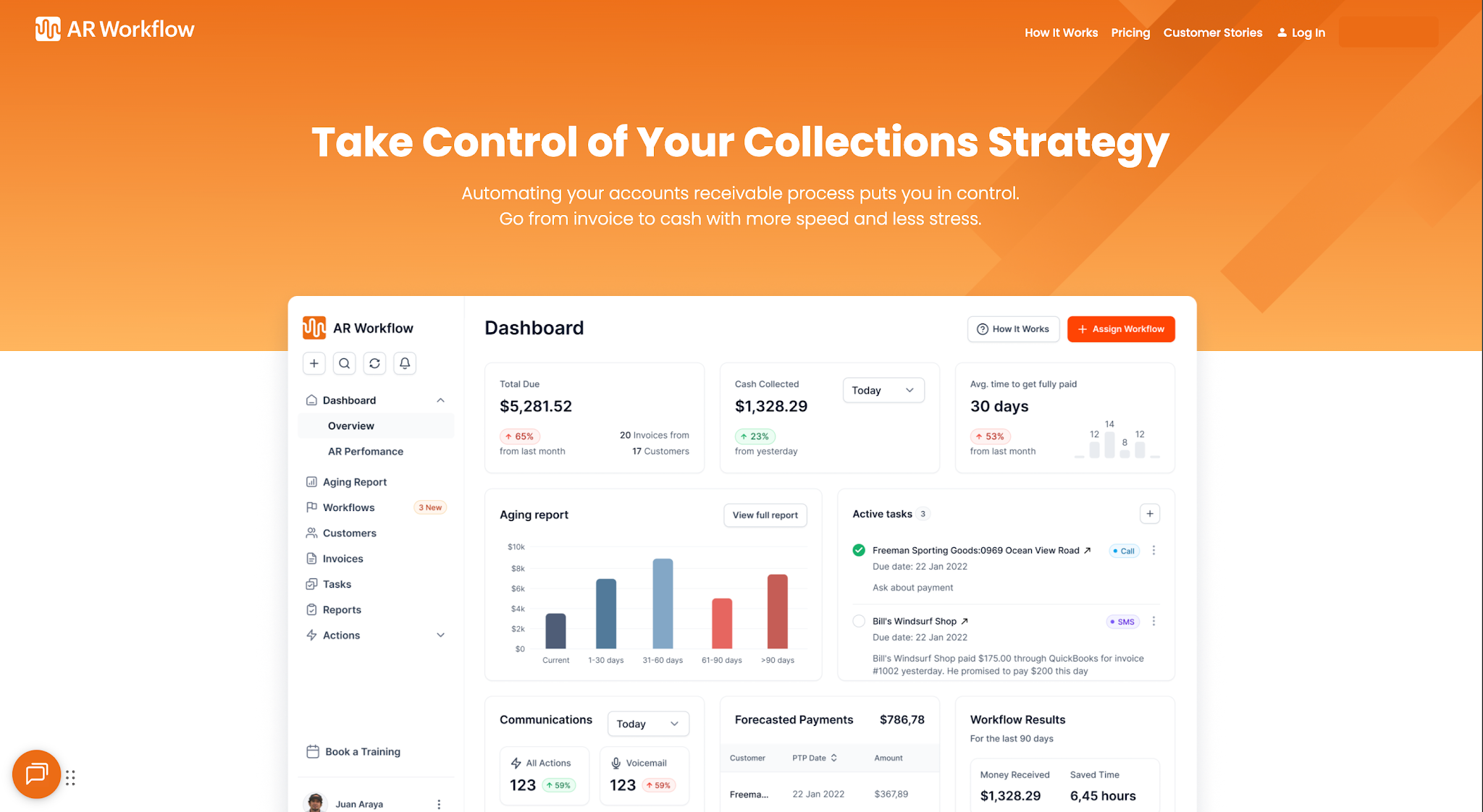
It helps restoration businesses manage the collection process after they issue invoices. Through the platform, employees can use automated workflows to track outstanding balances and organize follow-up activities while maintaining customer records of previous collection communication.
AR Workflow focuses on helping companies automate routine tasks, such as collecting payments more consistently through automated AR processes that reduce the need to manually manage every outstanding account.
Key Features
- Automated collection workflows — Allows teams to schedule collection activities and automated payment reminders according to their preferred follow-up process.
- AR aging reports — Improves cash flow visibility by showing finance teams how long outstanding invoices have remained unpaid.
- Collection task management — Helps employees organize outstanding collection tasks and track the actions they need to complete.
- Email and SMS communication — Allows employees to send payment reminders and maintain records of customer communication.
- Customer payment tracking — Lets teams monitor invoice payment status and identify balances that remain outstanding.
- Online payment portal — Gives customers a secure way to pay their invoices online.
- QuickBooks integration — Connects invoice information from QuickBooks with the platform's collection workflows.
Pricing
AR Workflow offers three monthly subscription plans:
- Lite — $295/month: Supports up to 50 open invoices and includes one user. This plan covers the core collections tools for businesses with a smaller AR workload.
- Grow — $395/month: Supports up to 100 open invoices and includes 10 users. It allows more employees to manage collections as the business handles increasing invoice volumes.
- Enterprise — $495/month: Supports unlimited open invoices and unlimited users, giving larger restoration teams more room to manage high invoice volumes.
Why AR Workflow Stands Out
One of AR Workflow's main advantages is that it helps restoration companies manage the work involved in collecting an invoice after they send it.
Consider an invoice that has remained unpaid for 60 days. Your accounting system can show the outstanding balance, but the person responsible for collecting it also needs to know whether someone has contacted the customer and what the customer said.
AR Workflow brings that collection history into the same process as invoice tracking. Employees can review previous communication before deciding whether to send another reminder, make a call, or wait for an agreed payment date.
This gives AR teams a more consistent way to manage overdue accounts, especially when several employees share collection responsibilities.
2. Even Level
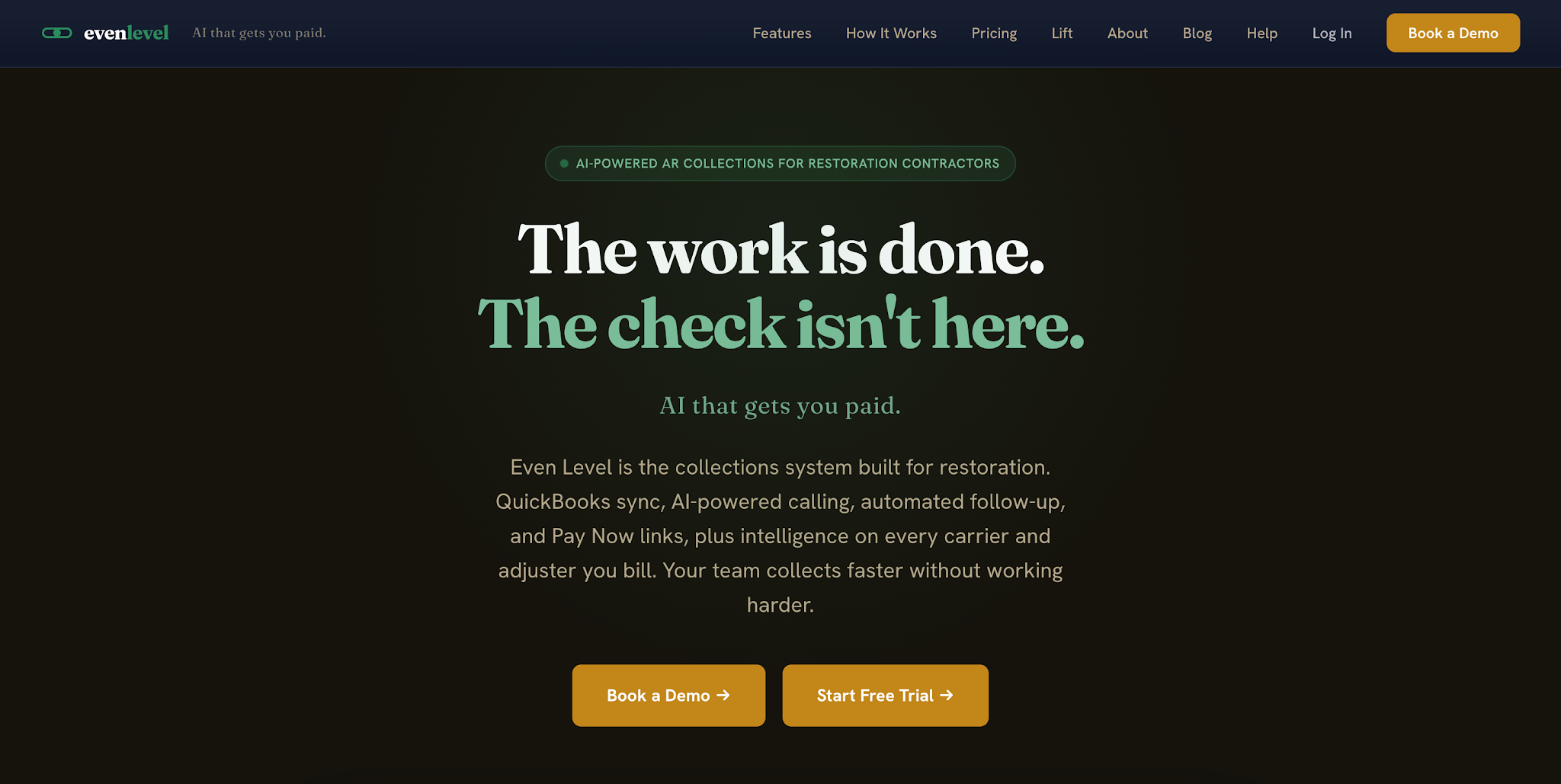
Image source: evenlevel.com
Even Level is an accounts receivable collections platform developed for restoration contractors.
It helps businesses manage outstanding invoices through automated follow-ups and collection tracking. The platform also includes AI-assisted tools that help employees prepare for collection conversations and review customer accounts.
Its primary focus is on supporting the collections process rather than managing the broader restoration job.
Key Features
- Automated dunning — Allows teams to schedule collection reminders for outstanding invoices.
- AI-drafted collection emails — Helps employees prepare payment follow-up messages using account information.
- AI account summaries — Gives employees a summary of relevant account details before contacting a customer.
- Browser calling and call logging — Allows users to make collection calls and keep records of those conversations.
- Aging dashboard — Helps finance teams review overdue invoices and outstanding balances.
- Customer payment portal — Gives customers access to statements and payment options.
- QuickBooks synchronization — Connects invoice information from supported QuickBooks companies with the collections platform.
Pricing
Even Level offers three standard subscription tiers and an Enterprise option.
- Starter — $149/month: Supports one QuickBooks company and up to five users. It includes automated follow-up sequences, AI account summaries, and customer payment tools.
- Growth — $299/month: Supports up to three QuickBooks companies and 12 users. It adds AI-assisted calling tools, task management, and automated payment plans.
- Scale — $499/month: Supports up to eight QuickBooks companies and 20 users. It includes additional integration options and onboarding support for larger operations.
- Enterprise — Custom pricing: Offers expanded user and QuickBooks company capacity for larger organizations.
3. PSA by Canam Systems
Image source: canamsys.com
PSA by Canam Systems is a business management and accounting software solution for property restoration contractors.
Its Proven Accounting system helps restoration businesses manage financial records connected to their jobs, including invoicing and accounts receivable.
Key Features
- Accounts receivable tracking — Allows accounting teams to monitor customer balances and collection information.
- Work order invoicing — Helps employees create invoices using information from restoration work orders.
- Progress billing — Supports invoicing for work completed during different stages of a restoration project.
- Financial reporting — Gives finance teams access to reports that help them review business financial activity.
- Work-in-progress calculations — Helps accounting staff monitor the financial status of ongoing restoration jobs.
Pricing
PSA by Canam Systems does not list prices publicly.
4. Albi
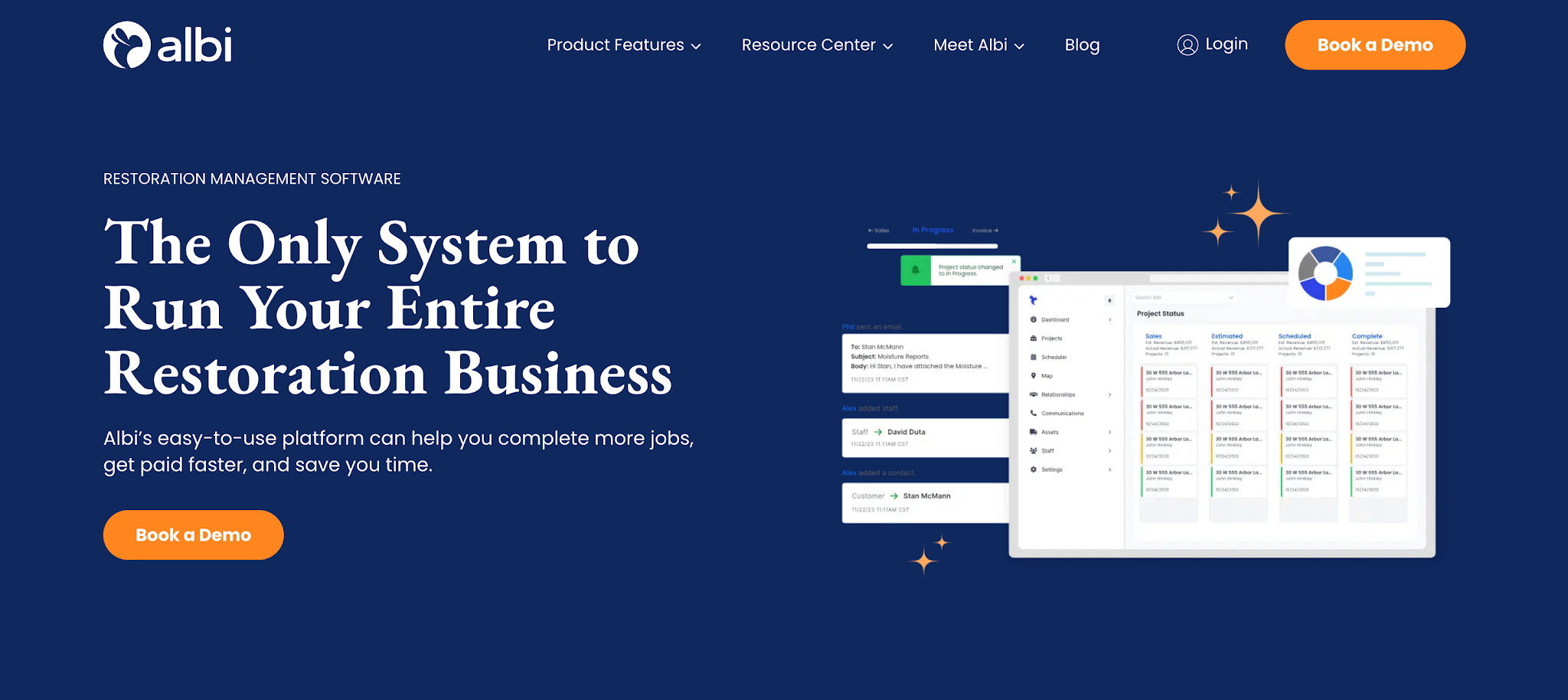
Image source: albiware.com
Albi is a restoration management platform that helps contractors organize their jobs and office operations.
Its financial capabilities include invoicing and payment processing through Albi Pay. These functions allow restoration companies to handle customer billing and payments while managing the related restoration projects in the same system.
Albi primarily serves businesses looking for broader restoration management software with financial features included.
Key Features
- Invoicing — Allows office employees to create customer invoices using project information.
- Payment requests — Helps businesses request payments from customers through Albi Pay.
- Credit card processing — Allows customers to pay invoices using supported credit card methods.
- ACH payments — Gives customers the option to make payments through bank transfers.
- Check deposits — Supports check deposit processing through Albi Pay.
- Accounting integrations — Connects Albi with supported accounting platforms, including QuickBooks.
Pricing
Albi uses a seat-based subscription model with two user types:
- Base user — $60/user/month: Provides access to essential field and project management functions for restoration employees.
- Pro user — $100/user/month: Includes additional office and business management capabilities, such as invoicing and Albi Pay.
5. DASH by Cotality
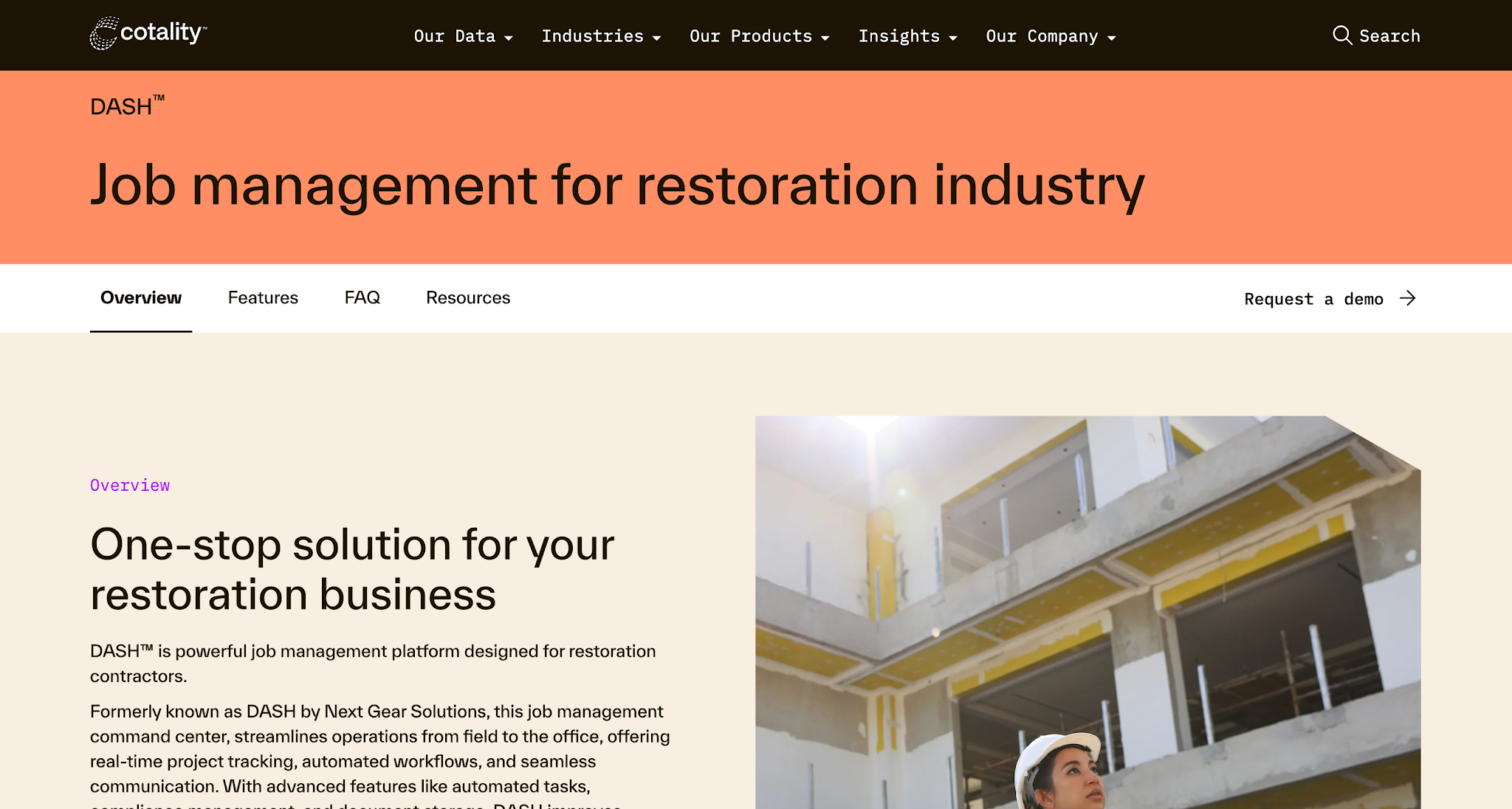
Image source: cotality.com
DASH by Cotality is a restoration job management platform that helps contractors organize projects and coordinate office operations.
Its financial capabilities focus on connecting restoration job information with budgeting and accounting systems. This allows companies to manage financial activities related to their projects while using their existing accounting software.
DASH primarily serves restoration businesses that need job management capabilities with accounting connectivity.
Key Features
- Job budget tracking — Helps teams monitor project budgets using information from restoration jobs.
- QuickBooks integration — Connects DASH with supported QuickBooks Online and Desktop systems.
- Accounting integrations — Supports connections with Sage 100 and Sage 300.
- Custom workflows — Allows businesses to organize project tasks and reminders.
- Job information management — Keeps project records available to employees responsible for coordinating office and financial activities.
Pricing
DASH by Cotality does not list prices publicly.
Key Features to Look for When Comparing AR Software
Each platform offers different AR capabilities, so it's important to know which features will actually help your team manage outstanding invoices. Here are four key features to consider when comparing your options.
Automated Payment Follow-Ups
When a restoration company has multiple invoices awaiting payment, employees need a consistent way to decide when to contact each customer.
Without a schedule, an account might receive several reminders in one week while another overdue invoice receives no attention.
Automated follow-ups help the team manage that routine communication. Employees can set reminder schedules and reserve more time for personal conversations that help strengthen customer relationships.
However, differences in customer payment behavior mean restoration collections don't always follow a simple reminder schedule. A customer waiting on an insurance payment may need a different message from someone who has missed an agreed payment date.
When comparing platforms, check whether the software allows your team to adjust follow-up timing and messaging based on customer payment behaviors and individual account circumstances.
Also confirm whether employees can pause reminders when a payment dispute or existing agreement makes further messages inappropriate.
Visibility Into Outstanding Invoices
An accounts receivable aging report shows how long invoices have remained unpaid. This helps finance professionals identify overdue balances and understand how much money customers still owe, giving them information they can use for cash flow forecasting.
However, invoice age alone doesn't explain what the collections team should do next.
Consider two customers with invoices that are both 60 days overdue.
Your employee contacted the first customer yesterday, and the customer agreed to pay next week. The second customer hasn't responded to several reminders. Although both invoices have the same age, the second account needs more immediate attention.
This is why it's important to consider whether the software connects invoice information with collection activity.
Look for a platform that lets employees review invoice status and previous communication before deciding what action to take. That gives the team more context when prioritizing overdue accounts.
Compatibility With Existing Accounting Software
Your accounts receivable software needs to work with your company's existing financial systems.
For example, if your team creates invoices and records payments in QuickBooks, you need to understand how a new AR platform will access that information.
Without a connection between their existing systems, employees might have to transfer billing data manually. They could also end up checking multiple platforms to confirm whether a customer has paid.
Before choosing software, confirm whether it supports your accounting or ERP systems and the version your company uses. You should also ask how the integration handles invoice updates and payment matching.
Understanding these details will help you determine whether the new software can support your existing accounting process without creating additional administrative work.
Payment Collection Options
Following up on unpaid invoices is only one part of the collections process. Your team also needs a straightforward way for customers to complete their payments.
Consider what happens when a customer responds to a reminder and agrees to settle an outstanding balance.
If they need to contact your office again to request payment instructions, the process takes another step before the company receives its money. That's why online payment options help reduce that extra work by giving customers a direct way to pay.
That said, when comparing platforms, check which payment methods they support and how customers access those options.
You should also understand how the system handles partial payments and records completed transactions. This helps your finance team track incoming payments and identify which balances remain outstanding.
How to Choose the Right AR Software
The right choice depends on what your restoration company already uses and which part of its cash collection process needs improvement. So to help you make that decision, here are some of the things you should consider.
Identify Where Your Collections Process Is Falling Behind
Start by examining what happens after your company sends an invoice.
Does your team spend too much time checking which customers need reminders? Do employees struggle to find records of previous conversations? Or do customers have difficulty completing their payments?
These problems require different solutions, so identifying the source of the delay should come before comparing features.
For example, if employees spend hours handling manual follow-ups, automated reminders could reduce that workload.
However, if employees already send reminders consistently but struggle to determine which accounts need attention, better visibility into collection history may be more valuable.
Review your existing process and payment trends to identify the tasks that take the most time or regularly cause confusion. This gives you a clearer idea of what the software needs to improve.
Decide Whether You Need Dedicated AR Software
Next, consider how much of your existing financial process you want to change.
If your restoration company already uses accounting software to create invoices and maintain financial records, replacing that system might be unnecessary.
Your main requirement could be a platform that helps employees manage outstanding invoices after the accounting team issues them.
Dedicated AR platforms such as AR Workflow focus on this part of the process. However, if your company also wants to change how it manages restoration projects or handles accounting, broader platforms are worth considering.
The decision comes down to the scope of the problem you're trying to solve.
Choosing a platform with more features won't necessarily improve collections if those features don't address the work your employees currently struggle with.
Evaluate the Software Against Your Existing Workflow
Once you've narrowed down your options, examine how each platform would work within your current process.
A product demonstration is one way to do this, but it should focus on the tasks your employees actually perform.
For example, ask the vendor to show how the software handles an invoice that has remained unpaid for 45 days. Can an employee find the invoice and review previous customer communication? Can they record the next action and check whether the customer has made a payment?
Following a familiar situation will help you understand which steps the software handles and which manual tasks your team would still need to complete.
You should also consider how easily employees can learn the system and whether it fits their existing responsibilities.
These practical details will help you judge whether the platform can improve your collections process after implementation.
Track Your Accounts Better With AR Workflow
Choosing accounts receivable software starts with understanding what your restoration company needs help managing. The right platform should address the specific problems affecting your collections process without adding unnecessary work for your team.
If your company already has an accounting system but struggles to manage outstanding invoices, AR Workflow offers a way to organize collections around those existing financial records.
Your employees can track unpaid balances and manage customer follow-ups through a more consistent process.
This gives your business greater control over the money it has already earned and helps your team spend less time manually chasing payments.
Schedule a demo with AR Workflow and take greater control of your outstanding receivables.
FAQs About the Best Accounts Receivable Software
What systems are used for accounts receivable?
Businesses typically use accounting software to record invoices and maintain customer balances. They can also use dedicated accounts receivable software to manage payment reminders and collection activities.
Restoration companies may use restoration management platforms with invoicing and payment features, depending on how they organize their financial operations.
What is three-way invoicing?
Three-way matching is an accounting process that compares a purchase order, a receiving record, and a supplier invoice before approving payment.
Companies generally use this process for accounts payable, which involves money the business owes suppliers. Accounts receivable deals with money customers owe the business.
How to record accounts receivable in QuickBooks?
In QuickBooks, businesses generally record accounts receivable by creating an invoice for a customer. Under accrual accounting, the invoice increases the amount the customer owes.
When the customer makes a payment, the accounting team records that payment against the corresponding invoice to reduce the outstanding balance.
What are the top five accounting software?
Five commonly used accounting software platforms are QuickBooks, Xero, Sage, Zoho Books, and FreshBooks.
These platforms primarily help businesses manage accounting records and financial transactions. Companies that need more structured payment follow-ups may also consider dedicated accounts receivable software to manage collections alongside their accounting system.
How does accounts receivable automation software improve cash flow?
Accounts receivable automation software helps businesses collect outstanding payments faster by reducing the manual work involved in tracking invoices and contacting customers.