Explore the eight best accounts receivable workflow software tools in 2026. Discover why AR Workflow stands out for restoration collections workflows.

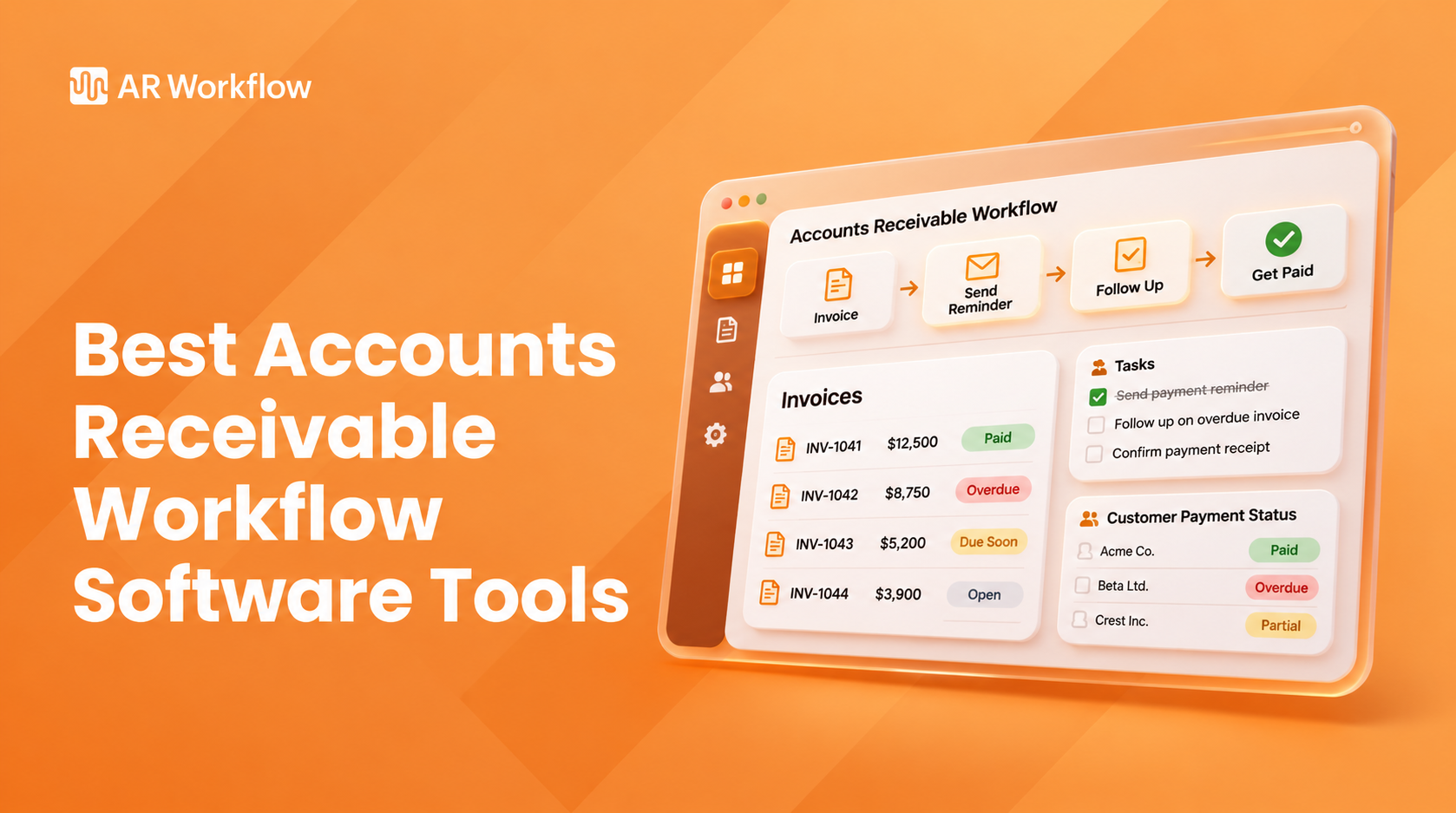
Your accounting software can tell you exactly how much money customers still owe your business. However, knowing which invoices remain unpaid doesn't always tell your team what they've already done to collect those payments or what they need to do next.
That's often the part that requires more manual work, especially when employees have to check emails and spreadsheets manually.
Accounts receivable (AR) workflow software helps manage those activities so your team can maintain a consistent collections process.
This article compares the top eight options based on their AR tracking capabilities and how they help teams manage collection workflows.
KEY TAKEAWAYS
These are the best accounts receivable workflow software tools available in 2026:
Accounts receivable workflow software helps businesses organize the collections side of their AR process through automation, including scheduled reminders and follow-up tasks.
It allows finance teams to set up collection schedules, automate payment reminders, assign follow-up tasks, and track customer communication in one place.
The software works alongside existing accounting systems, such as QuickBooks, which already track invoices and outstanding balances. While accounting software helps businesses keep their financial records, AR workflow software focuses on managing the collection activities that follow.
For example, when an invoice becomes overdue, the software can automatically send a payment reminder based on your collection schedule. If the customer doesn't respond, it can trigger another reminder or assign the account to an employee for further follow-up.
Now that you have a clearer idea of how accounts receivable workflow software works, the next step is finding a platform that suits your business.
|
Platform |
Overview |
Key features |
Pricing |
|
AR Workflow |
Accounts receivable automation and payments platform for disaster restoration companies. |
|
|
|
Chaser |
Accounts receivable collections software specializing in automated payment follow-ups. |
|
|
|
Upflow |
B2B accounts receivable platform for tracking outstanding balances and coordinating collections. |
|
Does not list prices publicly |
|
Kolleno |
Accounts receivable automation platform specializing in customizable collection workflows. |
|
|
|
Invoiced |
Accounts receivable automation platform for billing and managing collection cadences. |
|
Does not list prices publicly |
|
Paidnice |
Accounts receivable automation software for managing customer-specific collection rules. |
|
|
|
HighRadius |
Enterprise financial automation platform with collections management capabilities. |
|
Does not list prices publicly |
|
Gaviti |
B2B accounts receivable automation platform specializing in collection prioritization and escalation. |
|
Does not list prices publicly |
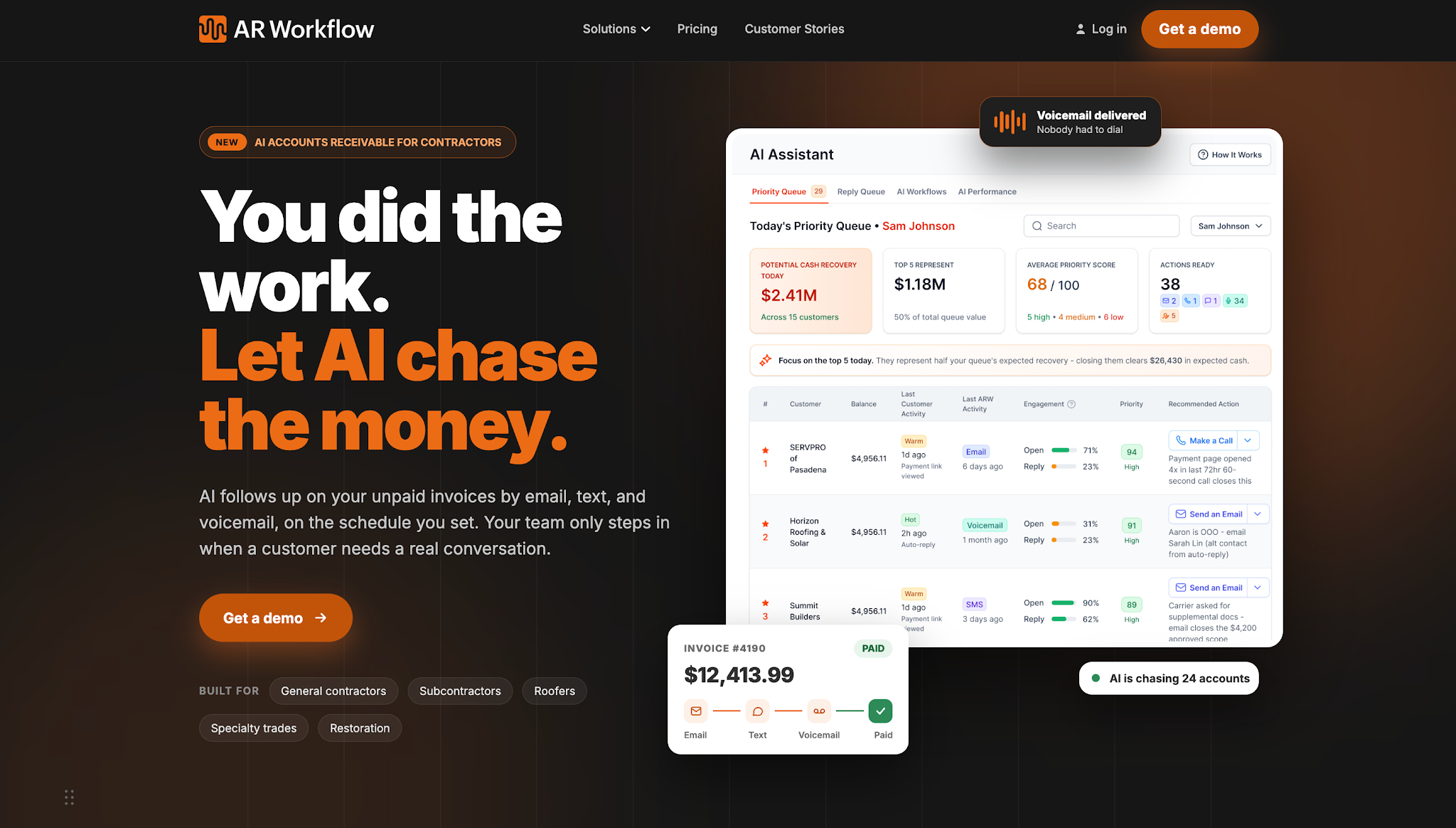
AR Workflow is an accounts receivable automation and payments platform that helps disaster restoration companies manage outstanding invoices and collection activities.
The platform focuses on the collections process after a contractor completes a job and issues an invoice. It works with QuickBooks Online, allowing restoration teams to manage payment follow-ups while continuing to use their existing accounting records.
AR Workflow suits restoration contractors who need a consistent way to track unpaid balances and coordinate collections, particularly when customer payments involve insurance-related delays or additional communication.
AR Workflow lists three monthly subscription plans:
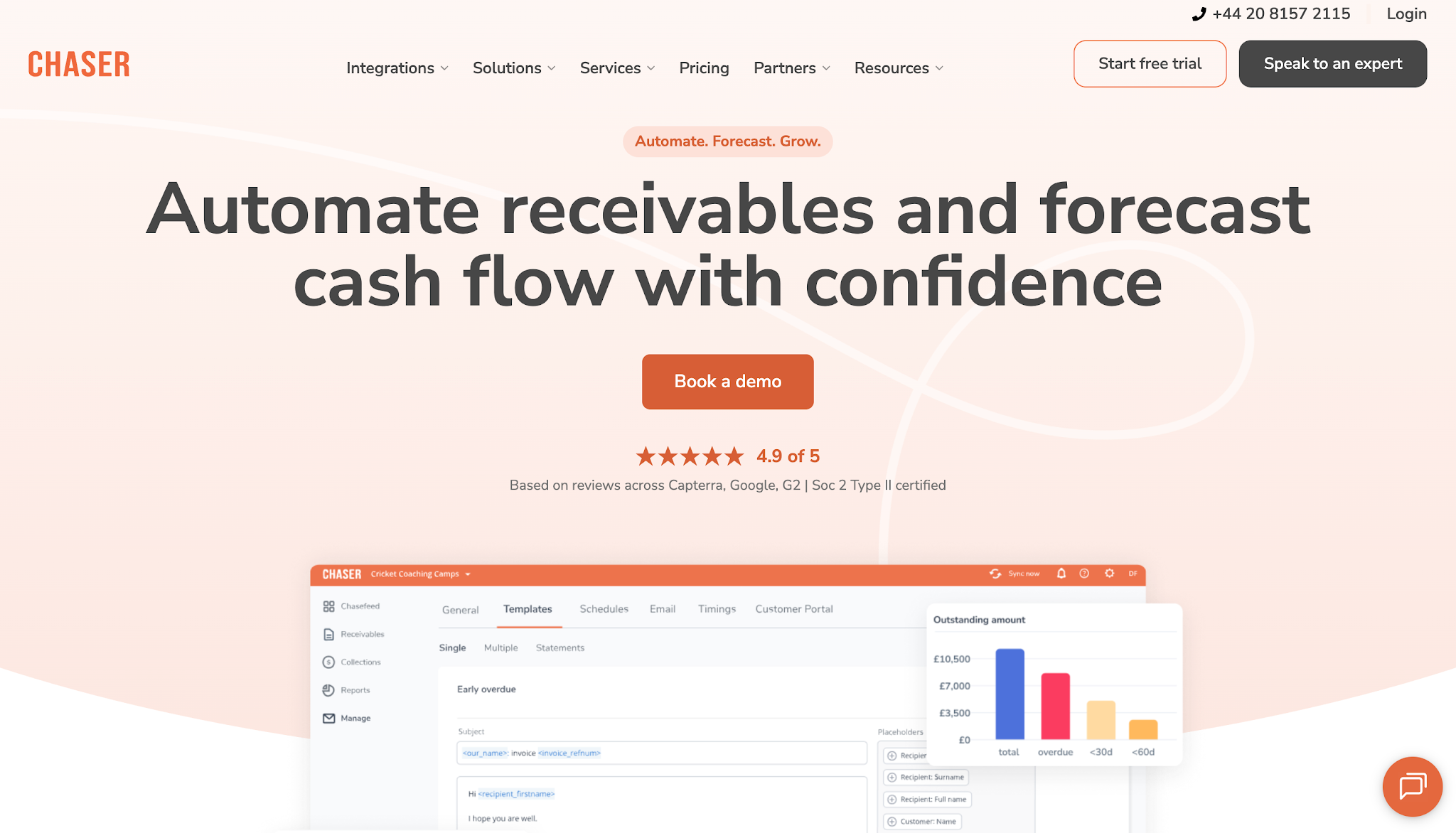
Image source: chaserhq.com
Chaser is accounts receivable collections software that helps businesses manage payment follow-ups and overdue customer accounts.
The platform specializes in automating collection communication while giving finance teams a way to organize follow-up activities that still require employee involvement.
Chaser suits businesses that want to establish consistent payment reminder schedules while keeping track of customer responses and outstanding collection tasks.
Chaser lists the following monthly plans:
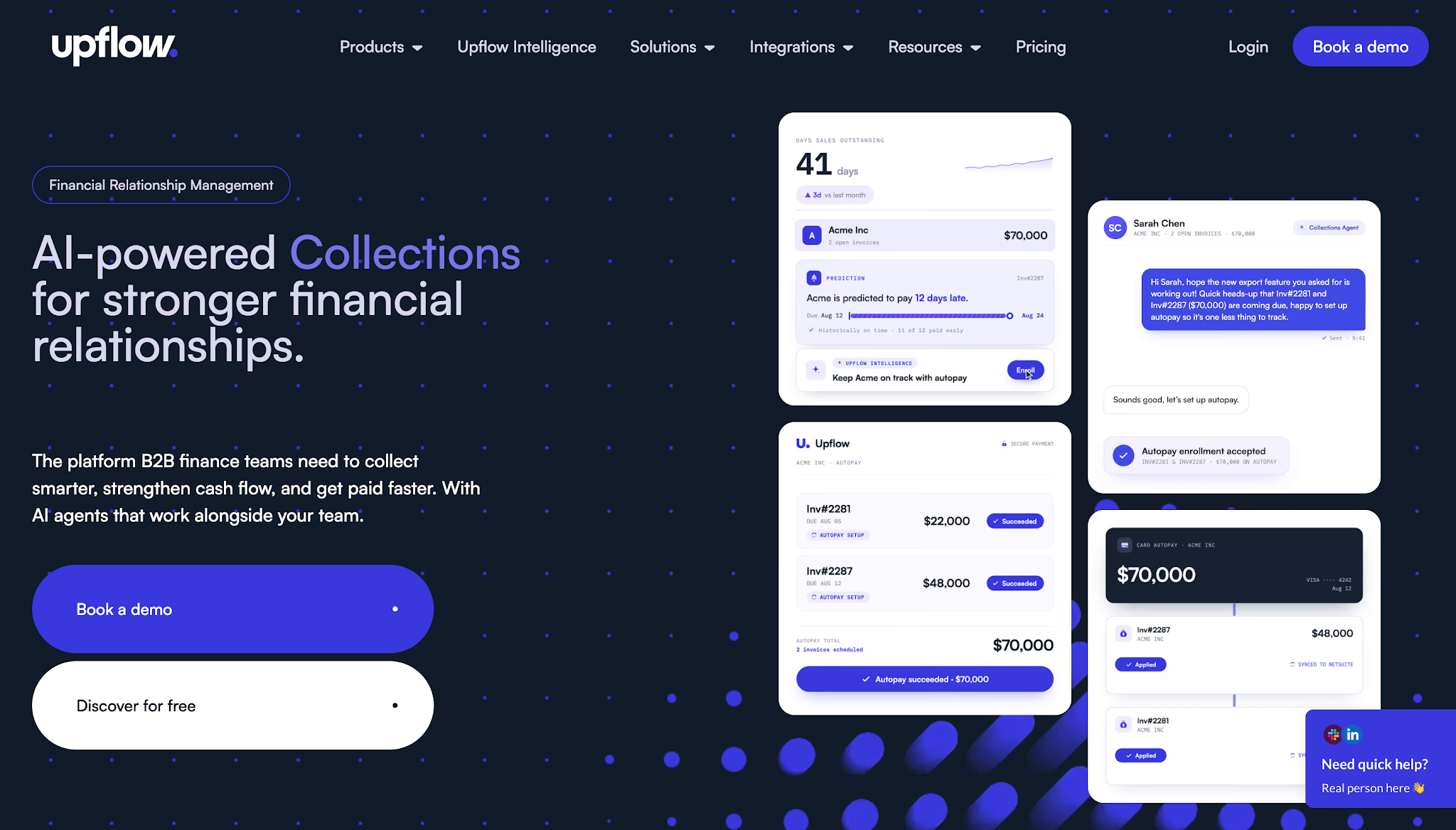
Image source: upflow.io
Upflow is a B2B accounts receivable management platform that helps finance teams track outstanding customer balances and coordinate collection activity.
The platform focuses on managing customer payment relationships through automated collections, shared account information, and AR reporting.
Upflow is perfect for B2B companies whose finance teams need to coordinate follow-ups with multiple customers while keeping collection records organized.
Upflow does not list prices publicly.
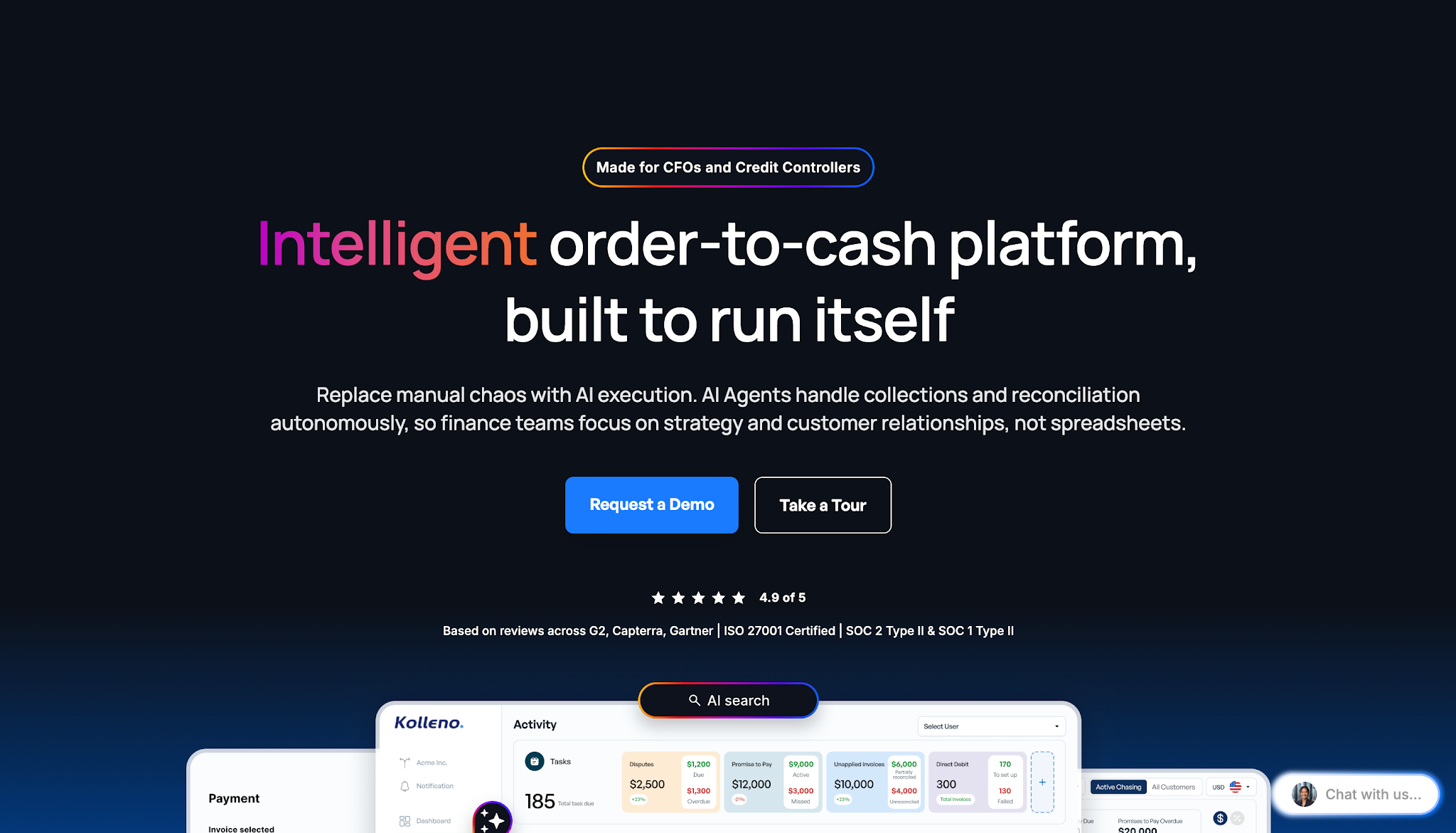
Image source: kolleno.com
Kolleno is an accounts receivable automation platform that helps finance teams manage collections through configurable workflows.
The software provides collections management alongside other AR capabilities, including payment processing and cash application.
Kolleno works best with businesses that need detailed control over which collection actions happen and what conditions trigger them.
Kolleno lists the following monthly pricing:
Image source: invoiced.com
Invoiced is an accounts receivable automation platform that helps businesses manage invoicing and payment processing alongside collection activity.
Its Smart Chasing functionality focuses on automating the communication sequence businesses use to collect overdue invoices.
Invoiced serves finance teams that want to establish collection cadences at the invoice level or customer account level.
Invoiced does not list prices publicly.
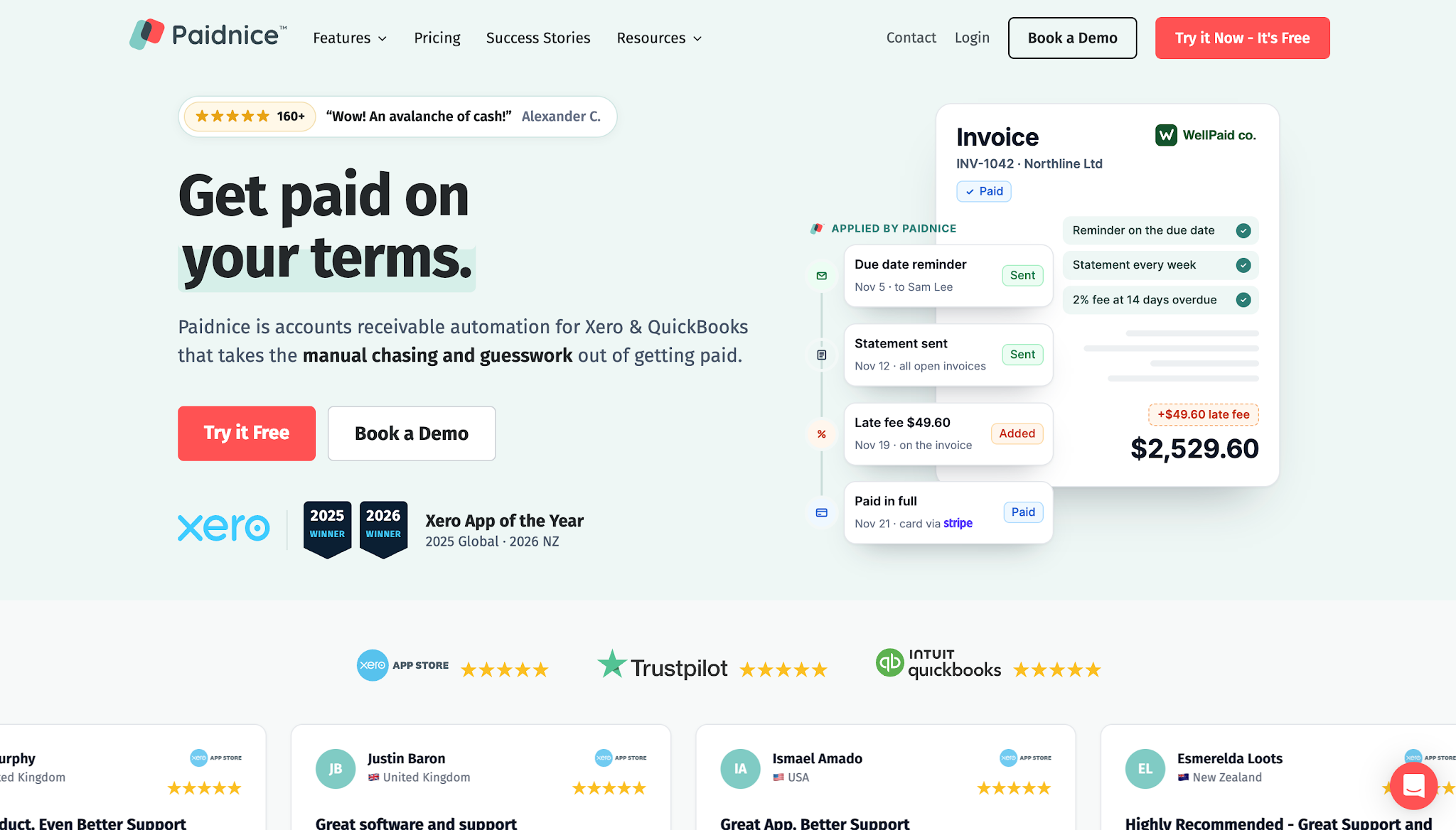
Image source: paidnice.com
Paidnice is automated accounts receivable software that works with accounting platforms such as Xero and QuickBooks Online.
The software automates payment reminders and helps businesses apply collection policies consistently.
Paidnice serves businesses that want different collection rules for different customer groups while keeping control over how employees handle overdue accounts.
Paidnice lists the following monthly prices:
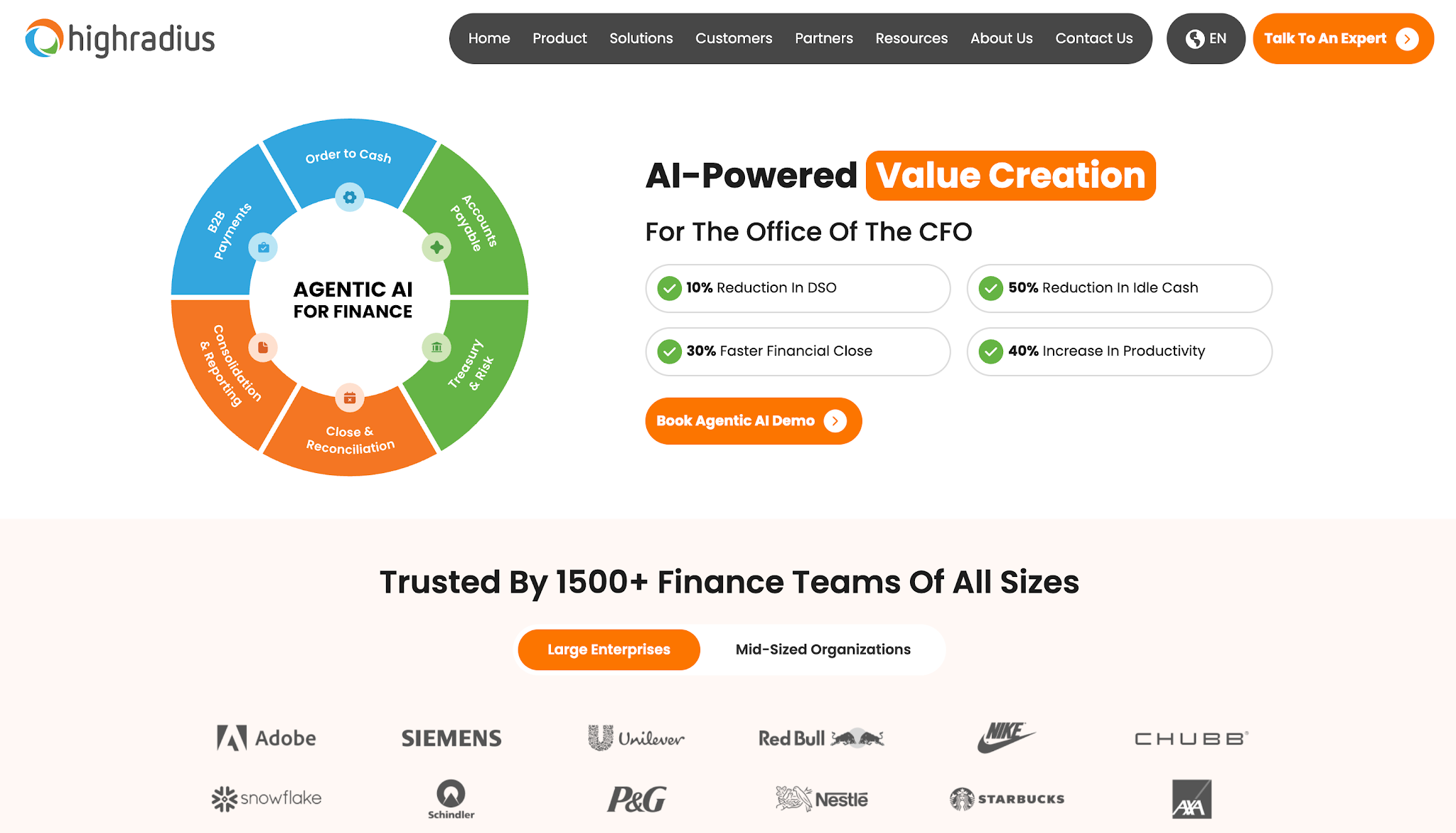
Image source: highradius.com
HighRadius provides financial automation software for enterprise finance teams.
Its order-to-cash suite includes collections management alongside broader financial functions such as credit management and cash application.
HighRadius suits organizations that handle large volumes of accounts receivable and need structured collection priorities for multiple employees.
HighRadius does not list prices publicly.
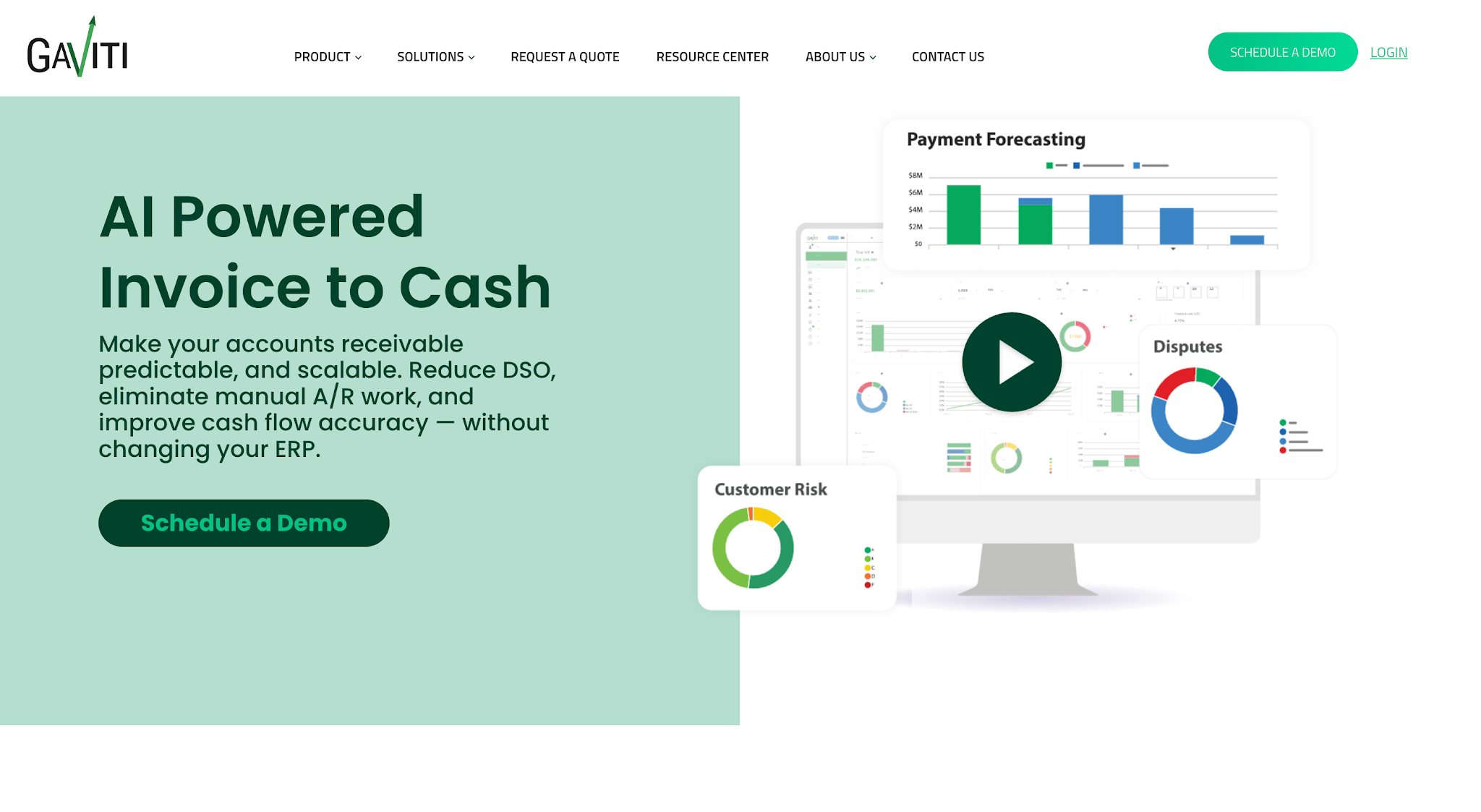
Image source: gaviti.com
Gaviti is an accounts receivable automation platform that helps finance teams manage outstanding invoices and collection activity.
Its collections management software combines AR tracking with automated follow-up actions and account prioritization.
Gaviti suits B2B businesses that need a structured way to identify collection priorities and manage escalations when accounts remain unpaid.
Gaviti does not list prices publicly.
The eight platforms we've discussed offer different levels of workflow automation, so it helps to know which capabilities to focus on when comparing them.
Your business probably doesn't handle every overdue invoice the same way. A customer who's only a few days late may need a simple reminder, while an invoice that's been outstanding for several months may require more direct follow-up from your team.
Customizable collection workflows let you set rules for how the software handles these different situations. You can configure actions based on an invoice's age, outstanding balance, payment status, or customer payment behavior, if the platform supports those rules.
For example, you might schedule an email reminder a few days after an invoice becomes overdue. If the customer still hasn't paid, the software can send an SMS reminder and eventually assign the account to an employee who can follow up personally.
Since collection needs can change depending on the customer or situation, look for software that lets you adjust these workflows easily.
Your team should also be able to pause or change automated actions when a customer disputes a charge or agrees to a payment arrangement.
Once you've established your collection workflows, the software can handle much of the routine communication that comes with them.
Rather than having employees check which invoices need reminders and manually contact each customer, you can schedule emails and SMS messages based on invoice due dates or your collection rules.
You can also customize the messages depending on the situation. For example, an email can include invoice details and payment instructions, while a shorter SMS reminder can direct customers to a payment link.
However, you'll also want to check how the software handles changes in payment status. If a customer pays an invoice, the system should update the account and stop any unnecessary reminders.
This allows your team to maintain regular communication and protect customer relationships while spending less time managing each reminder individually.
Automated reminders can take care of routine follow-ups, but your team will still encounter accounts that need personal attention.
A customer may question a charge, request another invoice copy, or promise to pay after receiving funds from their insurance company. Your employees need to keep track of these conversations so they know what to do next.
Collection task management helps organize that work by allowing teams to assign accounts to specific employees, schedule follow-ups, and monitor outstanding tasks. Communication tracking complements this by keeping a record of previous customer interactions.
For example, if a customer promises to pay on Friday, the employee who reviews the account later should be able to see that commitment before contacting them again.
When evaluating software, check whether employees can access communication records directly from the customer or invoice account. The platform should also make it easy to see who's responsible for the next follow-up.
This helps your team continue collection activities without repeatedly checking with colleagues or searching through old emails to understand what's happening with an account.
Along with tracking collection activity, your team needs an accurate view of which invoices remain outstanding and how long customers have owed those balances.
Aging reports help organize unpaid invoices by how long they've been outstanding, typically into categories such as 30, 60, and 90 days.
However, knowing that an invoice is 60 days overdue only tells you part of the story. Your team also needs to know whether the customer has responded to previous reminders, promised payment, or raised an issue that requires attention.
Accounts receivable workflow software can bring these details together through dashboards that show outstanding balances, aging categories, and payment activity.
This helps employees determine which accounts need follow-up while giving managers real-time visibility into collection performance and the information they need for cash flow forecasting.
So when comparing platforms, check whether you can filter reports by invoice age, payment status, or other collection priorities.
You'll also want to confirm how frequently the software updates payment information from your accounting system so your team can work with accurate records.
Once your team contacts a customer about an outstanding invoice, the next step should be straightforward for anyone who's ready to pay.
If customers still need to call your office to arrange payment or request payment instructions, your team may end up spending more time on an account even after the customer agrees to settle it.
Online payment options help simplify this process by allowing customers to pay through a payment link or a dedicated customer payment portal.
Depending on the platform, customers may have access to ACH bank transfers, card payments, or payment plans. Some systems also let customers review their outstanding invoices through self-service portals before paying.
So when choosing software, check which payment gateways it supports and whether those options suit how your customers typically pay.
Pay attention to transaction fees and payment processing times as well. For example, a customer may complete a card payment today, but the funds may take additional time to reach your bank account.
The software should help your team distinguish between payments customers have submitted and funds you've actually received. This keeps payment tracking accurate and prevents unnecessary collection attempts.
Your accounts receivable software should also connect to the accounting system your business already uses.
If you manage invoices through QuickBooks or other accounting and ERP systems, you'll want the collection software to access the information your team needs without requiring additional manual data entry.
An accounting integration allows the systems to exchange information such as customer details, invoice balances, and payment updates, depending on what the platform supports.
For example, when your accounting system records incoming payments, the collection software should receive those updates so your team doesn't continue sending reminders for invoices customers have already settled.
However, not every integration supports the same functions. One platform may only import invoice data, while another may also synchronize payment status to help maintain accurate financial records.
Before choosing software, ask which information the integration can transfer and how often it updates. You'll also want to confirm that it supports your current accounting system and whether setting it up requires additional work or fees.
That way, you'll know how well the software can work with your existing process before committing to it.
Accounts receivable (AR) workflow software and accounts receivable management software serve closely related purposes. In fact, many platforms offer capabilities that fall into both categories.
The main distinction usually comes down to how much of the accounts receivable process the software manages.
Workflow software focuses more on coordinating collection activities while an invoice remains outstanding. This includes scheduling reminders, managing follow-up tasks, and tracking customer communication.
Accounts receivable management software may cover more of the order-to-cash cycle, including automated invoicing, payment reconciliation, cash application, and tools for overall cash flow management.
Here's a practical comparison:
|
Capability |
AR Workflow Software |
Broader AR Management Software |
|
Collection workflows |
Core focus |
Often available |
|
Automated payment reminders |
Core focus |
Often available |
|
Follow-up task management |
Core focus |
Varies by platform |
|
Communication tracking |
Common capability |
Varies by platform |
|
Invoice generation |
May be available |
Common capability |
|
Payment matching and manual reconciliation |
Varies by platform |
Often available |
|
Credit management |
Less central |
Available in some platforms |
|
Cash flow trends and forecasting |
Varies by platform |
Available in some platforms |
These differences aren't fixed rules. Software providers use these category names differently, so it's better to compare specific capabilities than rely on product labels alone.
Now that you have a clearer idea of what AR workflow software can handle, the next step is to evaluate which AR automation solution fits your business.
Here are five areas to review before making your decision.
Start by identifying which accounting software or accounts receivable management system your business currently uses and how a new platform would work with it.
For example, if your team already uses QuickBooks to manage invoices and payments, check whether the AR workflow software can connect directly to your existing QuickBooks account.
You'll also want to know which records the integration supports. Can it access customer data and outstanding invoice balances? Can it synchronize payment updates so both systems reflect the same information?
Don't assume that every integration offers the same functionality. Ask the provider whether the integration can eliminate manual data entry for the records your team needs to transfer between systems.
This will help you determine whether the software can work with your current accounting setup without requiring major changes.
Next, determine how much control your AR automation software gives your team over its collection workflows.
You may already have established policies for contacting customers at different stages of an overdue invoice. Check whether the platform lets you configure those policies through its automation settings.
For example, can you create different reminder schedules based on customer type or invoice age? Can you set conditions that trigger additional follow-ups or require an employee to review an account?
During a demo, ask the provider to show you how to create a workflow and modify the rules on your accounts receivable automation software.
Pay particular attention to how easily your team can make changes. Your collection policies may change over time, so you'll want software that lets employees adjust schedules and automation rules without requiring technical assistance for every update.
Your industry can also influence which AR workflow software makes the most sense for your business.
For example, restoration companies often manage invoices involving insurance claims, property owners, and other parties responsible for payment.
These accounts may require longer collection timelines or additional communication while the parties resolve payment-related issues.
If your business handles these situations regularly, check whether the software can accommodate them through flexible collection schedules and account-specific follow-ups.
You may also want to look at platforms that specialize in your industry.
AR Workflow, for example, helps disaster restoration companies manage their collections process. It supports customizable collection workflows and automated customer reminders while allowing contractors to track outstanding payments alongside their QuickBooks records.
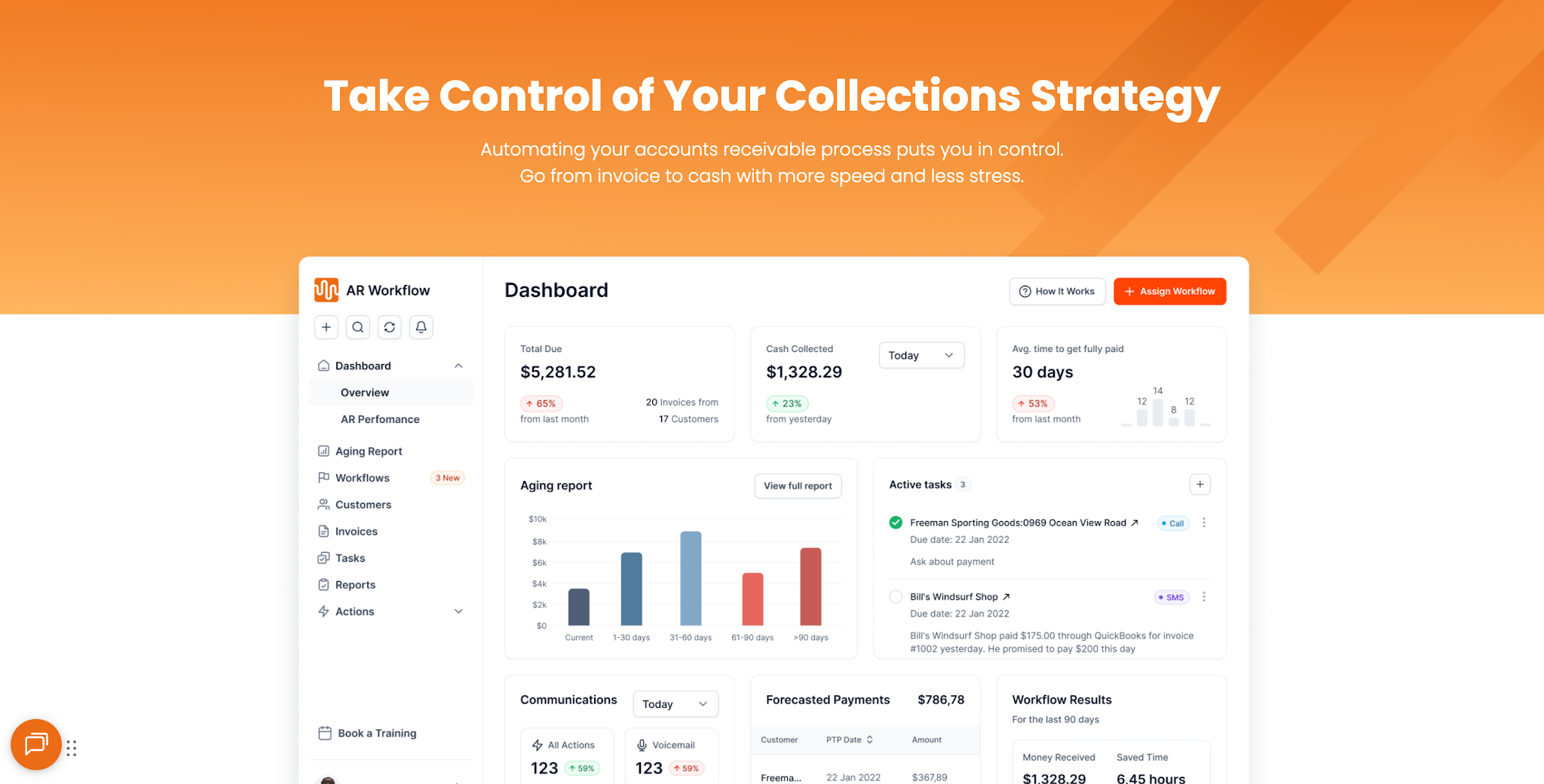
When comparing industry-specific platforms with general AR software, ask the provider to demonstrate how its system would handle a typical outstanding invoice from your business.
That will give you a clearer idea of whether the software suits the payment situations your team handles regularly.
After narrowing down your options, find out what your team needs to do to get the software running.
Ask each provider how they handle implementation and how long the setup typically takes. You'll also want to know whether they provide onboarding assistance and training for employees who will use the platform.
Then, assess how easily your team can use the software during its regular collection activities.
For example, an AR manager should be able to review assigned accounts and update collection tasks without going through unnecessary steps.
An owner or finance leader should also be able to access the AR performance reports they need, including days sales outstanding (DSO) if available, without relying on another employee to prepare them.
During the demo, have the provider walk through these tasks using the platform's actual interface.
This will help you assess how much training your employees may need and whether the software will be practical for everyday use.
Finally, determine whether the software's cost makes sense for the amount of collection work your team currently handles.
Start by estimating how many hours employees spend each week reviewing overdue invoices and chasing payments. Include the time they spend maintaining collection records or preparing reports.
Next, estimate how many of those manual processes the software could automate. This gives you a practical basis for comparing the subscription cost with the employee time your business could save.
When reviewing pricing, look beyond the advertised monthly fee. Check whether the platform charges extra for additional users, open invoices, transaction processing, or onboarding.
You'll also want to understand how pricing changes as your invoice volume increases.
Once you have the full cost, compare it with your current collections workload and the improvements you expect the software to provide.
The goal is to choose a platform that can support your collection needs and contribute to improving cash flow at a cost your business can justify.
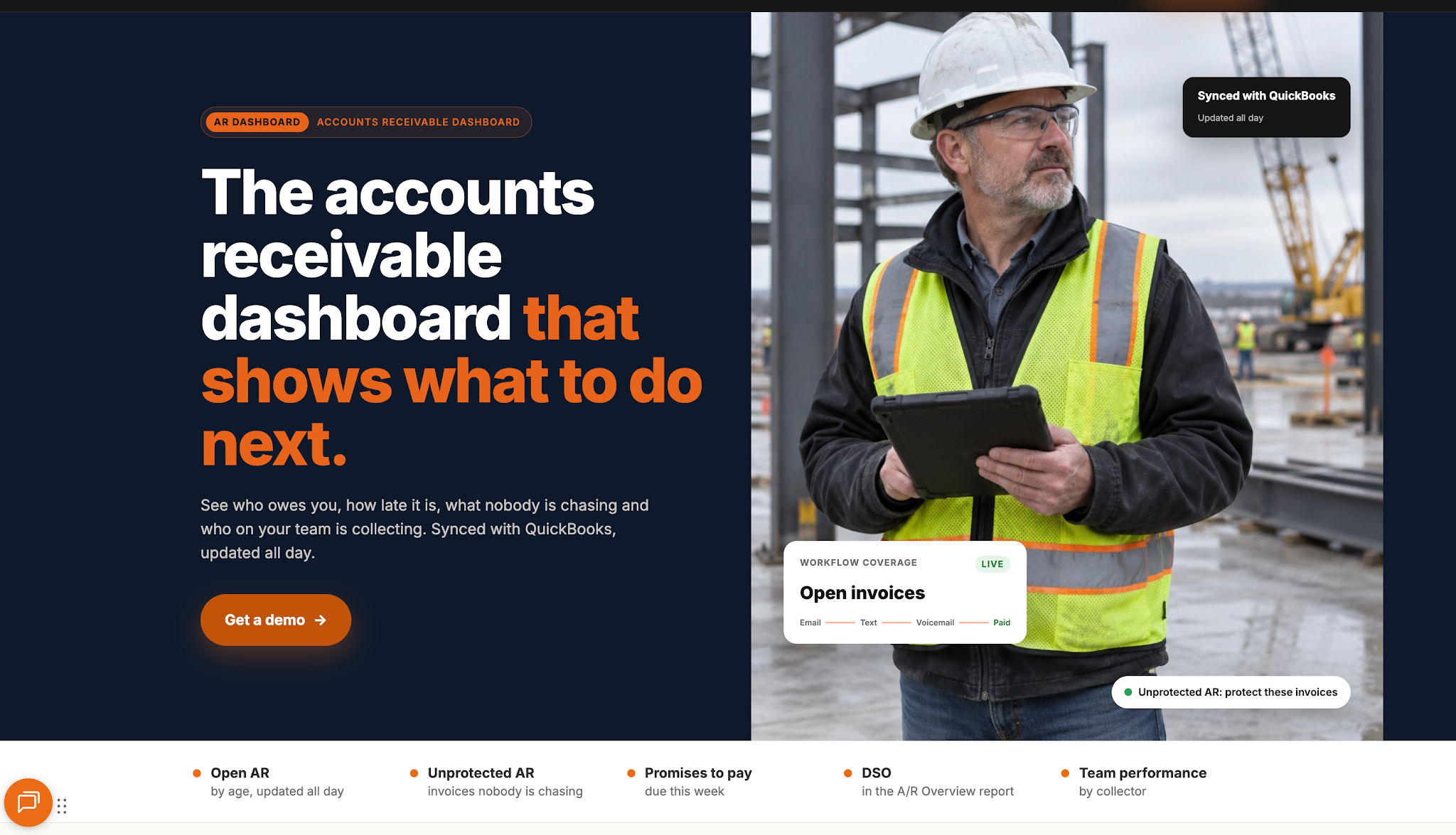
The best accounts receivable workflow software should fit into how your business already operates while giving your team better control over payment collection. Before choosing one, make sure it can handle your current requirements without adding unnecessary work.
AR Workflow offers restoration companies a way to do exactly that. With automated collection workflows and better visibility into outstanding invoices, your team can manage collections more consistently while continuing to use your existing accounting software.
What matters most is having a collections process that your team can manage with confidence, even as your business grows.
To process AR invoices, create and send an invoice with clear payment terms, record it in your accounting system, and monitor its payment status. If the customer misses the due date, follow up according to your collections process. Once payment arrives, match it to the invoice and update your records.
Calculate accounts receivable by adding new credit sales to your opening AR balance, then subtracting customer payments and other adjustments.
For example, if you start with $100,000 in receivables, issue $50,000 in credit invoices, and collect $80,000, your ending accounts receivable balance is $70,000.
Yes, many accounts receivable software platforms provide real-time visibility into outstanding invoices, payment statuses, and collection activity through centralized dashboards.
However, the information's accuracy and freshness depend on how frequently the software syncs with your accounting system, so it's worth checking this before choosing a platform.
Related reading
Your invoice, not a feature tour.
Bring one overdue invoice to a demo and see what AR Workflow would send, when, and how your customer would pay.
Sam owned and ran three restoration companies for more than 14 years and collected over $100 million in receivables. He built AR Workflow in 2020 to give contractors the collections system he wished he'd had.

AI writes the emails, sends the texts, and leaves the voicemails. Your team handles the conversations that matter, and your cash keeps moving.
 Keep QuickBooksStart with one invoiceStay in control

 Log in