
A roofing invoice has to do more than list shingles and labor. On a retail job it has to make paying easy for a homeowner. On an insurance job it has to line up with the carrier's scope, account for supplements, separate the deductible, and survive a mortgage company's loss draft department. Get it wrong and the invoice sits.
Below is a free roofing invoice template you can copy into QuickBooks Online or your own form, a field-by-field guide to what goes on it, a filled-in example, how retail and insurance invoices differ, and the mistakes that slow roofing payments down most.
KEY TAKEAWAYS
- Mirror the carrier's approved scope and list supplements separately.
- Put the homeowner's deductible on its own line with its own due date.
- Always include the claim number on insurance jobs.
- Show deposits and insurance payments already received, so the balance is obvious.
- Roofing payments arrive in pieces. Track each one and who you are waiting on.
- Send the invoice the day the job is done, with a payment link.
What every roofing invoice should include
Whether it is a small repair or a full replacement, these fields keep questions to a minimum and give every payer what they need to approve it.
| Field | Why it matters |
|---|---|
| Company name, license number, contact | Many states require the license number on contracts or invoices, and carriers check it |
| Invoice number and date | Lets every payer reference the same document |
| Due date | Without one, the customer decides when it is late |
| Bill-to and job address | Rentals and second homes often have different billing and property addresses |
| Carrier, claim number, adjuster | Carriers route payment by claim number |
| Itemized scope | Squares, linear feet and units that match the estimate or carrier scope |
| Supplements | Listed separately so the adjuster can match them to approvals |
| Payments received | Deposits and insurance checks subtracted, so the balance is clear |
| Deductible line | Makes the homeowner's portion impossible to miss |
| How to pay | Payment link, check instructions, who to make checks payable to |
| Warranty and lien notice | Warranty terms reassure the owner; some states require lien notice language |
The roofing invoice template
Tip: Build this as an invoice template in QuickBooks Online once, with your common line items saved as products and services, so every roofing invoice goes out the same way.
A filled-in example: insurance roof replacement
Ridgeline Exteriors: hail damage roof replacement
Claim with a two-party ACV check and recoverable depreciation.
| Approved scope (tear-off, underlayment, shingles, flashing, vents, ridge) | $16,800 |
| Approved supplement: decking, 12 sheets; drip edge | $1,450 |
| Homeowner upgrade: designer shingle line (not covered) | $1,200 |
| Total | $19,450 |
| Less ACV payment received (endorsed by lender) | ($12,300) |
| Balance due | $7,150 |
| Expected from carrier: depreciation and supplement | $4,950 |
| Due from homeowner now: deductible $1,000 plus upgrade $1,200 | $2,200 |
Example company, customer and amounts are made up for illustration.
Notice how the example answers every question before anyone asks it: what the carrier approved, what the homeowner added, what has been paid, what the carrier still owes, and what the homeowner owes today.
Retail vs insurance roofing invoices
| Retail job | Insurance job | |
|---|---|---|
| Who pays | Homeowner or business owner | Carrier, homeowner and sometimes a lender |
| Line items | Match your signed estimate | Match the carrier's approved scope |
| Payment terms | Deposit, then balance on completion | ACV, supplements, depreciation, deductible |
| Extra fields | Financing details, if offered | Claim number, adjuster, date of loss |
| Payment link | Yes | Yes for the homeowner portion, not for the adjuster |
Seven roofing invoice mistakes that delay payment
| 1 | Not matching the carrier's line items. If your invoice does not line up with the approved scope, the adjuster sends it back. Mirror the scope and list supplements separately. |
| 2 | Burying the deductible. Homeowners often think insurance covers everything. Put the deductible on its own line with a clear due date. |
| 3 | No claim number. Carriers route payments by claim. Without it, your invoice waits in a queue. |
| 4 | Mixing upgrades into the insurance scope. If the homeowner chose a better shingle, bill the difference on its own line. Mixing it in confuses the adjuster and the homeowner. |
| 5 | Invoicing late. Every day between the last nail and the invoice is a day added to payment. Send it the day the job is done, with completion photos. |
| 6 | Sending it and forgetting it. The invoice is where collections start, not where it ends. |
| 7 | Making payment hard. "Mail a check" adds a week. A payment link that takes a card or bank transfer gets you paid sooner. |
Bring one overdue roofing invoice.
We'll show you how the homeowner, the adjuster and the mortgage company would each be followed up.
Payment terms that protect roofers
The invoice is only as good as the terms behind it. Set these in your contract before the job starts:
- Deposit on signing for retail jobs, especially when you are ordering materials. Check your state's rules, since some limit deposit size on residential work.
- Insurance assignment or direction to pay, where allowed in your state, so the carrier knows to include you on the check.
- Deductible due on completion, in writing, so there is no surprise.
- Clear terms for upgrades the homeowner chooses beyond the insurance scope.
- A due date on every invoice, not just "due on receipt".
Following up on supplements and mortgage checks

Roofing payments often come in pieces. When the check is made out to both the homeowner and the mortgage company, it can stall again while the lender endorses it. Track each piece separately:
| Payment | Who you are waiting on | What speeds it up |
|---|---|---|
| ACV check | Carrier, then homeowner (and lender, if two-party) | Telling the homeowner up front what to do when the check arrives |
| Approved supplements | Adjuster approval, then carrier | Photos and measurements sent with the request |
| Depreciation release | Carrier, after proof of completion | Final invoice and completion photos sent the day you finish |
| Deductible | Homeowner | Payment link by text, payment plan if needed |
| Endorsements | Mortgage company's loss draft department | Knowing their inspection and paperwork requirements early |
A follow-up schedule for roofing invoices
| Completion | Final invoice, completion photos and certificate of completion to the homeowner and adjuster. |
| Day 3 | Text the homeowner a link for the deductible and any upgrades. |
| Day 7 | Status request to the adjuster on the depreciation and supplement. |
| Day 14 | Call the homeowner: has a check arrived? Does the lender need anything? |
| Every week | Follow up with whoever you are waiting on until each piece is paid. |
For wording, borrow from our payment reminder email templates, which include an adjuster status request.
Commercial roofing invoices
Commercial jobs add progress billing, retainage, lien waivers and pay application deadlines. Invoice against a schedule of values, include conditional waivers with each pay app, and put the retainage release date on your calendar the day you sign. Ask for the AP contact by name and confirm the cutoff date for each billing period.
Send the invoice, then let the follow-up run
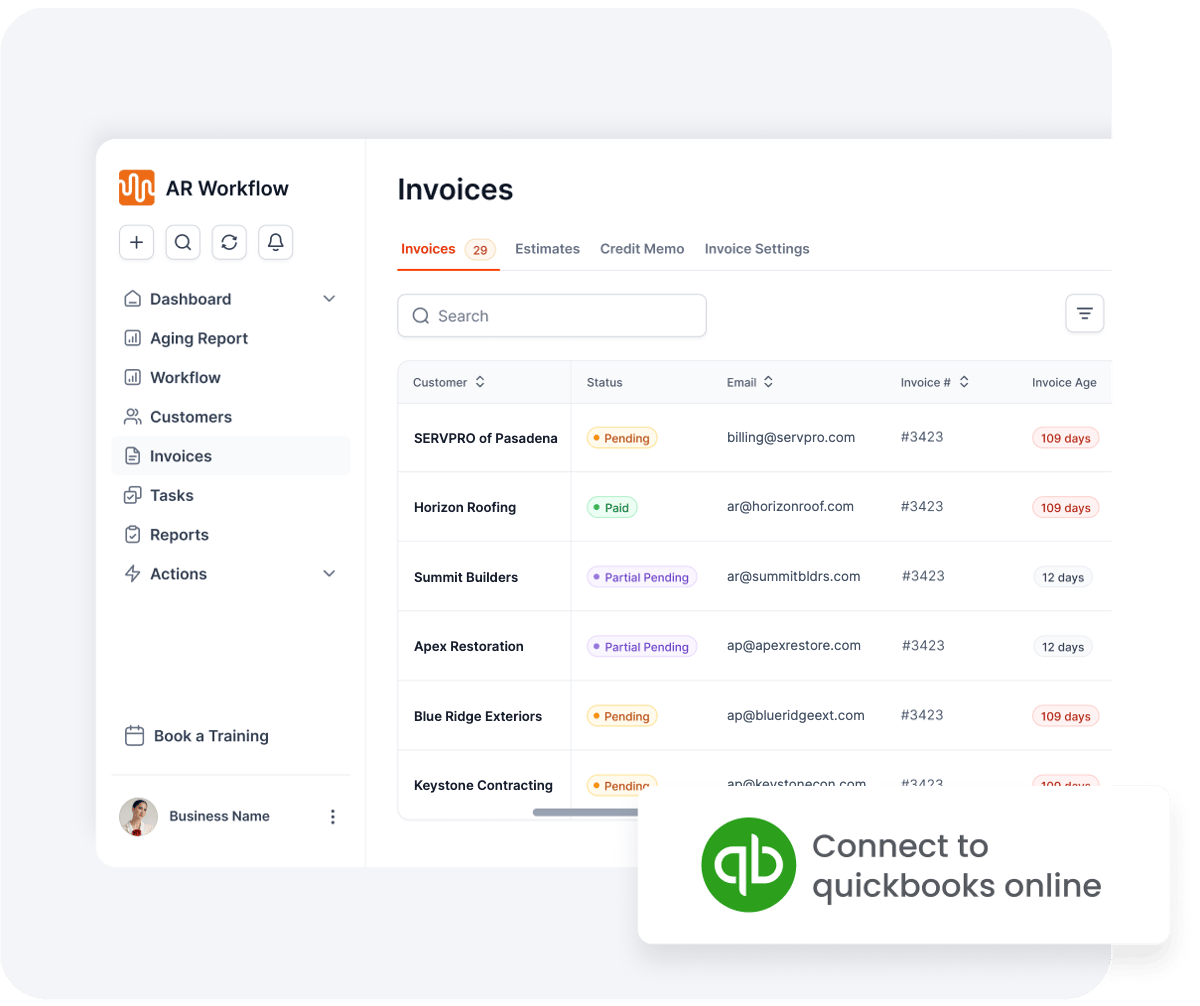
Connect QuickBooks Online and your open roofing invoices come in automatically.
AR Workflow works with QuickBooks Online. Your roofing invoices sync in, and each one goes on a follow-up schedule by email, two-way text and ringless voicemail from a dedicated number. Homeowners get a payment link for card or ACH, with partial payments and payment plans if they need them. Adjusters get status requests, never a payment link. Every touch is logged on the invoice, and payments post back to QuickBooks automatically.
Frequently asked questions
What should a roofing invoice include?
Your company and license number, invoice number and dates, bill-to and job address, insurance details if applicable, an itemized scope, supplements, payments received, the deductible, how to pay, and warranty terms.
How do I invoice an insurance roofing job?
Match the carrier's approved scope line for line, list supplements separately, include the claim number, subtract payments received, and show the homeowner's deductible on its own line.
Can I create a roofing invoice in QuickBooks?
Yes. Save your common roofing line items as products and services, add custom fields for claim number and adjuster, and save it as a template. Then every invoice goes out the same way.
When should I send the roofing invoice?
The day the job is complete, with completion photos. On insurance jobs, the depreciation release usually depends on proof of completion, so a late invoice delays the carrier too.
Should a roofing invoice include a lien notice?
Some states require specific lien notice language on contracts or invoices for residential work. Check your state's requirements with a construction attorney.
Can I charge the homeowner if insurance doesn't pay?
That depends on your contract. Most roofing contracts make the homeowner responsible for the balance. Spell it out before the job starts.
Related reading
Built for roofers on QuickBooks Online.
See how it works on our roofing page, or bring one overdue invoice to a demo.
Photos: Unsplash. This article is general information, not legal advice.