
 Log in



Writes and sends
Personalized emails and texts, on your schedule.
NEW CONSTRUCTION ACCOUNTS RECEIVABLE SOFTWARE CONSTRUCTION AR SOFTWARE

PAY APP
PAIDPay app approved


AI is following up on every job
WHAT AI DOES FOR CONTRACTORS
Personalized emails and texts, on your schedule.

ONLY ON AR WORKFLOW
Routine reminders delivered without anyone dialing.
 0:24
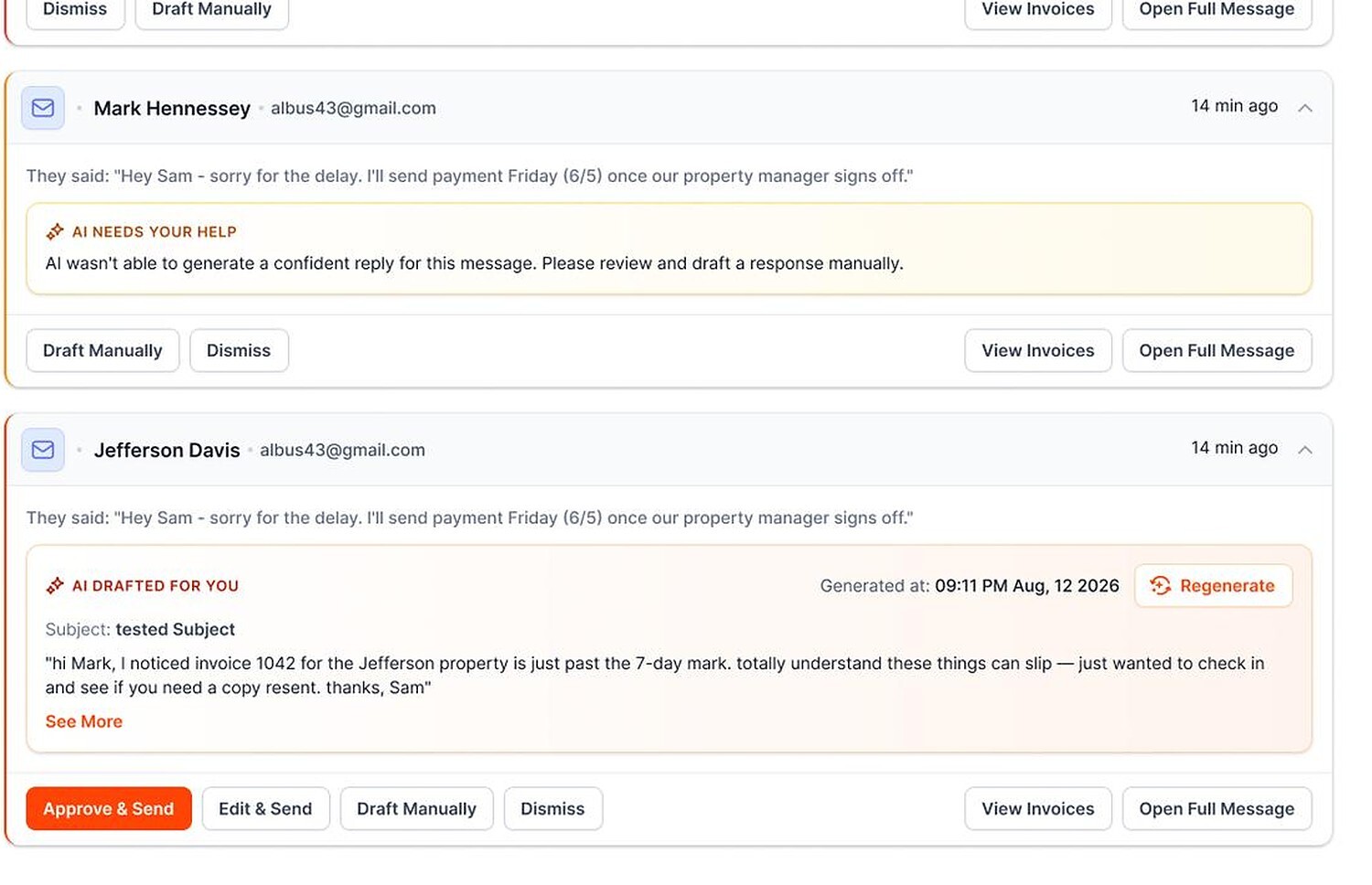
When customers respond, AI drafts the answer. Your team approves it.
Disputes, missed promises, and accounts that need a call rise to the top.
 Disputed balanceHigh
 Payment promise missedCall today
 Invoice copy requestedReply ready
Every message can include an ACH or card payment link.
Amount duePay app
Pay now
Invoices and balances stay current. No double entry.
Automated voicemail delivery is not a live AI phone conversation.
BUILT FOR THE JOBSITE

Every pay app gets a follow-up to the owner, the lender or AP, until it is approved and paid.
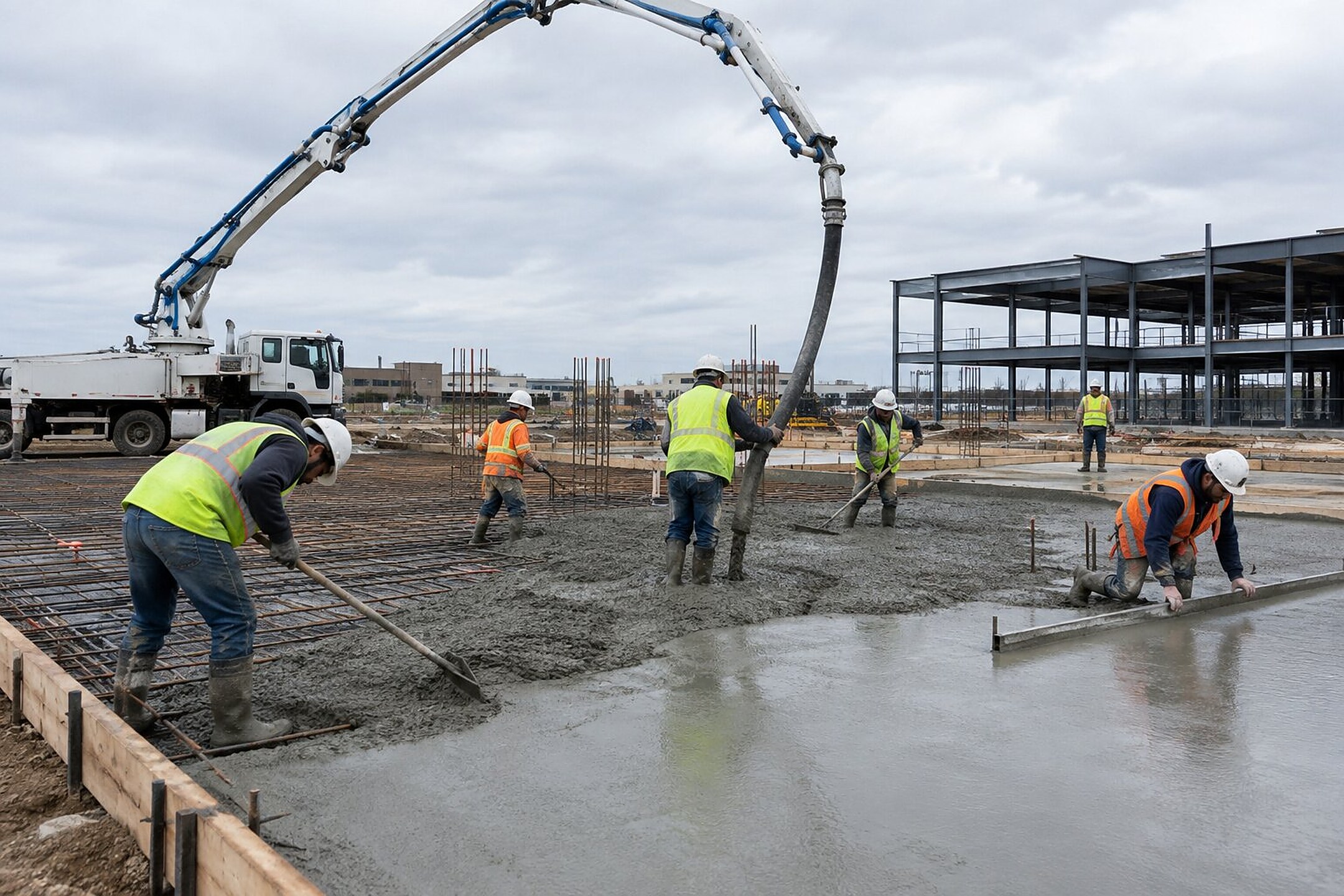
Billed change orders get their own follow-up, so they never fall behind the base contract.

Retainage stays on a reminder after closeout, so the last check is not forgotten.
INSIDE AR WORKFLOW
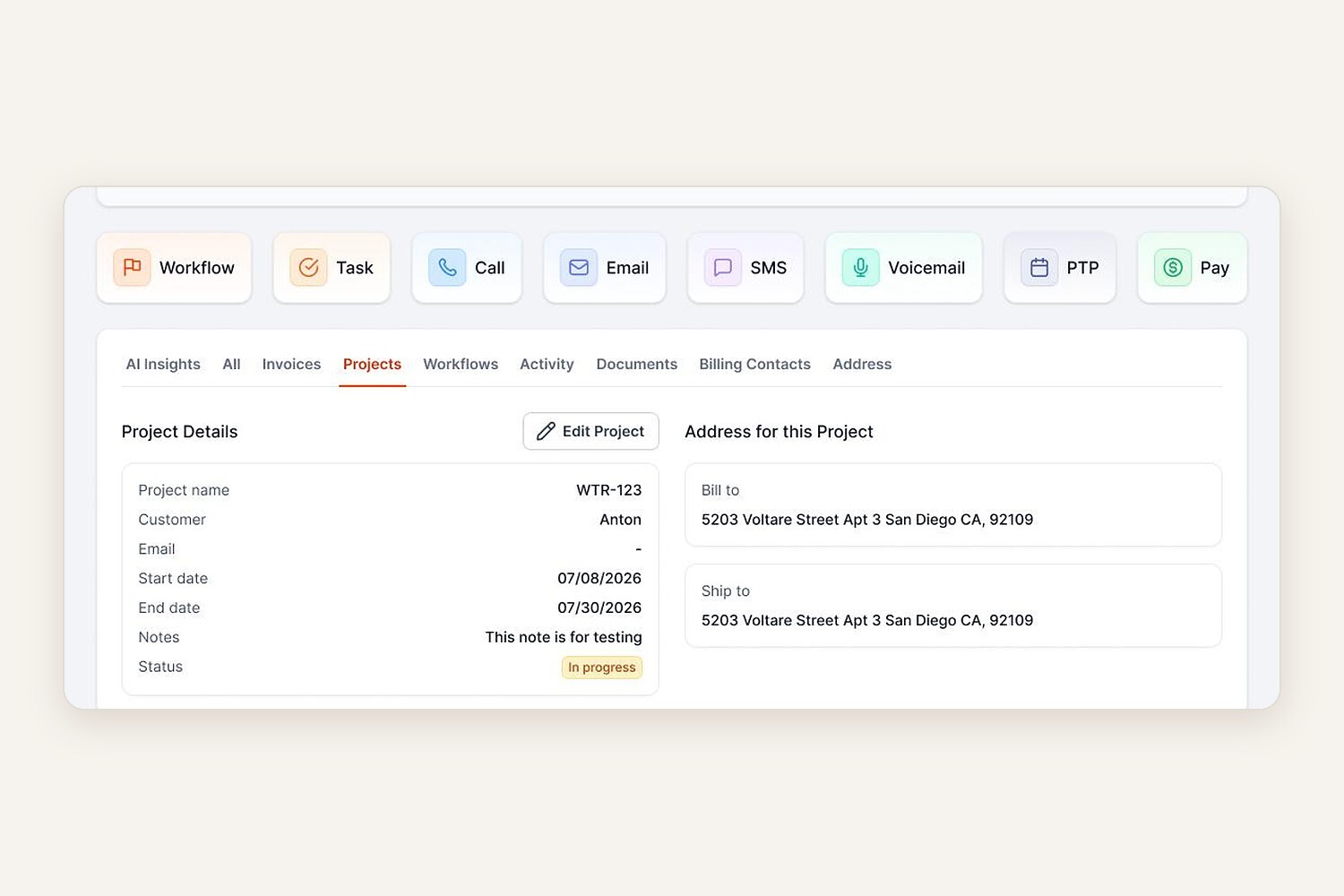
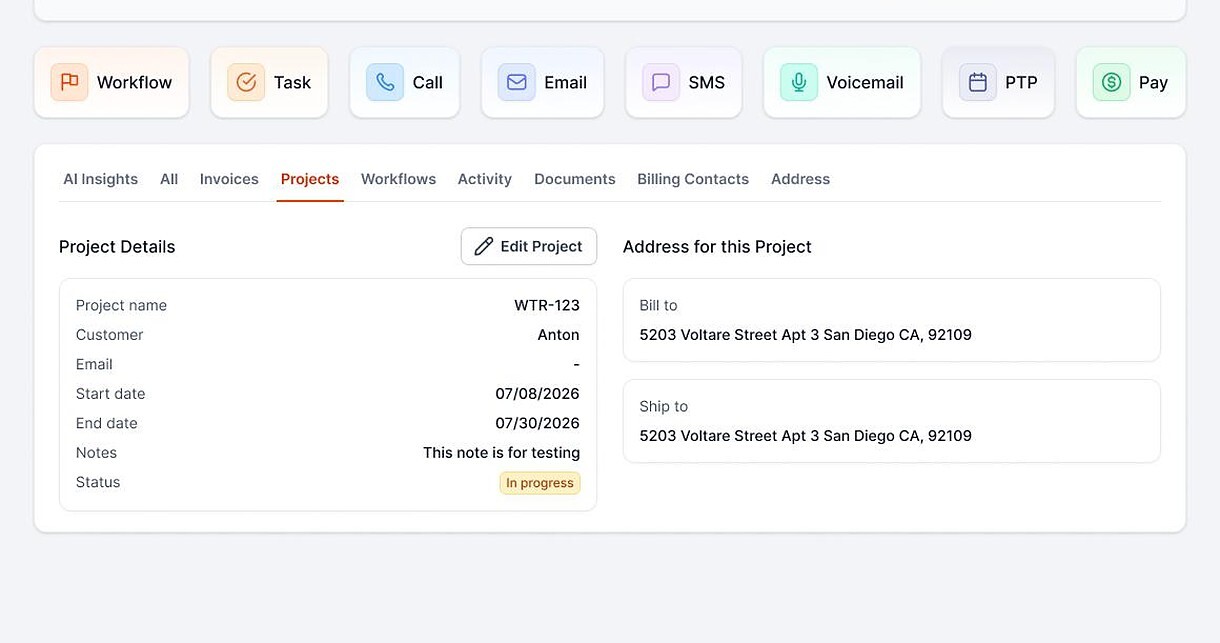
Projects sync from QuickBooks with the address, dates and status.
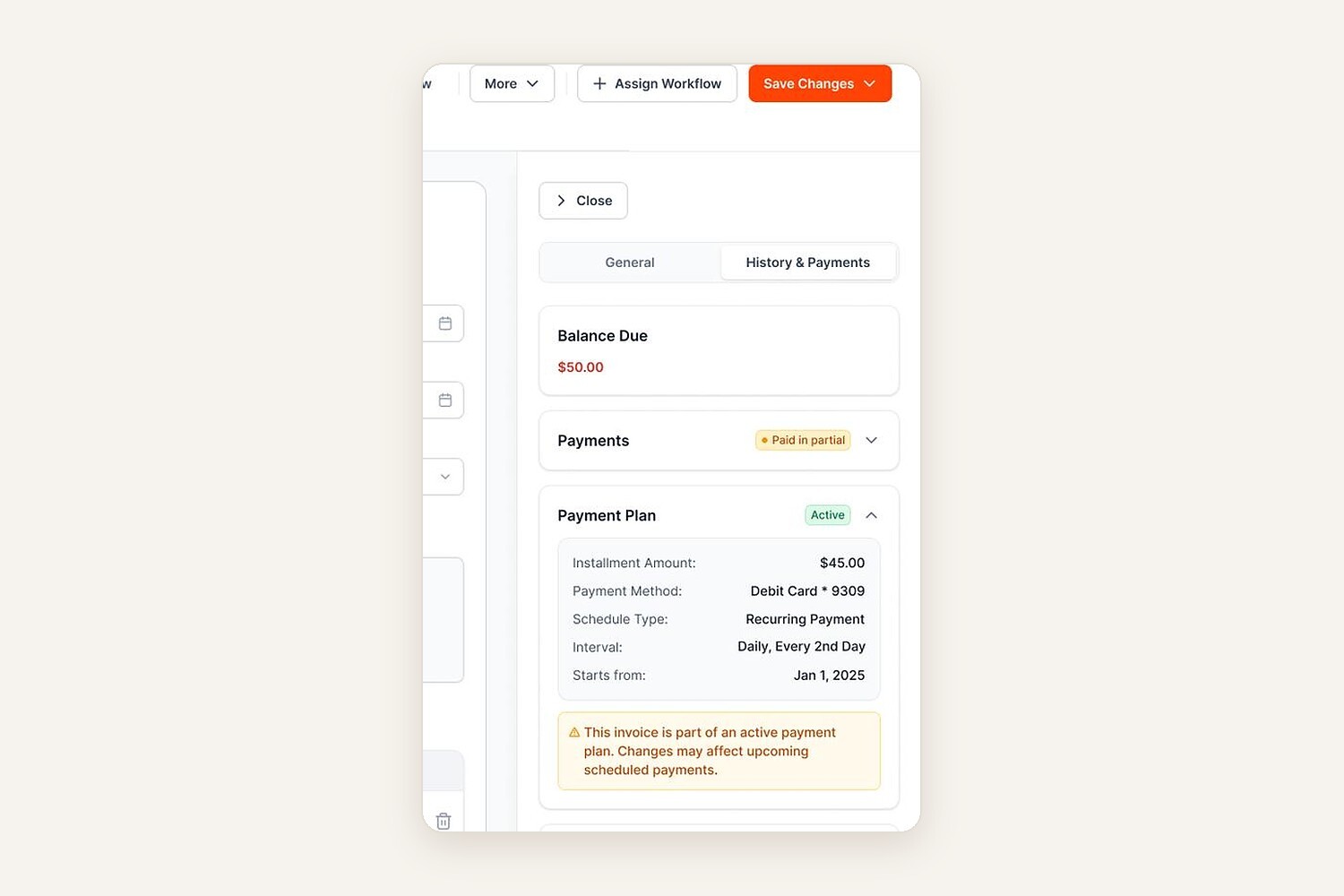
Split a large balance into scheduled payments, and AI follows each one.

HOW IT WORKS

Your open pay apps and invoices come in automatically.
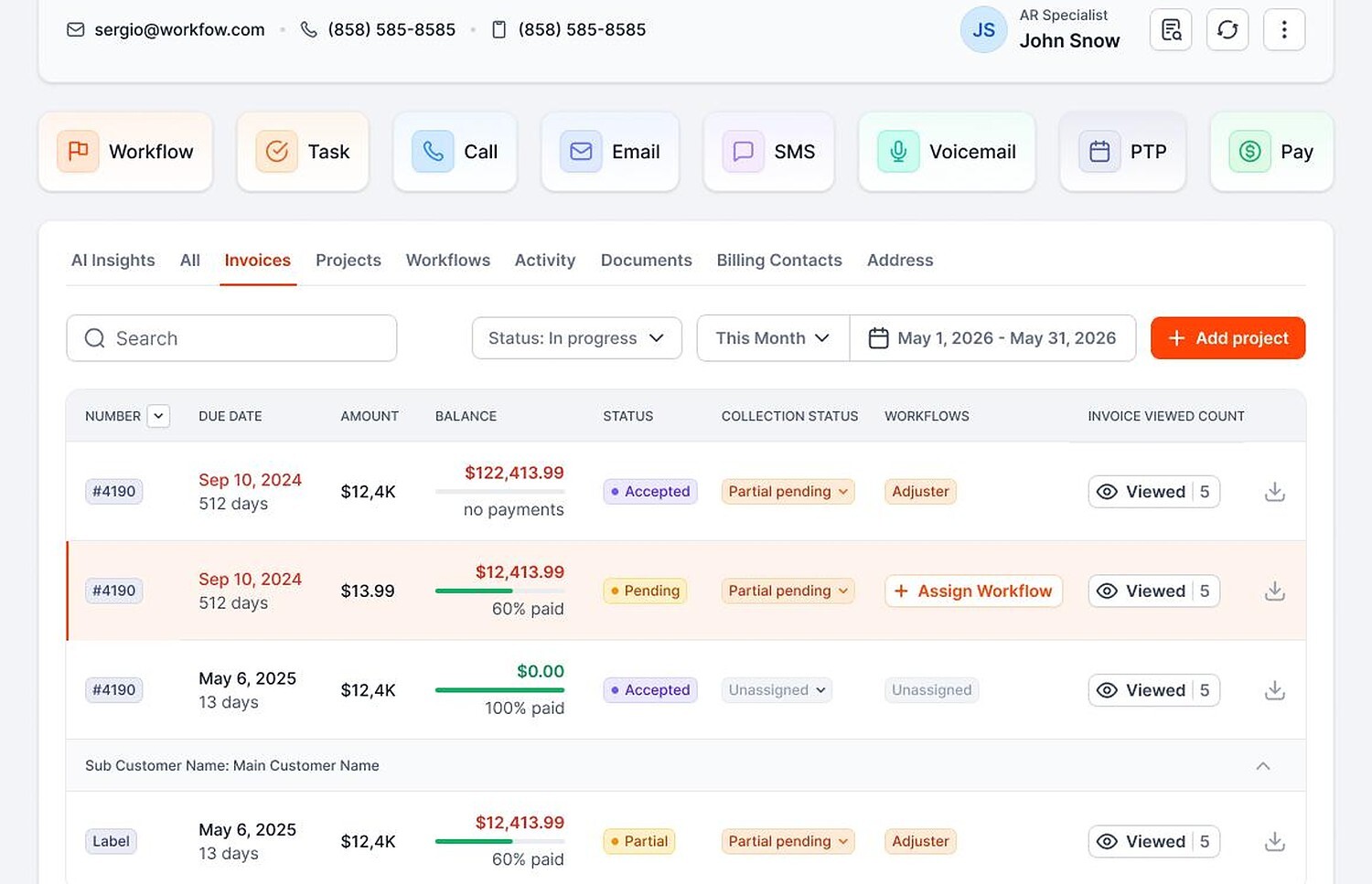
Pick who gets follow-up: owners, GCs, AP teams or homeowners.
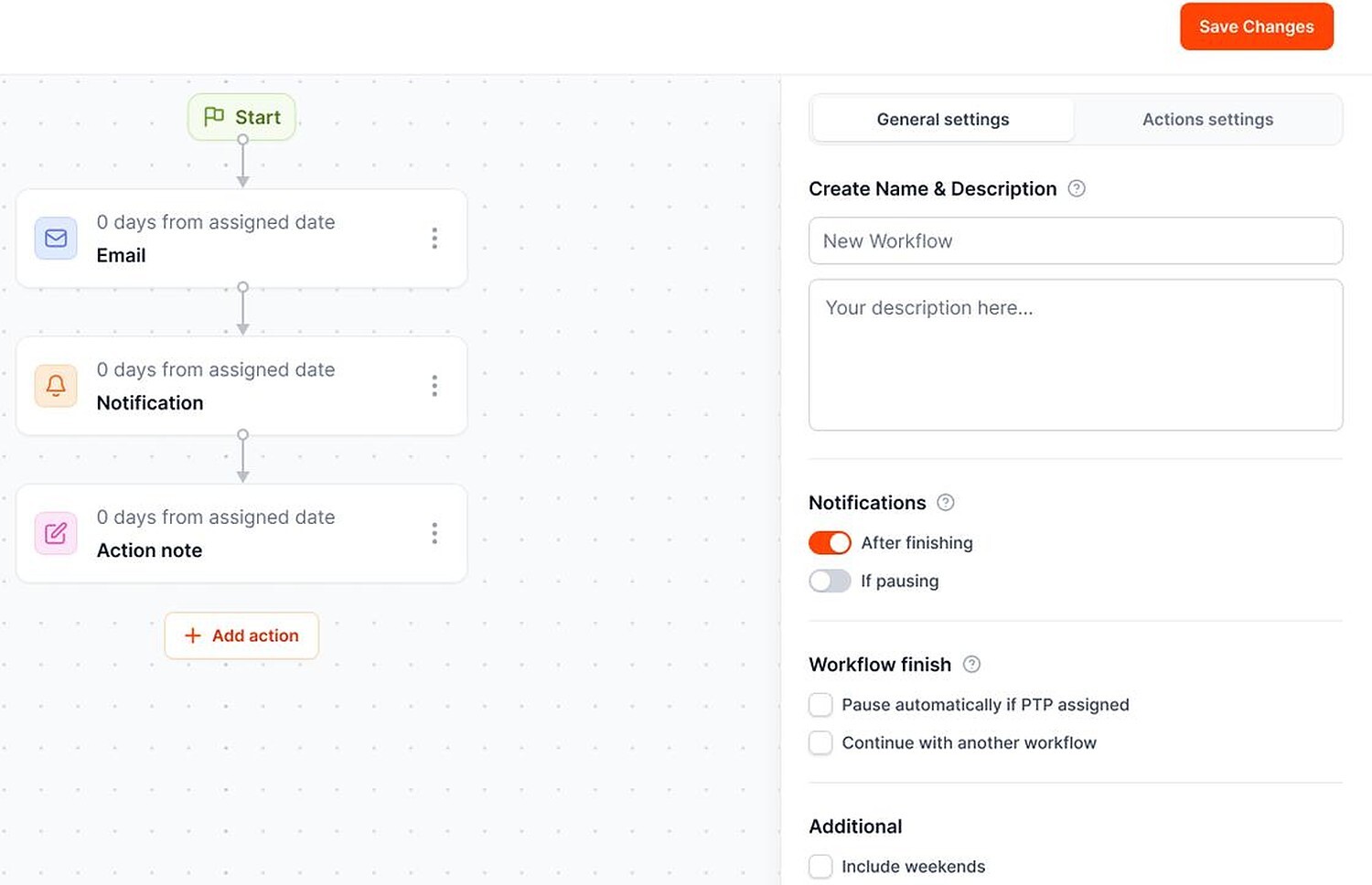
AI handles the routine. Your PMs handle the exceptions.
 Works with QuickBooks Online
 Card and ACH payment links
 Every touch logged


BUILT FOR CONTRACTORS
Contractor accounts receivable that fits the payer.

Clear, professional pay app follow-up.

Friendly, never like a collection agency.

Job and unit context on every message.

Consistent through long draw cycles.

Draw requests tracked to approval.

Well-timed reminders that protect the next bid.

YOUR PAY APP, NOT A FEATURE TOUR
No generic feature tour. You'll see:
YOUR OPEN PAY APP
Past due[YOUR BALANCE]
 Status requestEmail
 Second touchText
 Still openVoicemail
Payer can pay by card or ACH

Paid
Posted to QuickBooks
FAQ


It tracks what owners, GCs and homeowners owe you and follows up until they pay. AR Workflow works on top of QuickBooks Online.
Yes. Each invoice gets its own follow-up, including progress billing, retainage, change orders and T&M.
No. Invoices sync in from QuickBooks Online and payments post back automatically.
Yes. Every message can include a payment link, with partial payments and payment plans.
No. It handles follow-up and payments. For liens and notices, talk to a construction attorney.
AI drafts replies and your team approves them before they are sent.
Plans are $295, $395 and $495 a month. There is no free trial. Get a demo to see it on your own pay apps.

AI writes the emails, sends the texts and leaves the voicemails for every open pay app and invoice. Your team handles the calls that need a person.
 Keep QuickBooksStart with one invoiceStay in control

