
 Log in
Accounts receivable automation that actually chases the money.
Every open invoice gets a follow-up plan. Email, text and voicemail go out on schedule, and they stop the day the customer pays.
Get a demo
THE PROBLEM
Your accounting software records the invoice. Nobody owns what happens next.
Every invoice past 30 days is money you've earned and haven't collected. Behind each one is a follow-up somebody meant to do.
- No one is assignedAn invoice without an owner waits. Most offices have no rule for who follows up, when or how.
- Follow-up is unevenOne customer gets three calls. Another gets nothing for six weeks. It depends on who had time.
- The aging report is a rearview mirrorBy the time a balance hits the 60-day column, the easy window to collect it has closed.
INSIDE AR WORKFLOW
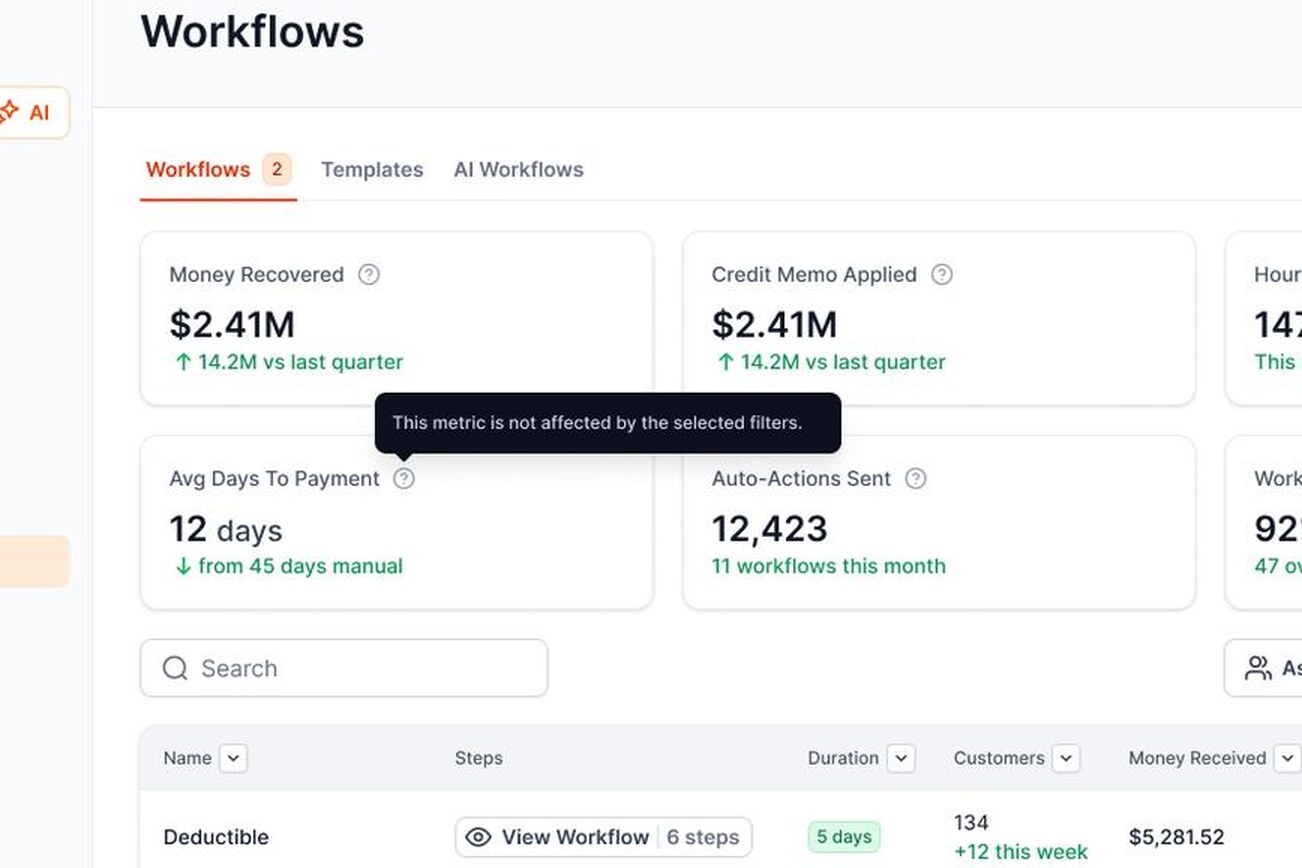
Accounts receivable automation, built on QuickBooks Online.
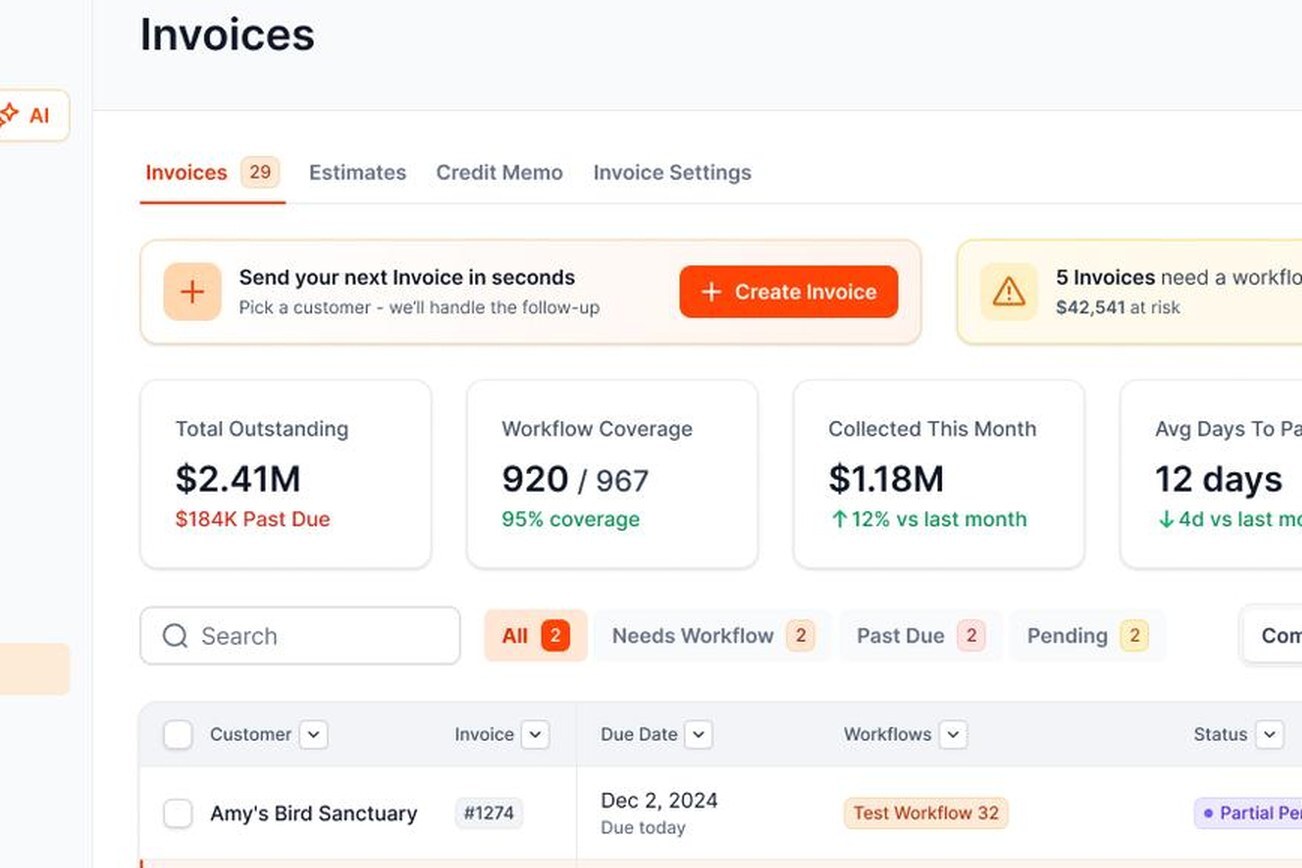
Every open invoice, one list
See what's past due, what's protected, and assign a workflow in a click.
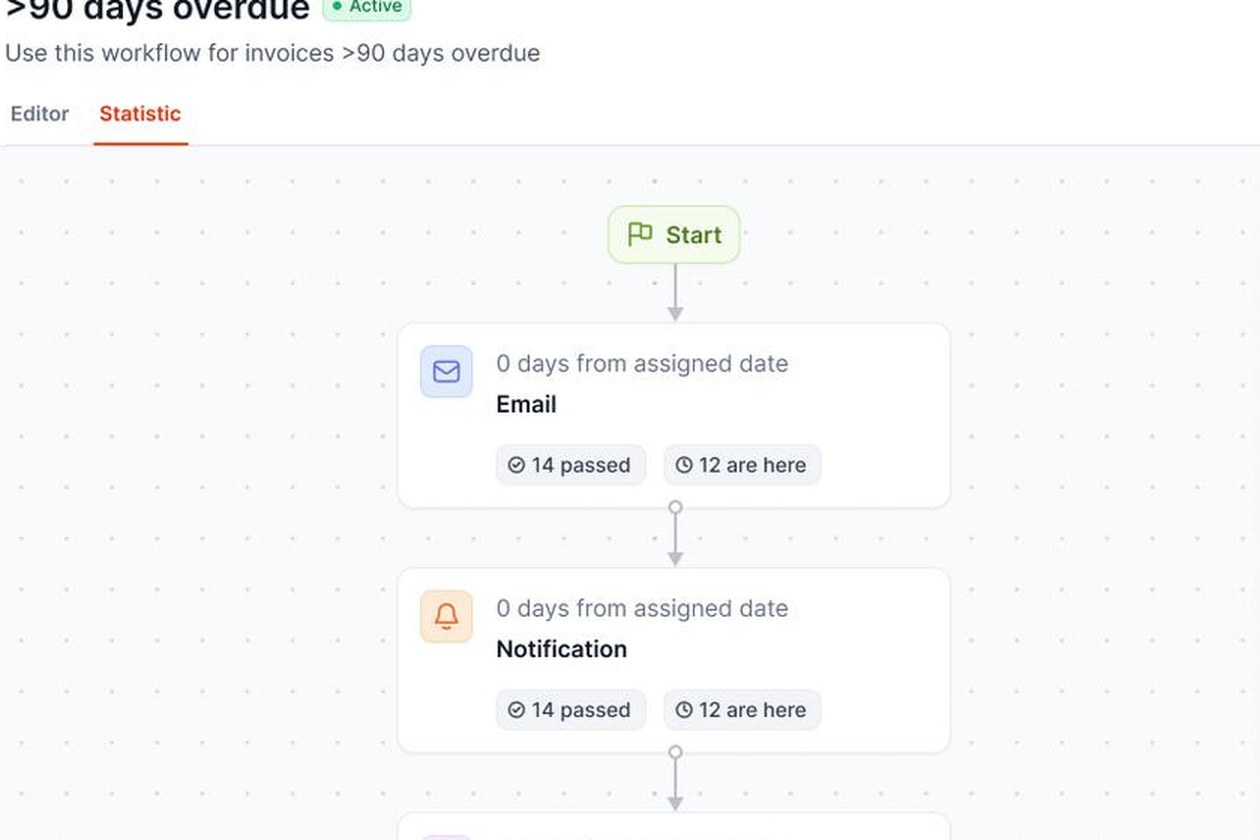
Workflows you build once
Email, text, voicemail and call steps on a timer. Stops when the invoice is paid.
THE DAILY LIST
One list each morning instead of a spreadsheet.
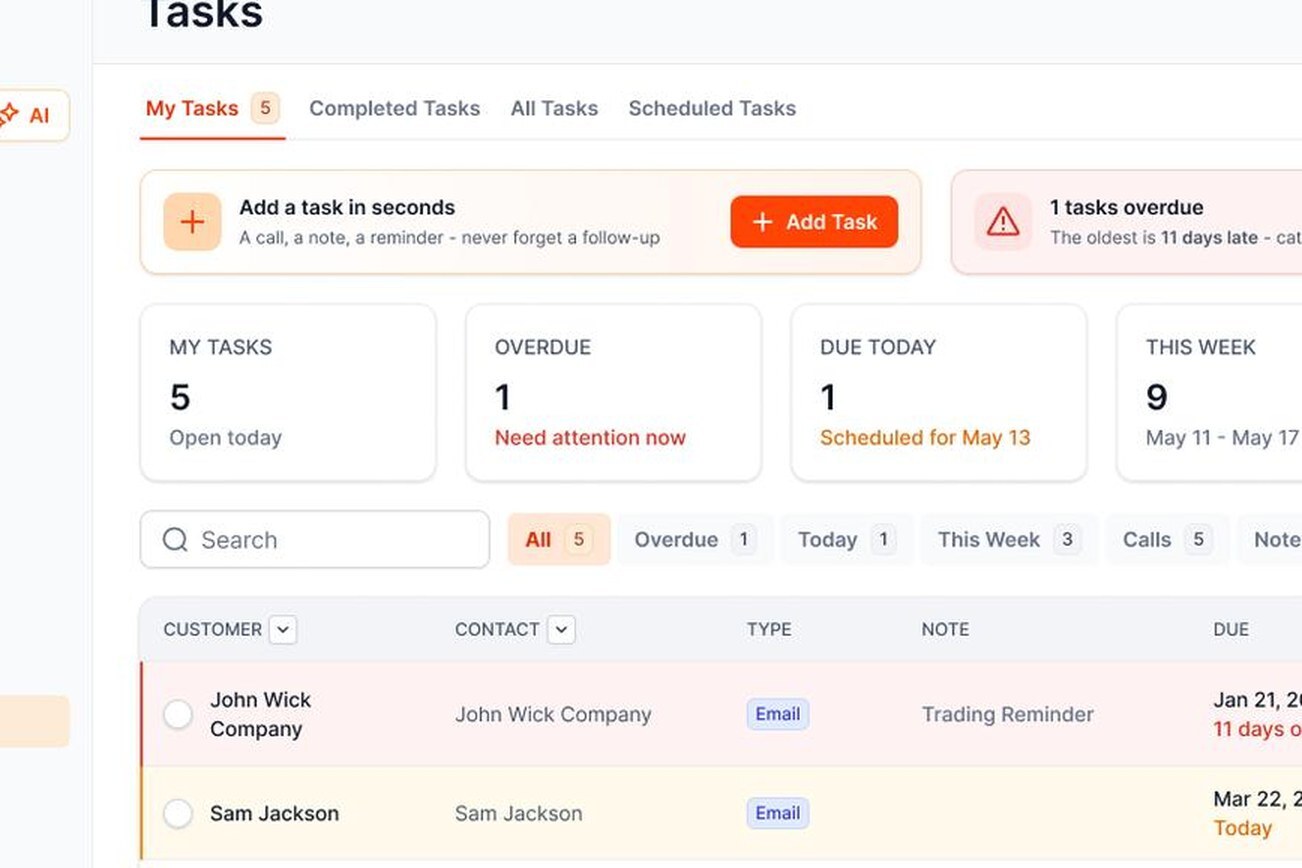
Automation handles the routine touches. Some accounts still need a person, so your team gets a Priority Queue every morning.
- Ranked for todayRecent activity, engagement, balance age and size, and time since the last touch decide the order.
- One next step eachWork the list from the top and log what happened. No more guessing where to start.
- AI drafts, people sendAI writes the email, text or voicemail script. A person reads, edits and sends it. No payment links to adjusters, carriers or attorneys.

YOUR INVOICE, NOT A FEATURE TOUR
Bring us one overdue invoice. We'll build the workflow around it.
On the demo we connect a sample of your QuickBooks data and set up a real workflow for one invoice. You'll see:
- 1Each step it would send, and when
- 2What happens when your customer replies
- 3How the payment lands in QuickBooks

YOUR OPEN INVOICE
Past due[YOUR BALANCE]
 Status requestEmail
 Second touchText
 Still openVoicemail
Payer can pay by card or ACH

Paid
Posted to QuickBooks
FAQ
Accounts receivable automation FAQs
What is accounts receivable automation?

Accounts receivable automation is software that handles the routine parts of collecting what customers owe you: sending reminders on schedule, giving customers an easy way to pay, recording payments in your books and showing you which invoices need a person. In AR Workflow, every open QuickBooks invoice goes on a workflow that follows up by email, text and voicemail until it's paid.
Does AR automation replace my office manager or AR person?
No. It takes the repetitive reminders off their desk so they can spend time on the accounts that actually need a conversation. The Priority Queue tells them who to call first.
Will my customers know the messages are automated?
They'll see messages written in your voice, sent from your email account or your dedicated business number. Because you write the templates, they read like the follow-up your office would send anyway.
Do I need QuickBooks Online?
Yes. AR Workflow works with QuickBooks Online and syncs both ways. Each subscription connects to one QuickBooks company. QuickBooks Desktop isn't supported. Our guide to QuickBooks for contractors covers the setup side. See also QuickBooks collections.
Can I automate collections for insurance jobs?
Yes. Workflows can be set up separately for homeowners, adjusters and carriers, and the AI never adds a payment link to messages for adjusters, carriers or attorneys. Our guide to how restoration contractors collect from carriers, adjusters and homeowners walks through the payer mix.
How do I automate accounts receivable in QuickBooks?
QuickBooks Online can send basic email reminders, but it doesn't run multi-step follow-up, texts or voicemail. To automate the full process, connect an AR automation tool like AR Workflow to QuickBooks Online. It pulls in your open invoices, runs the follow-up and posts payments back.
What are the benefits of AR automation for contractors?
Follow-up happens on time even when the office is busy, every open invoice has a plan, customers can pay from a link, payments post to QuickBooks without retyping, and the owner can see where cash stands without asking.
Is AR automation worth it for a small contractor?
If someone in your company spends hours each week chasing payments, or invoices regularly slide past 60 days, it usually is. If you have a handful of customers who always pay on time, a QuickBooks reminder may be enough.
What's the difference between AR automation and a collection agency?
AR automation is your own follow-up, sent in your name to your customers while the relationship is still good. A collection agency takes over badly overdue debts, usually for a percentage. Automation is meant to keep invoices from ever getting that far.
How much does AR Workflow cost?
Plans are $295, $395 and $495 per month depending on how many open invoices and users you have. See pricing for the details. There's no free trial. We set it up with you on a demo instead.
How is this page different from your AR automation software comparison?
This page explains how AR Workflow automates receivables. If you're comparing vendors, our accounts receivable automation software roundup lays out the options side by side.

Every invoice followed up. Every payment in QuickBooks.
See accounts receivable automation run on one of your own overdue invoices.
 Keep QuickBooks
- Start with one invoice
- Stay in control