
 Log in

The challenge
A backlog of overdue invoices
Restoration invoices rarely get paid in one clean step. Insurance carriers and adjusters take weeks to approve and release payment, homeowners owe deductibles, and supplements can hold the final payment even longer.
When Trinity Restoration signed up, it had 167 overdue invoices waiting to be chased.
Getting set up
The whole backlog, in minutes
AR Workflow connects to QuickBooks Online and pulls in open invoices and customers automatically. Trinity didn't have to re-type a single invoice. All 167 were ready for follow-up minutes after sign-up.
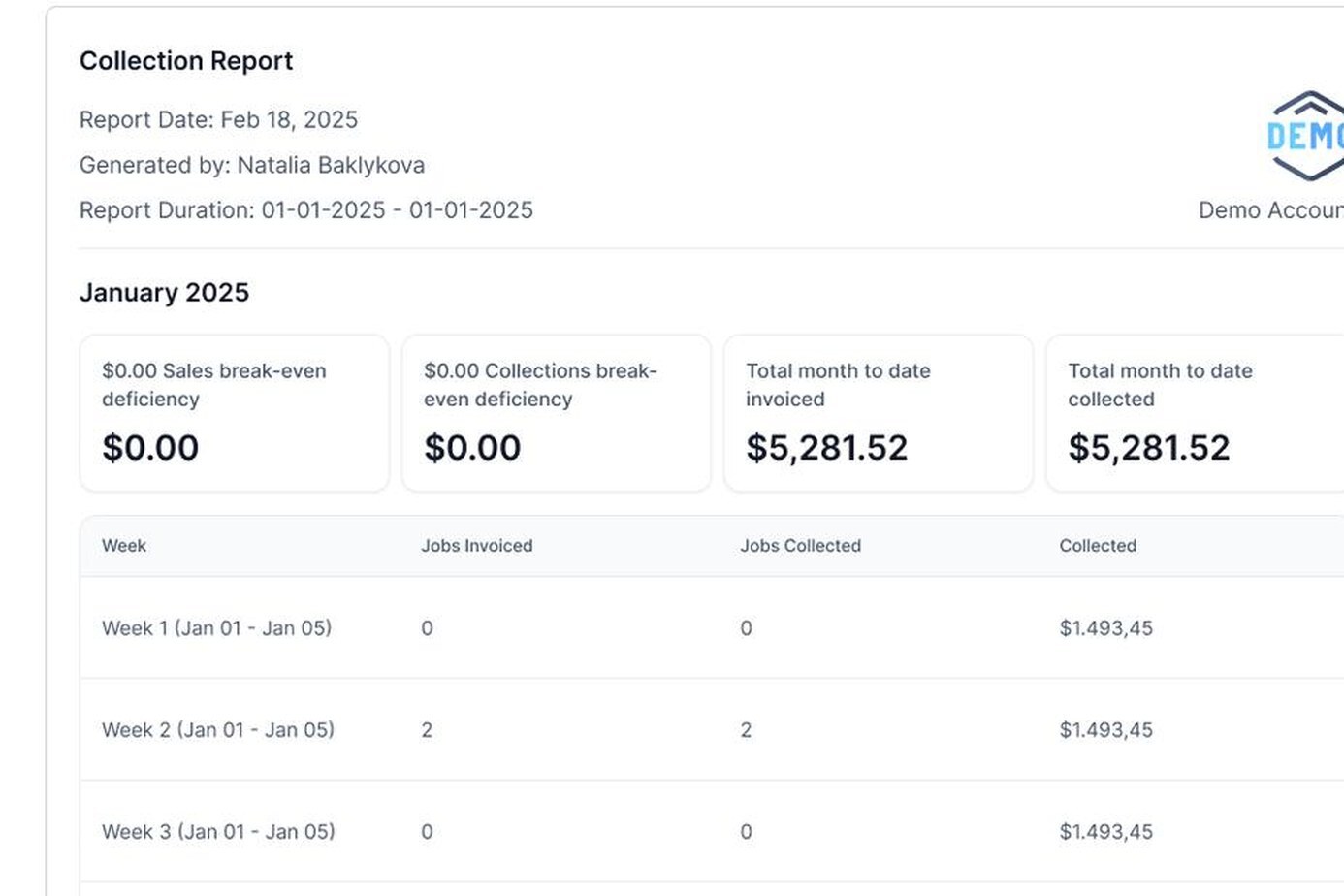
“We've imported 167 overdue invoices within minutes of signing up, and we quickly got them paid.”
Natalie Hart, Trinity RestorationHow it works
What happens to a restoration invoice now
Here is the path an overdue restoration invoice takes in AR Workflow:
- It syncs from QuickBooks Online. Open invoices, customers and payments flow in both directions, so nobody re-keys anything.
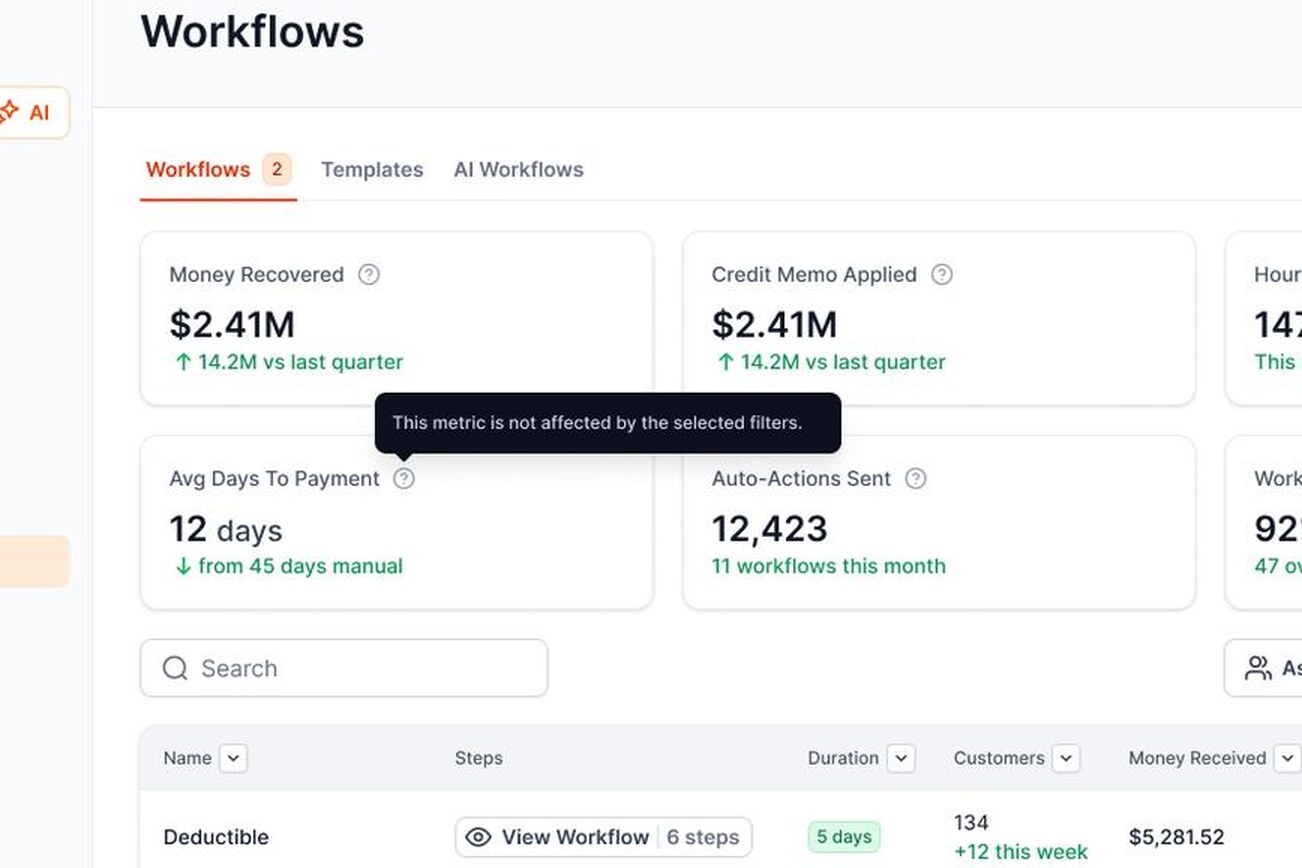
- It goes on a workflow. A timed sequence of emails, texts, ringless voicemails and call tasks starts the day the invoice is assigned, with templates for deductibles, adjusters and carriers.
- Every reminder carries a payment link. The customer sees all their open invoices in one place and can pay by card or ACH, in full or in part.
- Follow-up adjusts on its own. It pauses when a customer promises to pay and stops the moment the invoice is paid.
- The payment posts back to QuickBooks. Payments and fees are recorded automatically, so the books stay clean.
The results
From backlog to paid
- 167 overdue invoices imported within minutes of signing up.
- Paid quickly, in Natalie's words.
For other restoration companies
What your team can copy
- Split the deductible from the insurance balance. They're owed by different people on different timelines, so they need different follow-up.
- Keep the adjuster in the loop. Add adjusters and carrier contacts to the customer record so every follow-up reaches the right person.
- Start the sequence the day you invoice. The longer an invoice sits without contact, the harder it is to collect.
- Use more than one channel. People who ignore email often answer a text or a voicemail.
- Watch what nobody is chasing. AR Workflow's dashboard shows the open balance with no follow-up on it, so it can't slip.






 Built for contractors on QuickBooks Online