
 Log in


The challenge
Hours of manual follow-up and no way to forecast cash
ProRestore Services has handled water, fire and mold restoration for homes and businesses for over two decades. As it grew, slow payments from customers and insurers held back reinvestment.
ProRestore's AR process was fully manual. A small team tracked collections in spreadsheets, which made it hard to follow up on schedule or forecast cash flow, and left the business reacting to receivables.
- Spreadsheet tracking. Outstanding invoices lived in spreadsheets that were hard to keep current.
- Long insurance delays. Insurance payments in particular ran well past due.
- Always reacting. Without a system, the team scrambled instead of planning.
“We were spending way too much time chasing unpaid invoices.”
John Lukens, CEOWhy they chose AR Workflow
Follow-up and escalation on autopilot
Here is what mattered most:
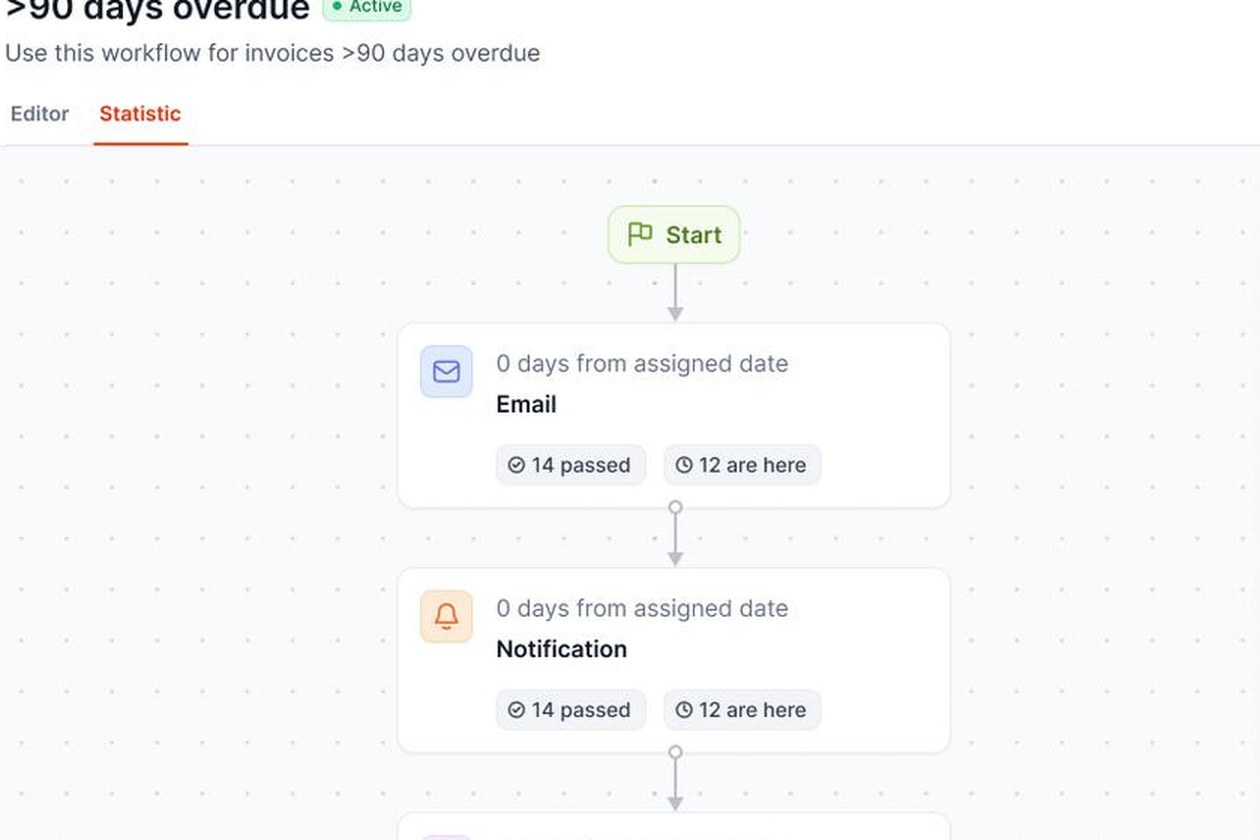
- Automated reminders. Email and text reminders went out before and after due dates.
- A real-time dashboard. Full view of outstanding invoices, overdue accounts and next steps.
- Task automation. Overdue invoices went straight to the right AR team member.
- QuickBooks Online and a client portal. It worked with their existing QuickBooks Online account, and clients could pay online.
Getting set up
Set up with the AR Workflow team
The AR Workflow team worked closely with ProRestore to fit the platform to how they work, with minimal disruption to day-to-day operations.
- Reminder workflows. Automated reminders before and after due dates.
- Escalation rules. Overdue invoices moved to the next step automatically.
- QuickBooks Online connected. AR Workflow linked to their existing QuickBooks Online account.
“The AR Workflow team was supportive throughout the process.”
Adam Berry, CFOWhat changed
Less chasing, steadier cash flow
- Faster payments. ProRestore got paid sooner once automated follow-ups replaced manual chasing.
- Time back for the AR team. Automation took over routine follow-ups, so the team could focus on higher-value work.
- Fewer overdue invoices. Older overdue invoices dropped as automated follow-ups kept every account moving.






 Built for contractors on QuickBooks Online