
 Log in


The challenge
Payments that depended on someone remembering
Roofing invoices rarely get paid in one clean step. Homeowners owe a deductible, insurance checks arrive in parts and supplements can hold the final payment for weeks.
At Apex, following up on each of those balances was manual work. When it slipped, payments slipped with it.
Getting set up
Up and running fast
The AR Workflow team set Apex up, connected its invoices and turned on reminder sequences, so follow-up started right away.
“The AR Workflow setup process was seamless, and we saw immediate improvements in our payment timelines.”
Tom Reynolds, OwnerOne record per customer
Every call, email and note in one place
Every reminder, customer reply and team note now sits on the customer record. Nobody has to guess what was promised or who said what.
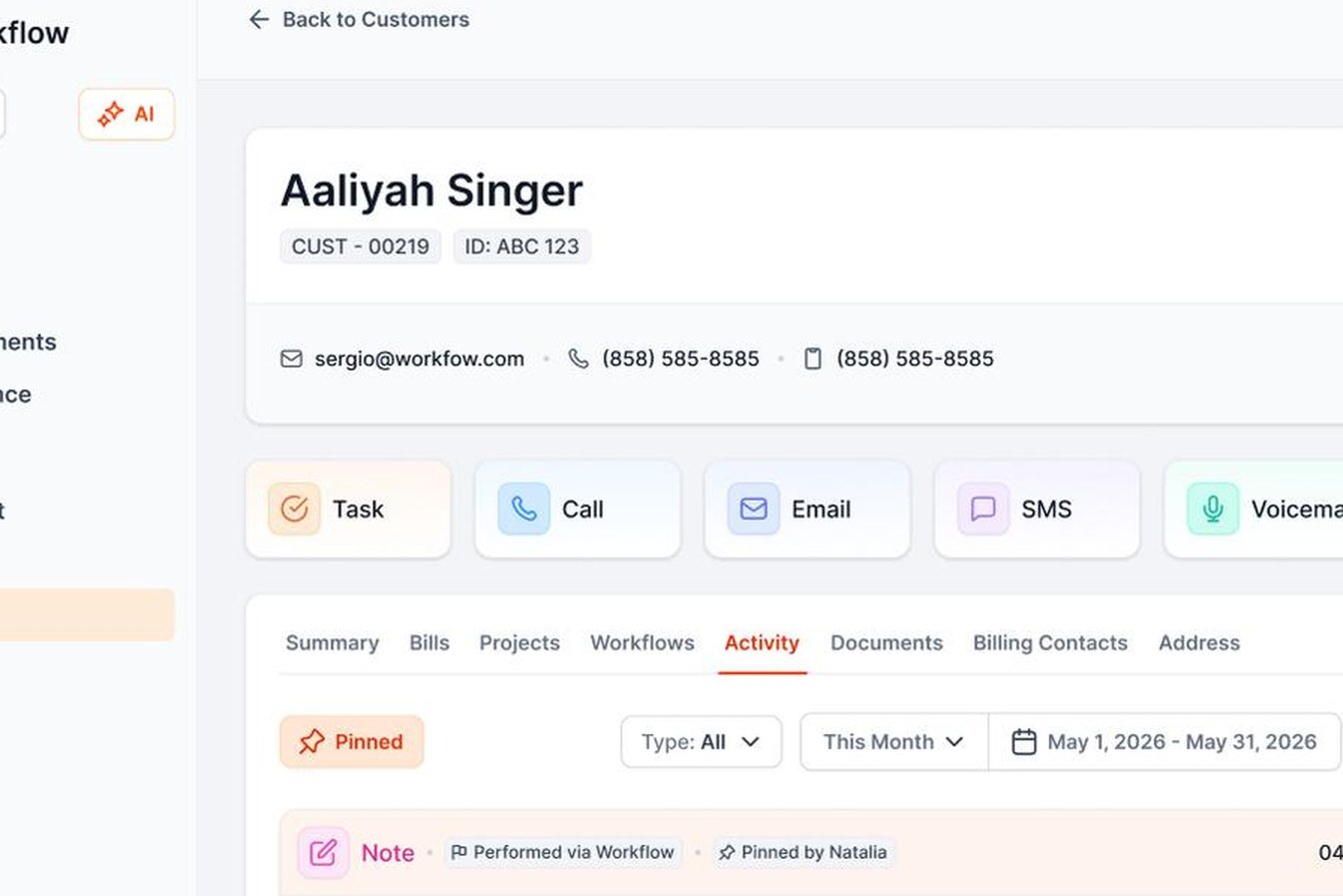
“We haven't lost a single payment to miscommunication since using AR Workflow.”
Tanya Elis, Apex RoofingHow it works
What happens to a roofing invoice now
Here is the path an overdue roofing invoice takes in AR Workflow:
- It syncs from QuickBooks Online. Open invoices, customers and payments flow in both directions, so nobody re-keys anything.
- It goes on a workflow. A timed sequence of emails, texts, ringless voicemails and call tasks starts the day the invoice is assigned.
- Every reminder carries a payment link. The homeowner sees all their open invoices in one place and can pay by card or ACH, in full or in part.
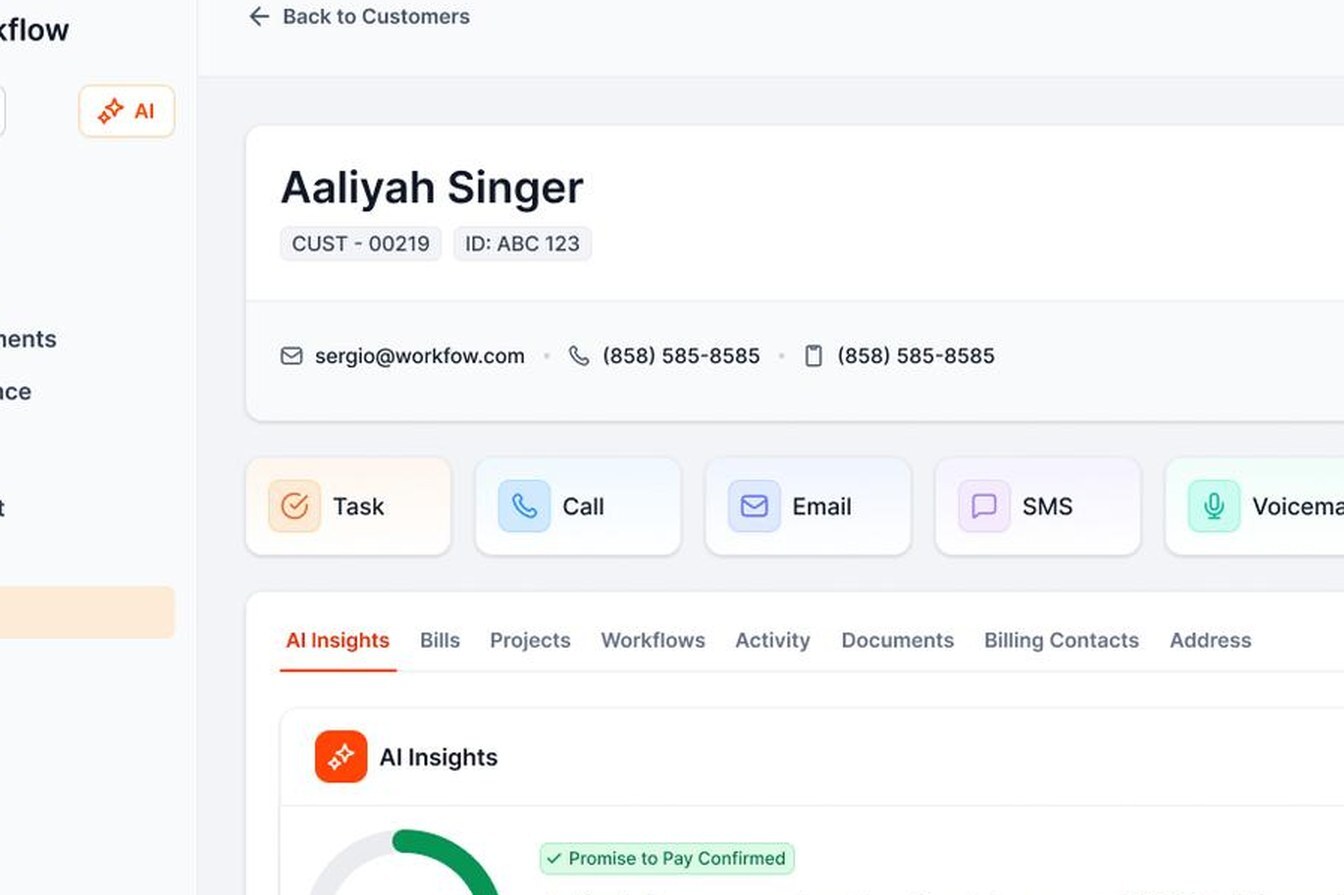
- Follow-up adjusts on its own. It pauses when a customer promises to pay and stops the moment the invoice is paid.
- The payment posts back to QuickBooks. Payments and fees are recorded automatically, so the books stay clean.
The results
Faster payments and hours back every month
- 58 days faster invoice collections.
- 100 hours saved each month on collection tasks.
- Zero missed invoices since using AR Workflow.
For other roofers
What your team can copy
- Split the deductible from the insurance balance. They're owed by different people on different timelines, so they need different follow-up.
- Start the sequence the day you invoice. The longer an invoice sits without contact, the harder it is to collect.
- Use more than one channel. Homeowners who ignore email often answer a text or a voicemail.
- Make paying easy. A link that takes card or ACH removes the "I'll mail a check" delay.
- Watch what nobody is chasing. AR Workflow's dashboard shows the open balance with no follow-up on it, so it can't slip.






 Built for contractors on QuickBooks Online